%201.svg)


Anotador de IA para Apple Watch


Como funciona
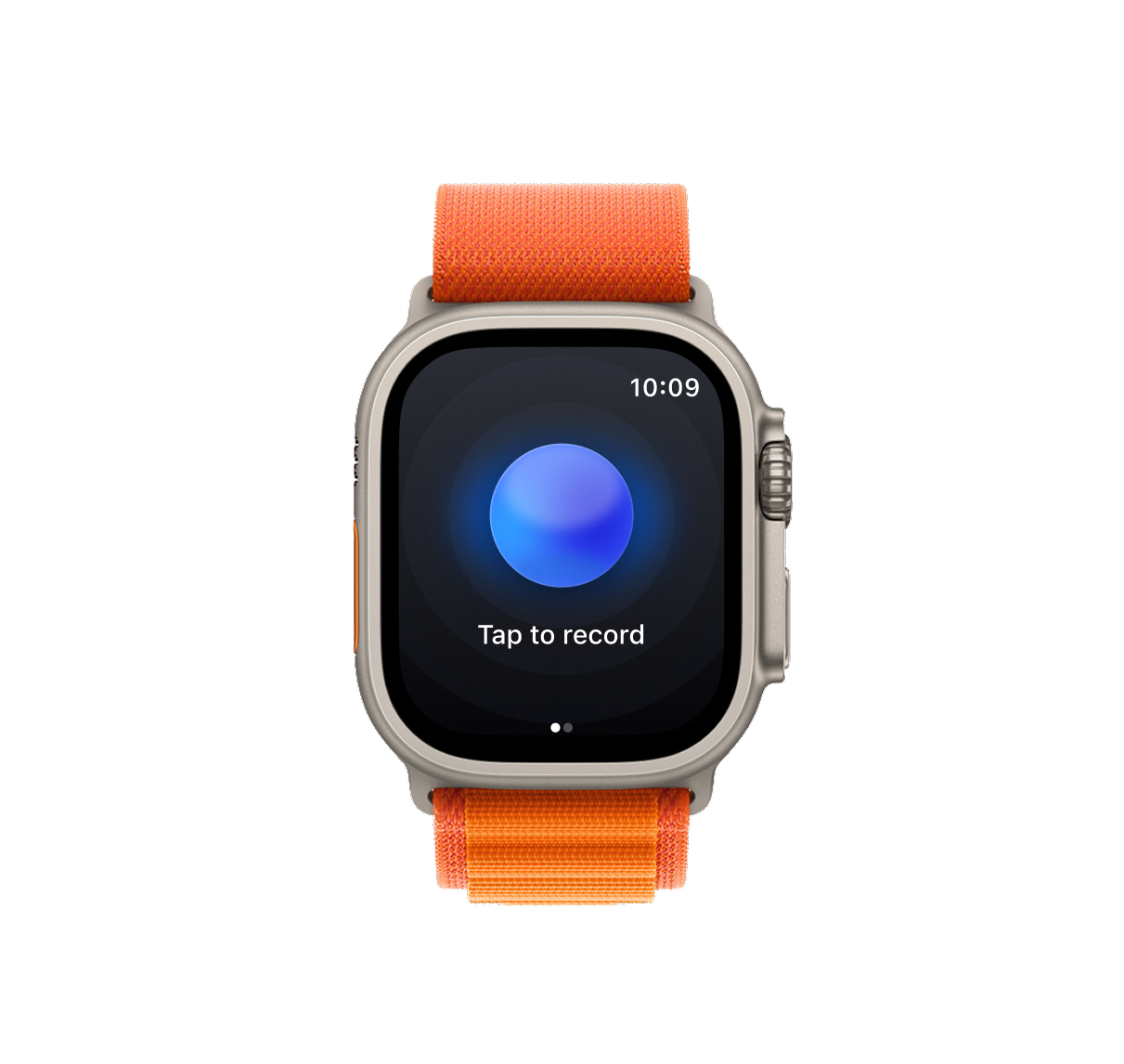
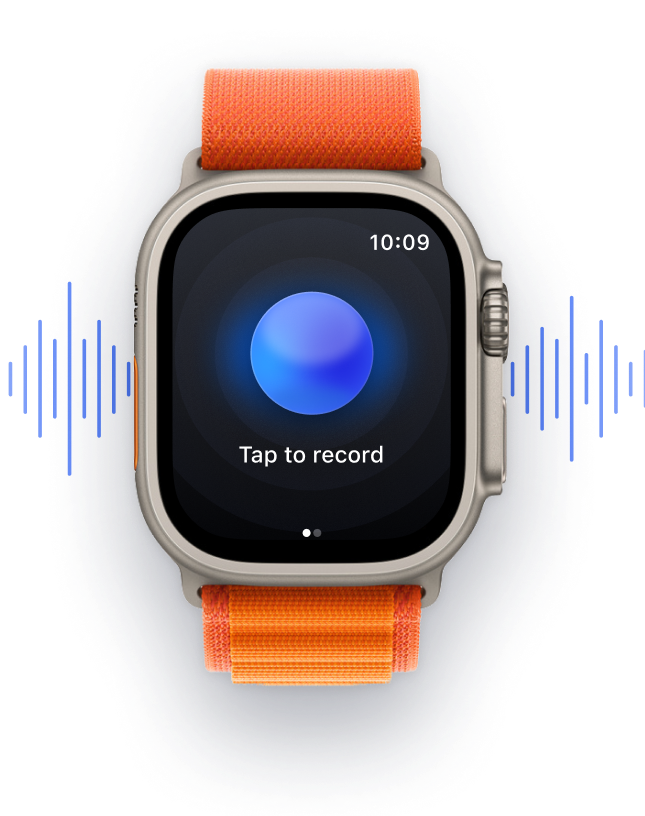
Grave e transcreva uma reunião pelo Apple Watch em três passos simples:
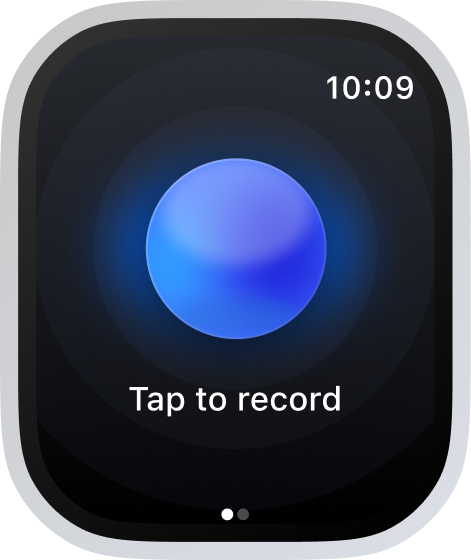
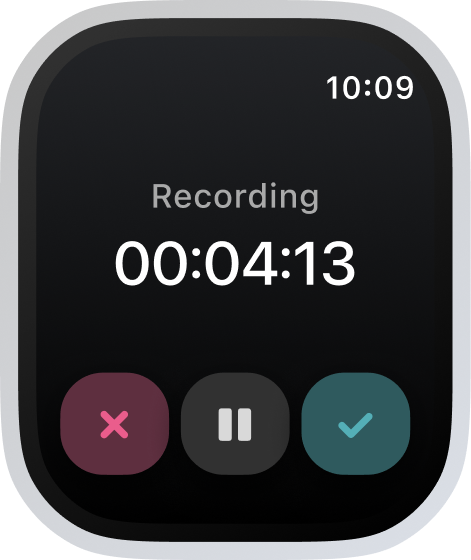
Toque para gravar
Basta tocar no grande botão azul "Gravar" para começar.
Tenha sua reunião
Foque na conversa. O Bluedot grava por você.
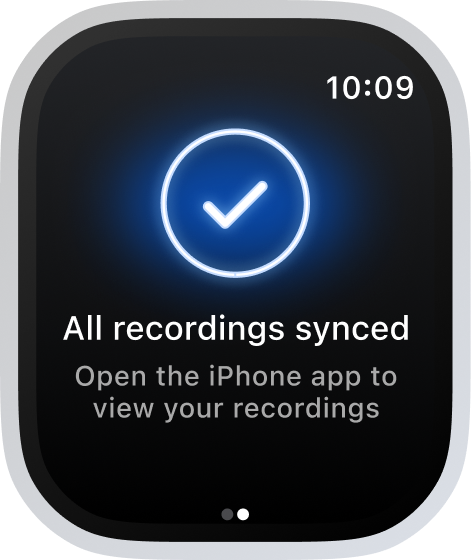
Receba notas + transcrição
Notas de IA, itens de ação e uma transcrição precisa — em todos os seus dispositivos.
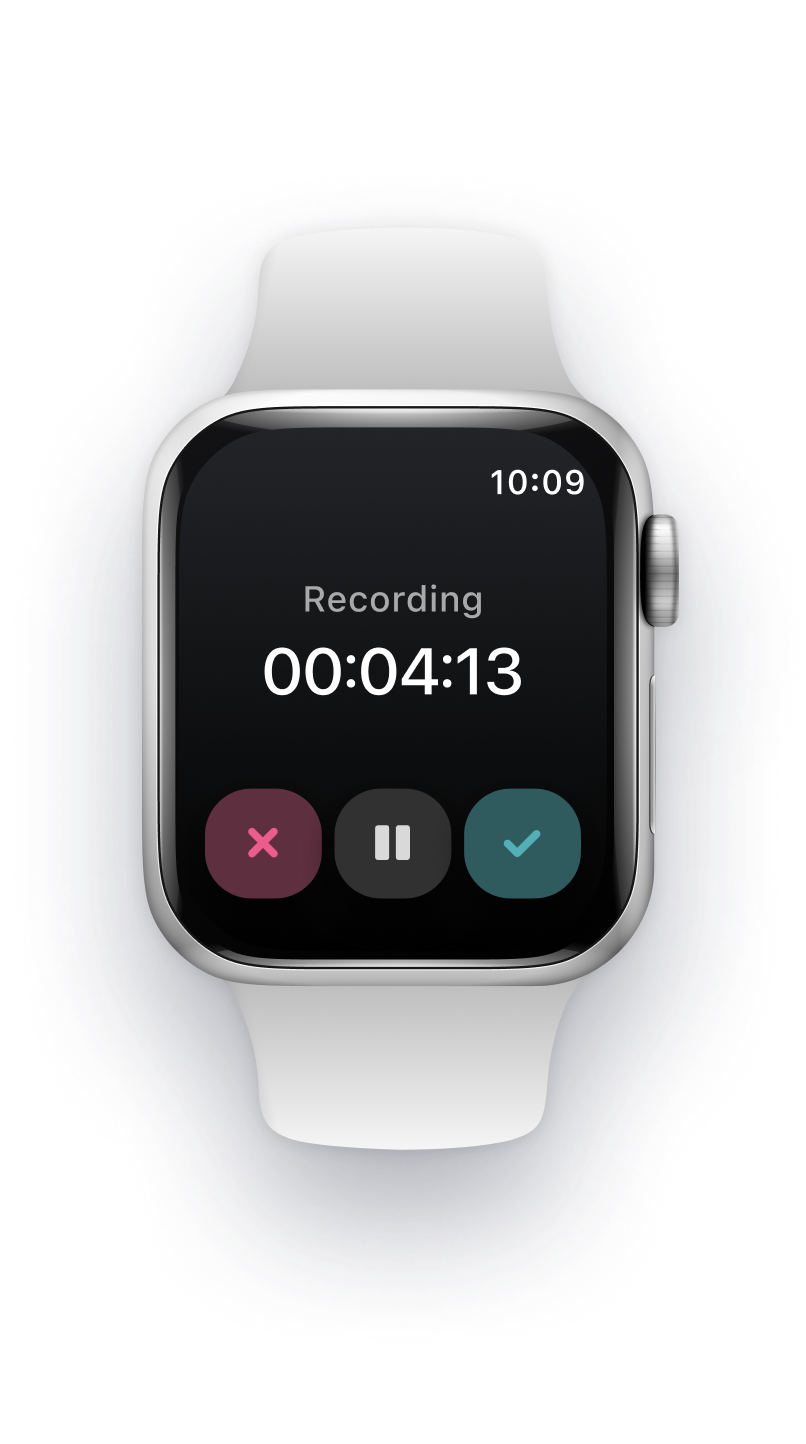
Fique só na conversa
Fique focado na conversa. A qualquer hora, em qualquer lugar.
O Bluedot anota tudo
Não perca nada. Nem os menores detalhes.
Para toda reunião que importa



Anotador de IA para Apple Watch que funciona em qualquer lugar
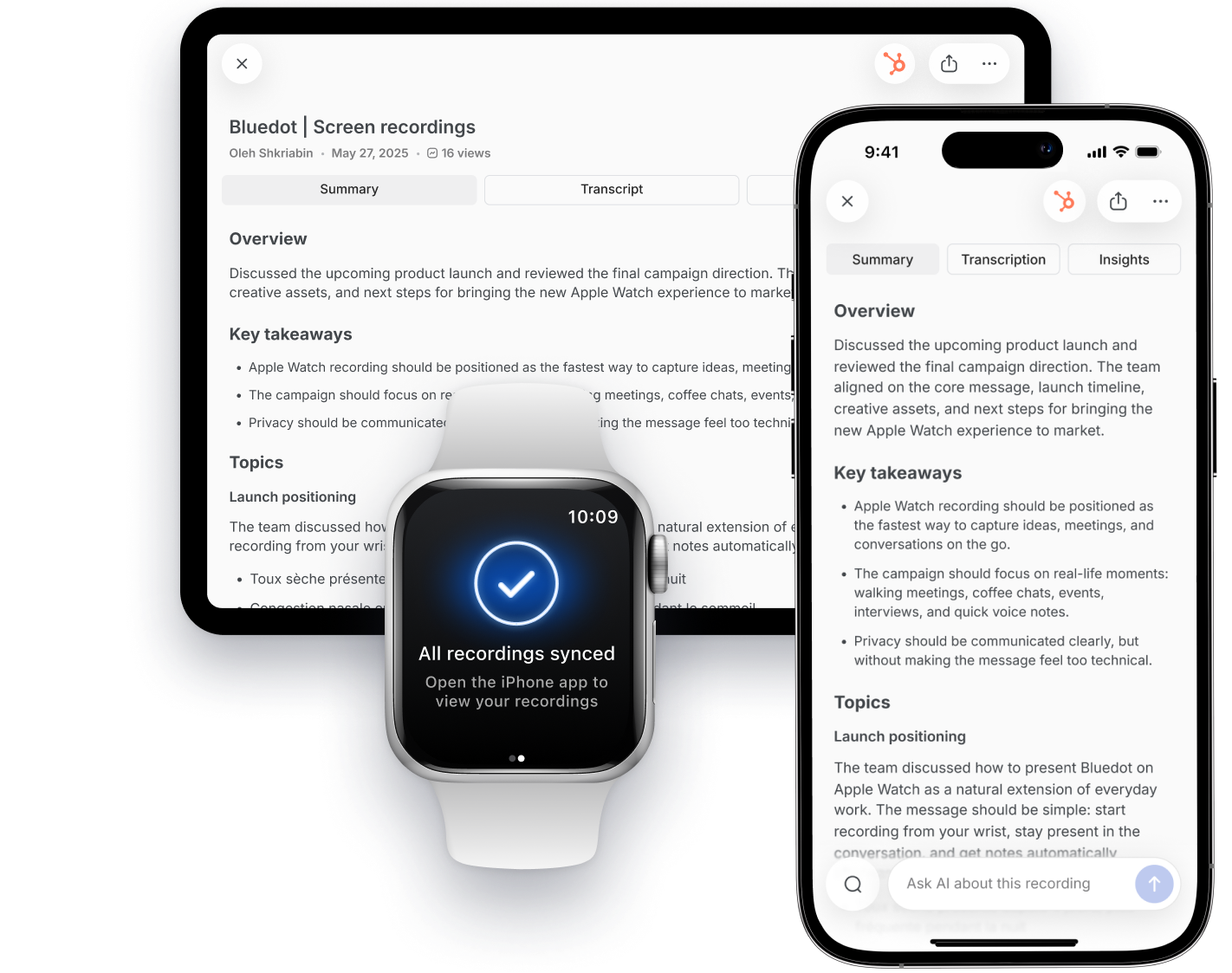
Suas gravações, transcrições e notas sincronizam automaticamente entre os dispositivos. O Bluedot tem aplicativos nativos para Apple Watch, iOS, macOS, Windows, Android e seu navegador.

iPhone
Grave em qualquer lugar, a qualquer hora.

iPad
Revise e organize em uma tela maior.

Watch
Comece a gravar com um toque.

Mac
Fique sincronizado em todas as reuniões.

Funciona offline
Use o aplicativo a qualquer hora, em qualquer lugar. Sem necessidade de conexão com a internet.

Nenhum equipamento extra para comprar
Nenhum equipamento adicional. Tudo o que você precisa já está no seu dispositivo.
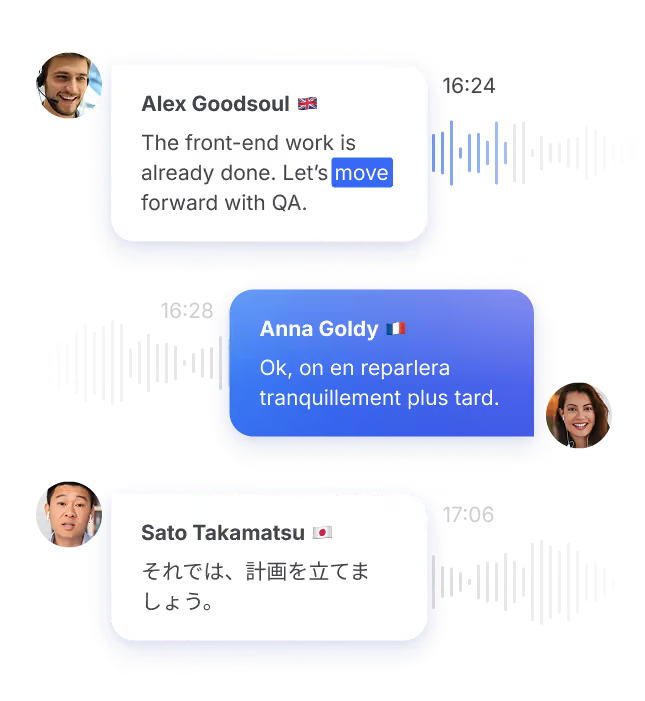
Chega de adivinhar quem disse o quê
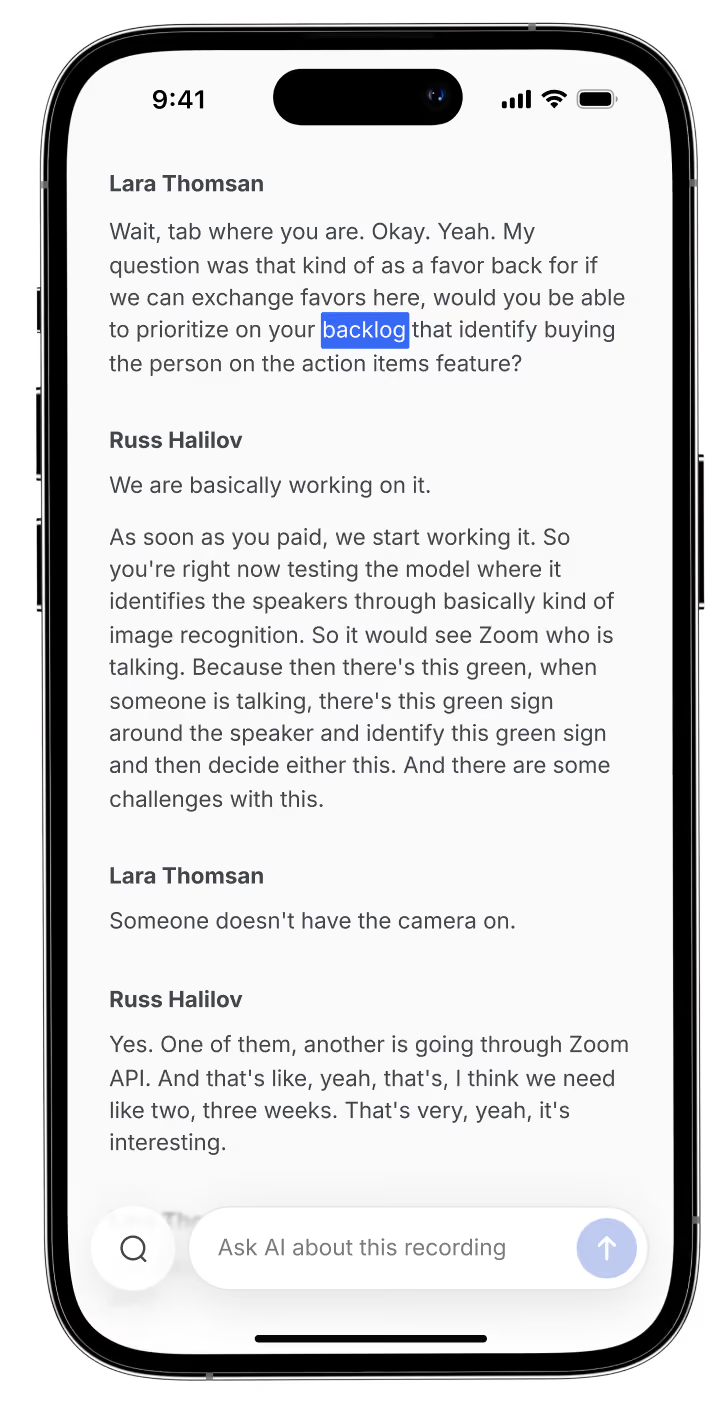
Identificação de interlocutores que separa cada voz na transcrição.
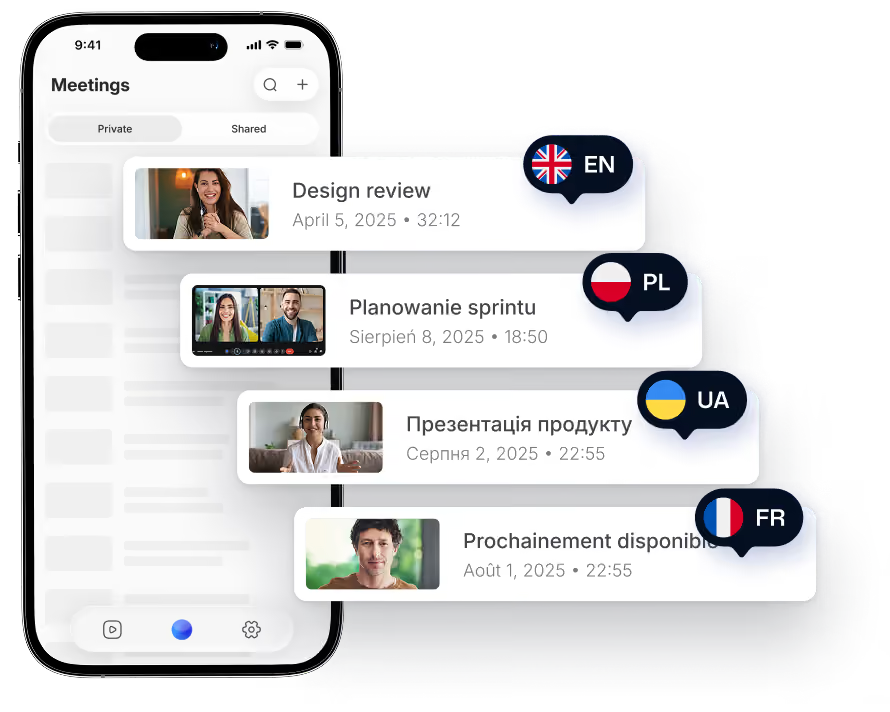
Mais de 100 idiomas
Transcrições e notas precisas em qualquer idioma, sotaque ou dialeto.
Simples e discreto
Basta tocar no botão azul. Sem configurações complicadas.
Importe gravações para o iPhone
Obtenha transcrições e notas de IA a partir de qualquer arquivo de áudio ou vídeo no seu celular.
Sincronize com todas as suas ferramentas
Envie notas para o seu CRM e documentos direto do celular. Sem precisar de notebook.
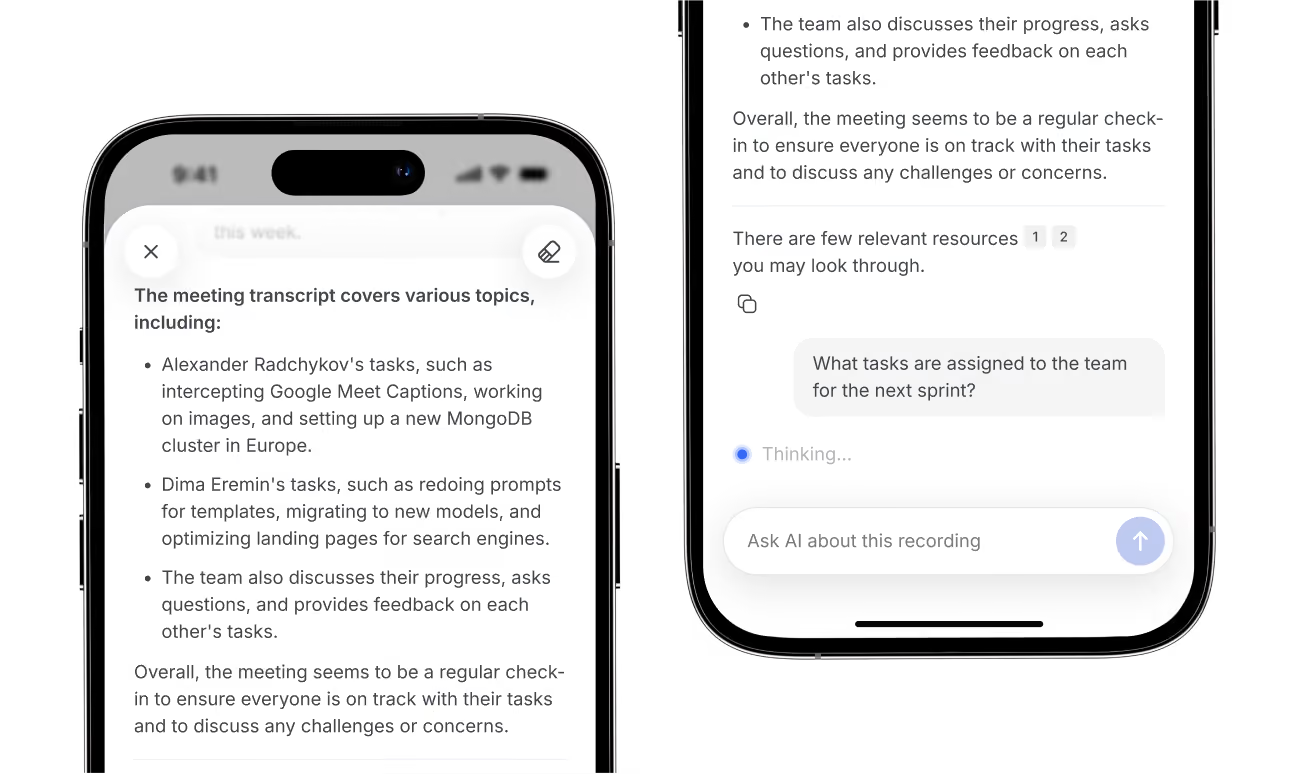
Tire dúvidas rápido com o nosso chat de IA
Pergunte qualquer coisa sobre qualquer reunião. Analise várias conversas de uma vez e identifique tendências.
Veja todas as suas reuniões, de qualquer lugar
Com a sua conta Bluedot, você acessa todas as transcrições, notas e gravações no computador, no navegador ou no celular.
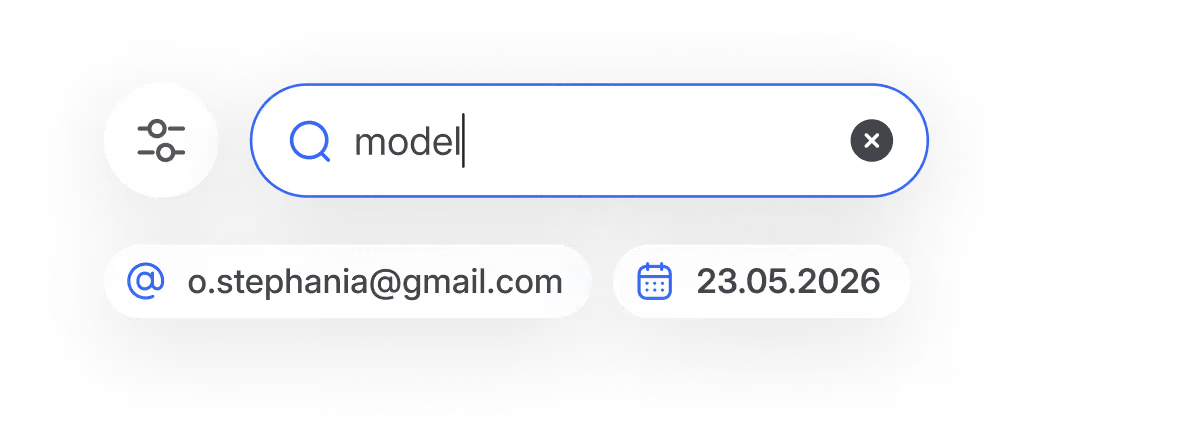
Busque em tudo
Encontre qualquer coisa mencionada em qualquer conversa.
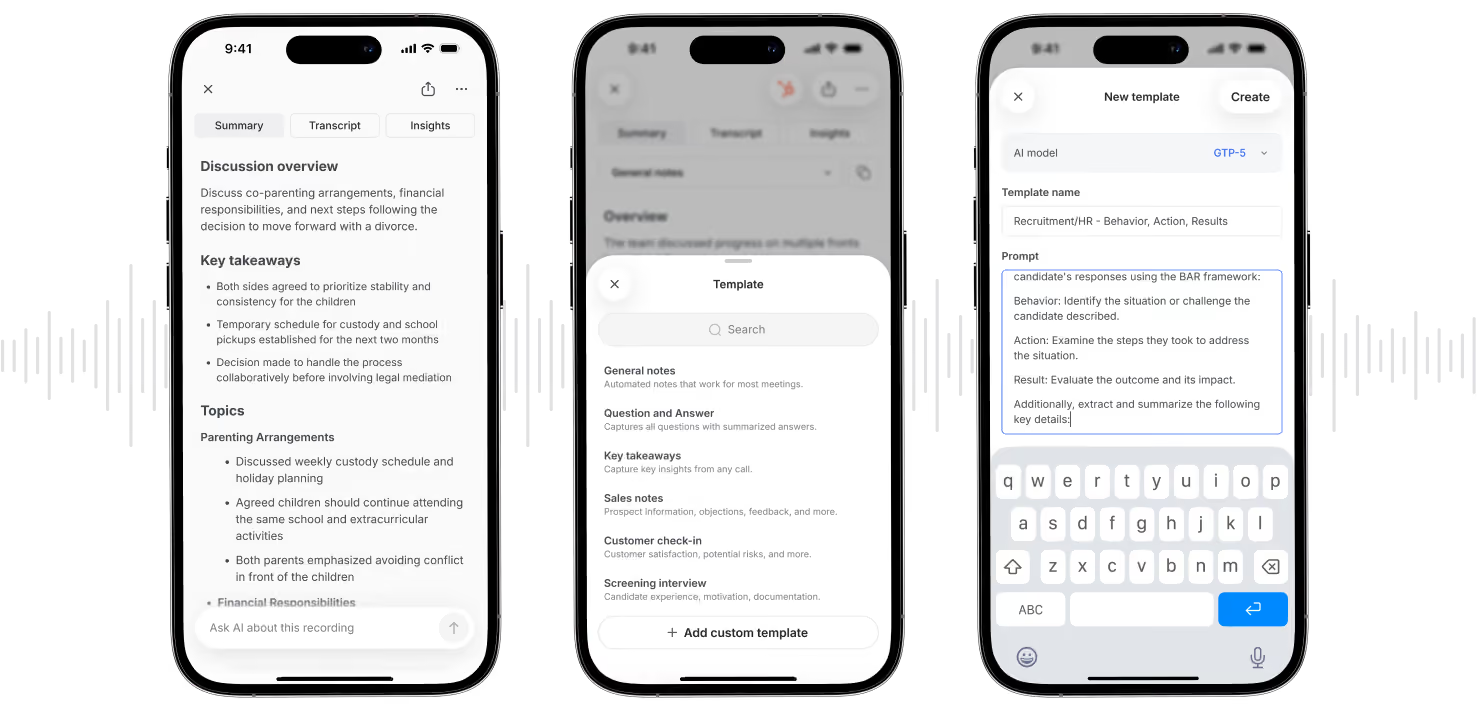
Notas personalizadas para as suas necessidades
Personalize modelos de notas de IA direto do seu celular.

Segurança e privacidade em primeiro lugar
Veja por que o Bluedot é o anotador de IA mais seguro para Apple Watch:

SOC 2 Type II
Controles auditados de forma independente para segurança, disponibilidade e confidencialidade.
Conformidade com o RGPD
Controles e processamento de dados em conformidade com o RGPD.
Criptografia de dados
Os dados são protegidos com criptografia AES-256 e TLS.
Sem treinamento de IA com os seus dados
Suas reuniões nunca são usadas para treinar ou aprimorar modelos de IA.

Usuários de Apple Watch amam o Bluedot
Veja o que os usuários da Apple estão dizendo sobre o Bluedot na App Store:
Revolucionou o recrutamento

Um ótimo anotador de reuniões!
Ótimo aplicativo
Revolucionou meu trabalho
Facilita minha vida
Recomendo