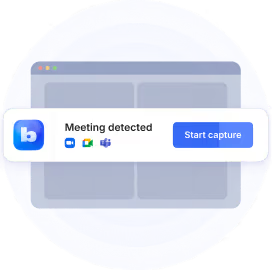
The latest version of Bluedot brings many exciting updates, including:
📞 Phone call recording on iOS, Android, and the web
🔄 Phone calls synced to HubSpot and Salesforce
🔔 Optional consent message for meetings and calls
🧠 Voice memory (beta)
🤖 Bluedot in ChatGPT and Claude
📂 Smarter auto-sorting into collections
🎥 Desktop video in up to 1080p
🌐 In-person recording straight from your browser
Phone call recording
Bluedot is the only AI note-taker that records phone calls on iOS, Android, and the web, with no limits on any paid plan.
How Bluedot’s phone call recording works:
- Open Bluedot on iOS, Android, or the web.
- Verify your phone number.
- In the Bluedot app, dial the number or pick someone from your contacts.
- Talk as usual. When you hang up, the transcript and summary are ready.
Phone calls land in the same meeting library as your online and in-person meetings. All conversations in one workspace.
Pricing and availability
Phone call recording is unlimited and available to all paid Bluedot users at no extra cost. Like every other AI feature in Bluedot, phone call recording is part of your subscription. Phone call recording is available today on Bluedot for iOS, Android, and our web app.
Phone calls in HubSpot and Salesforce

Phone calls sync to your CRM automatically. No manual logging.
Sales and customer success teams get an accurate record of every client conversation in one meeting library that syncs to CRM:
✅ Phone conversations
✅ Online calls
✅ In-person meetings
Manage your pipeline without anyone logging a call by hand.
Optional consent message for every meeting and call

Recording a phone call raises a fair question: does the other person know?
Bluedot gives you a simple way to handle consent. Turn on the consent message in Settings, and Bluedot automatically informs everyone that the conversation is being recorded. The message is optional and off by default. You decide when it applies.
Smarter auto-sorting
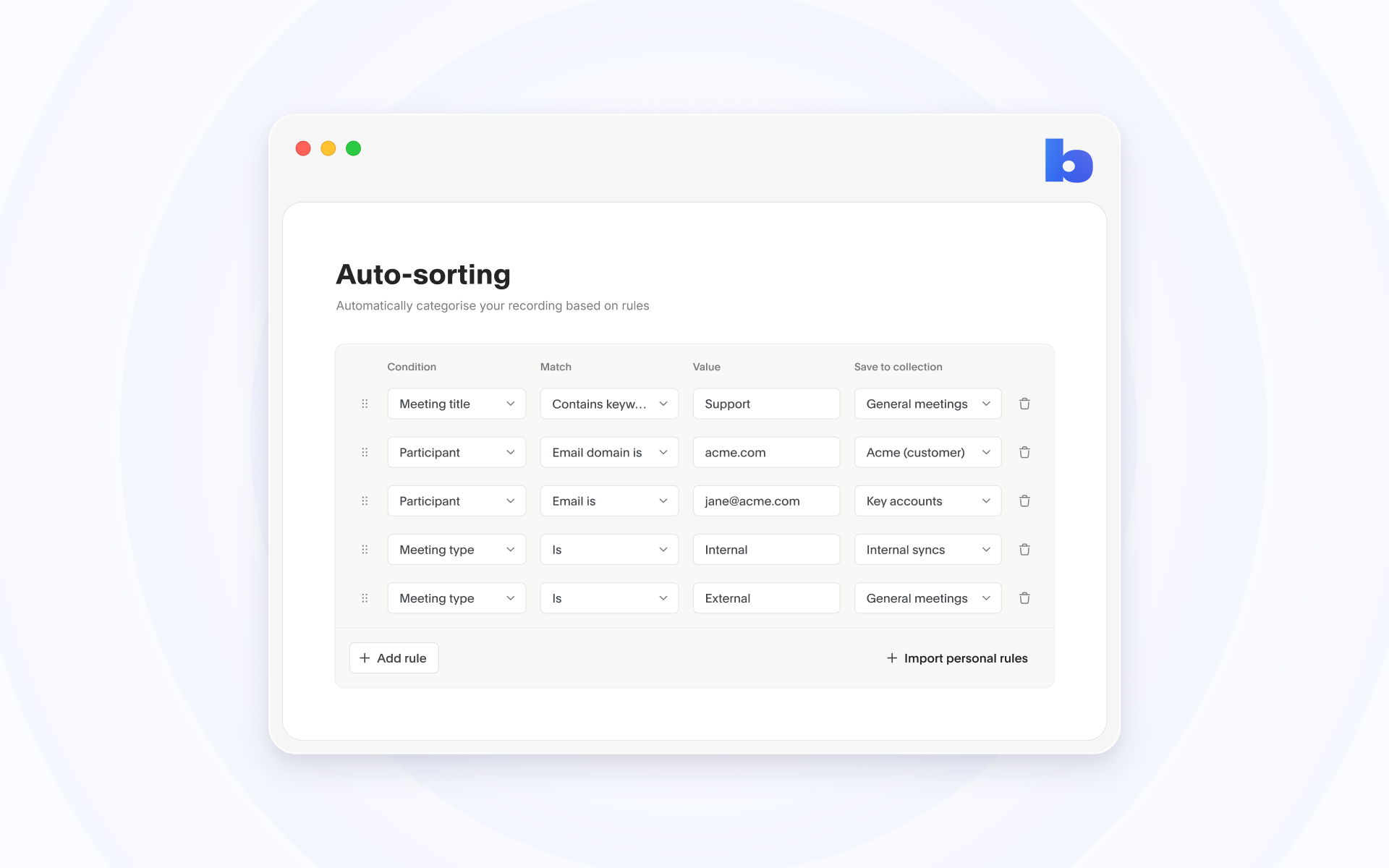
Set your auto-sorting rules once, and every recording files itself into the right collection. Sort by meeting title or by who attended: a specific email address or a whole company domain.
In-person recording from your browser

If you can open a browser tab, you can record the conversation in front of you with Bluedot. Recording is now easier than ever on computers where you can't install software, like a locked-down work laptop or a shared machine. Hit Record in the web app to capture an in-person conversation from your mic.
No extension, no desktop app, and nothing to install.
Desktop video in 1080p
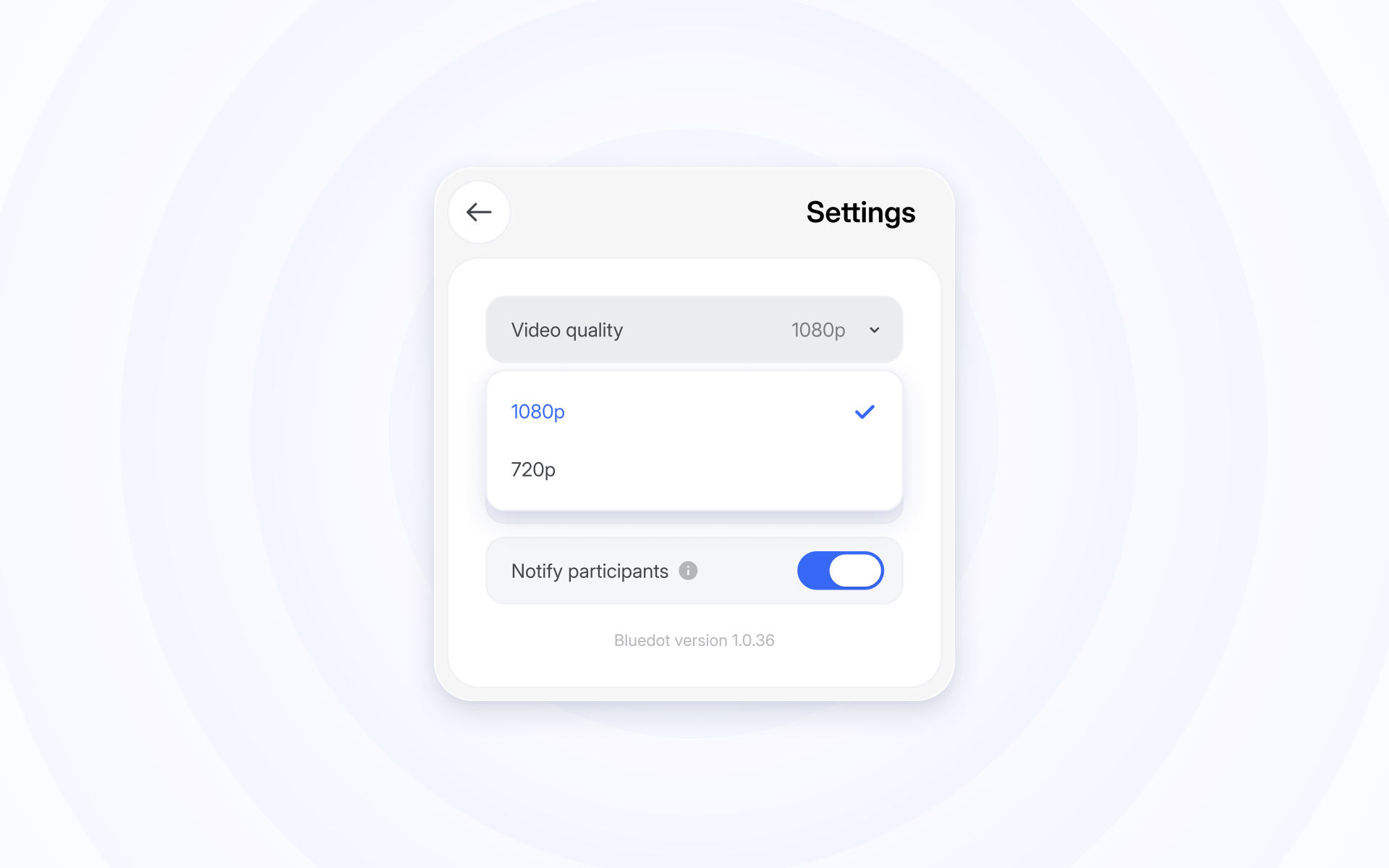
Record your meetings in 1080p via the Bluedot desktop app. We know resolution is vital when on-screen content is a big part of your meetings.
Shared slides, dashboards, code, and product demos are now more readable than ever. Pick the quality in Settings on the Windows app.
Mac support is coming later this month.
Bluedot in ChatGPT and Claude

Combine the power of the smartest AI assistants with the knowledge from your meeting library.
Connect Bluedot to Claude and ChatGPT.
Get your entire meeting history in your favorite AI tools. Analyze all conversations to find useful patterns, ask about specifics, draft follow-up messages, and more.
Voice memory (beta)
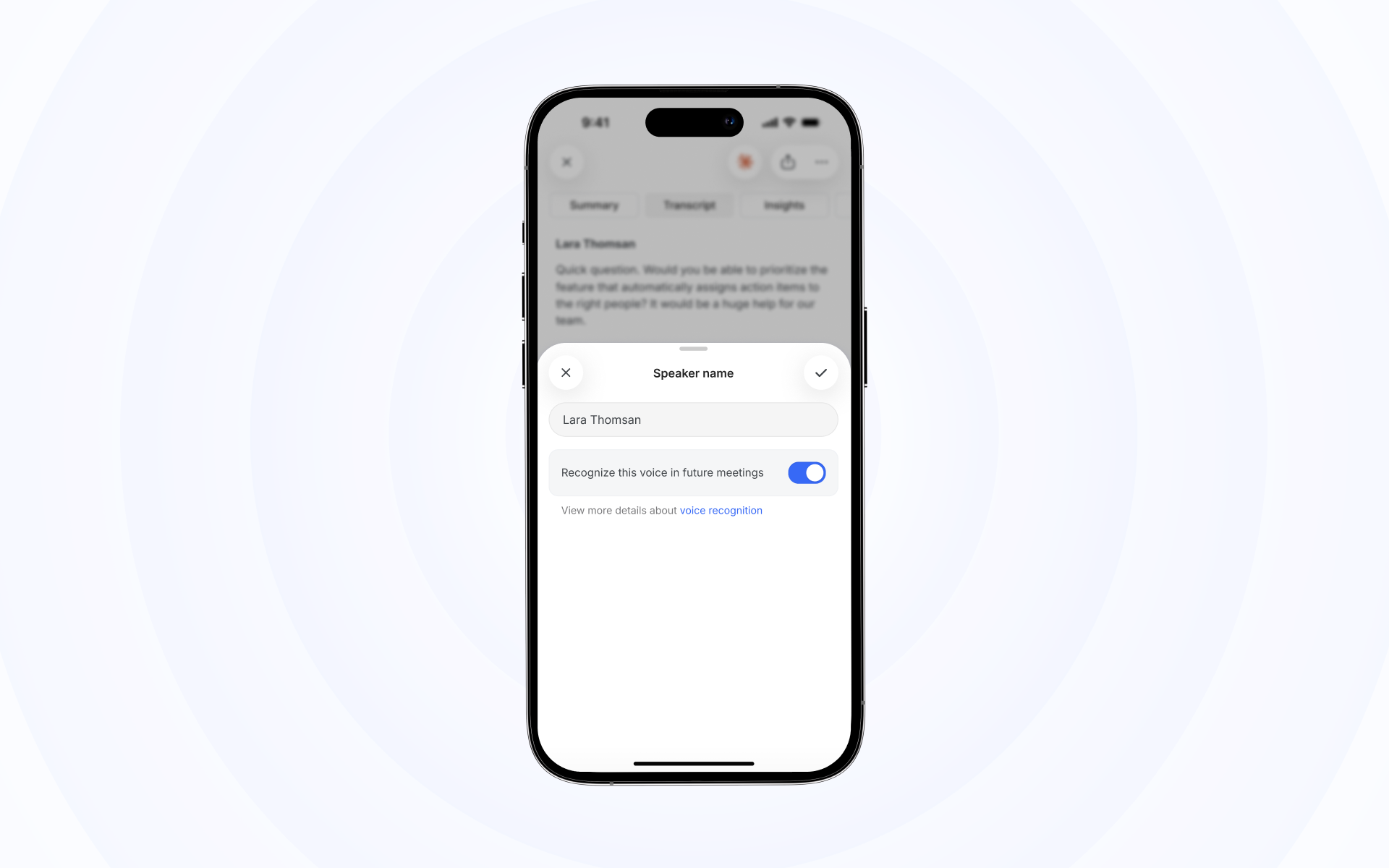
In-person meetings and phone calls have no participant list to tell Bluedot who is speaking. With voice memory, Bluedot can remember the voices of people you talk to often and label them automatically.
Voice memory is off by default. Contact us, and we will switch it on for your workspace.
Make your first call in Bluedot
Open Bluedot on your phone or in your browser, verify your number, and call someone.
Your transcript and summary will be waiting when you hang up.