
Invisible, privacy-first AI note taker
Bluedot captures, transcribes, and summarises every meeting, online or in-person. Works on any platform and auto-updates your CRM, Notion and more.


Trusted by 100,000+ companies from startups to enterprise:



Transcription and summaries in 100+ languages
AI notetaker that doesn't join your meetings
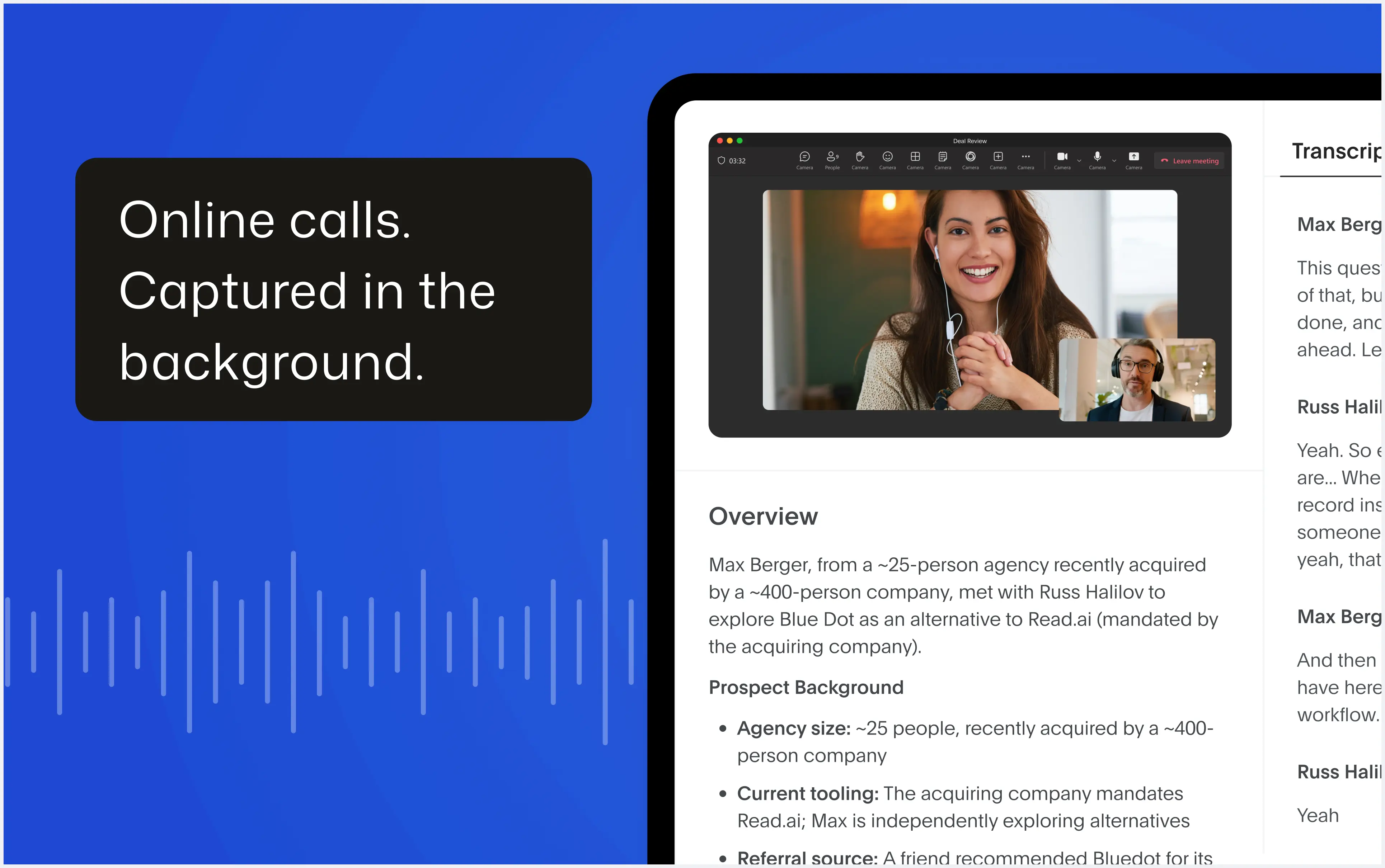
Bluedot turns conversations into transcripts and meeting notes - no bots joining your calls.



Record meetings without bots
Capture meetings on Zoom, Google Meet, Teams, and in-person while keeping conversations secure, focused, and natural.
Meeting notes for every team
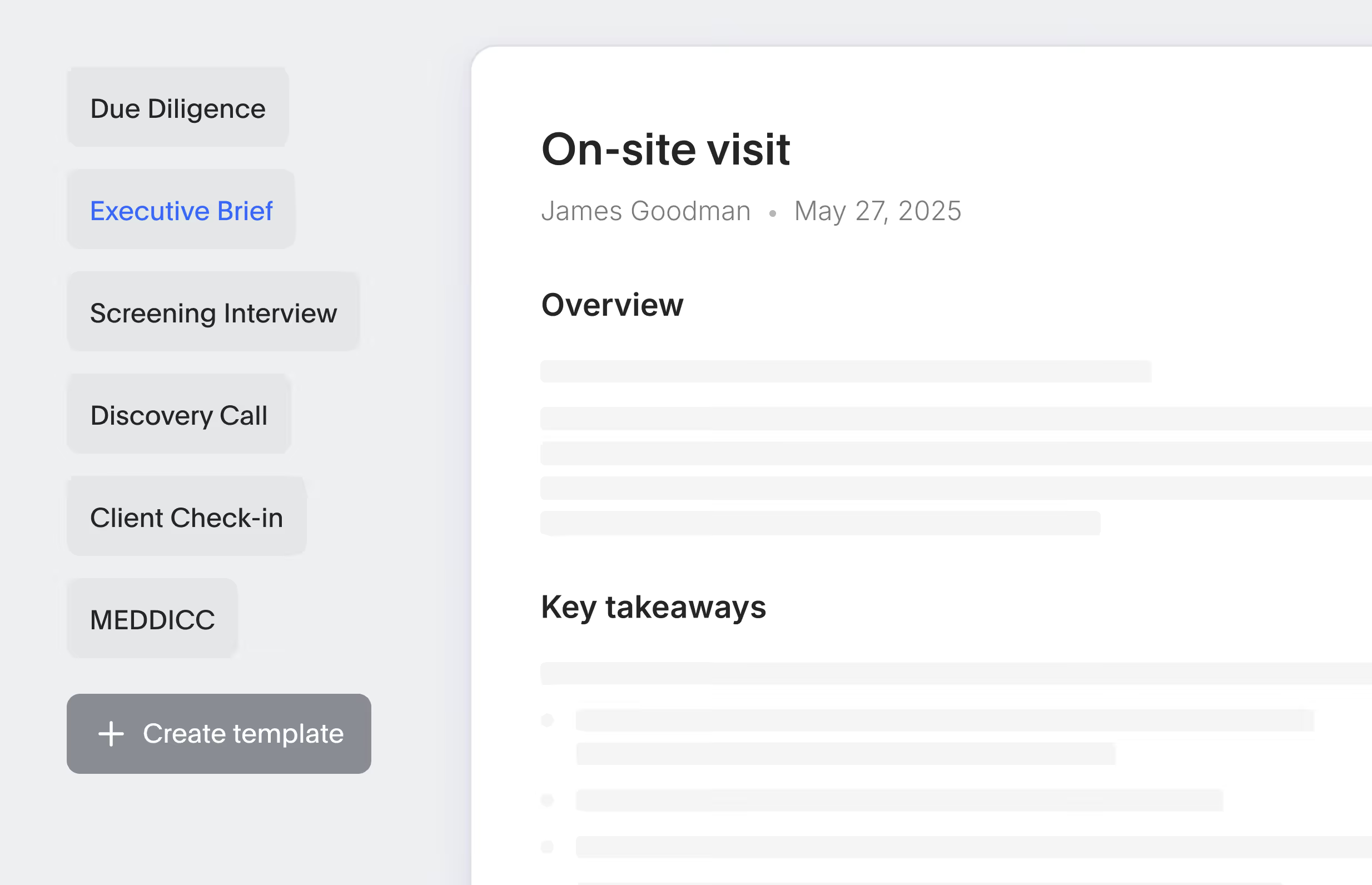
Bluedot's AI meeting note taker delivers actionable summaries tailored for every team and use case: Q&A, sales notes, customer check-in, and more.
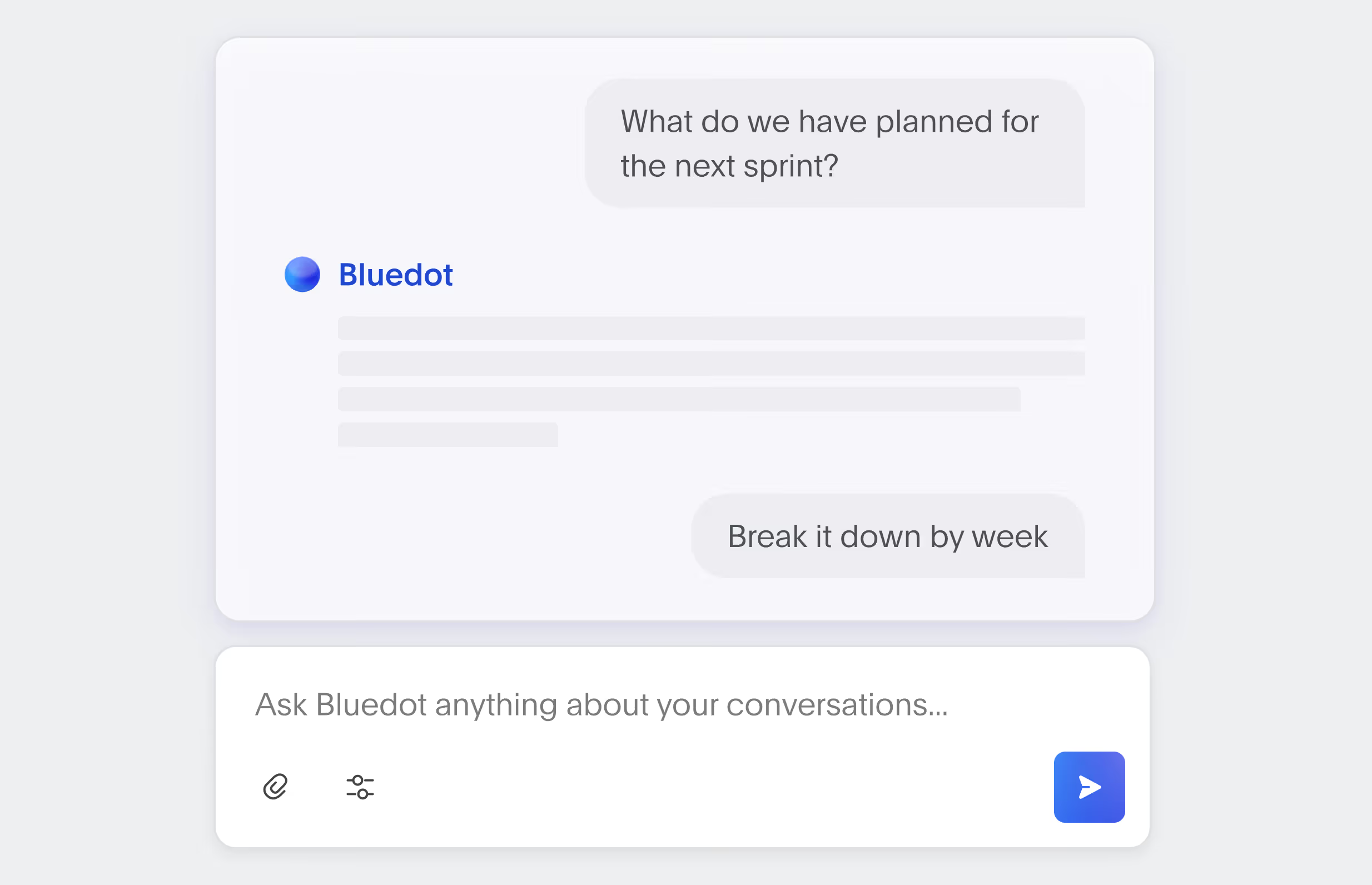
Instant answers across meetings
Use the built-in AI chat to ask questions, find key insights, and reference information from multiple meetings.
Post-meeting automation
Every meeting becomes context your agents can act on — in any task, in any tool: CRM, ATS, project management, even your codebase.
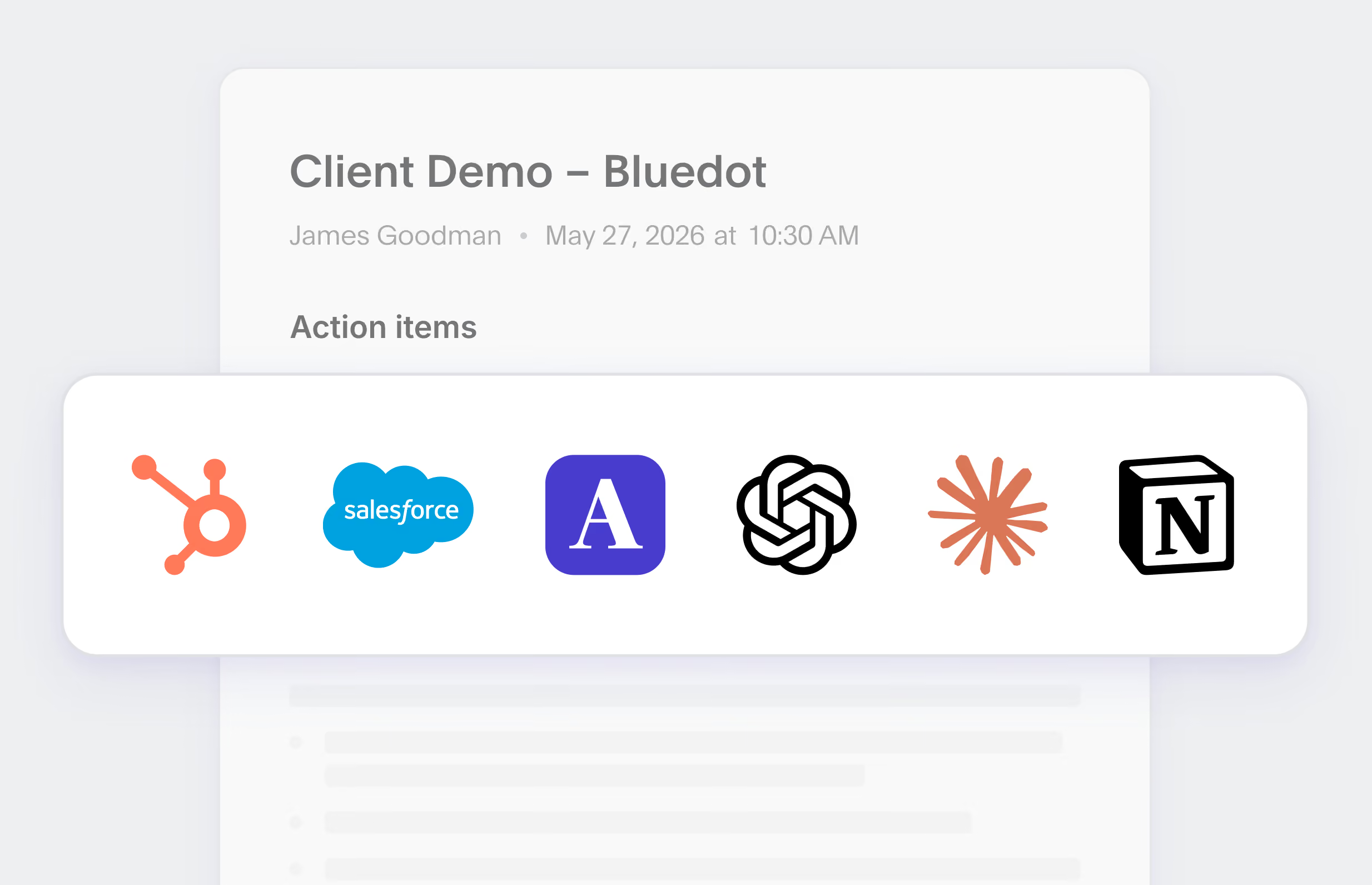
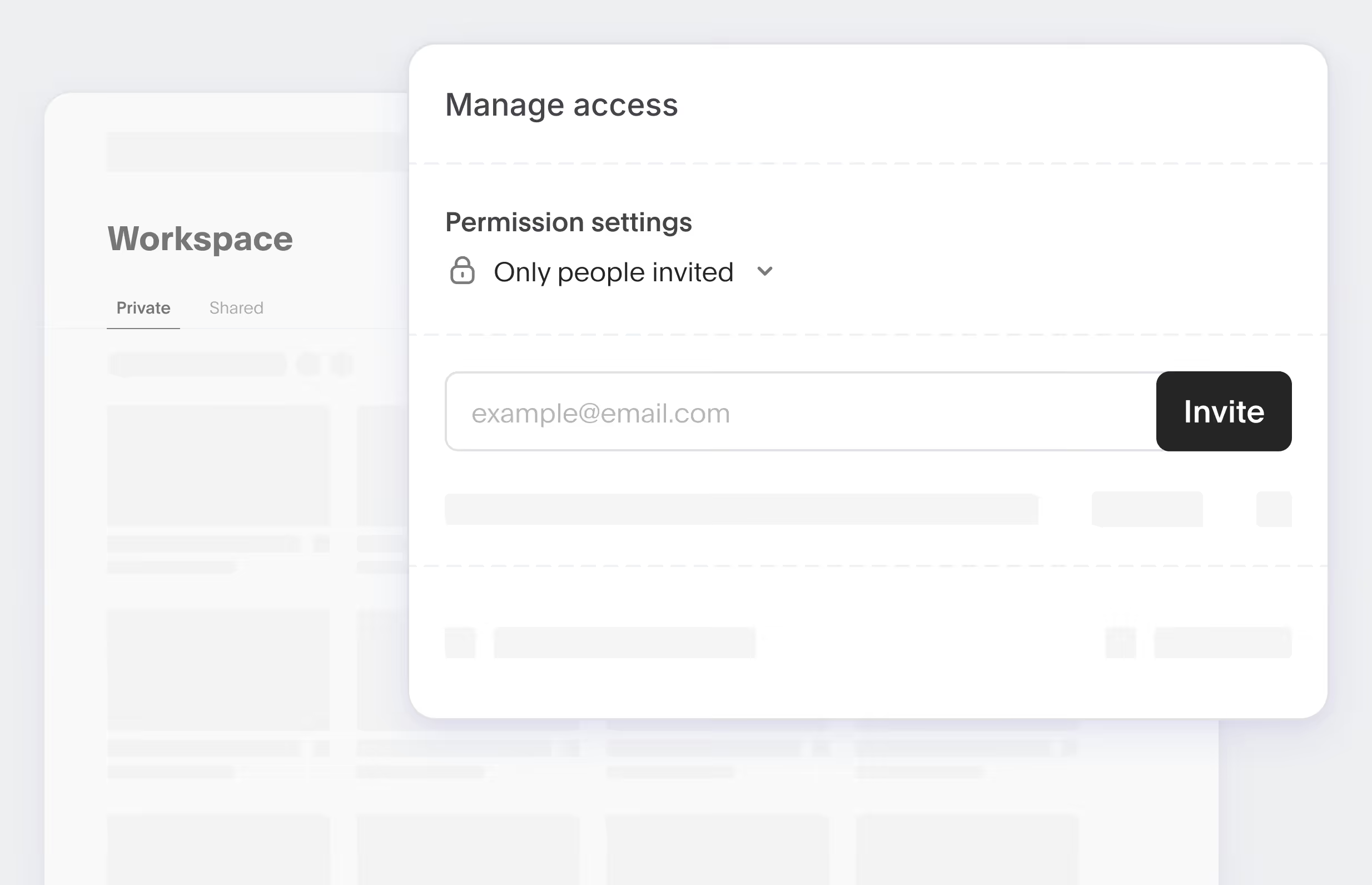
One shared memory for your team and AI agents
Bluedot turns meetings into trusted data your whole team can rely on. Search every transcript, share with colleagues, control who sees what, and give Claude or any AI agent the same source of truth.
One note-taking app for every platform
Works across Zoom, Google Meet, Microsoft Teams, phone calls, and in-person meetings.
Web & Chrome
One click to capture Google Meet and browser calls. Simple, fast, and secure.
.webp)
Desktop apps
Easy recording for Zoom, Teams, and Slack. Available for Mac and Windows.
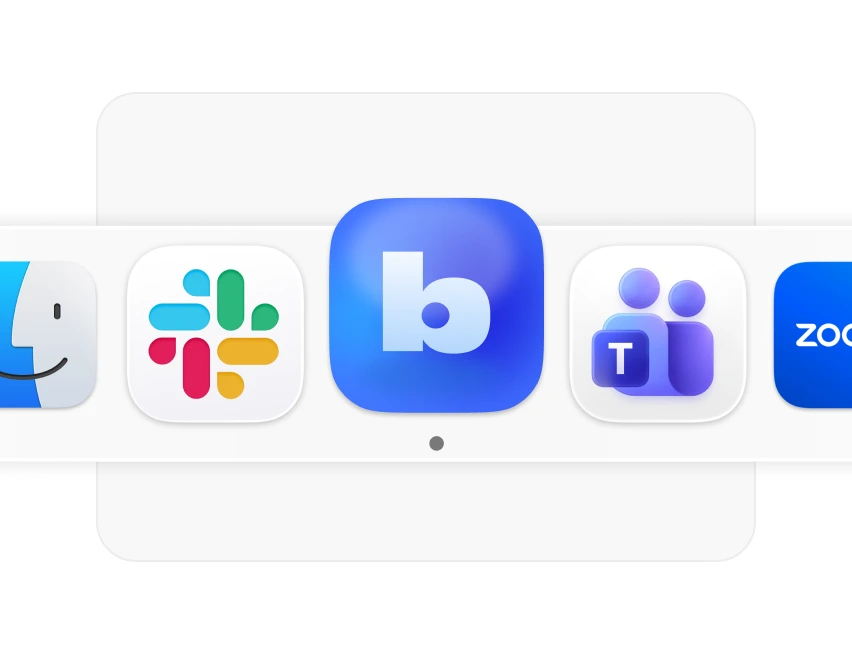
Mobile & on-site
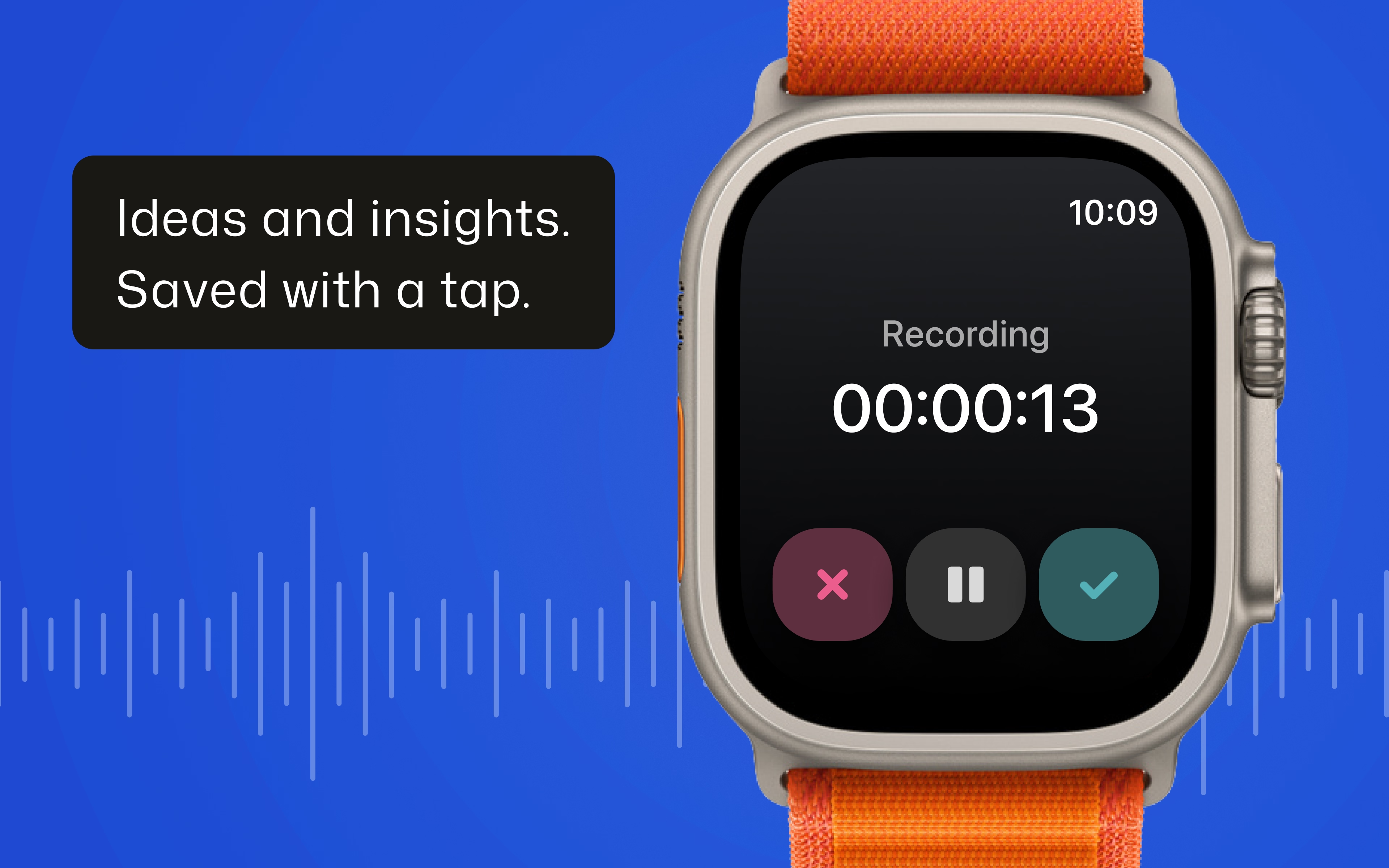
Record in-person interviews and meetings from your phone, tablet or Apple Watch.
%20(1).webp)
The AI note taker for teams of all sizes
Whether you're a solo entrepreneur or part of a Fortune 500,
Bluedot scales to meet your needs.
Improve productivity
Get more done with Bluedot: the best way to handle your calls, notes, and follow-ups.
Johannes Hillebrandt

Streamline meeting note-taking
Focus on the candidate - Bluedot handles note-taking, follow-ups, and keeps your ATS up to date.
Terrell Edwards

Automate admin work
Automate CRM updates and email follow-ups, allowing you to focus on engaging with prospects.
Nils Vijard

Promote transparency
Build a record-first culture to ensure transparency and accountability as the company grows.
Miguel Caires

Document knowledge
Automatically document decisions, tasks, and updates in one searchable place.
Klara Furstner
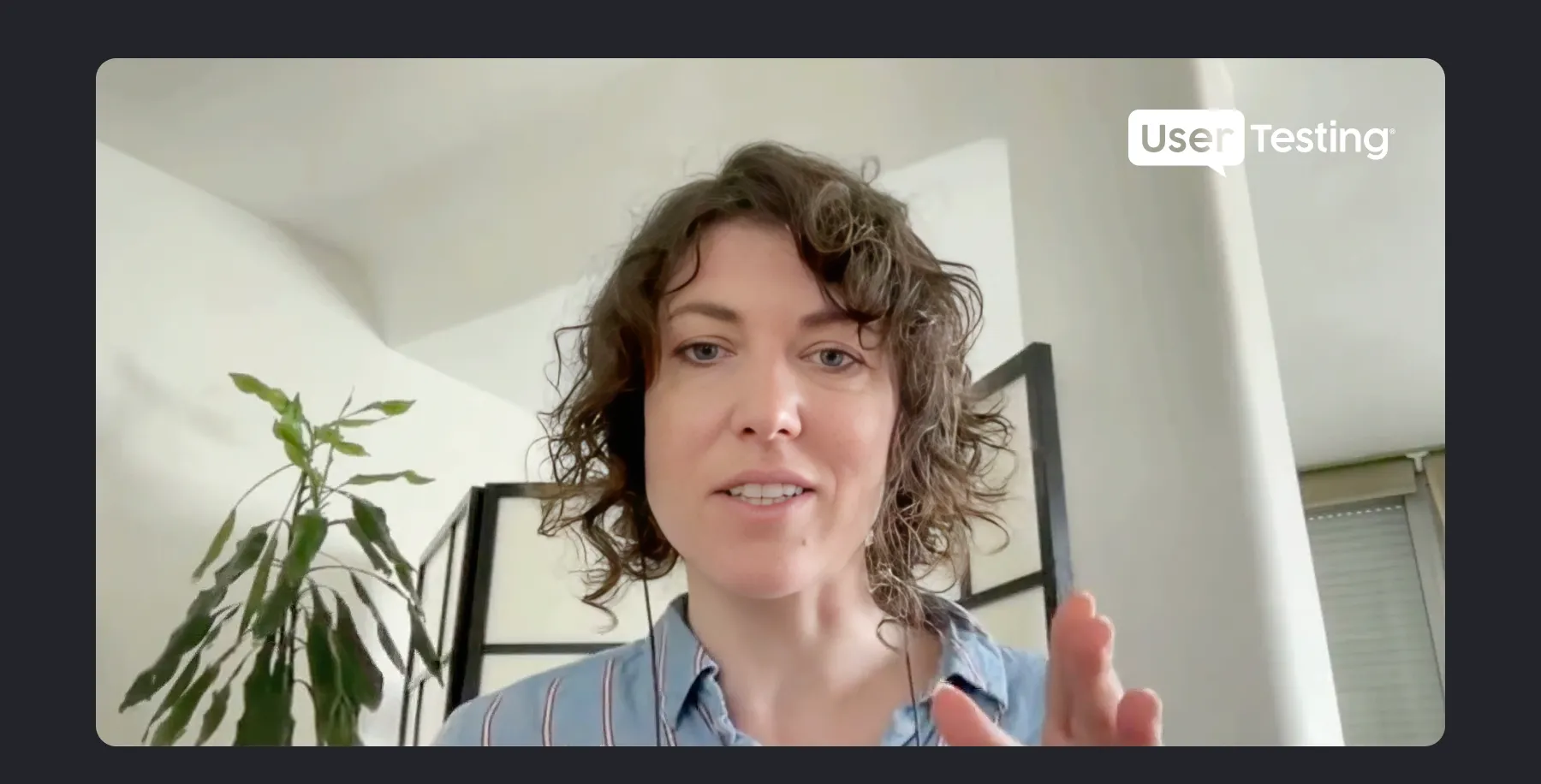
Know your customers
Stay on top of every interaction, from first meeting to renewal.
Kate Reynier
What makes Bluedot different?
Bot-free AI note taker
Non-intrusive way to take meeting notes without making anyone feel uneasy.
.webp)
Highly accurate AI meeting notes
Accurate with technical terms, to-dos, abbreviations, and speaker identification.

Built for every platform
Capture conversations anywhere - browser, desktop, or mobile. With or without bot.
Frequently asked questions
How is Bluedot different from other AI note takers?
Do I need to be the meeting host to record?
Does Bluedot work with Google Meet, Zoom, and Microsoft Teams?
Can I record in-person meetings?
Can I use Bluedot’s AI meeting note taker free of charge?
Can I upload and transcribe existing files?
Do I need to get consent to record?

We tested several tools before settling on Bluedot and couldn't be happier. I didn’t like the idea that there is this bot joining my calls as a meeting note-taker, which seemed to be sneakily integrated into my calendar.
Bridget Harris

Bluedot has transformed our interviews. Recruiters focus on conversations, no typing, no switching, just listening. The transcripts and AI meeting notes are spot-on, helping us identify top candidates and move faster for clients.
Terrell Edwards

Bluedot helped us go from zero visibility to full clarity. I don’t need to sit in on every call, and now I can coach effectively, stay on top of deals, and even search internal meetings by topic. It’s a huge time saver.
Nils Vijard

Bluedot's AI notetaker has transformed our sales calls. It captures key insights and action items, then automatically updates our CRM, allowing us to focus on the conversation and follow up faster.
Tomasz Grynkiewicz

With the Bluedot AI note-taking app, we avoid multitasking and having to repeat decisions when someone misses a meeting. It’s a big help and saves me at least 2 hours a week on technical decisions.
Klara Furstner


%201.svg)
%201.svg)
%201.svg)



