As Bluedot's in-house writer, I've tested 40+ AI note-taking apps and compared them with our AI meeting assistant.
Obviously, I'm biased — which is why I also talked to 100+ Bluedot users. I've learned what other AI tools our customers used before, and why they decided to switch.
Then, I cross-referenced this information with user reviews on G2, Capterra, Reddit, and TrustPilot.
I'll explain how AI note takers work and present the 10 best AI note-takers here — along with how people use them and their practical limitations. Only a few tools made my final cut.
Key Takeaways
- The best AI note taker depends on your needs — bot-free recording, CRM sync, in-person coverage, compliance, or just a free tool.
- Bluedot is the top pick for teams that can't have a visible bot on calls, with bot-free capture across web, mobile, desktop, and Apple Watch. It supports Salesforce and HubSpot sync with custom fields, 100+ language transcription, and unlimited recording on most plans.
- Granola is best for solo Mac or Windows users who still take their own notes. It deletes audio after transcription, so there's no playback, and named speaker labels only work for online calls on desktop.
- Fathom offers one of the best free plans with unlimited recordings and transcription. It's ideal for individual sales reps. It mostly relies on a bot (bot-free capture is in beta on Mac only), and its new mobile app is iPhone-only.
- Otter AI suits large teams with lots of internal meetings. However, support is slow, and Otter's aggressive about joining calls and marketing to colleagues.
- Fireflies stands out for sentiment analysis and 15+ CRM integrations. Beware of extra charges: advanced AI features run on AI credits, and paid plans include only a small one-time allowance.
- Gong delivers enterprise-grade revenue intelligence, but hides pricing and costs thousands of dollars a year.
What an AI note taker is (and which kind you need)
An AI note taker automatically transcribes conversations and generates meeting notes afterward. Many also record audio, video, or both.
In practice, most AI note takers produce similar notes. So, choosing the best one for your needs comes down to:
- How an AI note taker joins your meetings,
- What meetings it can record, and
- How it balances security, privacy, and ease of use.
Bot or no bot
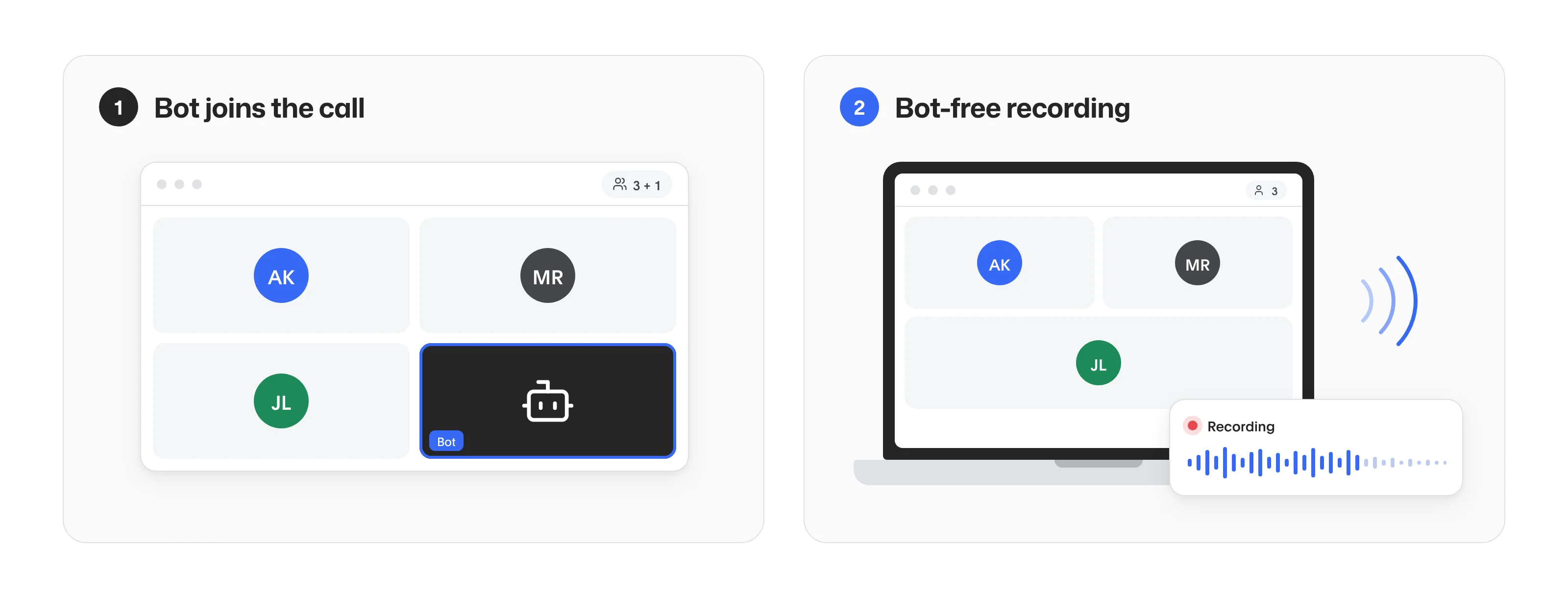
AI note takers record and transcribe in two ways:
- A bot joins the call as an extra participant.
- Bot-free recording of system audio (and sometimes video) from your device.
While bots help you stay transparent about the fact that you’re recording, they’re also awkward.
A 2026 Bluedot survey of 2,000+ workers showed that 47% of participants have strong negative feelings about recording bots — ranging from a feeling of being monitored to outright demanding that the bot be removed.
Meeting bots also introduce technical issues. A host can refuse to let them in, and the bot sometimes fails to join on its own. So, you’re never sure if a meeting will be reliably recorded and transcribed.
Bot-free note takers capture meetings through a desktop app or browser extension — there’s no AI participant on the call.
Depending on the video conferencing platform, that can make all the difference.
On Zoom, the host decides who can record with the built-in recorder. Using an AI note taker to record a Zoom meeting without a bot gives you more control when you’re a guest.
On Microsoft Teams, the built-in AI recap sits behind a paid license, so knowing how to record a Teams meeting without Copilot saves companies from buying it just for notes.
Google Meet's built-in recording isn't available on free Google accounts or the Workspace Business Starter plan. For many people, the only way to record Google Meet is a Chrome extension.
AI notes in Zoom, Teams, and Meet
Zoom, Microsoft Teams, and Google Meet each have built-in AI notes. Each one requires a paid plan or an add-on.
Zoom AI Companion comes with paid Zoom Workplace plans, Pro and higher. On those plans, it can also join Google Meet and Microsoft Teams calls, but it joins as a meeting bot. If you want Zoom notes without anything extra in the call, the best AI note takers for Zoom from third-party vendors include bot-free options.
Teams intelligent recap requires Teams Premium or a Microsoft 365 Copilot license, and it only covers meetings in Teams. The Copilot license costs a lot to buy only for meeting notes, so check what Copilot covers and what it doesn't first. Companies that run on Microsoft 365 but still meet clients on Zoom or Meet need a tool that works on all platforms, which narrows the best AI note takers for Microsoft Teams to a handful.
Google Meet's "Take notes for me" needs an eligible Google Workspace edition or a Google AI plan. It writes notes in only eight languages, one language per meeting. And you don’t get it on free accounts without an AI plan — the main reason people look elsewhere for the best AI note takers for Google Meet.
Meetings that aren't on a video call
Meeting bots are useless for in-person conversations, like those in an actual conference room or a site visit.
To record and transcribe those, you need your phone or a dedicated device.
In most cases, you can just record an in-person meeting on an iPhone, provided you have the right app.
For daily or weekly real-world meetings, you need one of the best AI note takers for in-person meetings that provide transcripts, summaries, and speaker labels — not just the raw recording.
For longer sessions, or places where a phone on the table feels out of place, consider some of the best AI voice recorders — small devices you can clip on and use discreetly.
Security and where your data goes
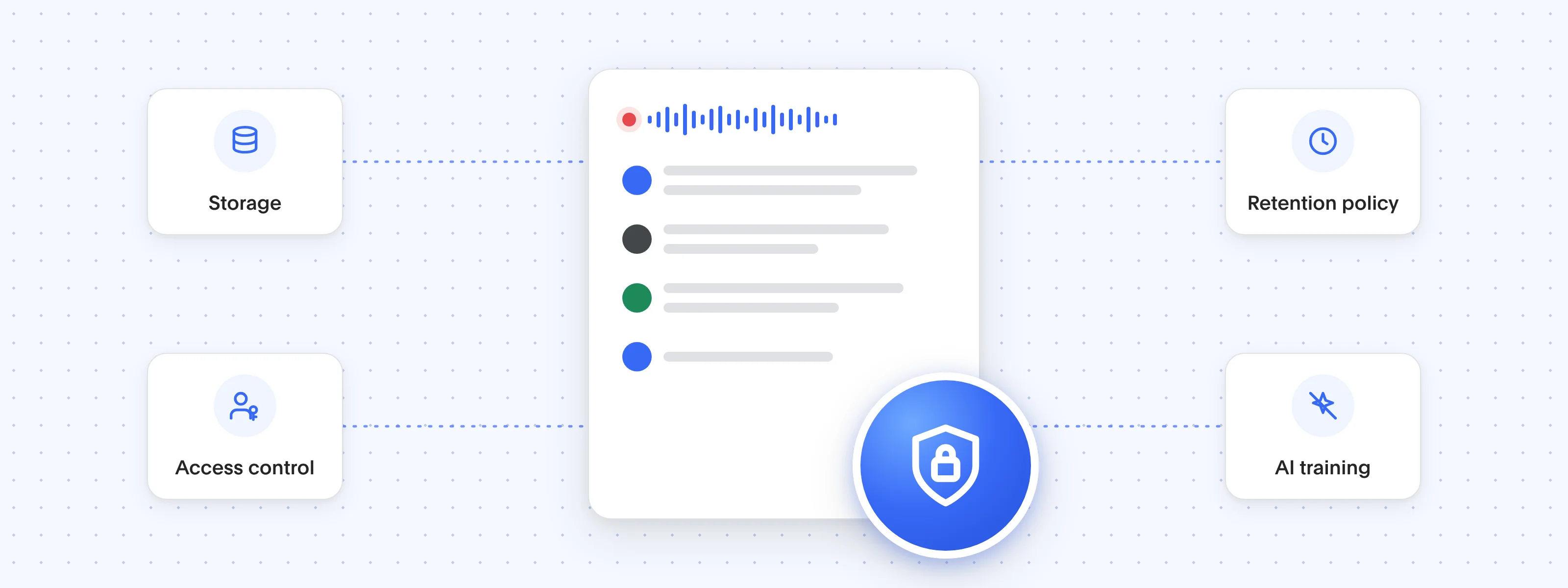
An AI note taker keeps a full recording and transcript of every meeting it captures. To ensure your AI meeting assistant is private and secure, first check:
- where the recordings are stored
- who in your company can open them
- how long they're kept
- whether the vendor uses them to train AI models
Bluedot is a secure, privacy-first AI note-taker that records, transcribes, and summarizes online and in-person meetings without sending a bot into your calls. It captures audio directly from your device and supports audio and video recording across Chrome, macOS, Windows, iOS, Android, and Apple Watch.
Bluedot is GDPR-compliant, SOC 2 Type II audited, and never uses customer data to train AI models. Learn more on our security page.
What are the best AI note takers in 2026?
#1. Bluedot: Top choice for bot-free recording with CRM sync
Bluedot is a bot-free AI notetaker: it records meetings through a Chrome extension or desktop app with no visible meeting bot joining the call.
It's a great choice for teams that use Zoom and Microsoft Teams, as well as sales reps running in-person meetings and recruiters.
Unlike Microsoft's built-in solutions, Bluedot is a Microsoft Teams AI note taker that works without Copilot and without a Copilot license. And the AI note taker for Zoom runs as a desktop app, so it records whether or not the host allows cloud recording.
Bottom line: try the free plan if a visible bot makes your online meetings uncomfortable and you want to keep the conversation human. Also, if you need transcription and recording on all devices — Bluedot works on Android, iOS, and even Apple Watch.
Who Bluedot is for
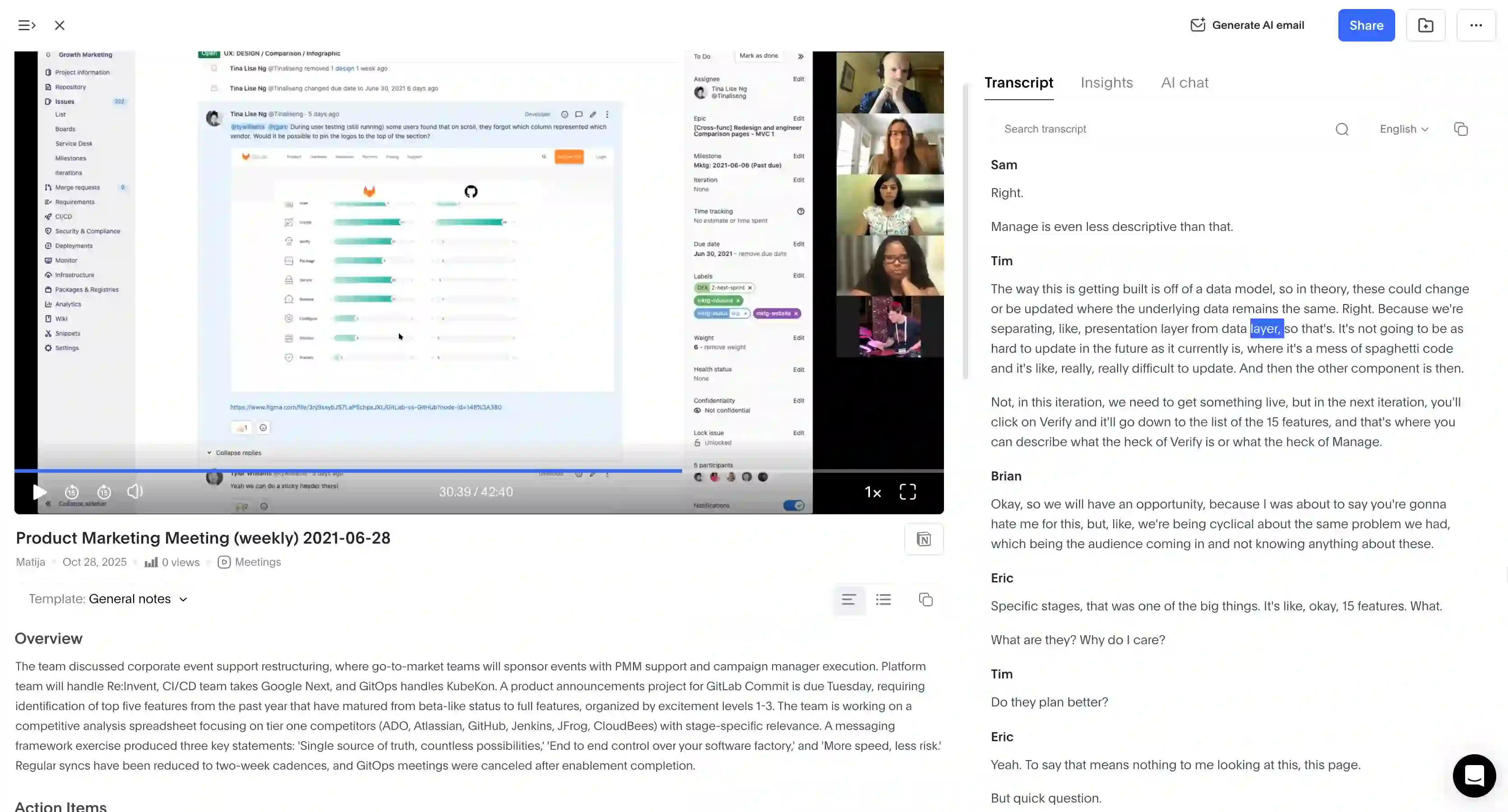
Best for: sales, recruiting, legal, and finance teams where a visible bot is a liability. Also, teams that want to automate meeting data entry into Salesforce or HubSpot, or get multilingual in-person transcription with EU data residency.
Key features
- Bot-free capture across Google Meet, Zoom, Teams, Webex, Slack Huddles, and any other video platform via screen recording.
- In-person, voice notes, and WhatsApp recording via the iOS/Android app, Apple Watch, and desktop app
- 100+ language real-time transcription with a custom vocabulary where you can add jargon or anything hard to detect
- Speaker Insights — talk ratio, longest monologue, words per minute, and questions asked, for each speaker
- AI meeting notes and summaries from built-in and custom templates (SPIN, sales, CS, Q&A).
- AI Chat that lets you ask questions about meeting knowledge in your workspace
- Salesforce & HubSpot sync with custom field support (Business+)
- MCP connector that gives Claude or ChatGPT direct access to your meeting recordings and meeting transcripts
- Custom retention policy — you decide when recordings, transcripts, and notes are deleted
What Bluedot does well
✅ Bot-free, so conversations stay natural
✅ Works in browsers, phones, laptops, and Apple Watches
✅ Voice-to-CRM for Salesforce and HubSpot
✅ Meeting summaries based on sales frameworks
✅ Transcription in 100+ languages with high claimed accuracy
✅ Data stored in the EU by default (AWS Frankfurt), with a choice of region, and recordings are never used to train its AI
✅ Transcripts and notes are easy to share with external viewers
Drawbacks of using Bluedot
❌ Free plan includes only 5 recordings, lifetime, then it stops
❌ Basic ($14) is audio-only
Bluedot pricing
- Free — $0: 5 lifetime recordings, 1 hour each
- Basic — $14/user/month (annual), $18 monthly: unlimited audio meetings (max 1 hour per recording), no video, no imports
- Pro — $20/user/month (annual), $25 monthly: video, custom templates, limited imports
- Business — $32/user/month (annual), $39 monthly: Salesforce, HubSpot, SSO and SCIM, advanced admin controls, custom data retention, unlimited imports
- Flat rate — one fixed price for your whole company, no matter how many people use Bluedot
#2. Granola: Best for solo users who take their own notes
Granola is an AI note-taking app for Mac and Windows (with iPhone, Android and Apple Watch apps) that captures a meeting's audio from your device, without a bot, and turns it into structured notes.
It's for people who still want to keep taking notes during calls and brainstorming sessions. Granola uses your notes to guide the AI and show it what to prioritize while processing the transcript. As a result, you get notes that are specifically useful to you.
Audio is only held temporarily for transcription and then deleted, so nothing is recorded or kept for playback.
Granola is great if you don't want anything recorded, but you still have to write notes manually if you want to get the most out of its AI-generated meeting summaries.
Who Granola is for (and who it isn't)
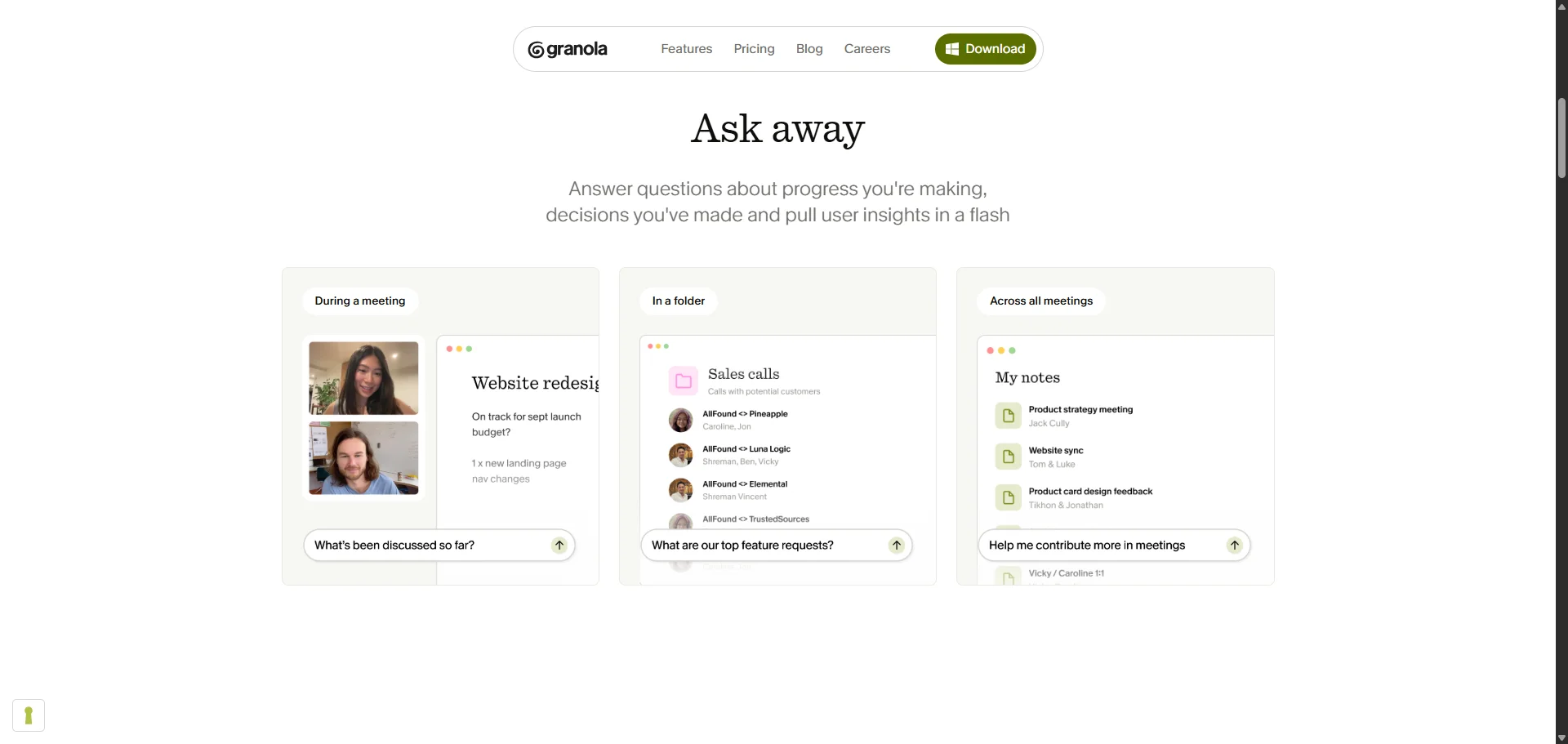
Best for: Mac or Windows individual contributors who prefer taking notes themselves and don't want anything recorded.
Look for Granola alternatives if you need recording playback, inbound phone-call transcription, or speaker labels for in-person meetings.
Key features
- Bot-free local capture — records both your microphone (your own voice) and system audio on the device
- Your own notes drive the summary — what you type is folded into the generated notes
- No stored recordings — audio is deleted after transcription, with no playback or video
- Granola Chat — query one meeting or all your past meetings, with model choice
What Granola does well
✅ Genuinely bot-free
✅ Your manual notes guide the AI summaries
✅ Audio is deleted after transcription, and Granola is SOC 2 Type II certified
Drawbacks of using Granola
❌ Mobile can't capture virtual meetings because phones block system audio, so the iPhone and Android apps handle in-person meetings (plus outbound calls on iPhone)
❌ Speaker names only work for online calls on desktop; people sharing one microphone in a room can't be told apart
❌ HIPAA (with a BAA) only on Enterprise, no ISO 27001, and US-only storage
❌ Sometimes the app fails to record without warning
Granola pricing
- Basic (Free plan) — $0/user/mo: AI notes and Chat, last 30 days visible, no integrations or API
- Business — $14/user/mo (monthly only): unlimited history, integrations, API, Pre-Meeting Briefs
- Enterprise plans — from $35/user/mo: SSO, SCIM, and admin controls, with SSO needing 50+ seats
There's no annual billing on any tier, so there's no annual discount. Founders and students get 12 months of free Business.
#3. Fathom: Best for trying a free AI note taker
Fathom is a bot-based AI meeting assistant, which isn't ideal. A bot joins your call, records it, and delivers a transcript and meeting summaries when it's over.
The platform's main draw is its generous free plan: unlimited recordings, unlimited meeting transcripts, and 15+ summary templates for different sales methodologies.
For an individual rep who wants to stop taking notes, the free version is a great starting point — though you'll probably want to upgrade to a paid plan for advanced AI features at some point.
Paid plans add team workspaces, CRM field sync, and coaching analytics.
The catch: meeting bots are annoying, and they sometimes fail to record with no warning. Its mobile app is new and iPhone-only: no Android, no offline recording, and no Ask Fathom in the app yet.
Who Fathom is for (and who it isn't)
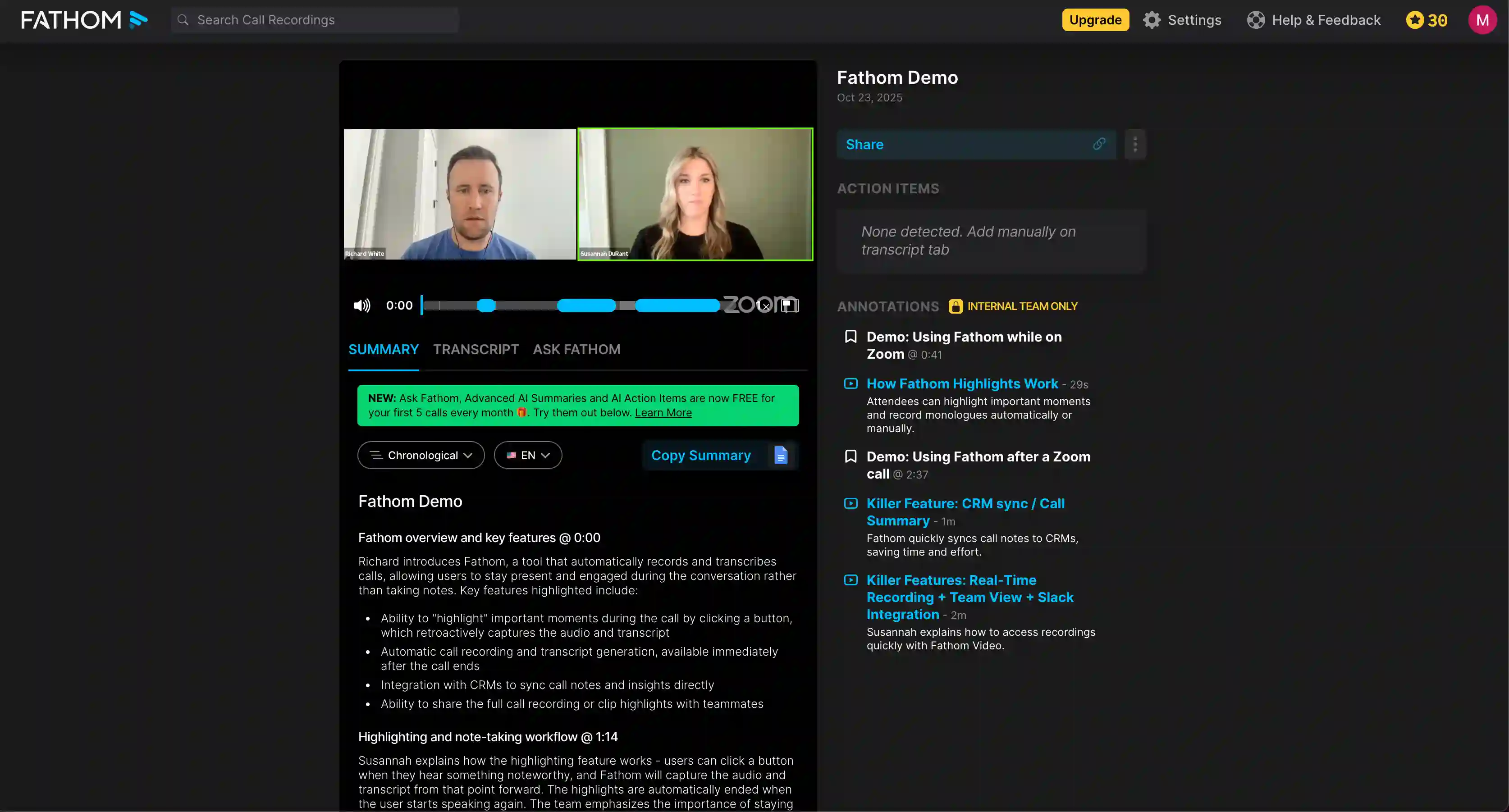
Best for: Individual sales reps who want a free note taker.
Consider Fathom alternatives if you need bot-free recording, need to record Microsoft Teams calls that aren't on your calendar, or want CRM events (not tasks) logged in Salesforce.
Key features
- 15+ AI summary templates — Sandler, SPICED, MEDDPICC, BANT, REACH; capped at 5/month on free, unlimited on Premium+
- Ask Fathom — AI chat that answers questions about your past meetings. It currently searches your full meeting history on every plan, though Fathom says usage limits may come to the Free plan from November 2026
- CRM sync (HubSpot, Salesforce, Close) — available on every plan for up to 3 users per domain; CRM field mapping and unlimited users require Business
What Fathom does well
✅ The completely free plan is unlimited for recordings and transcription
✅ New accounts get a 30-day Premium preview, and every paid plan has a 90-day money-back guarantee
✅ Bot-free capture available on Mac (beta) — Windows in development
Drawbacks of using Fathom
❌ Bot sometimes fails without any notification
❌ Advanced AI summaries are capped at 5 calls a month on Free
❌ CRM sync logs meetings as tasks in Salesforce, not events
Fathom pricing
- Free plan — $0: Unlimited recording and transcription for one person. Advanced summaries cap at 5 calls a month; basic summaries are unlimited. CRM limited to 3 users per domain.
- Premium — $16/user/mo (annual): Everything off, no caps — for a solo user. No team workspace.
- Team — $15/user/mo (annual), 2-user min: Full shared workspace. Scorecards available for 30 days only.
- Business — $25/user/mo (annual), 2-user min: Adds CRM field mapping and Deal View. Removes the domain CRM cap.
#4. Otter AI: Best for large teams & internal meetings
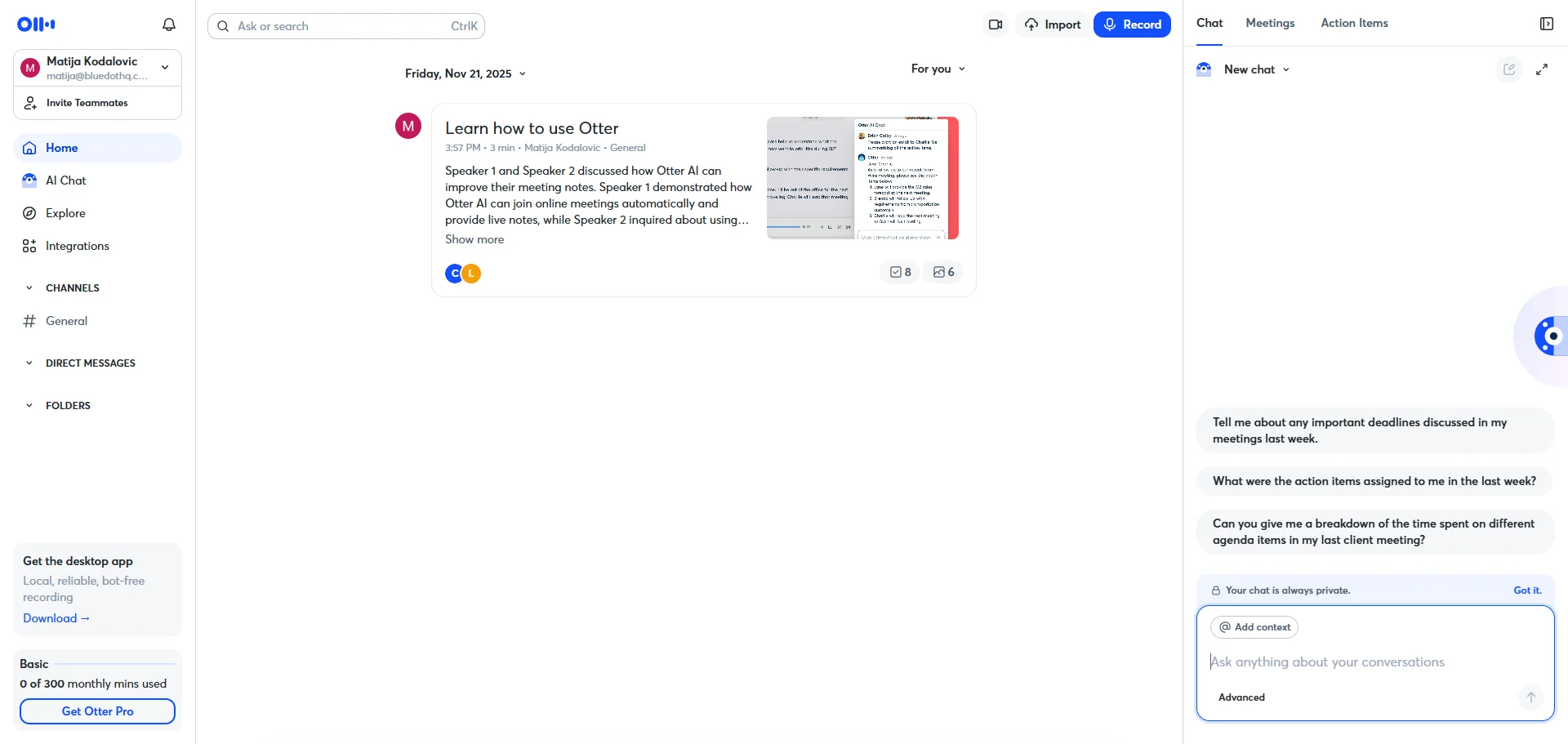
Otter AI is one of the most popular AI meeting assistants on the market. It transcribes calls, summarizes them, and syncs notes to your CRM.
There's a desktop app for bot-free recording, and the Chrome extension can record Google Meet calls on your device. For Zoom and Teams meetings in the browser, though, you'll need the Otter Notetaker bot, which auto-joins meetings from your calendar. Otter works with Zoom, Teams, and Google Meet.
While the strong CRM integration is appreciated by sales teams, support is slow and unresponsive. The bot is also hard to get rid of. Users say it's hard to stop it from joining calls and to delete their Otter accounts.
Many users complain that once one person signs up with a work email, Otter emails their colleagues and even creates accounts for them. Also, constant billing issues.
Who Otter AI is for (and who it isn't)
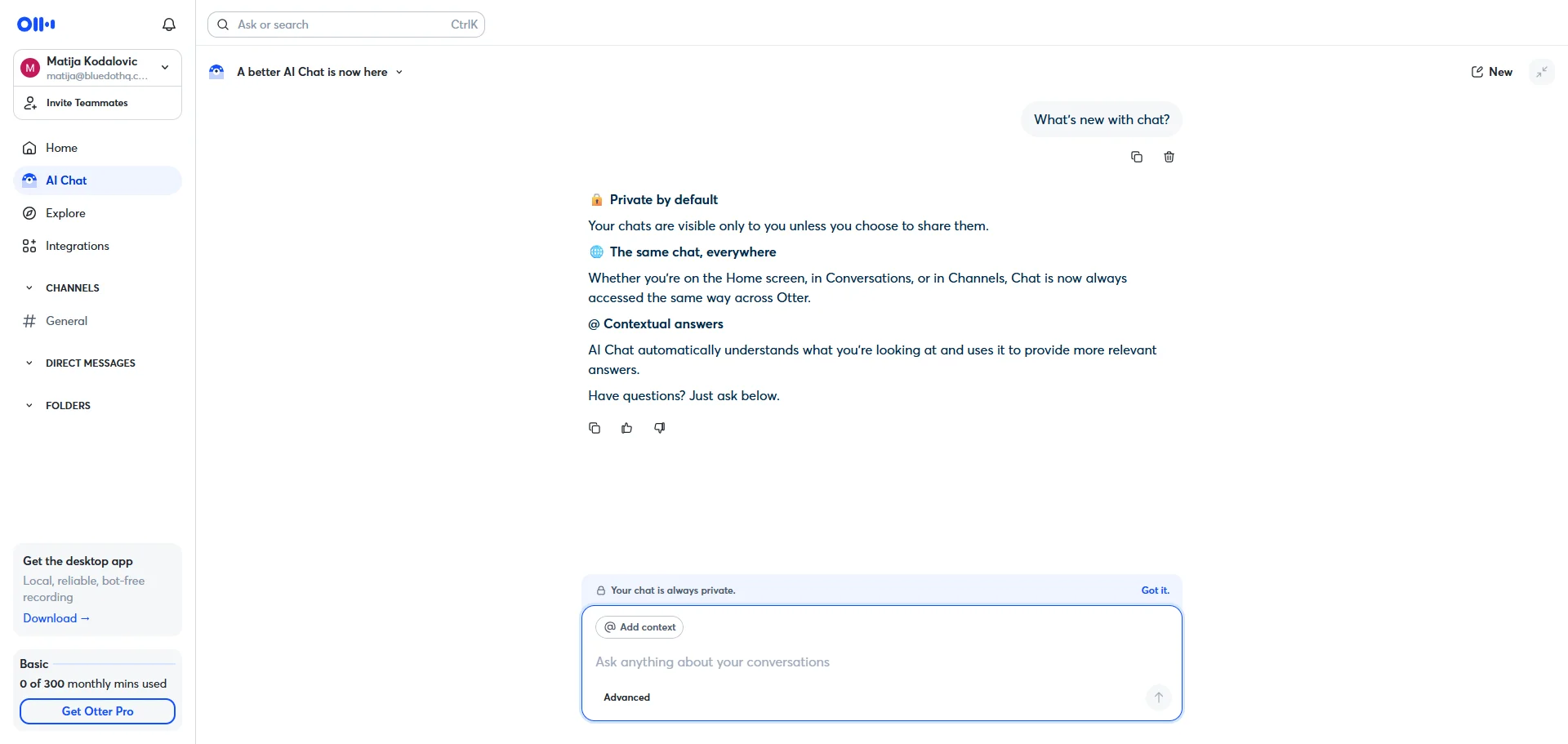
Best for: large teams attending a lot of internal meetings and virtual calls who don't care whether a recording bot appears.
Look for Otter alternatives if compliance and security are priorities.
Key features
- Auto-joining Notetaker bot — joins Zoom, Teams, and Meet from your calendar and shares meeting summaries automatically
- Bot-free desktop app — records desktop audio on macOS 12.3+ or Windows 10+
- AI Chat across meeting history — query past meetings, folders, and channels
What Otter.ai does well
✅ Bot-free desktop app
✅ Otter AI Chat queries your whole meeting history, not one transcript at a time
✅ Deep integrations — Salesforce, HubSpot, Slack, Notion, and Zapier
Drawbacks of using Otter.ai
❌ Bot joins meetings you never meant to record
❌ Otter sometimes creates accounts for colleagues without asking
❌ Unauthorized charges to old cards, plan changes, denied refunds
❌ Support sometimes takes weeks to respond, if at all
Otter.ai pricing
- Basic — $0: Free for limited solo use. 300 minutes per user monthly and 3 lifetime imports.
- Pro — $8.33/user/mo (annual), $16.99 monthly: For small teams. 1,200 minutes per user monthly, CRM sync for one user.
- Business — $19.99/user/mo (annual), $30 monthly: For teams that need admin controls and bulk export. Unlimited meeting transcription (imported files capped at 6,000 minutes per user a month), CRM sync for five users.
- Enterprise — custom, sales-gated: For SSO, HIPAA, and API access. SSO requires at least 100 users, and HIPAA is a paid add-on.
#5. Fireflies: Best for sentiment analysis
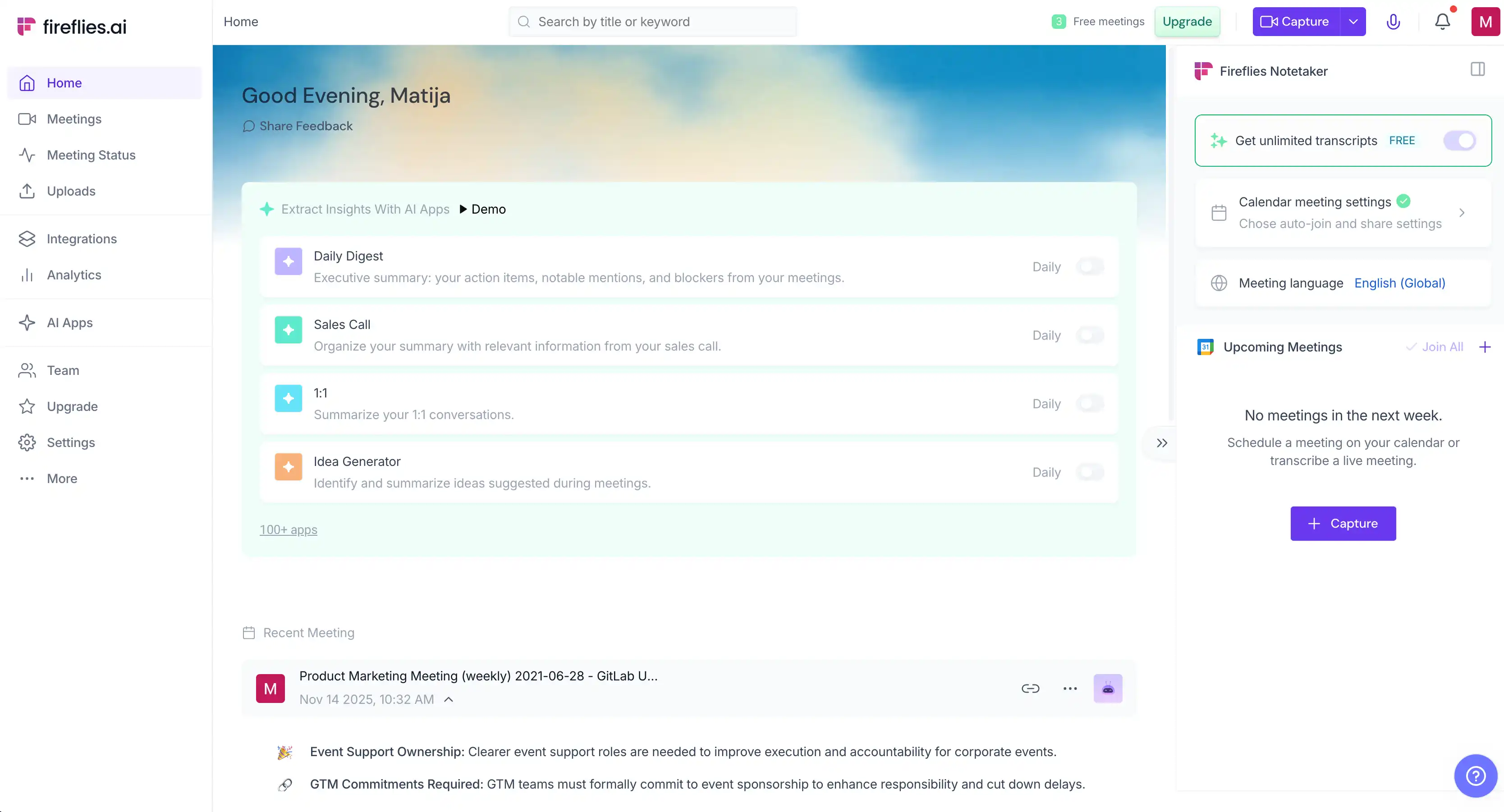
Fireflies AI is primarily a bot-based AI meeting assistant, but its desktop app records Zoom, Meet, Teams, and other calls without a bot, and its Chrome extension and Google Meet integration can capture Meet calls bot-free.
On a paid plan, it integrates with more CRMs than most AI note takers on my list — 15+ CRMs, including Salesforce, HubSpot, and Pipedrive.
Two issues with Fireflies: by default, it sends meeting summaries to all participants and nags them to join the platform. And advanced AI features run on AI credits. Each plan includes only a small one-time allowance, so heavy users end up buying credit packs on top of their subscription — monthly team packs, starting at $5/month for 50 credits.
Who Fireflies is for (and who it isn't)

Best for: Teams that care about sentiment analysis more than privacy and their budget.
Think about Fireflies AI alternatives if clients or compliance teams object to visible bots, and you expect transparent pricing.
Key features
- CRM sync — auto-pushes notes to 15+ CRMs, including Salesforce, HubSpot, and Dynamics 365; requires Pro or above
- AI conversation intelligence — per-meeting sentiment analysis, question detection, talk-time and topic trackers on Pro and above; the team-wide Conversation Intelligence dashboard is Business/Enterprise only
What Fireflies does well
✅ Named speaker labels and speaker memory on Google Meet and Zoom
✅ 100+ language real-time transcription, with simultaneous multi-language mode on Business and above
Drawbacks of using Fireflies
❌ Extra AI credits are sold as monthly team packs, starting at $5/month for 50 credits
❌ Emails meeting recaps to everyone on the invite by default
❌ Meeting bots may continue joining meetings after you delete your account
❌ No video on the Free plan. Video recording starts on Pro (720p)
Fireflies pricing
- Free plan — $0/user/mo: The starting point for individuals. Limited to 400 minutes of storage, and audio only.
- Pro — $10/user/mo (annual), $18/user/mo (monthly): The entry point for teams. Unlimited transcription, all CRM integrations, video recording (720p), and downloads. No team analytics dashboard.
- Business — $19/user/mo (annual), $29/user/mo (monthly): Adds the Conversation Intelligence dashboard, multi-language transcription, and unlimited storage.
- Enterprise plans — $39/user/mo (annual only): For stricter compliance. Adds SSO, SCIM, and custom data retention.
Extra AI credits are sold as monthly team packs, starting at $5/month for 50 credits. You need them for AI Skills, AskFred, and custom summaries.
#6. tl;dv: Best for sales coaching
tl;dv is another popular AI note-taking app that records and transcribes meetings, then writes structured notes from them.
Its higher-priced plan tiers are aimed at SDRs and sales managers who appreciate advanced analytics.
On the Business plan, playbooks score each call against frameworks like BANT and MEDDICC. While I know most sales reps aren't enthusiastic about being evaluated by AI, tl;dv's reports can be useful for seeing how reps handle objections.
The platform can also pull customer insights and meeting content from conversations, which is useful for marketers.
Who tl;dv is for (and who it isn't)
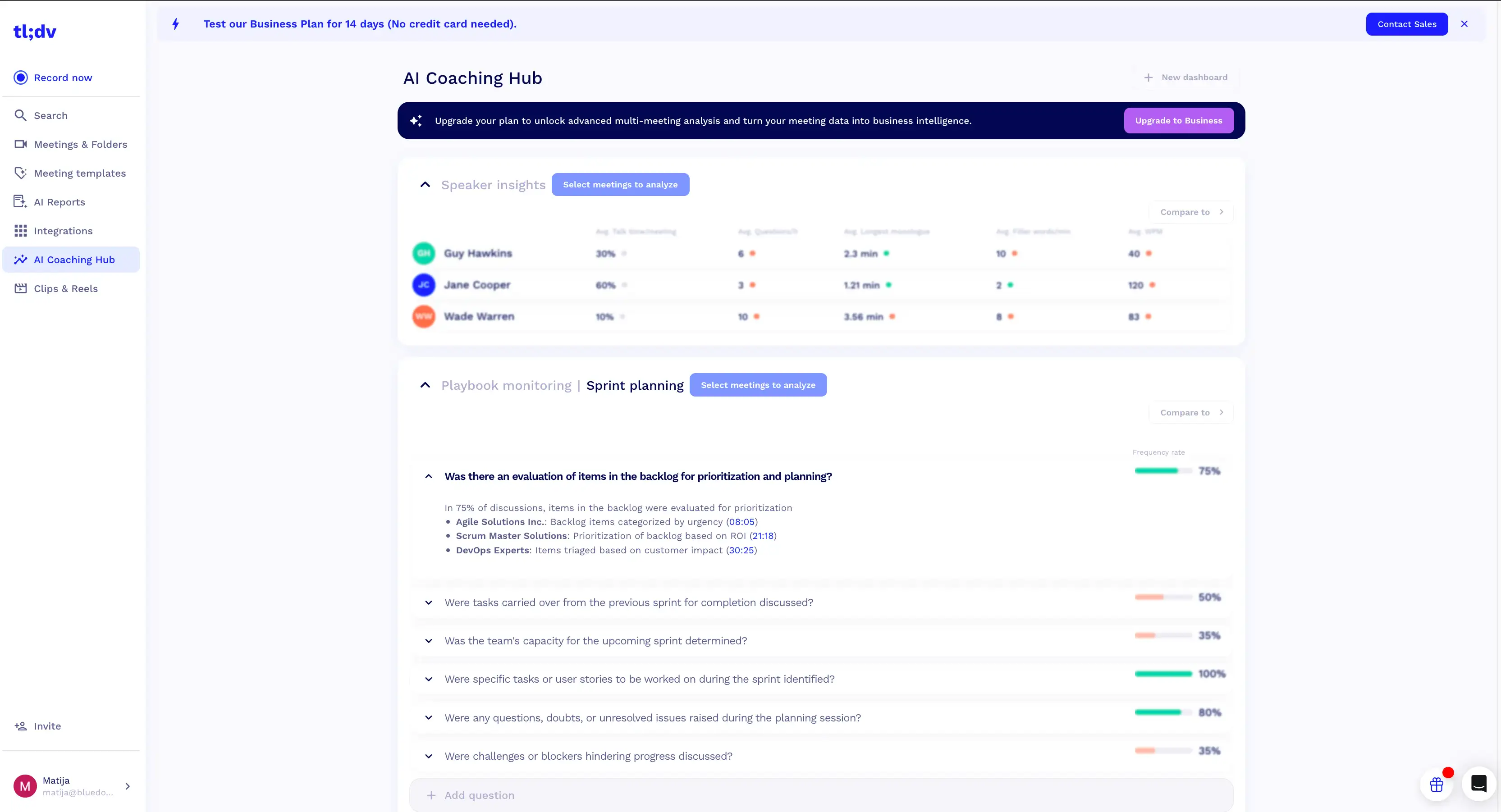
Best for: Individual sales reps and small teams who want call analytics
Look for tl;dv alternatives if you need a free tool long-term or bot-free recording in the browser.
Key features
- CRM sync — send notes and summaries to HubSpot, Salesforce, or Pipedrive with field mapping automatically
- Ask AI — chat with one meeting or multiple meetings in your library
- AI hosting choice — choose AI processing via Anthropic in the US or Mistral
- Custom note templates — change every summary to suit your needs
What tl;dv does well
✅ No cap on total recordings or transcription on any plan, including Free. Web recordings are capped per week (40 on Free), though, and each recording maxes out at 3 hours
✅ Transcribes 30+ languages out of the box
✅ Built-in consent collection asks participants to approve recording before the call
Drawbacks of using tl;dv
❌ Bot-free recording only on the desktop app, and only for audio
❌ Full AI notes for only the first 10 meetings on the free plan (lifetime, not monthly). After that, only the first 10 minutes of each meeting are summarized
❌ Transcriptions are less accurate in non-English languages
❌ Support is slow, and doesn't always resolve billing issues
tl;dv pricing
- Free plan — $0: For individual testing. Recordings are deleted after 3 months, and you can only download them in the 4 weeks before deletion.
- Pro — $18/seat/mo (annual), $29 (monthly): For solo sales reps and marketers. Ask AI is unlimited for single meetings, but questions across multiple meetings are capped at 10 in total, and the allowance doesn't renew.
- Business — $29/seat/mo (annual), $39 (monthly): For sales teams that want AI-powered coaching. Unlocks premium Whisper transcription, playbook scoring, and unlimited multi-meeting AI.
- Enterprise — custom: For SSO, SCIM, and privately hosted AI. Pricing is not disclosed publicly.
#7. Metaview: Best for recruiters
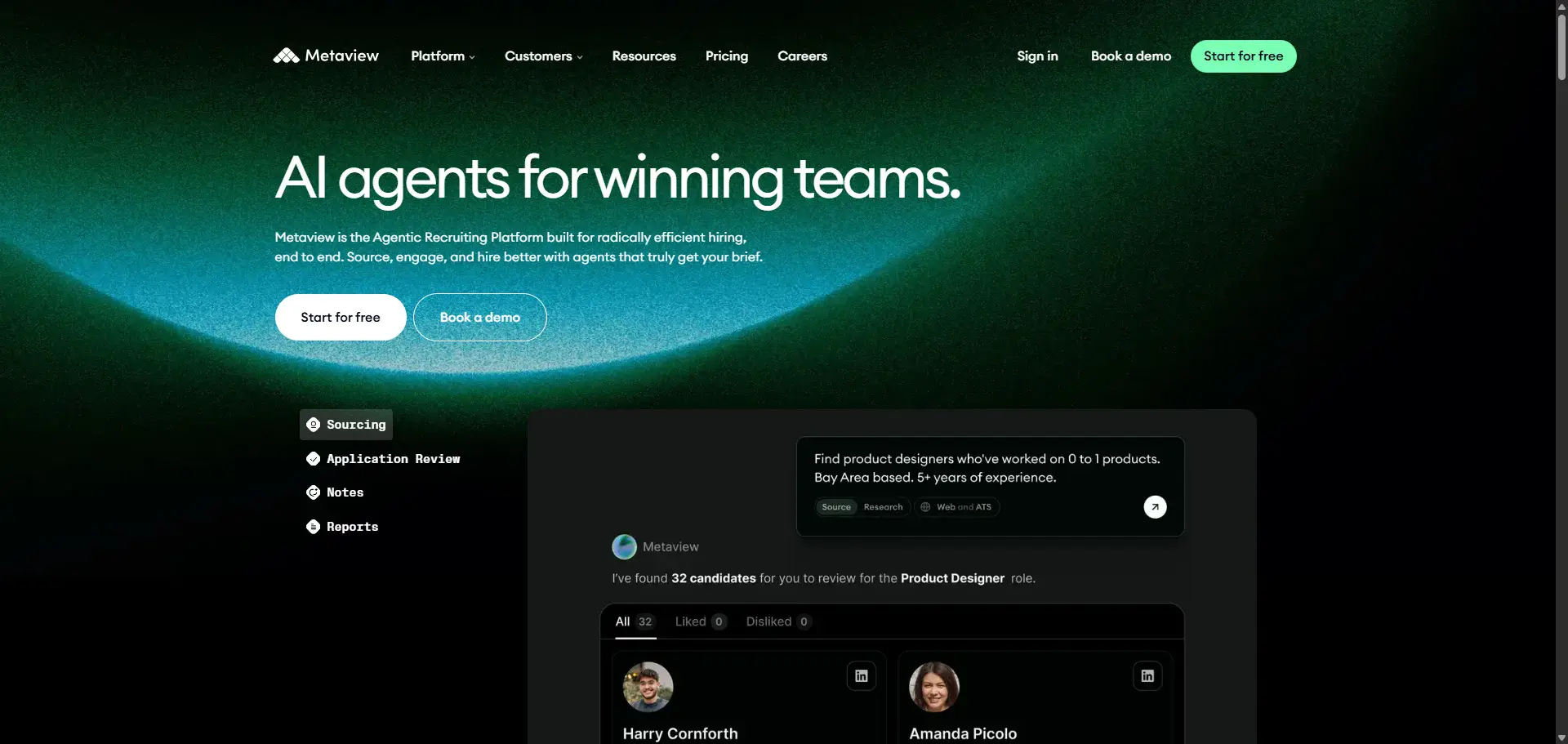
Metaview is a popular note-taking tool and candidate finder built for recruiting.
It can generate meeting notes based on 11 interview templates and autofill Greenhouse and Ashby scorecards.
When a meeting is done, Metaview can update candidate profiles with meeting notes in 40+ ATSs. However, the notes themselves aren't always useful and require some manual editing.
At $60 a seat, it's one of the priciest note takers here. And you can't really use it for anything but recruitment.
Who Metaview is for (and who it isn't)
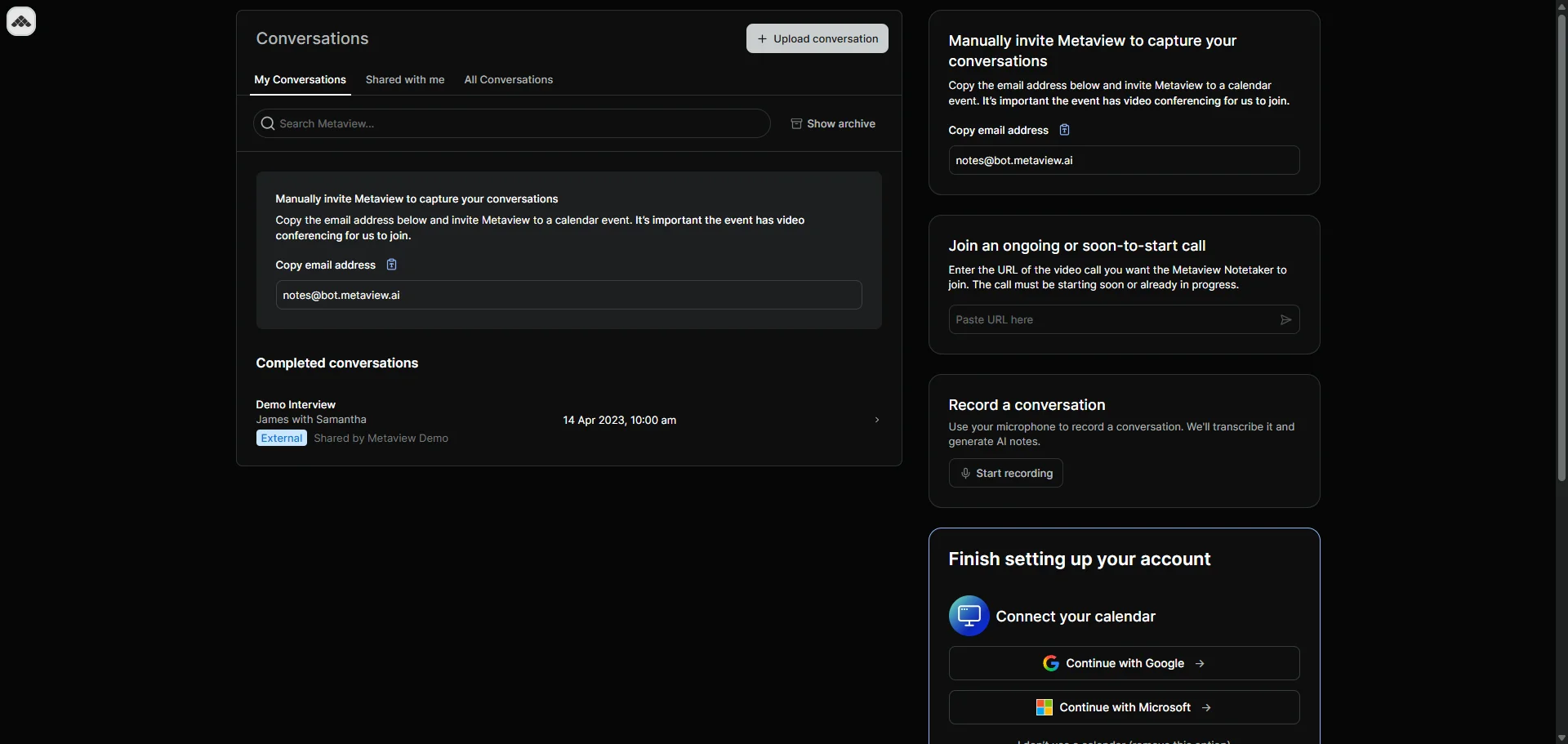
Best for: in-house recruiters running candidate interviews, especially teams on Greenhouse or Ashby.
Consider Metaview alternatives if you need to record in-person meetings from your phone (Metaview has no mobile app), or you want one tool for non-recruiting calls.
Key features
- Interview templates — 11 built-in formats, including recruiter screen, technical debrief, and coding interview
- Scorecard autofill — fills the objective parts of Greenhouse and Ashby scorecards
- ATS push — one-click send of notes, TLDR, and recording links to 40+ ATSs
What Metaview does well
✅ Notes are structured around hiring stages, not generic recaps
✅ Deep ATS coverage across 40+ systems
✅ Doesn't train its models on your data, and is SOC 2 Type II certified
Drawbacks of using Metaview
❌ Built for candidate interviews only
❌ AI notes come back repetitive and need manual trimming. Can miss notes entirely on long technical interviews
❌ Online calls rely on an always-visible bot unless you record from the desktop app, which is audio-only
❌ Calendar sync fails when you reschedule interviews
Metaview pricing
- Free — $0: For solo recruiters trying it out. 25 calls per user a month, a 60-call org limit, and 14 days of history.
- Pro — $60/seat/mo: For teams expanding quickly. Unlimited calls and full history.
- Enterprise — custom: For large orgs needing custom volume, dedicated support and enterprise security features. SSO is a paid add-on.
AI Sourcing and Application Review are separate products billed on top, from $100 and $150 a month.
#8. Fellow: Best for meeting management
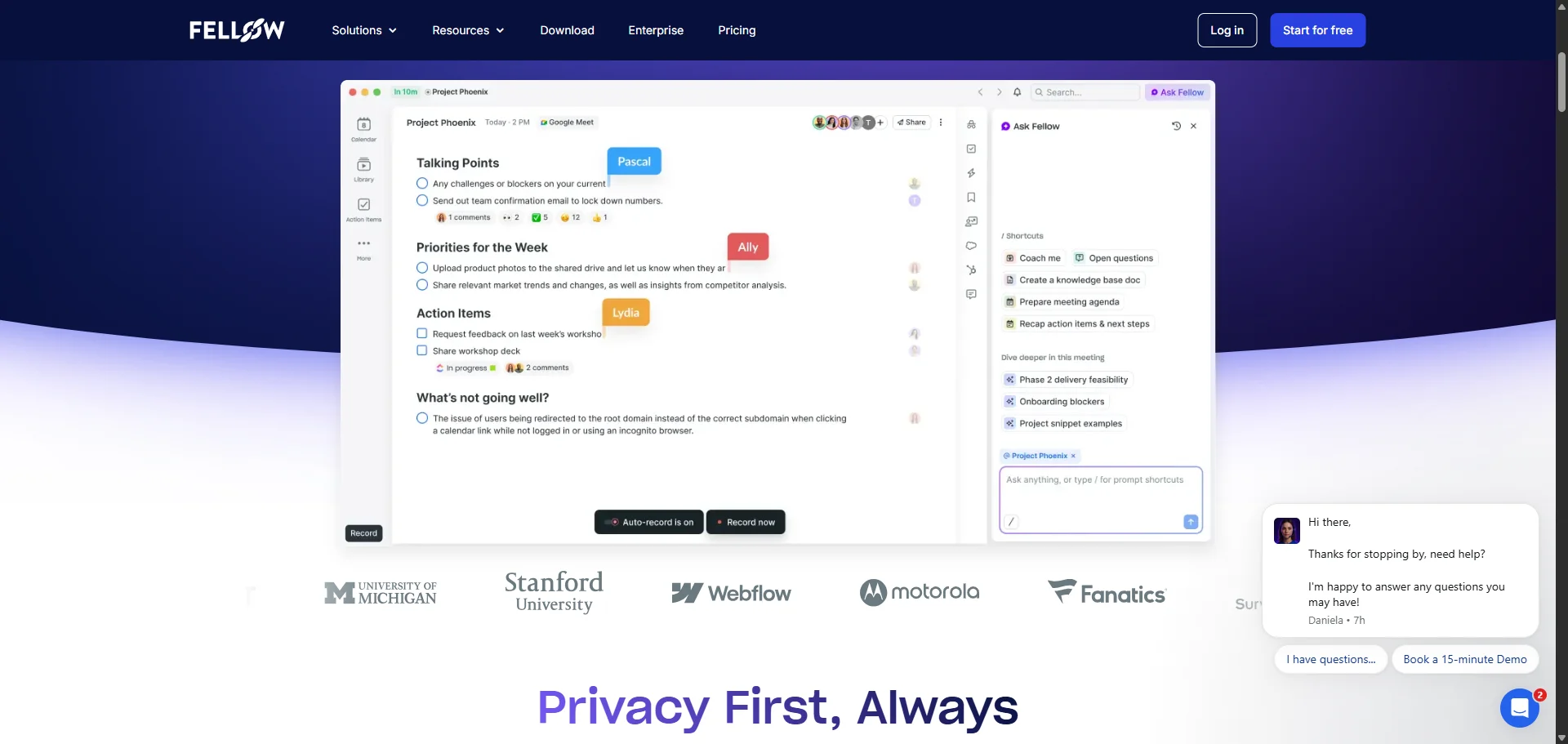
Fellow AI is a meeting-management platform with AI note-taking sprinkled on the side.
With Fellow, a shared agenda is assigned to every calendar event, and attendees fill it out before the meeting. Fellow assigns sections of the agenda to "owners", and everyone knows what to prepare for the call.
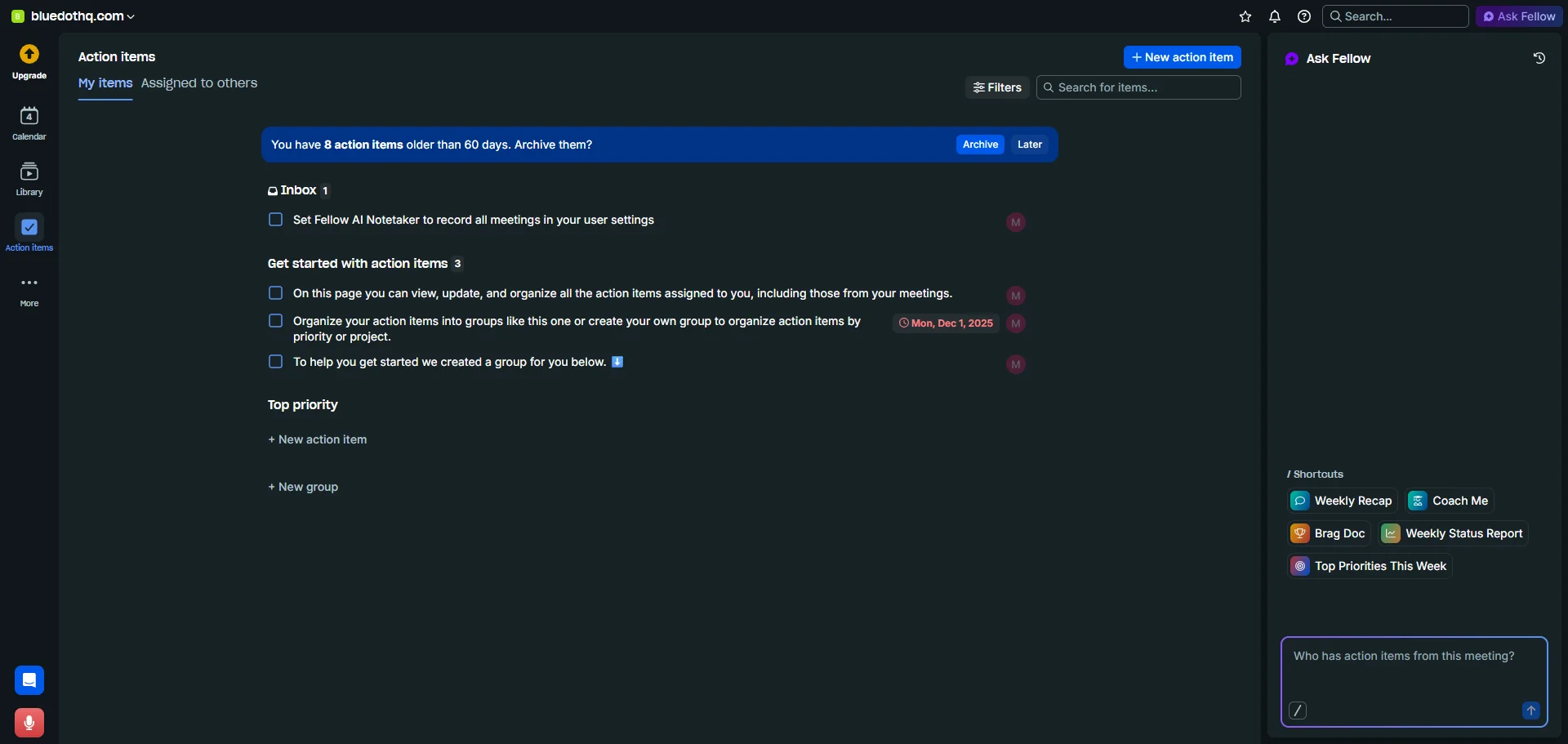
To keep everything running smoothly, Fellow reminds everyone of their follow-ups and tasks before the call. Incomplete action items carry forward to future meetings.
After the meeting, Fellow generates a summary and a transcript. Its AI generates key points, decisions, follow-ups, and action items based on what was said, before sharing them via Slack or email.
Integrations draw complaints, however: a broken HubSpot sync, limited Jira fields, and manual-only Notion export. Meetings don't always sync into Fellow, either, and the app is prone to crashing. Some users are dissatisfied with the level of detail in the action items, too.
Who Fellow is for (and who it isn't)
Best for: Teams who don't want to bother managing meeting minutiae.
Go for a Fellow AI alternative if you want an AI notetaker that reliably syncs data to CRMs.
Key features
- Meeting management — collaborative agendas, reminders, and optional auto-cancellation when a meeting has no agenda (Team and up), automated summaries, and meeting recaps
- Four recording modes — bot, botless desktop, Zoom no-bot capture, and iOS and Android mobile apps
- Ask Fellow — AI chat across your meeting history, included on every plan
What Fellow does well
✅ Several bot-free options: desktop and mobile apps, plus Zoom Native Capture on paid plans
✅ The agenda and automation tools speed up meeting prep
✅ Ask Fellow is included on the free plan
Drawbacks of using Fellow
❌ Meetings sometimes never appear in Fellow, and the app crashes
❌ Action items can be vaguely written and lose context across recurring meetings
❌ No auto-sync for Notion and a buggy HubSpot connection
❌ Guest access is paid-only, and sharing with external guests can be confusing
Fellow pricing
- Free plan — $0 (up to 5 users): A trial for one team. Five lifetime recordings per user, and only the last 14 days of notes are viewable.
- Solo — $19/mo (annual), $29 (monthly): For individuals. Unlimited recordings plus HubSpot and Salesforce integration.
- Team — $7/user/mo (annual), $11 (monthly): Small teams wanting agendas and automations. Recording credits limited to 10 per user monthly, pooled.
- Business — $15/user/mo (annual), $23 (monthly): The first team plan with unlimited recordings and Salesforce/HubSpot sync.
- Enterprise — $25/user/mo (annual, 10-seat minimum): SSO, SCIM, HIPAA, redaction.
#9. Jamie: Best for GDPR compliance
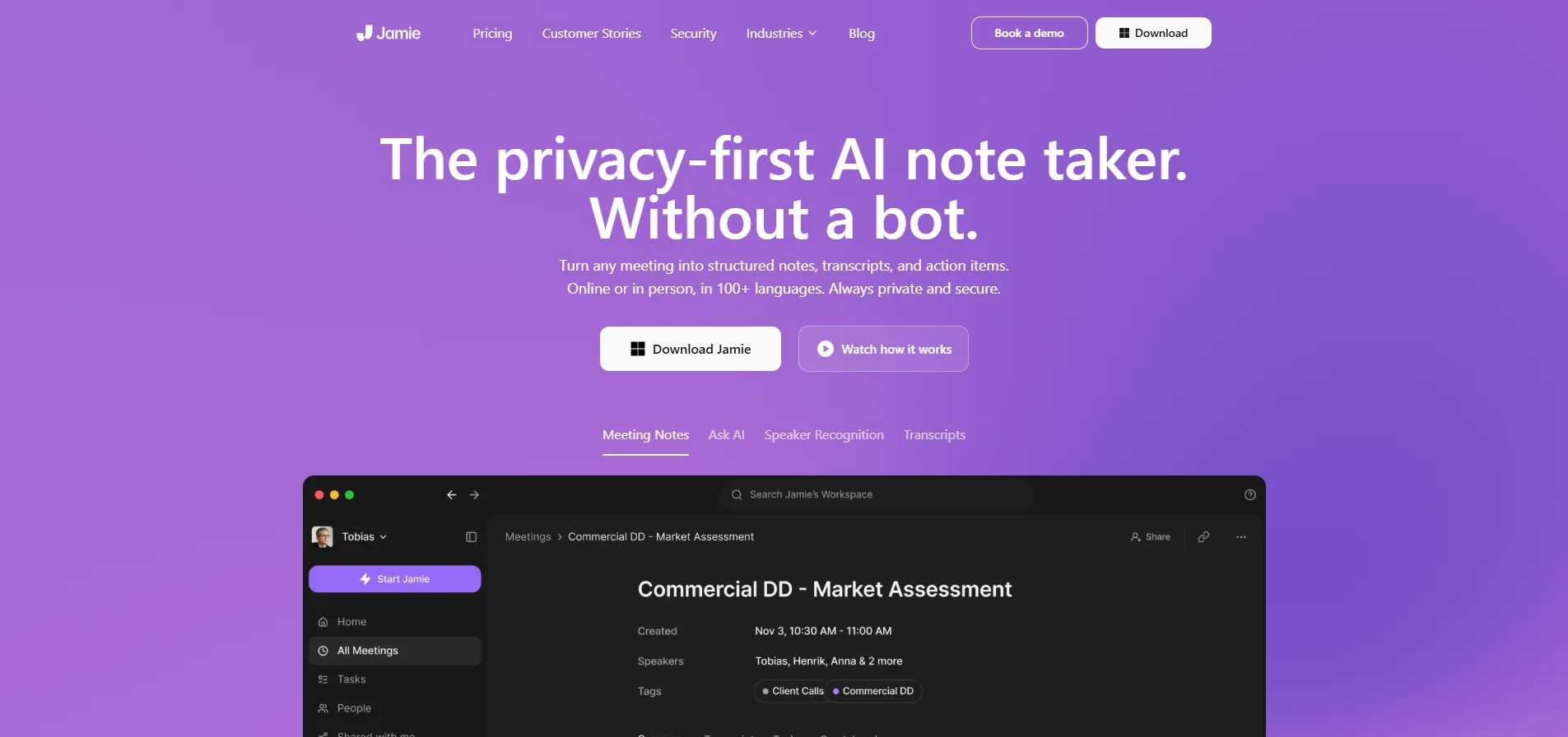
Jamie is a German-built AI note-taking app that transcribes meetings bot-free. It runs on macOS and Windows, with iOS and Android apps for in-person meetings. It doesn't record video, and it deletes the audio once the transcript is ready, so there's no recording to play back.
Its main pitch is privacy and compliance for European finance teams. Audio is processed on Frankfurt-based servers and deleted after transcription. Your data isn't used to train models.
Due to bugs and crashes, it's not as reliable as its mid-market competitors — but it's more expensive, and records neither video nor replayable audio. Beyond data security, there isn't much of a reason to use it.
Who Jamie is for (and who it isn't)
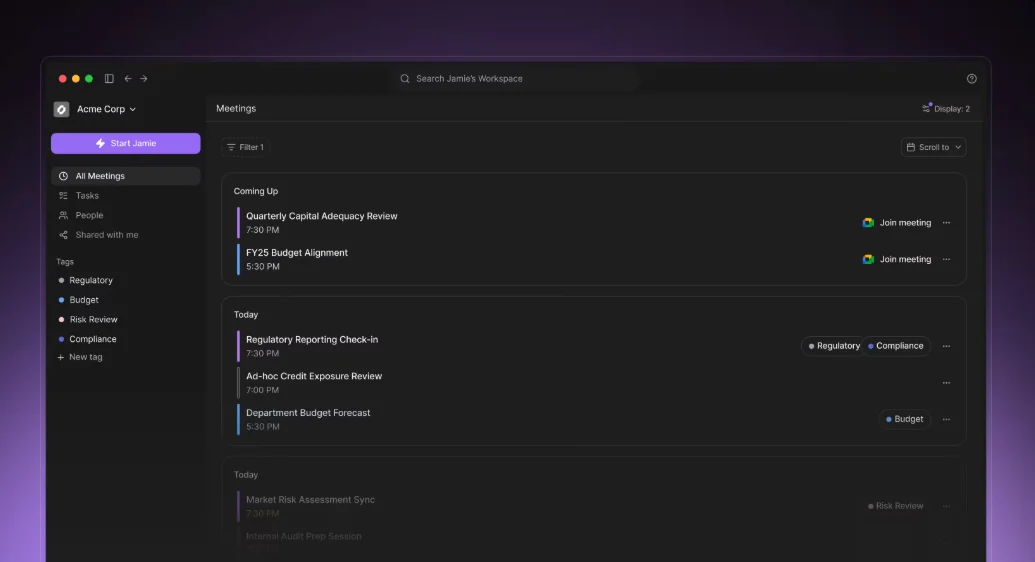
Best for: European teams that want bot-free transcription with EU data residency
Consider Jamie AI alternatives if you run large in-person meetings, multi-speaker calls, need phone-call recording, or want a video library.
Key features
- Bot-free recording — captures audio locally on the desktop
- EU data handling — processed in Frankfurt, deleted after transcription
- 80+ languages — can generate meeting notes in a different language than the one spoken
What Jamie does well
✅ No visible note-taking bot
✅ Great for GDPR compliance, thanks to EU storage and audio deletion
✅ The desktop app is well-optimized
Drawbacks of using Jamie
❌ Crashes during processing that can lose you the whole transcript and all notes
❌ It's more expensive than similar competitors
❌ It doesn't transcribe accurately when there are a lot of speakers on a call
Jamie pricing
- Free — €0: A quick trial. 10 meetings a month, 30-minute cap.
- Plus — €21/user/mo (annual), €25 monthly: For individuals willing to pay a subscription. 20 meetings a month, 2-hour limit.
- Pro — €39/user/mo (annual), €47 monthly: The first tier with CRM and API access. Unlimited meetings, 5-hour cap.
- Team — €33/seat/mo (annual), €39 monthly (min. 2 seats): For shared workspaces. Adds admin controls and shared templates.
- Enterprise — custom (min. 10 seats): For buyers who care about compliance. Adds SAML SSO, SCIM, DPAs, audit logs, and custom data retention.
#10. Gong: Best for enterprise sales teams
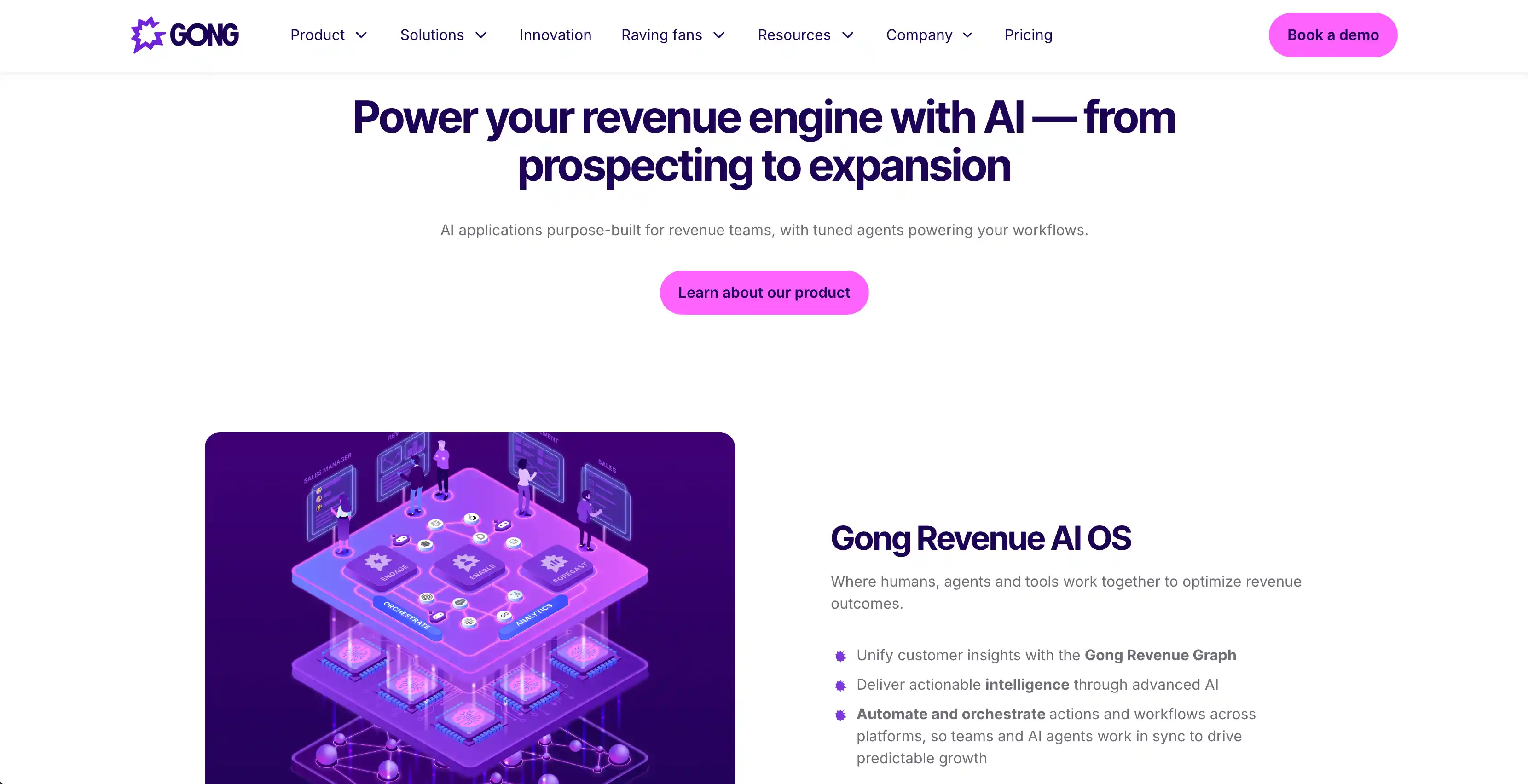
Gong is an enterprise revenue intelligence platform that records, transcribes, and analyzes sales calls.
It uses information from your sales calls for AI-powered forecasting and rep coaching. While these are more than just notes, Gong treats them as the main input for its sales analysis system.
Gong gives you a transcript and then uses it to score your reps, predict your deals, suggest follow-ups and next actions, flag at-risk accounts, and generate coaching simulations from actual calls.
While valuable, the platform is also tremendously expensive — and the pricing isn't publicly available. Besides a pricey per-seat subscription, you also have to pay a hefty platform fee. Reportedly, it exceeds $5,000.
Who Gong is for (and who it isn't)
Best for: Enterprise sales teams with 20+ reps and a practically infinite budget.
Think about Gong alternatives if you're a smaller team where the per-seat cost is prohibitive.
Key features
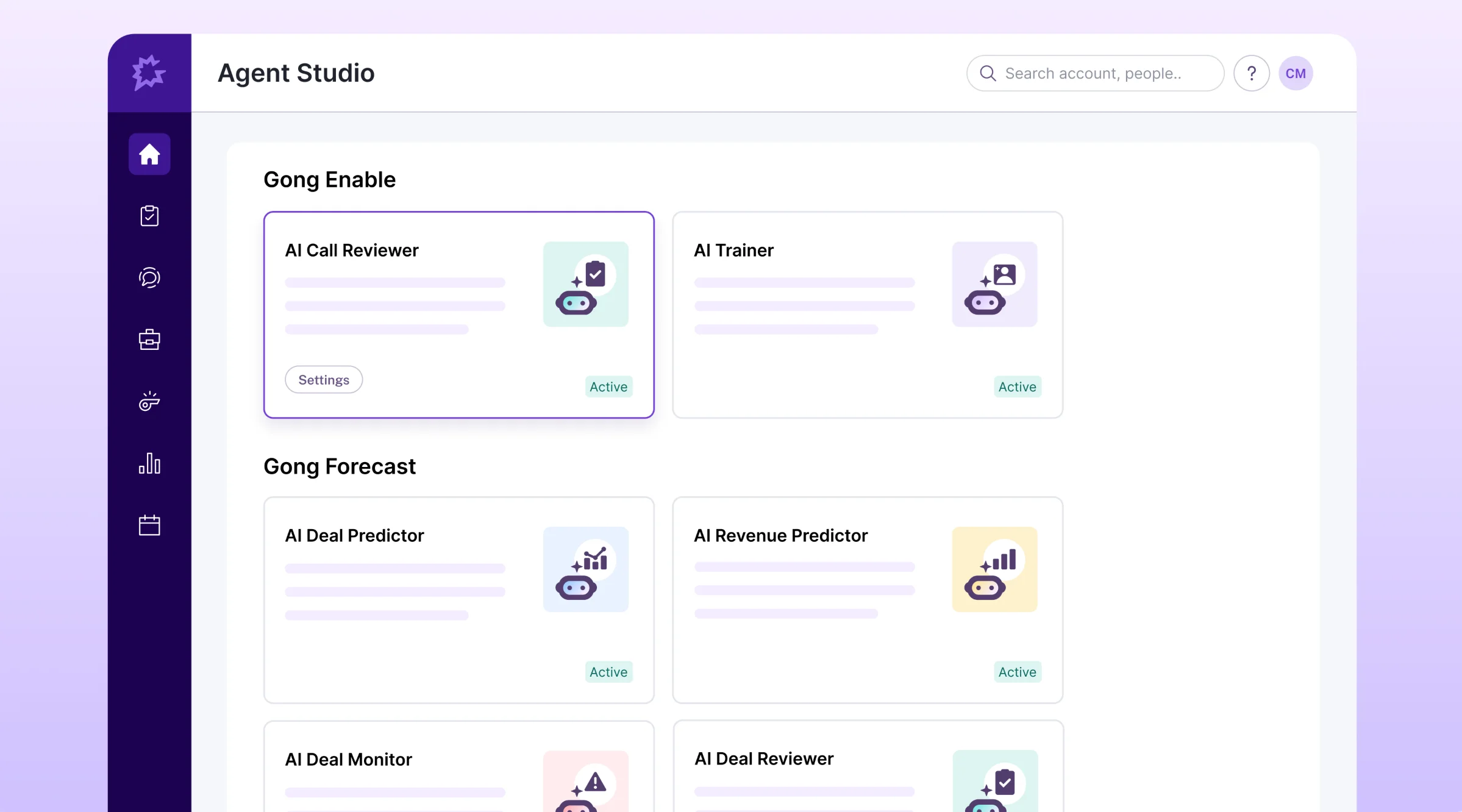
- AI Briefer — gives reps meeting context before upcoming meetings based on recordings, emails, CRM data, and web sources
- AI Data Extractor — pulls structured data from calls and emails and fills CRM fields. It supports Salesforce, HubSpot, and Dynamics 365.
- Gong Forecast — AI deal scoring based on 300+ signals, plus an AI revenue predictor that projects where the team will land for the month or quarter (a separate purchase on top of Foundation)
- AI Trainer — role-play simulations built from actual call recordings
What Gong does well
✅ Call recordings provide information for analytics automatically
✅ Customer data isn't used to train generative AI models
✅ 300+ integrations via the Gong Collective
Drawbacks of using Gong
❌ Pricing isn't public
❌ Bulk export to your own data warehouse requires Data Cloud, a separately priced add-on
❌ Revenue analytics require the Gong Forecast add-on
❌ Reviewers often say Gong Engage falls short of Outreach and Salesloft
Gong pricing
- Gong Foundation — includes core features: call recording, transcription, AI Briefer, Gong Assistant (formerly AI Ask Anything), AI Data Extractor, deal boards (view only), and base team analytics
- Add-ons — all separately priced:
- Enable Essentials (scorecards, coaching inbox)
- Enable (AI Trainer, structured learning)
- Forecast Essentials (deal boards, AI deal reviewer)
- Gong Forecast (forecast submission, AI revenue predictor, dashboards)
- Gong Engage (sequences, dialer, AI Composer)
- Data Cloud (Snowflake, BigQuery, Redshift, Databricks, S3 export)
Gong does not publish prices, but existing and former users agree it's one of the most expensive options available.
Which AI note taker do you need?
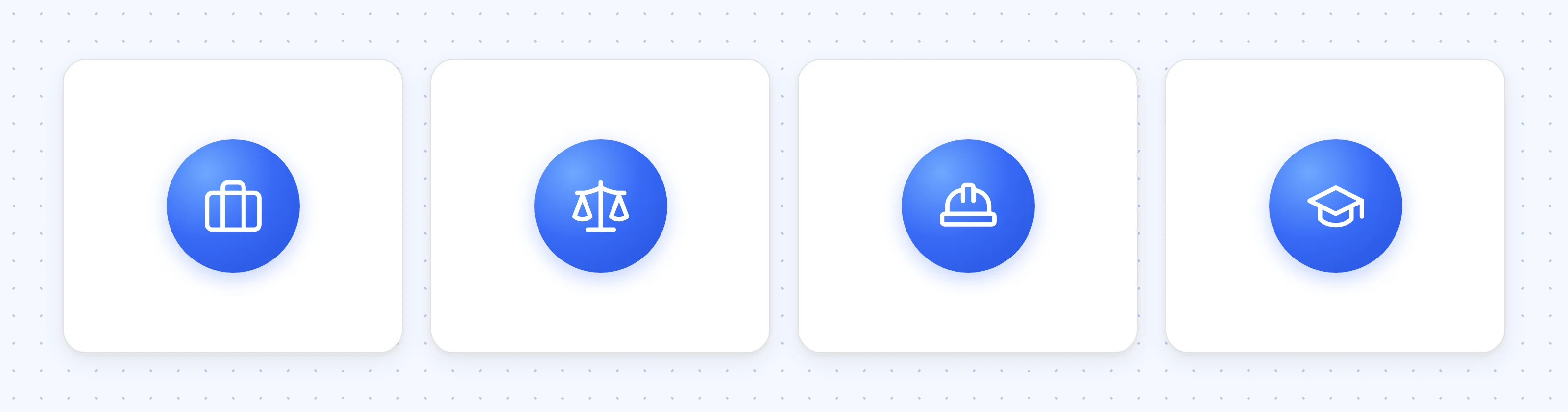
The right AI note taker depends on who attends your meetings and where they happen. Here are some guidelines for different use cases and teams.
Client-facing teams
For client-facing teams, the note taker should stay out of the client's way and get the details into a CRM automatically, without anyone retyping them.
The best AI note takers for client calls fill CRM fields after each conversation and log the meeting in Salesforce as an event rather than a task.
Agencies send a recap to the client after most calls, so an AI note taker for agencies should let you share notes with people who don't have an account.
It also helps when you can keep each client's meetings in their own folders and subfolders.
Regulated client work
Teams that record privileged or financial conversations need control over where recordings are stored, how long they're kept, and whether they're used to train AI models.
The best AI note takers for law firms record without a bot and let you set your own data retention period.
Many finance teams also log client meetings in a CRM, so the best AI note takers for financial advisors include these data controls and a Salesforce or HubSpot sync.
Work away from the desk
Teams that work away from the desk need a note taker that records on a phone, because their meetings happen face to face.
The best AI note takers for construction easily record site walks, sometimes in loud areas without internet access or a cellular signal. A custom vocabulary, a list of words you add so the transcript spells them correctly, helps with trade terms.
The best AI note takers for recruiters handle both in-person interviews and video calls, then send the notes straight to your recruiting software, like Ashby or Greenhouse.
Students and lecturers
Students need a note taker that records lectures in the room, from a phone, at a price that fits a student budget.
The best AI lecture note takers turn an hour-long lecture into a searchable transcript and a summary, regardless of acoustics or jargon. Check whether your school allows recording before you use one.
Other useful guides
An AI note taker records the meeting and writes your meeting notes, but the notes are only as good as the templates your AI tool uses. Besides its 50 default templates, Bluedot supports custom meeting templates, which you can create via prompts — so the AI always extracts the exact information you need from each meeting.
To make the best custom prompts, knowing how to write meeting minutes manually is still useful — especially if you need something more formal, like board and committee meetings. To skip the blank page, start from our free meeting notes template.
Frequently Asked Questions
Is an AI note taker worth it?
For anyone who spends several hours a week in meetings, yes. An AI note taker saves you time on writing notes and follow-ups, and it lets you focus on the conversation.
Is there a free AI note taker?
Yes, several AI note takers have free plans, but each one caps something: recording minutes, number of meetings, or AI summaries.
Fathom’s free plan has unlimited recording and transcription for one person, with a maximum of 5 AI summaries per month. Otter's free Basic plan includes 300 transcription minutes a month. tl;dv records without limit on its free plan but caps AI notes at only 10 meetings in total. Which of the best free AI note takers suits you depends on which limit you’d hit first.
Can ChatGPT take meeting notes?
Yes, but only in the ChatGPT desktop app for macOS and only on paid plans:
- Record mode works on Plus, Pro, Business, Enterprise, and Edu plans. It records your microphone and system audio and turns the conversation into a summary. Sessions are capped at four hours.
- The Meetings plugin is in beta for Pro and Business plans. It takes notes on online calls and in-person conversations without a bot joining the call.
Neither tells other participants they’re being recorded, and OpenAI asks you to get everyone’s consent first. On Windows, mobile or the free ChatGPT plan, how to use AI to take meeting notes comes down to a dedicated note taker, or pasting a transcript into ChatGPT after the call.
What’s the difference between an AI note taker and an AI meeting assistant?
An AI note taker records, transcribes and summarizes meetings.
The best AI meeting assistants do all that, and more. They automate other work around the meeting, like building agendas, tracking action items across meetings, or coaching sales calls.
Is it legal to record meetings with an AI note taker?
It depends on where you and the other participants are:
- Some places allow recording when one person in the conversation consents.
- Others require everyone’s consent. In the US, that includes California, Florida and Washington.
- In the EU, GDPR applies to recordings of identifiable people, so companies need a lawful basis for recording and must tell participants.
The safest practice everywhere is to say at the start that the meeting is being recorded.
Do other participants know when I use a bot-free note taker?
Not unless you tell them. A bot-free note taker records from your own device, so nothing appears in the participant list. That makes disclosure your responsibility: say so at the start of the call or include a notice in the invite. Some tools can send a recording notification for you; Bluedot, for example, has optional recording notifications.