Would you like more time to actually practice law?
Writing up notes after client calls takes up a huge chunk of your day. And finding relevant information in handwritten notes after a few days (or weeks) is even more time-consuming.
You’re not alone. According to a Thomson Reuters study, over 70% of small-firm lawyers spend only half of their time on actual case work. The rest of their work hours are spent on menial administrative tasks.
You spend tons of time on non-billable work and still risk missing a key date or a client instruction.
AI note takers can help, but many of them send bots into online meetings, making calls awkward for everyone. And most of these AI note taking tools aren’t secure enough for attorney-client conversations.
Some AI transcription tools are better than others, though. After reviewing 20+ of the most popular options, I can confidently say which are the best AI note takers for lawyers.
I’ll explain how I chose them, and then present my top 3 picks.
TL;DR
- Bluedot is the best overall AI note taker for lawyers, with bot-free recording, accurate transcription in 100+ languages, and SOC 2 + GDPR compliance.
- Rev is a decent option for large law firms that need human-verified transcription. It also offers a few custom features for case prep, like multi-file analysis and Citations AI. However, its per-minute pricing plans quickly create a hole in your budget.
- Plaud Note is a piece of hardware that's suitable for in-person meetings — but the $159 price tag for the device and subscription costs add up to an expense that isn't worth the hassle you go through to sync recordings to your phone or laptop.
Quick Comparison: 3 AI Note Taking Apps for Attorneys
How Do You Choose the Right AI Transcription Tool for Lawyers?
Lawyers should focus on these features while choosing their AI note taker:
- Accuracy with legalese — Legal conversations are riddled with case names like Palsgraf v. Long Island Railroad and Latin phrases like habeas corpus. Your AI note taker should be able to recognize and transcribe them without mistakes, so you don’t have to edit AI-generated transcripts.
- Security and data privacy — Don’t use AI note takers that train models on your meeting notes, or at least allow you to opt out of the training process. Find a platform with SOC 2 certification — it’s the industry standard for online tools’ data security and privacy.
- No meeting bots — Some tools send an AI bot into your calls to record them. It makes you look unprofessional in front of clients, and it puts confidentiality into question 5 seconds into the meeting. Plus, these bots can be late or not appear at all — leaving you to take notes manually and potentially miss important details.
- Multi-language support — If your clients speak languages other than English (Spanish, Mandarin, Arabic), choose a note-taker with accurate multi-language transcription and meeting notes.
- Speaker identification — Being sure of who said what is a pretty major part of a lawyer’s job, especially in a deposition with four parties. Use an AI note taker with dependable speaker labeling for legal workflows.
- Searchable transcripts — With manual notes, you spend a lot of time searching for specific information. Use an AI note taker where you can quickly find information from any meeting discussion.
What Are the Top 3 AI Note Takers for Lawyers?
My top 3 AI note takers for lawyers are:
- Bluedot
- Rev
- Plaud Note
I’ll review each AI tool below and explain why I’d recommend them to lawyers. I’ll also explain why some of them aren’t my top choices for note-taking.
#1. Bluedot — Overall Best AI Note Taker for Lawyers
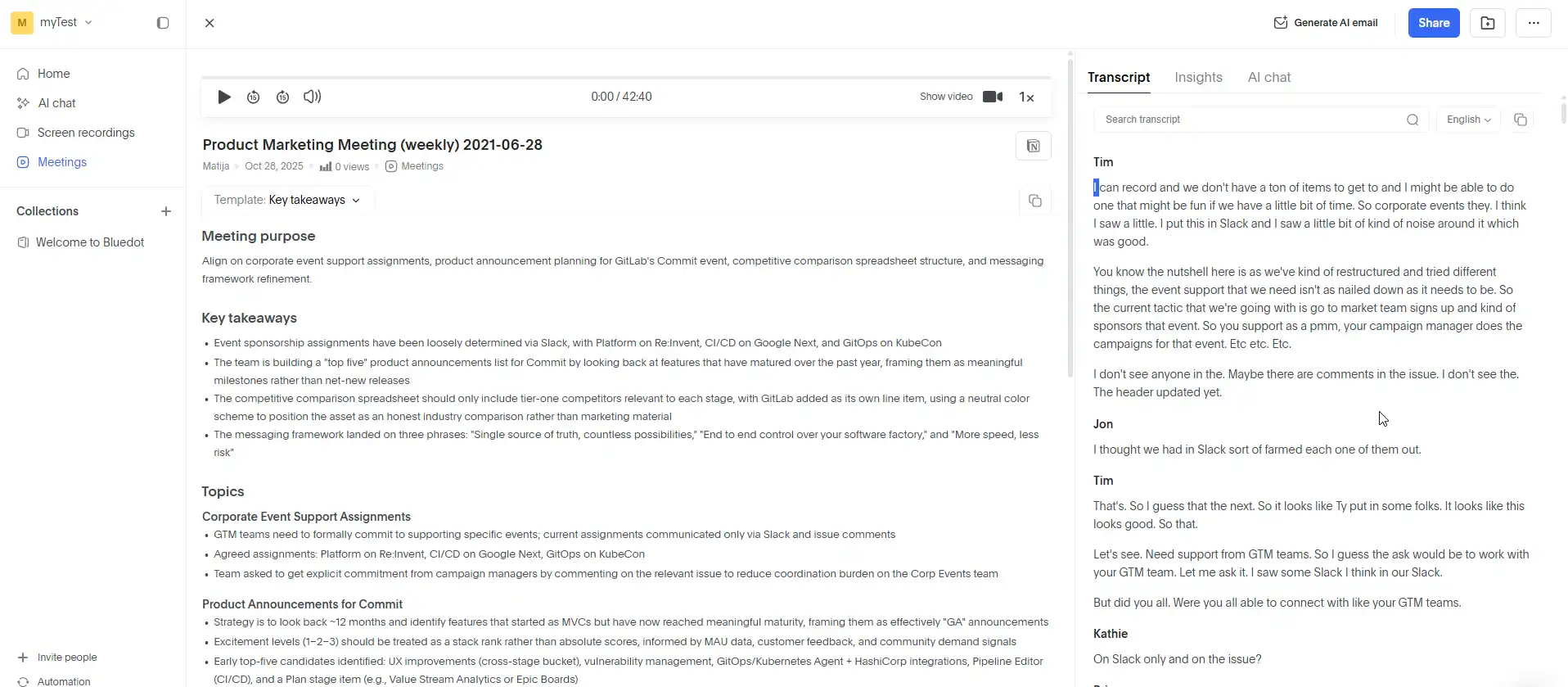
For solo lawyers, Bluedot is my top choice among AI note takers because it’s easy to use, it’s accurate with legal terminology, and it’s bot-free.
It can record and transcribe your client calls via a Chrome extension, a desktop app, or a mobile app. There’s no bot in any of your meetings, and you still get accurate transcriptions and AI-generated notes.
You can also share meeting videos with colleagues or clients, and edit out awkward pauses or anything else simply by editing the transcript.
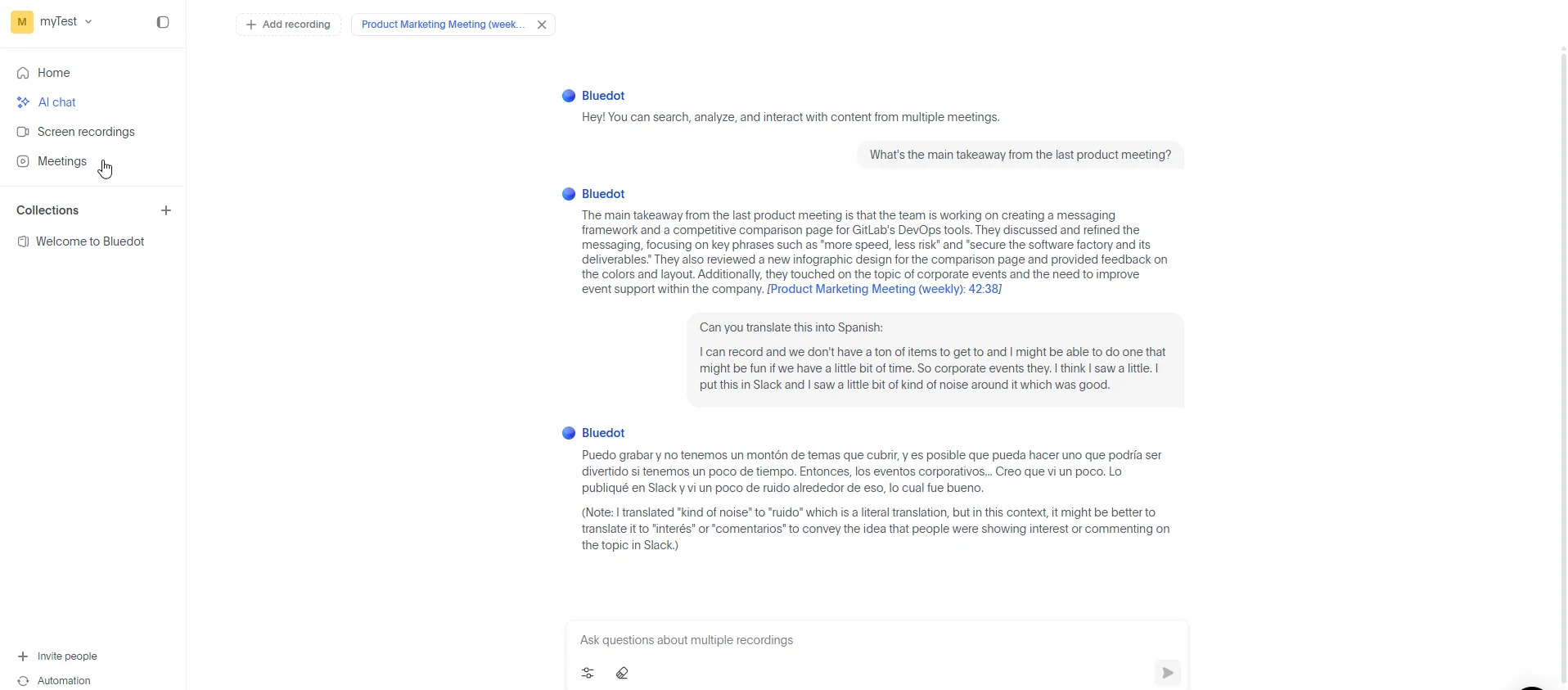
Crucially, Bluedot also offers permanent video retention for your recordings on all paid subscriptions. Even on higher-paying tiers, most competing tools usually have a limit of a few months or years — after which your storage on the platform is wiped clean.
Really, the only downside of Bluedot is that there’s no offline mode, which some legal teams prefer.
Key features
- Transcription accuracy: Bluedot is generally accurate with legal terms, as well as other technical terminology and key points across different industries and niches.
- Security and data privacy: Bluedot doesn’t use your conversations to train its AI models, and transcripts aren’t automatically shared with anyone by default. With more advanced plans, you have deeper administrative controls and data retention policies. The company is also GDPR-compliant, and has a SOC 2 certificate. Plus, all data is encrypted in transit and at rest — 256-bit AES at rest, with TLS configuration against downgrade attacks in transit. Servers are hosted on AWS infrastructure in Frankfurt and Ohio, within Bluedot's virtual private cloud, and all connections are forced through HTTPS.
- No meeting bots: You can record and transcribe any meeting, live or virtual, with Bluedot without a bot. It supports Google Meet, Zoom, and Microsoft Teams calls across its apps, so you can transcribe conversations without spooking clients.
- Multi-language support: It supports transcription and AI-generated meeting notes in over 100 languages.
- Speaker identification: The platform automatically identifies participants in the transcripts, based on information from your meeting platforms. You also get in-depth conversation intelligence, though those are probably more valuable for sales teams than for legal departments.
- Searchable transcripts: You can search any transcript and retrieve specific information through an AI chat feature. The chatbot can answer specific questions about multiple meetings, allowing you to quickly synthesize information from multiple conversations with a single client.
Pricing
Pros and Cons
#2. Rev — Decent Choice for Large Law Firms
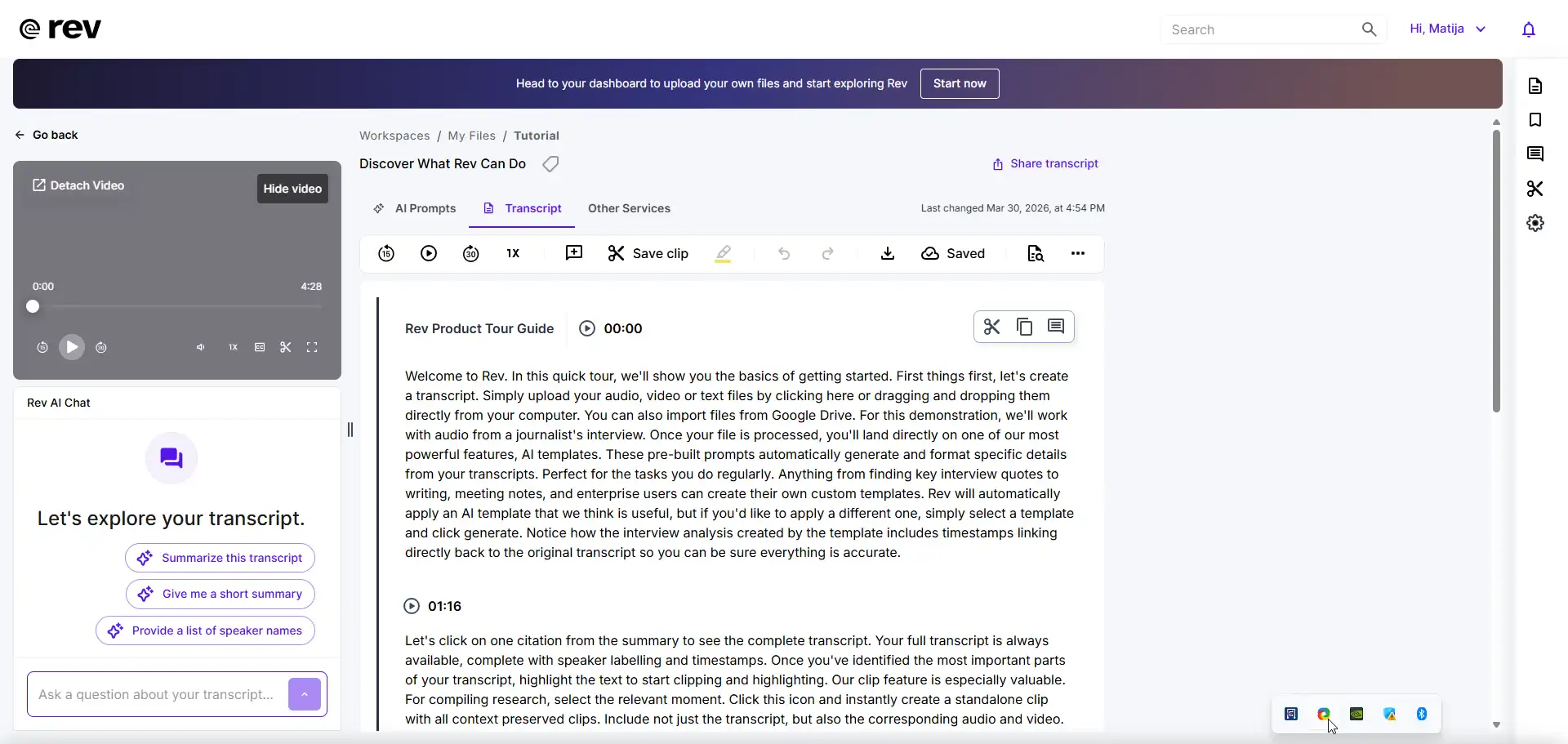
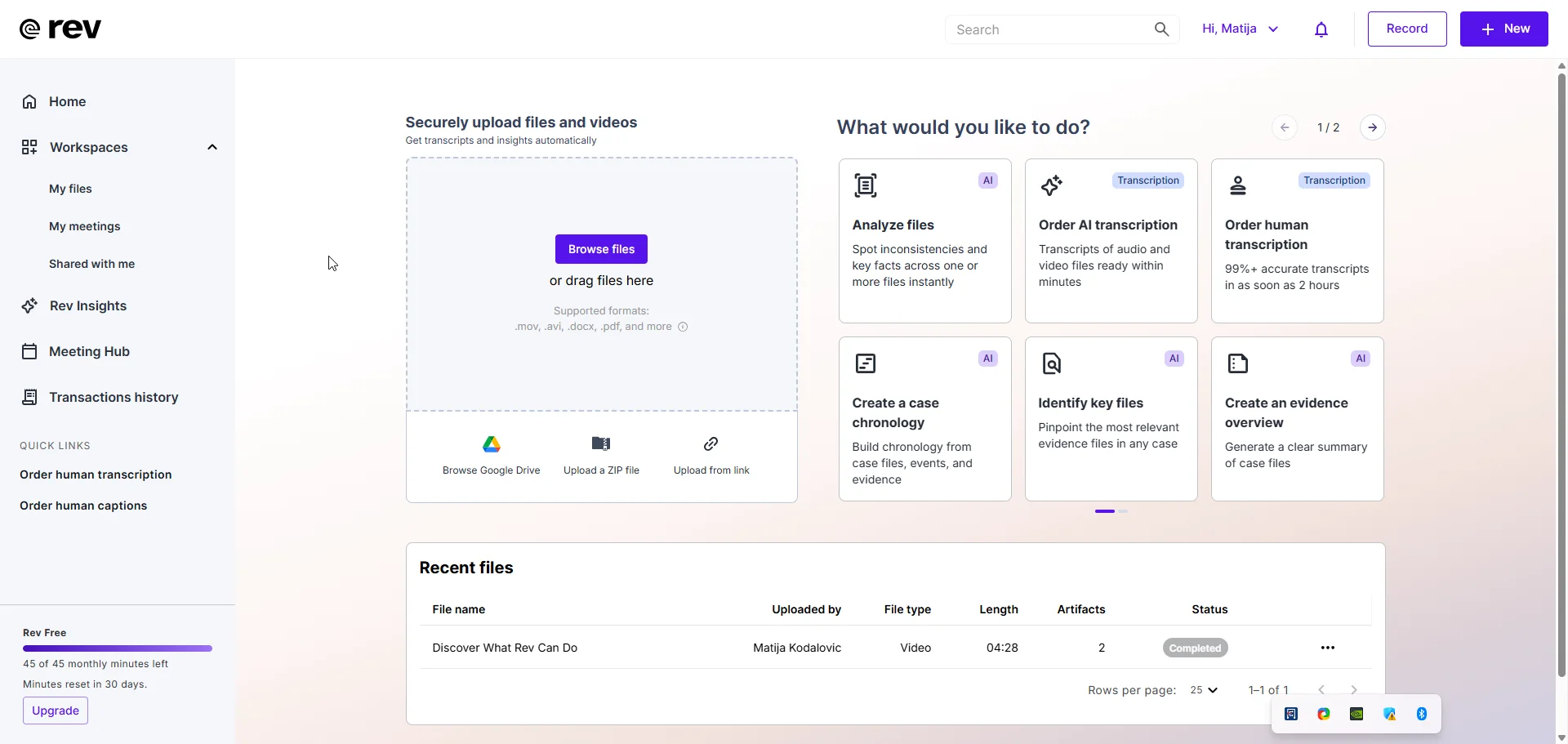
Rev built its reputation as a transcription service, and that's still its strongest use case. As an AI note taker for lawyers, though, it gets the job done — but with certain limitations.
The platform’s key point is its hybrid transcription model. While it’s mostly AI-based today, it still (supposedly) uses optional human verification for maximum accuracy. And while that optional verification does come with an accuracy guarantee, a two-hour deposition costs nearly $240 to transcribe.
For a solo practitioner, this isn’t a minor daily cost. The AI transcription is cheaper, but far less accurate. Users have reported background noise issues and lower accuracy with overlapping speakers. Unfortunately, that tends to be a feature of any conversation, even a highly formalized legal one.
On the other hand, Rev's Multi-File Analysis and SmartDepo features genuinely speed up case preparation — I’m just not sure they’re worth the price. Still, Rev boasts a decent level of data security, with CJIS, HIPAA, and SOC 2 Type II certifications.
It doesn’t integrate with all video conferencing platforms without a bot, though, which makes things harder for online meetings.
Key features
- Accuracy with legal terminology: Does well with legal language, but only with studio-quality audio. Otherwise, it’s more prone to mistakes than many Rev alternatives. Also, human transcription guarantees 99% accuracy, but at a high per-minute cost — and users report mistakes in other languages, even with human verification.
- Security and data privacy: CJIS, HIPAA, and SOC 2 Type II compliant, with a policy against sharing data and legal documents with third parties.
- Meeting bots: Bot-free recording available in-browser, but not compatible with all platforms. For example, bots are required to record and transcribe Zoom calls.
- Multi-language support: AI transcription in 37+ languages, with Spanish AI transcription and human-translated subtitles in 17 other languages.
- Speaker identification: Automatic speaker recognition is supported, but becomes unreliable in calls with multiple overlapping voices.
- Searchable transcripts: Meeting summaries link back to source files, letting you jump to the relevant audio or video moment.
Pricing
Note: Rev also offers Pay-Per-Minute services at $0.25/minute for AI transcription and $1.99/minute for Human transcription.
Pros and Cons
#3. Plaud Note — Great for Live Meetings
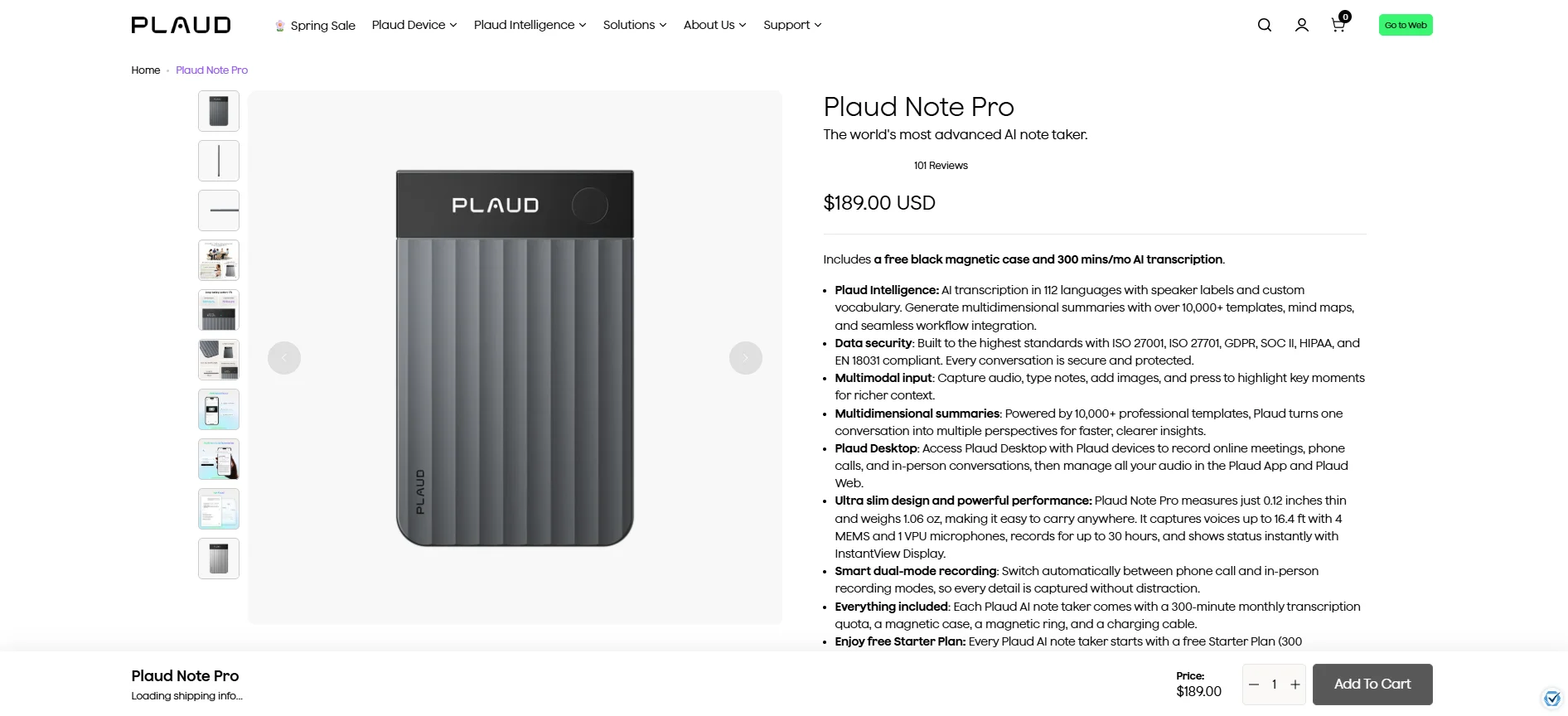
Unlike the other AI note takers for lawyers I’ve reviewed here, Plaud Note is an actual physical device. It’s roughly the size and shape of a credit card, and it can magnetically snap to the back of your phone.
With its Vibration Conduction Sensor, Plaud can record both sides of a phone call. You can then use its software to transcribe the call and get meeting notes. For other types of live conversations, you can just flip a switch — and Plaud will start recording nearby audio with a set of powerful mics.
While the form factor is fun, and I found Plaud’s transcription mostly accurate, I’m not sure everyone will appreciate the expense and fiddly nature of the product. And that’s the main reason it doesn’t rank any higher on my list.
First of all, you need to pay $159 for the base version of the device upfront (and yes, there are other, more expensive models). And then there’s a monthly subscription on top of that. Plus, you need one of the higher subscription tiers to use features like the Industry Glossary — which you’ll probably need for legal work.
It’s a tough sell next to more affordable software-based services like Bluedot, which work just fine with the microphones on your existing devices. As much as I appreciated Plaud’s design, actually using it is a bit of a hassle. You need to sync recordings to your phone or PC after each meeting via Bluetooth or WiFi — otherwise, nothing gets processed.
And last but not least, there’s a proprietary charging cable. Another one I have to remember to carry around everywhere, only for this specific device.
Key Features
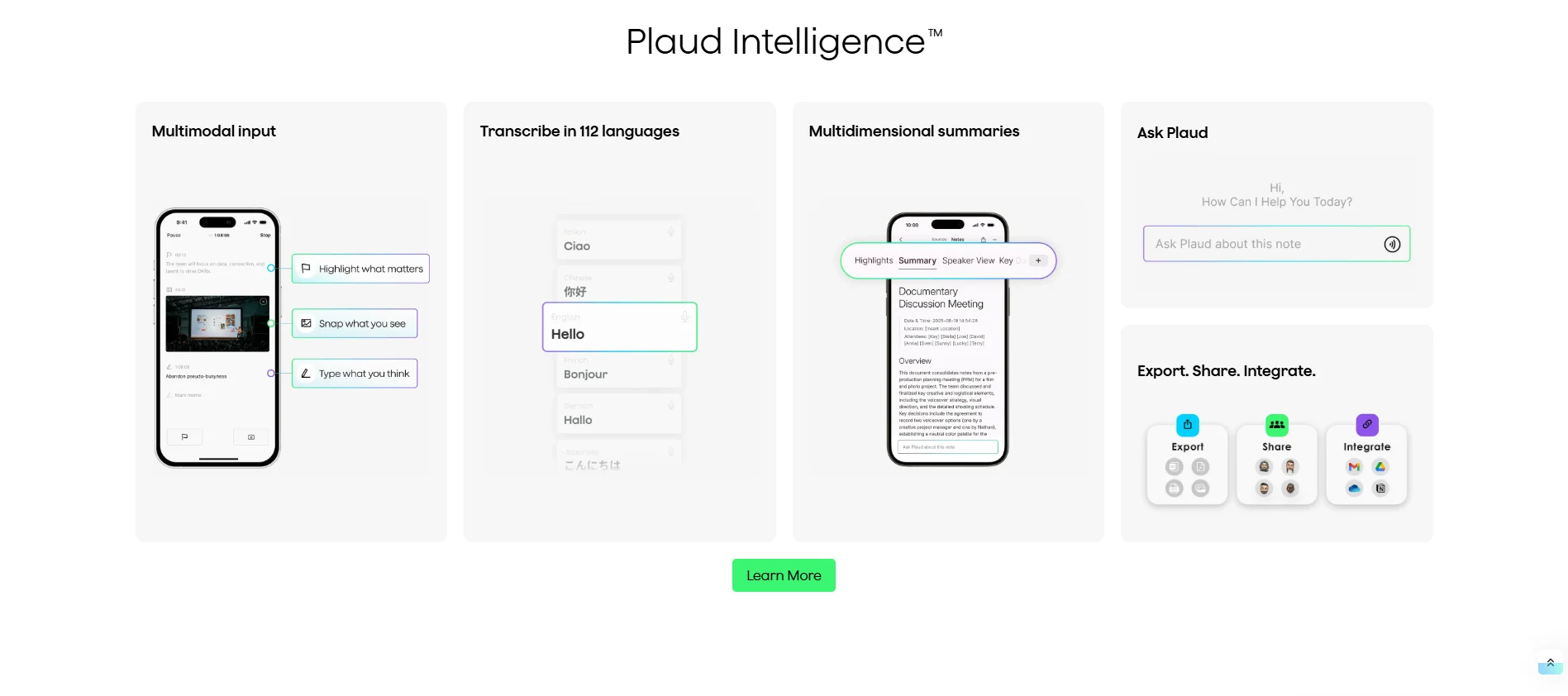
- Accuracy with legal terminology: Like many other AI note takers, Plaud uses OpenAI's Whisper for transcription — so baseline accuracy is decent as long as the audio is clear. There’s also a custom Industry Glossary that makes it more reliable with legal terminology, but you’ll have to pay for the Pro plan for that.
- Security and data privacy: It’s GDPR, SOC 2, HIPAA, and EN18031 compliant — so definitely a secure choice for attorney-client privilege.
- No meeting bots: Hardware-based recording means zero bots join your calls. However, carrying a small recording device may create other compliance issues depending on your jurisdiction.
- Multi-language support: Transcription and AI analysis in 112 languages — making it neck-and-neck with Bluedot at the top of the list.
- Speaker identification: Automatic speaker separation, which works well. I haven’t encountered any major mistakes over several weeks of use.
- Searchable transcripts: You can search transcripts and meeting notes in the Plaud app, and even generate mind maps for specific cases based on previous calls. You may find this useful for case review, but syncing the transcriptions to other devices was still a hassle for me.
Pricing
Note: The Plaud Note device requires a one-time hardware purchase of $159.
Pros and Cons
What's the Top Choice for Lawyers?
I think Bluedot is the most cost-effective AI note taker for law firms, especially smaller ones. It has everything you need for a legal team, including bot-free recording and indefinite secure storage. Not many AI note taking apps offer such robust security (SOC 2, GDPR) at these prices.
Of course, if your workload is large enough that you need to outsource human verification of AI transcripts, Rev might be a decent choice. As long as you're ready to bear the steep per-minute costs. Also, if you take more in-person meetings and want physical notetaking hardware, Plaud Note isn't a bad idea.
Still, Bluedot doesn't force you into expensive credit-based pricing or upfront hardware purchases. And you get a lot more value for your money with unlimited storage on paid plans, coupled with a user-friendly interface and security for your sensitive information.
Frequently Asked Questions
You can find the answers to some of the most common questions about AI note takers below:
How do I balance attorney-client privilege and AI note takers?
The best way to ensure attorney-client confidentiality while using an AI note taker is to only use them for internal documentation. Also, always treat the AI note taking apps as third-party participants - many of them keep your conversations on third-party servers, making data protection less dependable.
It's always a good idea to use platforms that store at least some data on servers in the European Union, where data protection laws are more stringent. And make sure that your AI tool provider isn't using your data to train their models.
Even with all these precautions, though, it's best to treat outputs of AI note takers as potentially discoverable.
Manual vs. AI transcription for courtroom evidence – what’s the best choice?
Most large law firms use a combination of AI and manual note-taking these days. When lawyers process documents internally during case prep and strategy sessions, AI transcription and detailed meeting notes often speed things up. This is especially true in large corporate cases, sometimes with hundreds of hours of deposition.
However, when submitting evidence, it's still customary to order manual transcription from a certified professional — even if they're only going to verify the AI transcription.
What’s the best legal case management software with AI integration?
There is no single "best" platform, as the ideal choice depends on a law firm's specific practice area and operational bottlenecks. However, three platforms currently lead the market:
- Casefleet (often used for litigation and fact-building)
- SmartAdvocate (best for a high volume of meeting recordings)
- Case Status (best for client meetings and team collaboration)