Do you pay attention to lectures or focus on taking notes?
With the right AI tools, you can do both — but most AI apps are too expensive, or they don’t work well in classrooms.
In the past two years, I’ve tested dozens of AI platforms for school and work, so I know what I’m talking about.
Below is my breakdown of the best AI note takers for students. I’ll explain the pros and cons of each tool and help you choose the right one.
TL;DR
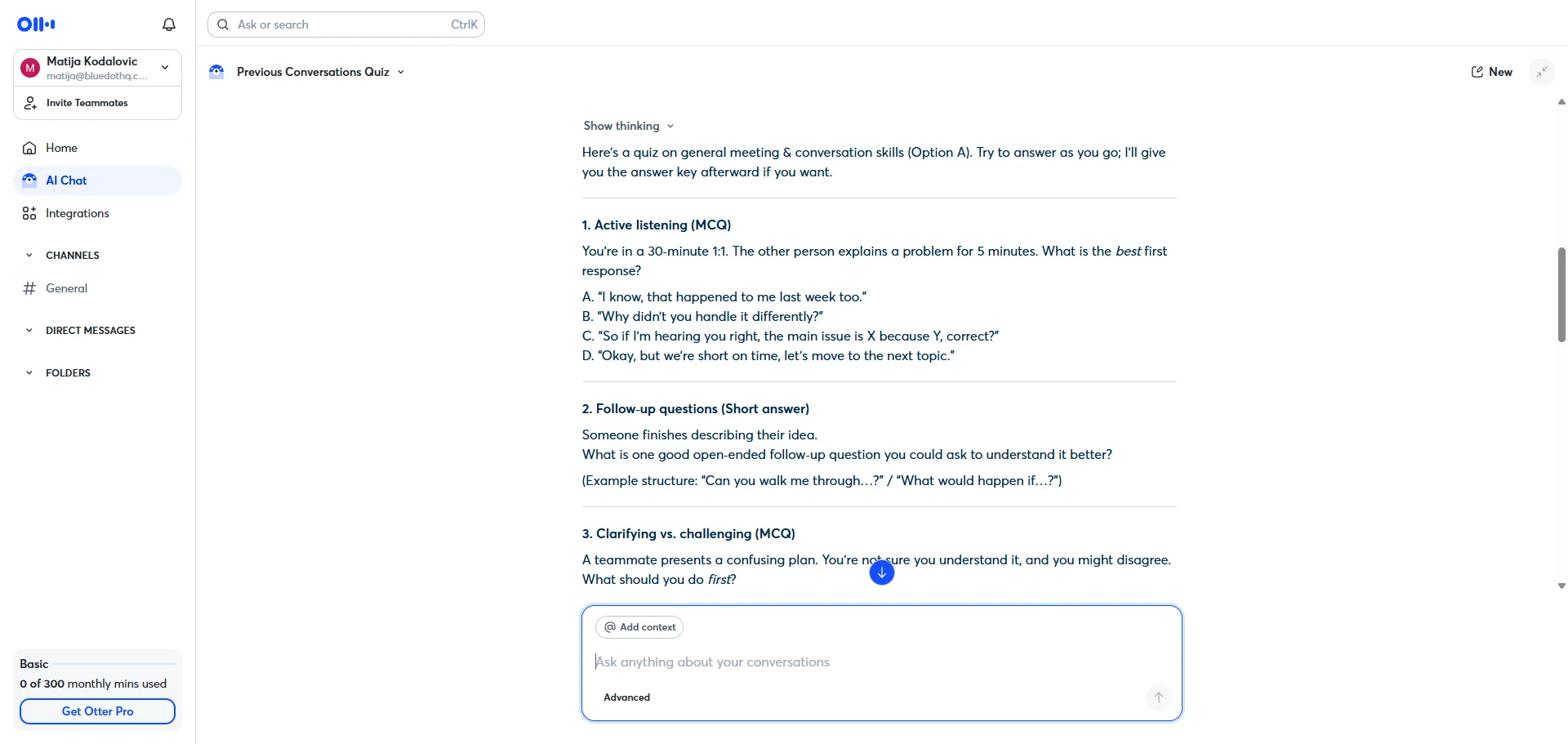
- Bluedot is the best AI note taker for students. It records lectures bot-free on all devices, transcribes 100+ languages, and lets you quiz yourself on up to 10 lectures at once through AI Chat.
- Otter AI captures slides from online calls and offers a 20% student discount, but it joins meetings as a bot and caps features even on paid plans.
- NotebookLM is a powerful free study tool that doesn't hallucinate, but it can't record or transcribe lectures.
- NoteGPT and Turbo AI are useful for generating study materials from recordings or YouTube links, but neither can capture lectures live, and Turbo AI has predatory billing practices.
- Plaud offers the best hardware recording, but it's the most expensive option ($169+ for hardware plus a subscription) and doesn't work reliably.
- Budget-conscious students should consider Notigo at $4.90/month, though it only works on laptops without headphones and has no mobile app.
Quick overview: Top 8 AI Tools to Help Students Study Smarter
How to Choose an AI Note Taker as a Student
Most AI note takers weren’t made for students.
Their main target audience is people with jobs and a ton of meetings — not necessarily a great fit for students with a full course load.
If you want the best AI note taker for college students, keep these 4 things in mind:
1. Don’t Get an AI Lecture Note Taker Free
Most AI note takers limit how much you can record and transcribe per month (or week), especially on free accounts
Those limits were fine-tuned for white-collar jobs with a few weekly or daily meetings, not students with hours-long lectures each day.
As one student put it:
“I used to transcribe my lectures with AI notetaker services, but they lasted only for 3-4 lectures before I used up all of their credits. Even on pro plans, most services provide around 20 hours of recording time.
Maybe 20 hours is enough for business meetings, but as 15 credits of classes means 60 hours per month, that was not even close to enough for me.”
Source: Reddit
Otter, a popular choice, caps you at 1200 minutes per month on its cheapest paid plan. That’s not enough for most students:
"I have 11 hours of lectures a week, so I'd need something that can handle 2,700 transcription minutes a month, so Otter.ai doesn't work unfortunately."
Source: Reddit
Naturally, you get higher limits with more expensive subscriptions. But you don’t want to spend a lot of money on an AI note taker.
Still, no free tool will be enough if you plan to record and transcribe lectures daily.
Don’t lose time trying out supposedly “free” AI platforms that quickly impose hard limits. Focus on finding the cheapest tool that can help you through the entire semester.
2. Check if Your School Allows AI Tools
Many schools don’t let you use an AI note taker for college, so check the rules first.
The University of Pittsburgh only approves two tools for use in class
Others, like UC Riverside, don’t even let you use AI meeting assistants for online lessons. The school blocks meeting bots from joining their online calls — so maybe use a bot-free AI note taker instead.
On the other hand, some professors just ban you from recording lectures at all. So, check if:
- Your school approves or bans any AI tools
- Your professor lets you record classes at all.
3. Pick a Simple, Practical Tool
Most companies want to convince you that they’ve got the best AI lecture note taker by throwing a ton of features at you — stuff you don’t need, and core features you can easily get for free elsewhere.
At the same time, they don’t focus on the fundamentals — accurate transcripts.
"A popular struggle with transcribing is strong accents, particularly for speakers from outside the US."
Source: Reddit
In most universities, you’ll get plenty of international professors and guest lecturers. And there’s always someone speaking with a heavier accent among the students.
You need a lecture AI note taker that can provide:
- Accurate transcription
- Useful lecture notes that don’t miss the point and give you relevant context.
4. Get the Right AI Notetaker for Your Device
AI notetakers don’t always work on every device.
Most of these tools have a browser-based app or a dedicated desktop app. The best ones also support iOS and Android apps.
For example, Bluedot works on all devices — macOS, Windows, Android, iOS, and even Apple Watch.
However, don’t plan on using AI notetakers on an iPad. The majority of AI meeting assistants don’t have iPad apps.
#1. Bluedot — best AI note-taking for students overall
Bluedot records lectures through a Chrome extension, mobile app or desktop app.
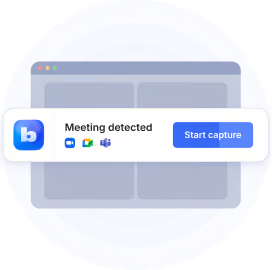
There’s no meeting bot that your university might frown upon, and it works for in-person and online classes.
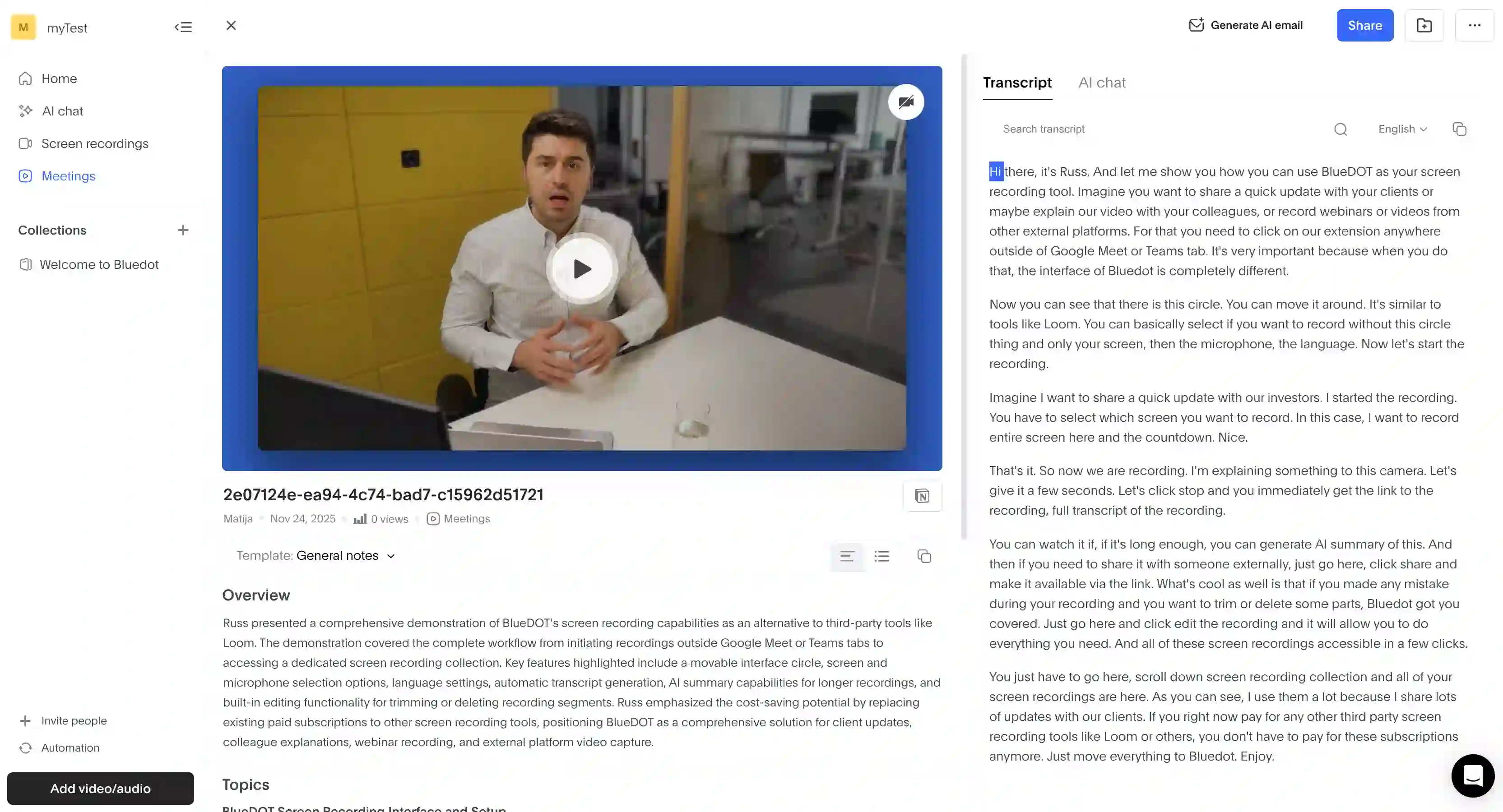
It transcribes in over 100 languages and generates AI summaries from each lesson. You can create your own templates for these summaries, based on specific subjects or your study methods.
Also, students can use the AI Chat feature to ask questions about transcribed lessons. You can even ask the AI chat to quiz you on any lesson.
Best for: Students who attend online lectures on Google Meet, Zoom, or Teams.
Bluedot Features
- Bot-free recording on all devices
- AI Chat, where you can ask questions or generate a quiz about up to 10 lectures at once.
- Mobile recording with iOS, Android, or Apple Watch apps.
- Video clips from lectures
Pros
- Useful for international students and foreign-language courses because it transcribes 100+ languages
- Works on most meeting platforms used by universities, including Google Meet, Zoom, Microsoft Teams, and Webex.
- Your data is never used to train AI models.
Cons
- The free plan allows only 5 recordings total.
Read More: Bluedot vs Otter vs Fireflies: Which AI Note Taker Is Best?
#2. Otter AI — for capturing slides
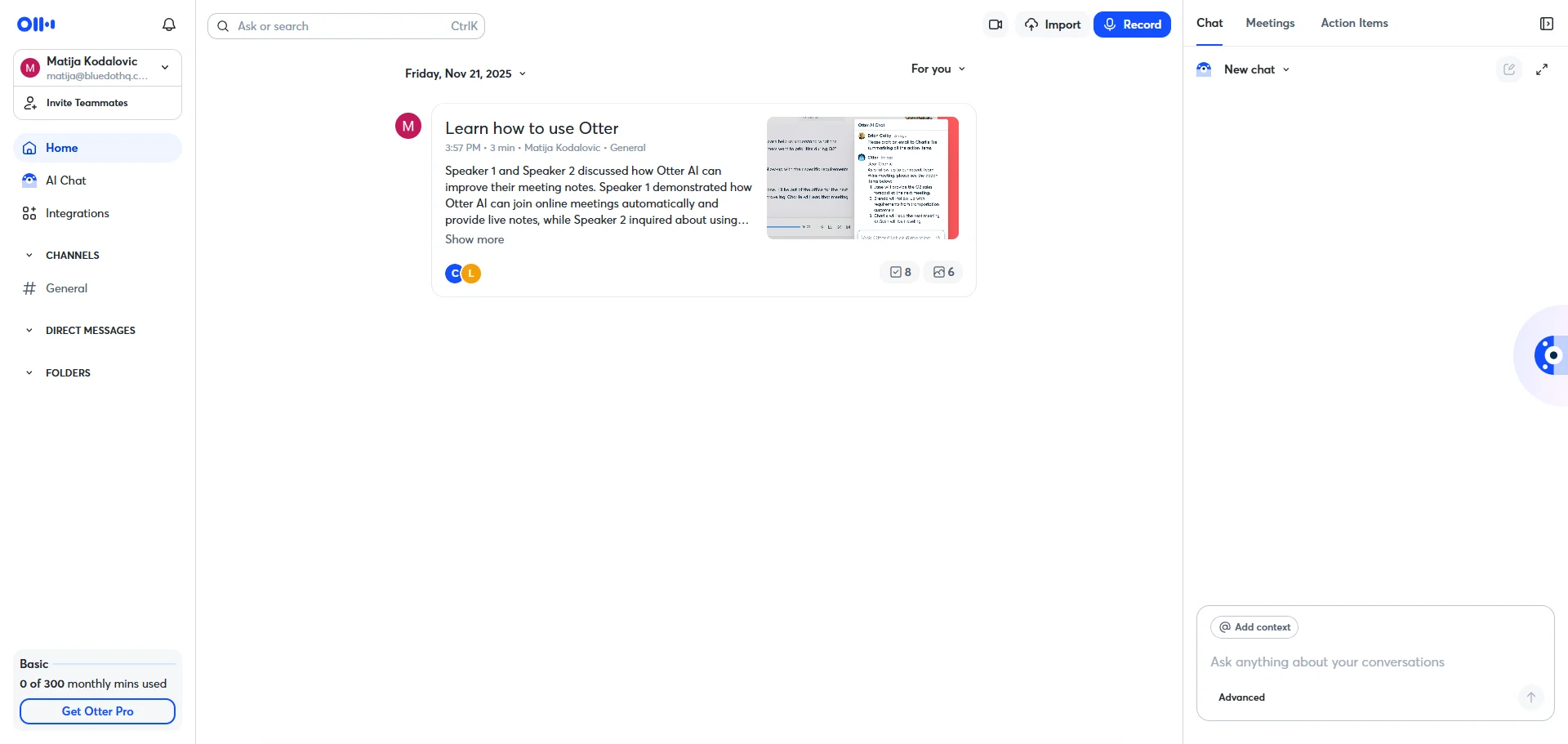
Otter AI transcribes online calls in real time, with live summaries. It can also capture slides shared on online calls, which is great for study guides.
Students with a .edu email also get a 20% discount on the Pro plan if they pay annually.
Best for: Students attending lectures online.
Otter AI Features
- Automatic slide capture from virtual meetings.
- Real-time highlights and the option to add comments.
- AI Chat for questions about your lectures, though it’s limited to 20 questions per month on free accounts and 50 on Pro.
Pros
- Speed up recordings up to 3x, and a skip-silence option.
- Works on iOS and Android for in-person lectures, too.
- On paid tiers, you can download or export transcripts to Google Drive in PDF, DOCX, and SRT.
Cons
- Most features are capped even on paid plans.
- Doesn’t recognize technical terms for STEM and heavier accents well.
- Joins online meetings as a bot.
Read More: Best Otter AI Alternatives
#3. NotebookLM — for study materials
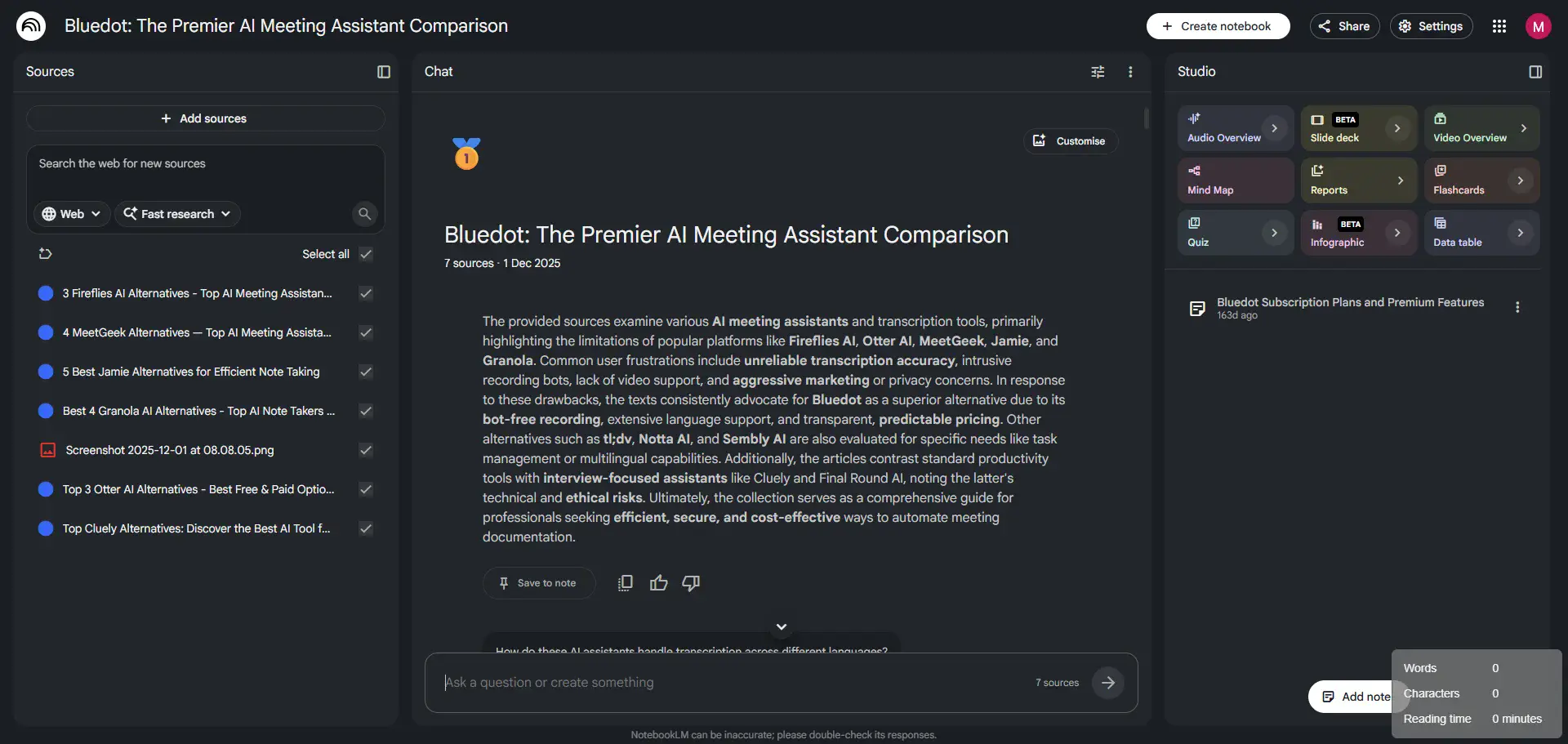
NotebookLM is more of an AI assistant than a notetaker, but there’s no point in having a list of AI tools for students without it.
This is Google’s answer to the biggest issue with AI tools in general — hallucination. Unlike ChatGPT or Claude, NotebookLM only works with the sources you provide.
You upload lecture slides, transcripts, or recordings, then ask questions. It can contextualize and condense knowledge, and it always cites your uploaded materials.
Chances are you’re already using NotebookLM, to be honest. In the Study Together Discord group (with over 1 million members), it has been mentioned hundreds of times — and almost always in a positive light.
Best for: Students in reading-heavy courses who need to prep for exams faster.
NotebookLM Features
- Q&A with citations, only based on uploaded materials.
- AI-generated podcasts based on your notes.
- Import content directly from your Google Classroom.
Pros
- Incredibly helpful free tier.
- Supports imports in PDFs, Google Docs, Slides, YouTube transcripts, audio files, Word, PowerPoint, and ePub.
- AI-generated quizzes and flashcards for review.
Cons
- Can’t record and transcribe lectures.
- May weaken critical thinking over time.
#4. NoteGPT — for YouTube videos
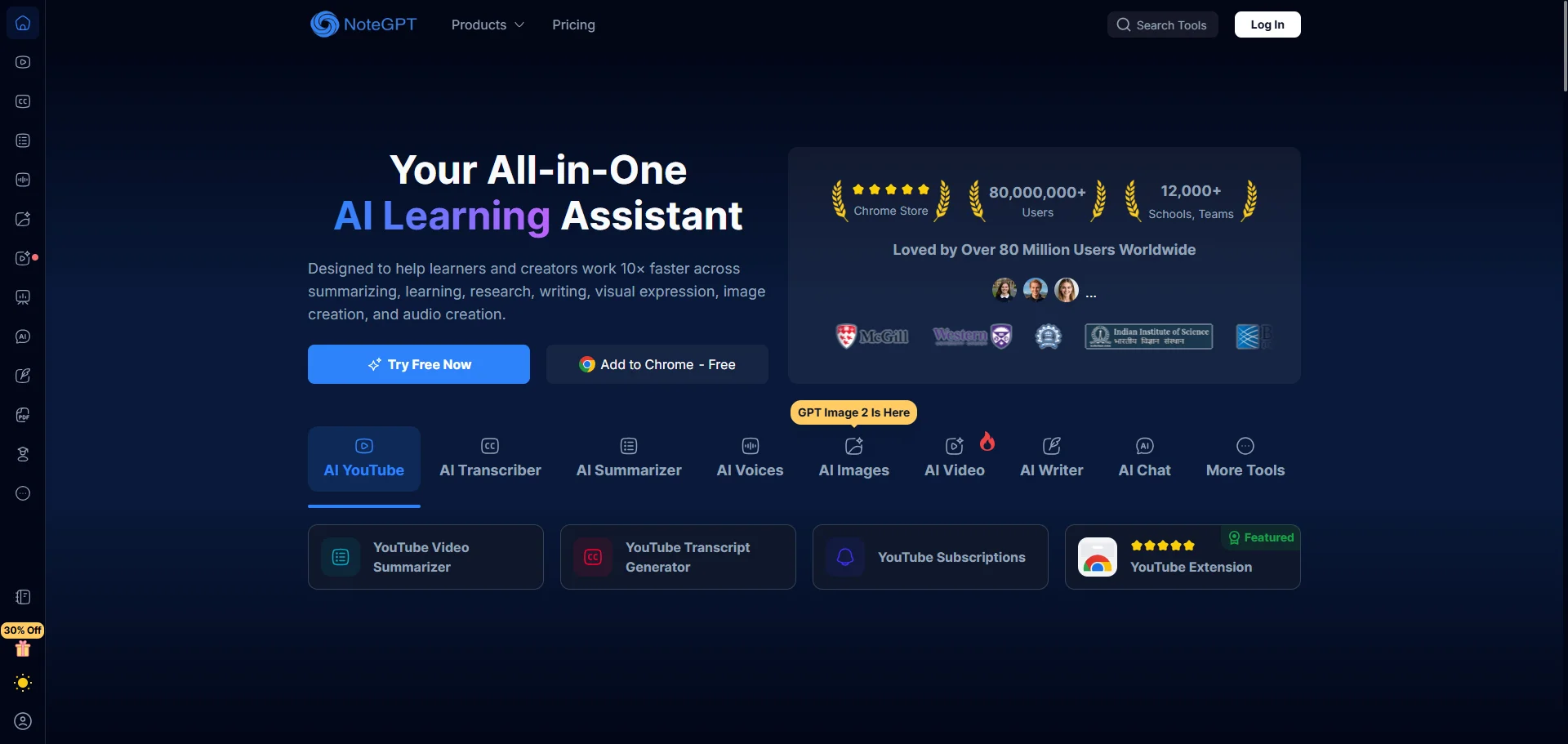
Like my previous pick, NoteGPT isn’t a note taker per se — it can’t record your lectures live.
However, it can summarize and transcribe your lectures as long as you record them elsewhere. Students will also be happy to hear that NoteGPT can summarize YouTube videos from any link.
After uploading an audio file or pasting a YouTube link, you get timestamped, organized notes and a transcript.
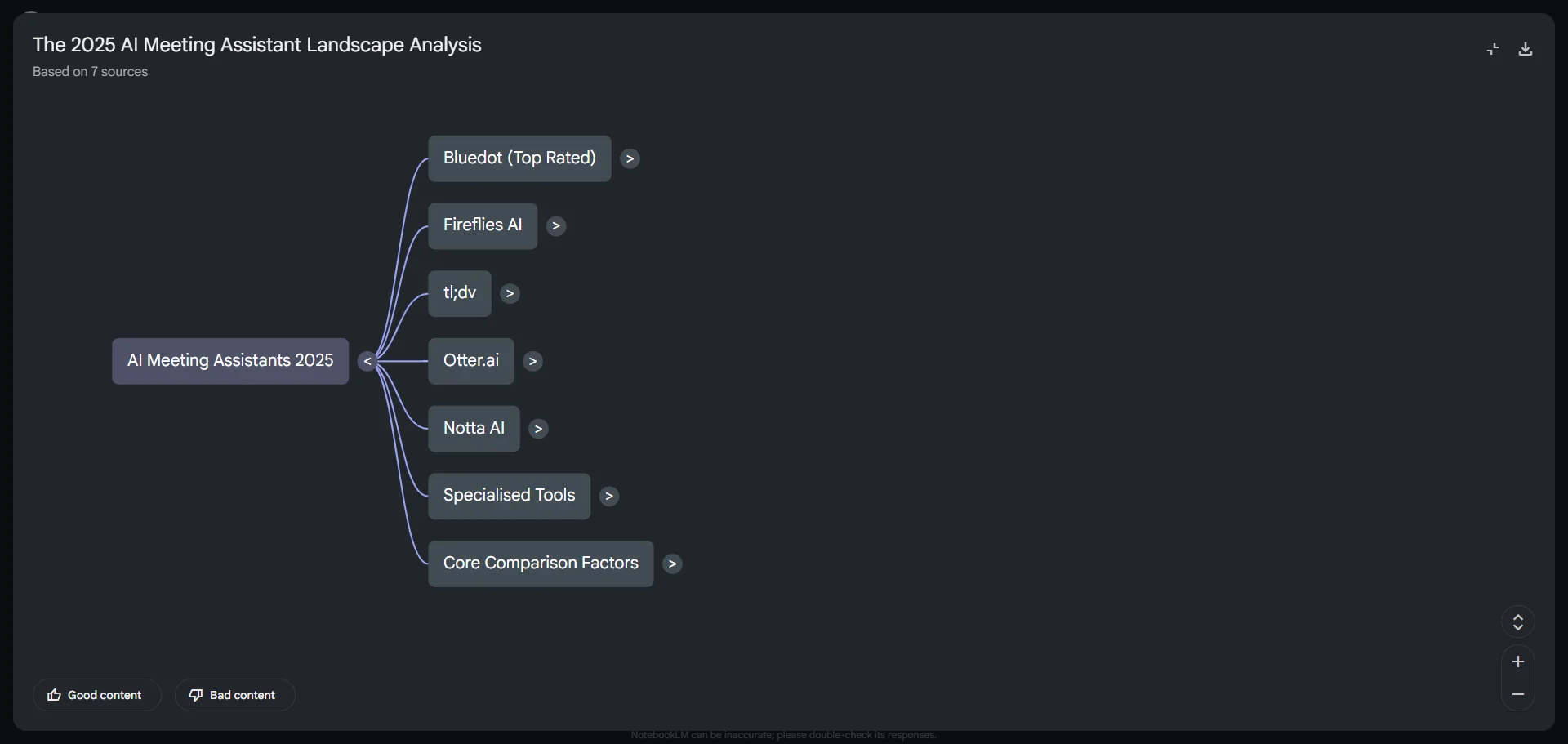
You can also generate a mind map from any lesson, though doing that automatically kind of defeats the purpose.
More usefully, NoteGPT can automatically create flashcards and quizzes — though a free NotebookLM account can do that as well.
Best for: Students who study via YouTube a lot.
NoteGPT Features
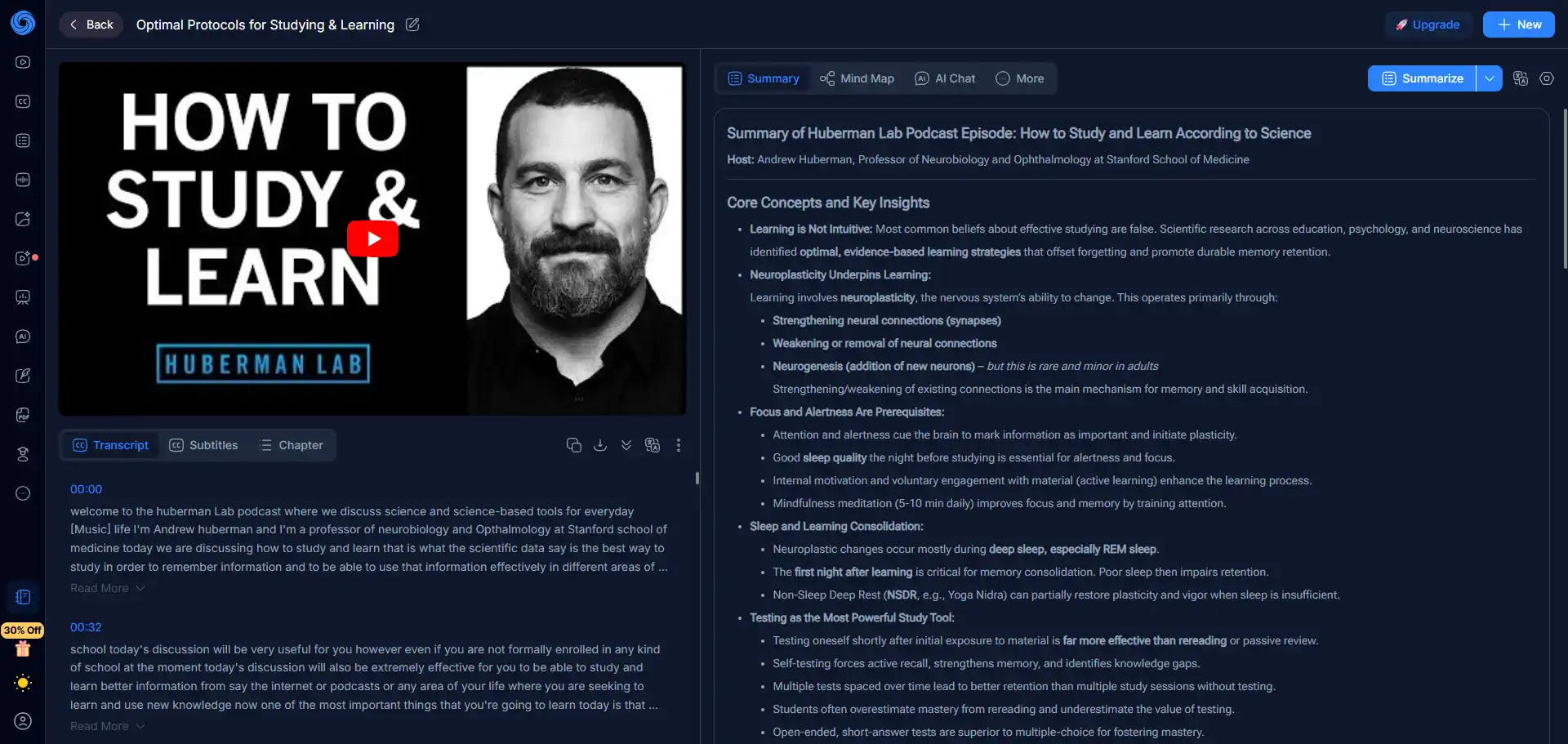
- Transcript and summary panel directly on YouTube videos, via a Chrome extension.
- Auto-generated study materials, like visual mind maps.
- Flashcard maker, quiz generator, and AI math solver for study review.
Pros
- Free Education plan with .edu email, equivalent to the $9.99/mo Pro plan
- Summaries in 60+ languages
- Customizable AI summaries
Cons
- Free plan only lets you process 1–3 video files.
- Credits sometimes disappear, and the quotas aren’t properly explained.
- No recording or speaker recognition.
#5. Plaud — for in-person lectures
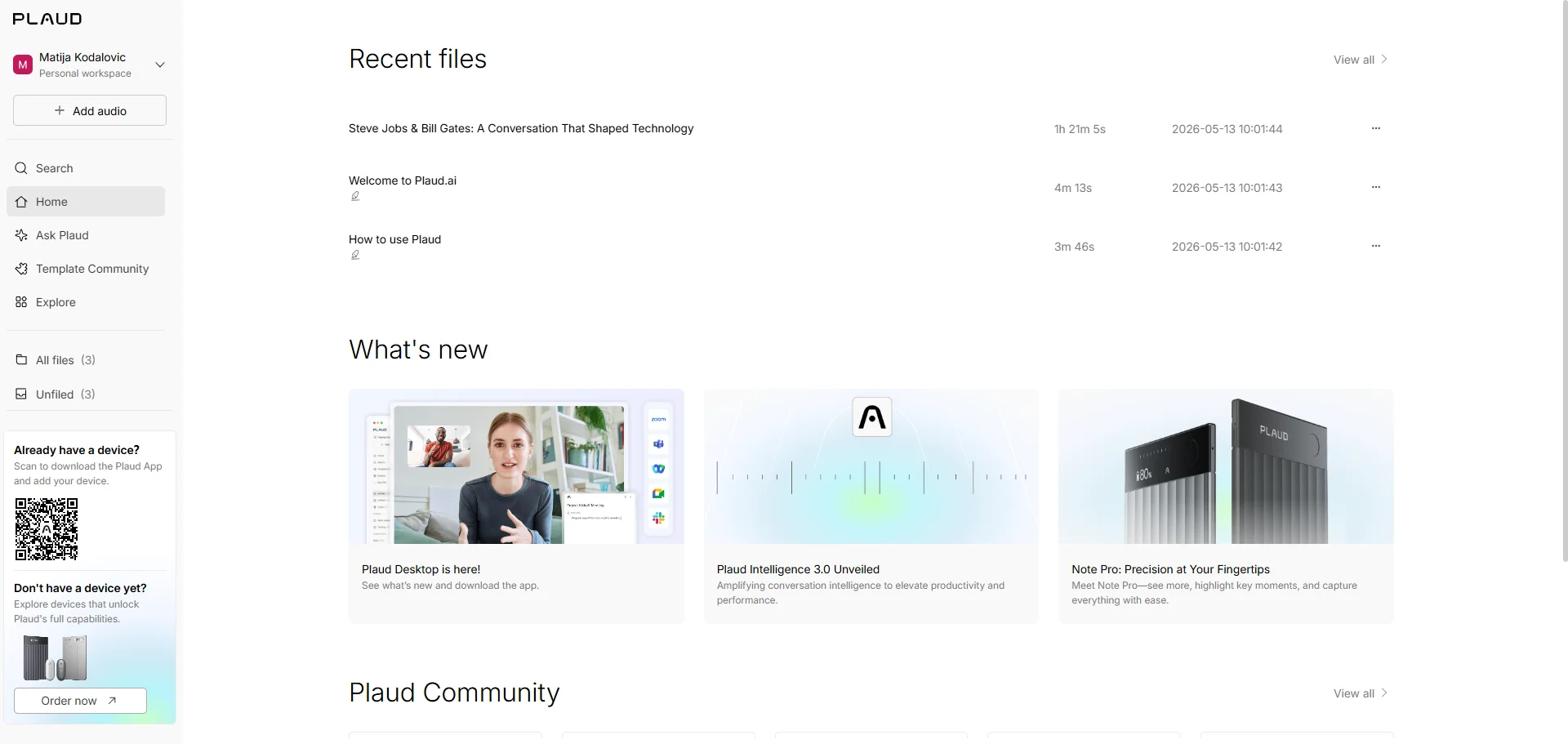
Plaud is a brand of physical recorders, which you use with the Plaud app on your phone and browser to transcribe lectures and get AI-generated lecture notes.
The NotePin device is the most discreet experience since you can just pin it on your shirt and listen, while the basic Note and Note Pro are the size and shape of a credit card.
All three devices have great recording capabilities (even across a large lecture hall), but your university may not be thrilled about a recording device in the classroom. Also, Plaud is one of the most expensive AI note takers for students, since you have to pay for the device and a monthly subscription.
Best for: Students who can afford to spend a lot of money on an AI note taker and attend in-person lectures.
Plaud Features
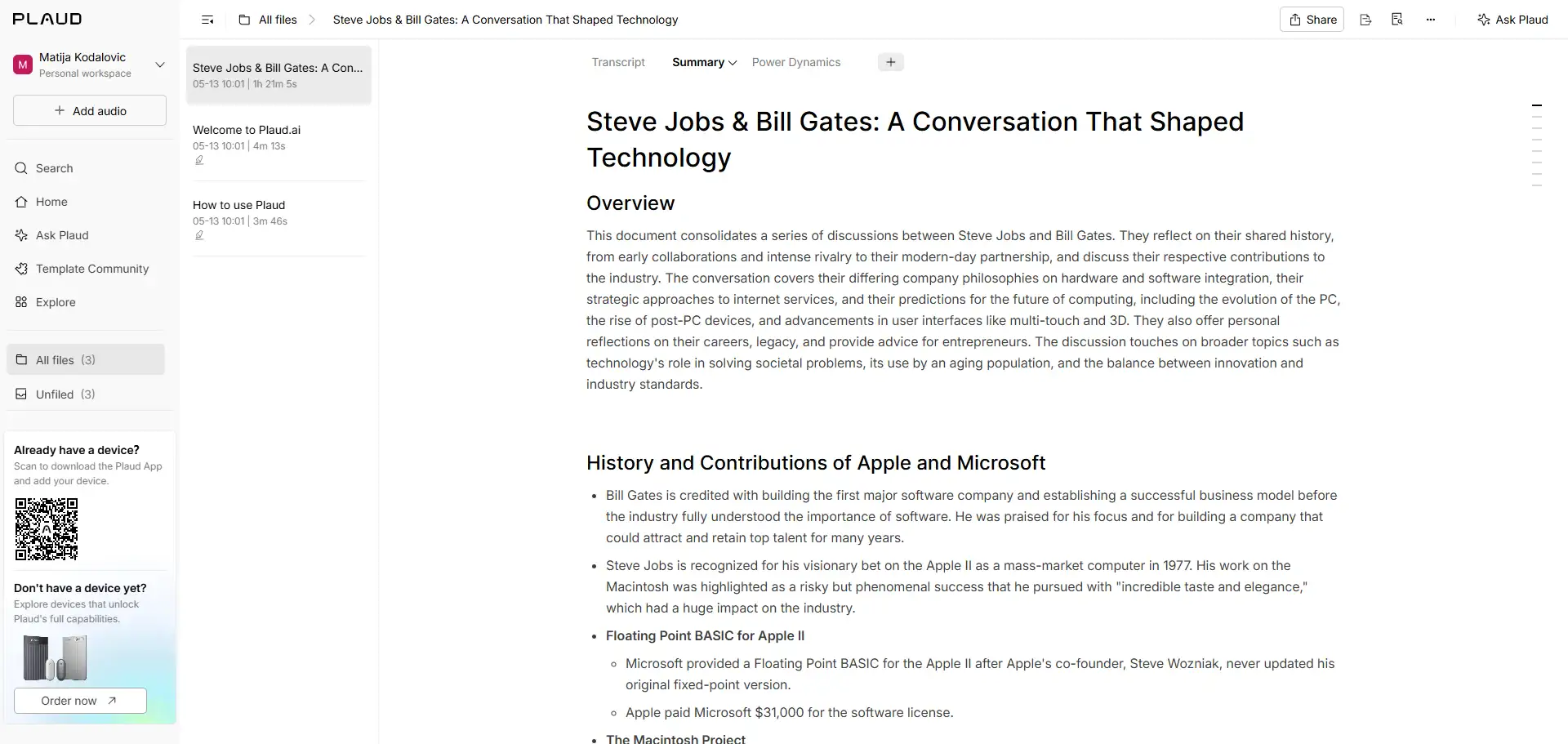
- Record online meetings bot-free with the Plaud Desktop app.
- After you tag speakers once, Plaud automatically labels them in the future.
- 10+ built-in industry glossaries (medical, legal, tech).
Pros
- Transcription and organized notes in 112 languages.
- Exports in 27+ formats including TXT, SRT, DOCX, PDF, and Markdown.
- Plaud devices can record audio without Wi-Fi or Bluetooth.
Cons
- Expensive hardware ($169+) plus a subscription, and you still have a monthly usage limit.
- Bluetooth sync and transcript generation often fail.
- No priority support, customer team may not respond for weeks or use generic AI responses.
Read More: Best Plaud Alternatives
#6. Notigo — for real-time answers
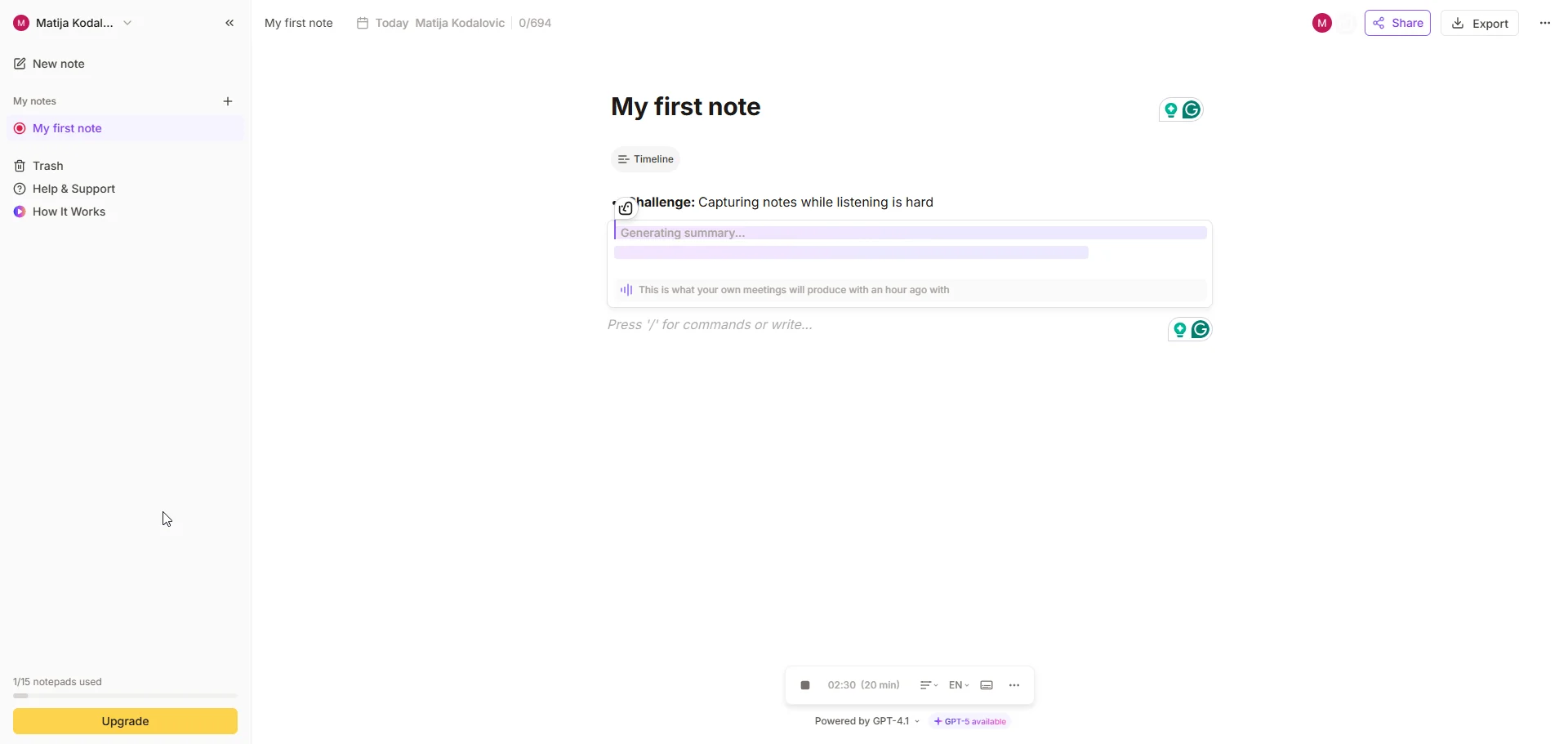
Notigo uses your device's microphone to listen to ambient audio during lectures and produces study notes in real time — every 30 seconds, to be precise.
On the plus side, Notigo is great if you bring a laptop to your lectures. On the downside, there are no iOS or Android apps for smartphones, and it doesn’t work with headphones. You have to use your laptop speakers for recording, even during online lectures.
The meeting notes you get are decent, though nothing you wouldn’t get from any other AI tool on this list. Though you can edit them with a built-in editor that reminds me of Notion.
Frankly, Notigo’s main selling point is a cheap ($5) subscription for students.
Best for: Students who bring a laptop to lectures.
Notigo Features

- Real-time answers and AI notes during lectures.
- Choice between key moments, balanced, and detailed notes.
- Key points and to-dos after each lesson.
Pros
- Student plan at $4.90/month.
- You can edit and review notes as the AI generates them during the lecture.
Cons
- Doesn’t work with headphones.
- Free plan limited to 15 notes total, without exports.
- Can't upload recordings from other sources.
#7. Tactiq — for Google Meet only
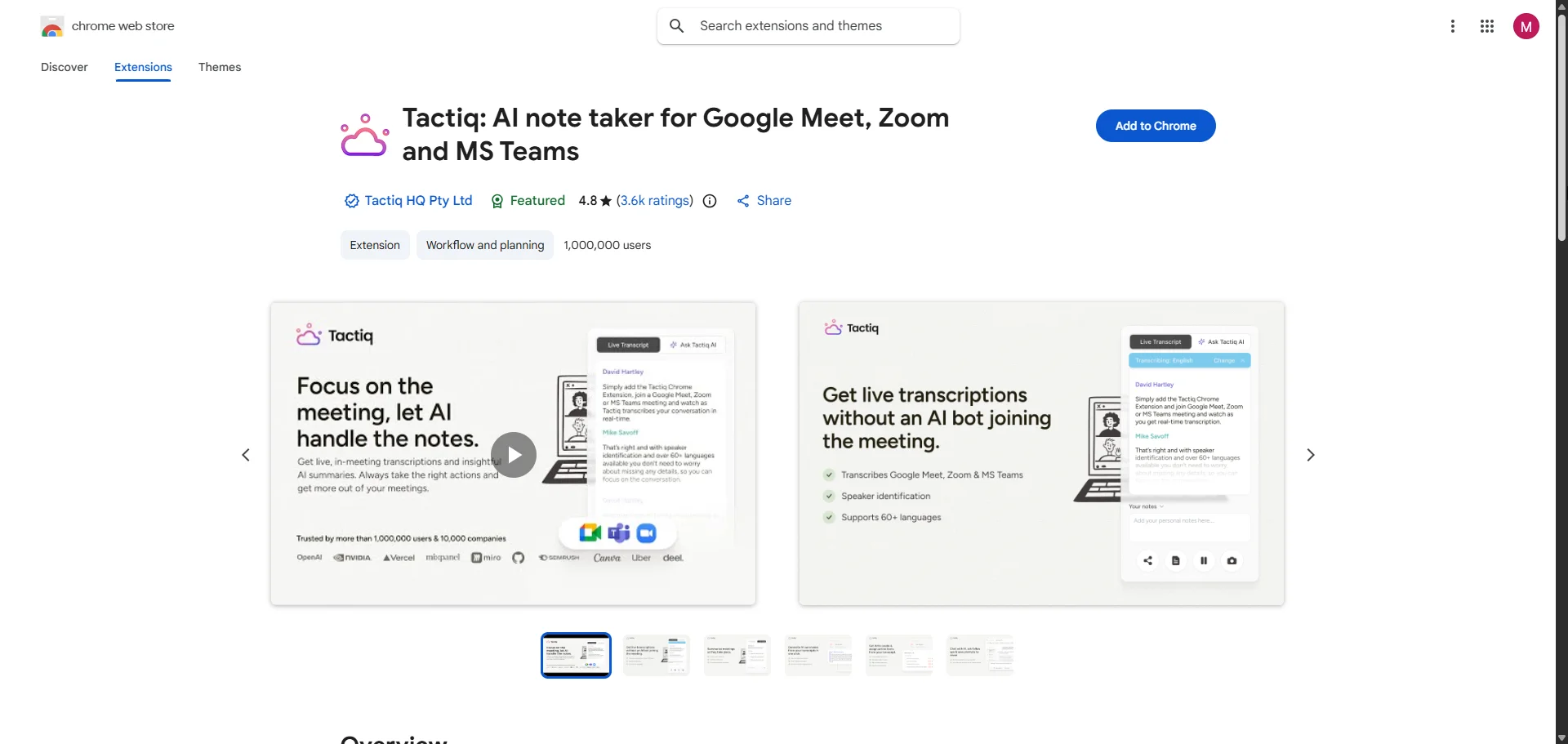
Tactiq transcribes your online classes without recording audio, through a browser extension.
It’s built for enterprise environments more than a college class. However, some universities might appreciate that it doesn’t actually record anything (for privacy reasons).
The transcript you get from Tactiq is accurate, and its notes are fairly on point, but it has quirks I don’t appreciate.
On Zoom calls, the host has to enable automated captions for Tactiq to work, and it doesn’t work with the Teams desktop app — you have to open the meeting in your browser. All things considered, I’d only recommend it for classes on Google Meet.
Best for: Students who attend online lectures via Google Meet.
Tactiq Features

- Ask Tactiq's AI to explain concepts and review the lecture while it's still happening.
- Automatically share study notes to Notion and Google Docs after lectures.
- Add comments and screenshots to timestamped moments in the transcript.
Pros
- Education discount.
- Up to 65 languages on Google Meet.
- Can transcribe uploaded audio files and produce notes.
Cons
- Limited monthly credits for AI features.
- Inaccurate meeting transcription for non-English and different accents.
- Browser-only with no mobile app.
#8. Turbo AI — for a knowledge base
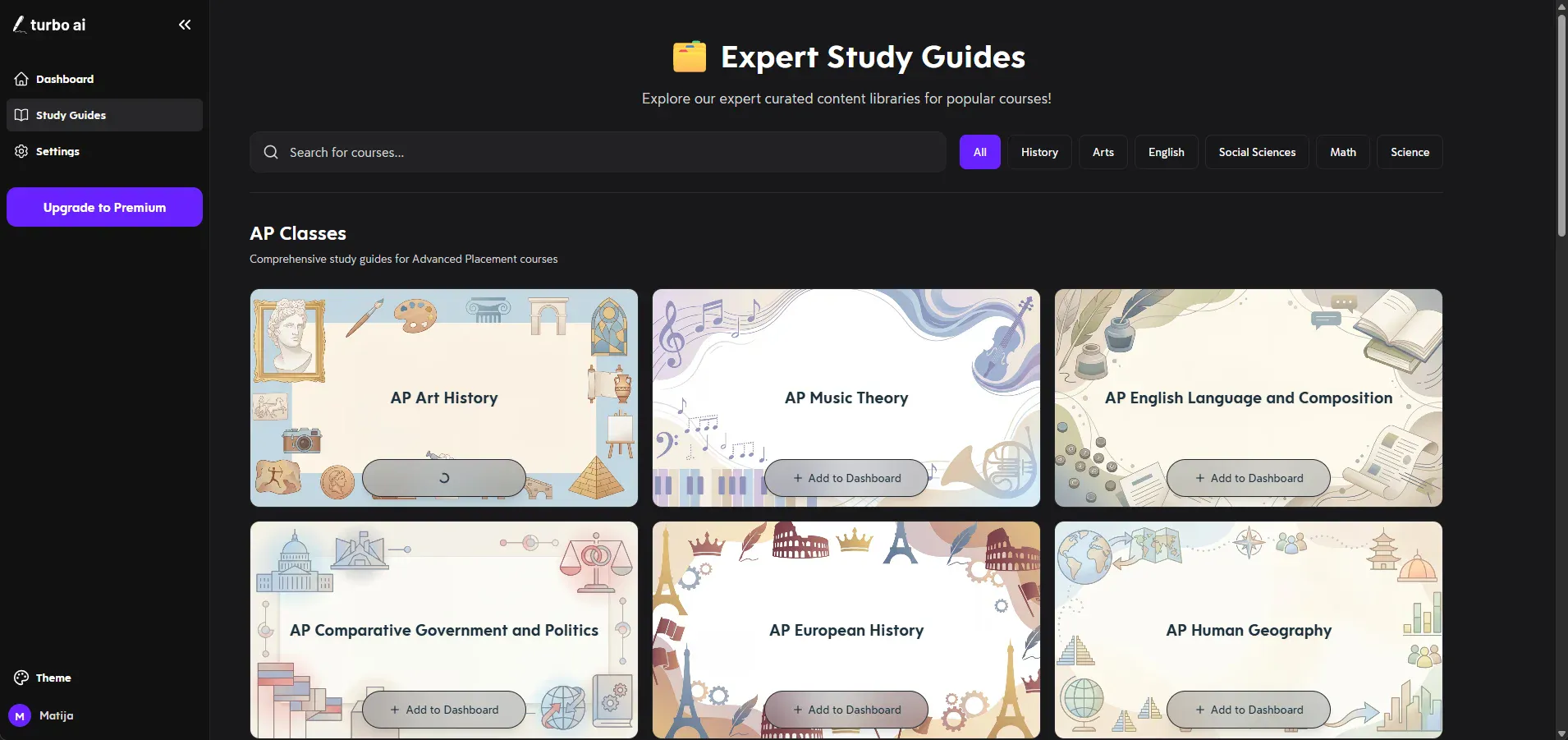
Turbo AI (formerly TurboLearn) is specifically built for students, but it’s more of a knowledge base creator than a note taker.
The platform can’t record or transcribe your lessons. However, it provides detailed study notes based on any PDF, YouTube link, or video/audio recording.
Based on those notes, Turbo AI also creates flashcards and quizzes (with adjustable difficulty).
I rank Turbo AI low on my list because it’s expensive ($20, with an unusable free tier) and you still have to use another app or device to actually capture lessons.
Also, the subscription is hard to cancel because you have to contact Turbo AI's team — there’s no simple “Cancel” button.
Best for: Producing study materials from other sources.
Turbo AI Features
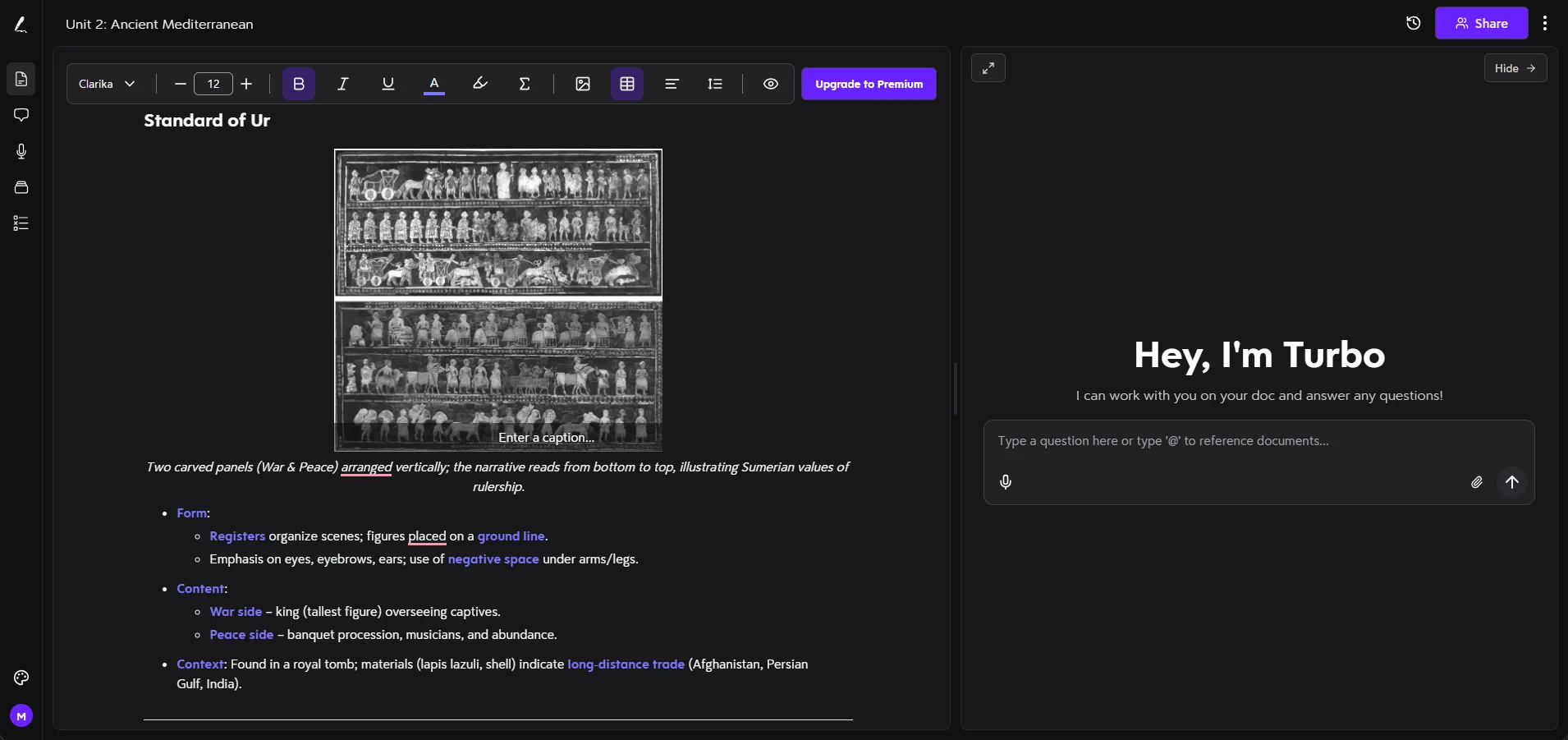
- Podcast-style smart summaries.
- Auto-generated flashcards with spaced repetition.
- Quizzes at different difficulty levels.
Pros
- iOS and Android apps and syncing across devices.
- Handles math formulas, chemical equations, and other STEM subjects.
- Accepts nearly any file format.
Cons
- Pricing is hidden. ($20 per month)
- Students complain about Turbo AI’s predatory billing.
- Turbo AI's Free tier only works for a single document.
Why Bluedot Is the Best AI Note Taker for Students
Bluedot is the best choice for students because it:
- Actually records lectures, unlike NotebookLM, NoteGPT, and Turbo AI
- Works on all devices
- Doesn’t use a meeting bot
- Supports 100+ languages
- Doesn’t ask you to buy expensive hardware