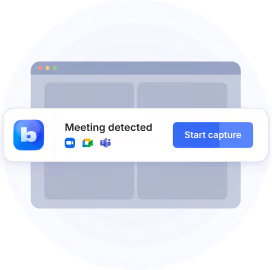
.png)
With the latest version of Bluedot, you get:
- ⌚ Bluedot Apple Watch app
- 🔗 MCP support
- 🔵 Auto-recording
- ⏳ Custom retention policy
- 🔄 Voice to CRM
- 🖥️ In-person & phone call recording in the desktop app
- ➕ …and much more!
To celebrate, we’re giving away free Apple Watches. 🎁 Here’s how to get one.
Get Bluedot for Apple Watch

Record and transcribe in-person conversations with one tap on your Apple Watch.
No laptop to open, no phone to pull out, you can just stay present in every conversation.
Analyze your meetings anywhere via MCP
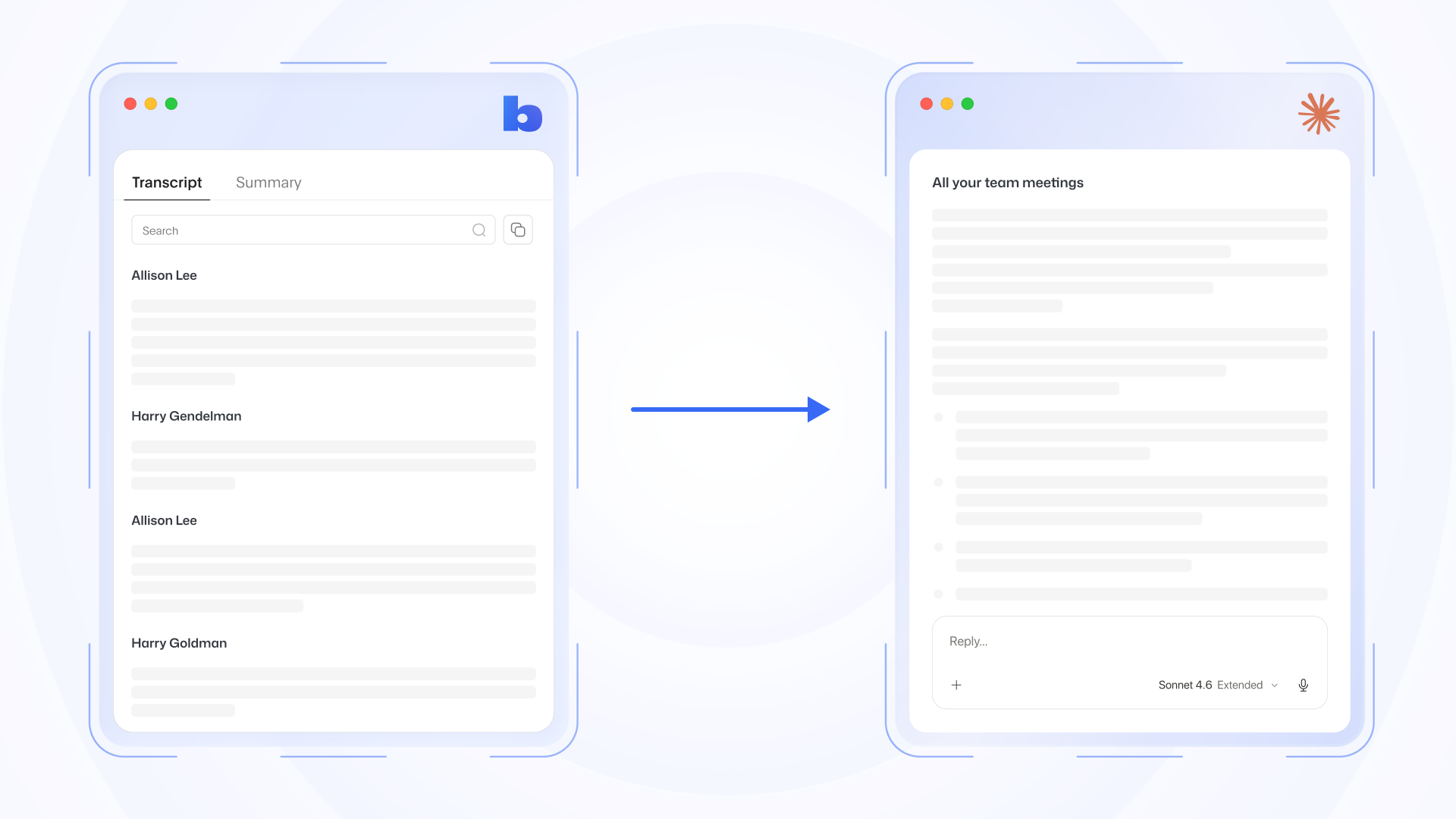
Bluedot now supports MCP, the standard that lets AI models (like Claude and ChatGPT) connect to other tools and data sources like Bluedot.
With MCP, Claude or ChatGPT can:
- Retrieve meeting notes, or specific sections of structured summaries
- Read and search transcripts, including speaker labels and timestamps
- Look up call participants across your workspace
- Browse meetings from your Bluedot workspace
- Filter recordings by date, uploader, collection, or participant
For example, you can ask Claude to flag patterns across all your meetings, analyze them according to sales (or other) frameworks, or find specific information, all from your transcripts and meeting notes.
Auto-record your meetings
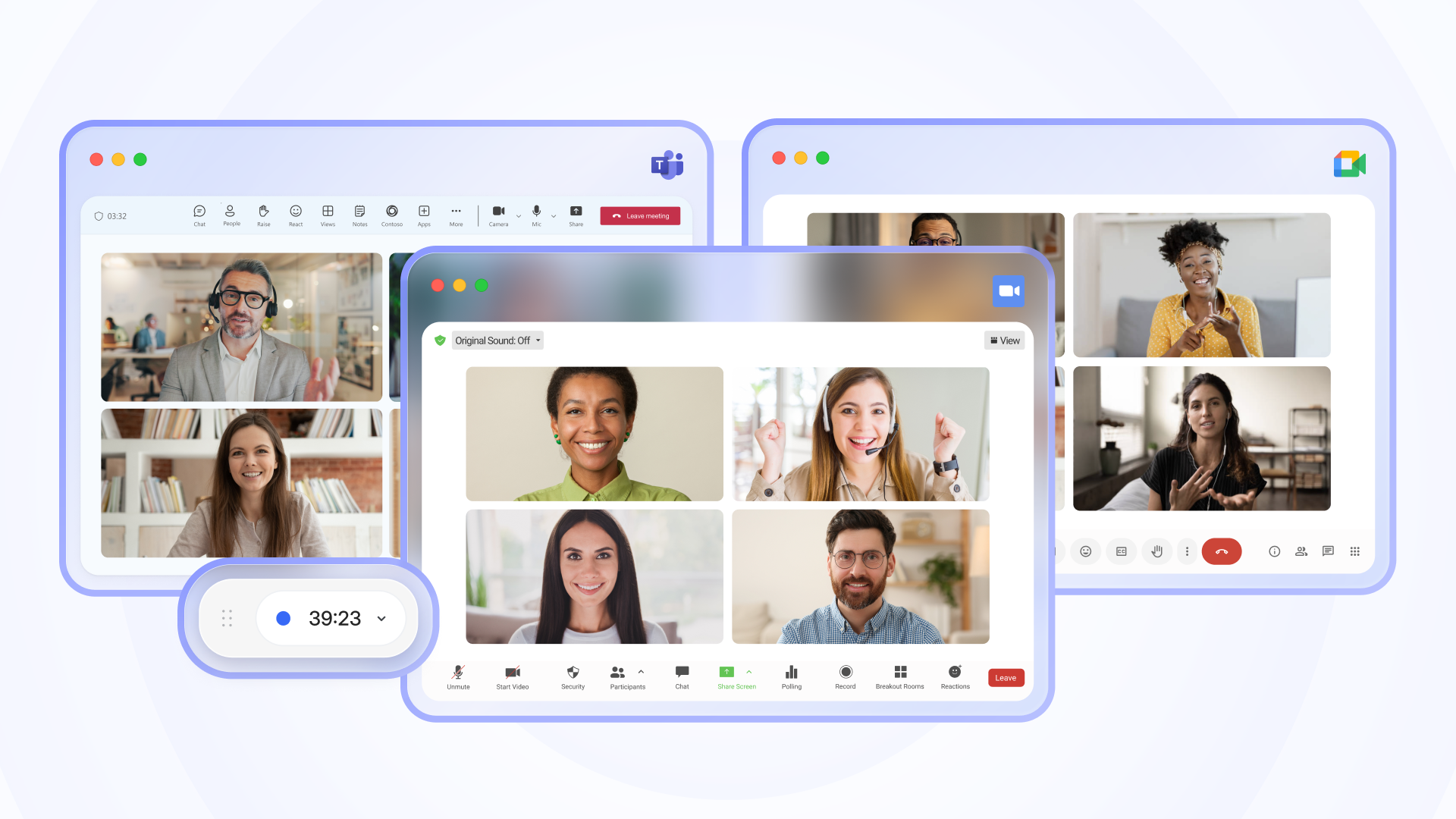
Auto-record audio and video of your meetings on the Bluedot desktop app, and audio (or transcript-only) via the Chrome extension. Now, you don’t have to press “record” before each meeting - one more thing off your mind on busy days. Zero chance of forgetting to record an important call!
Custom retention policy
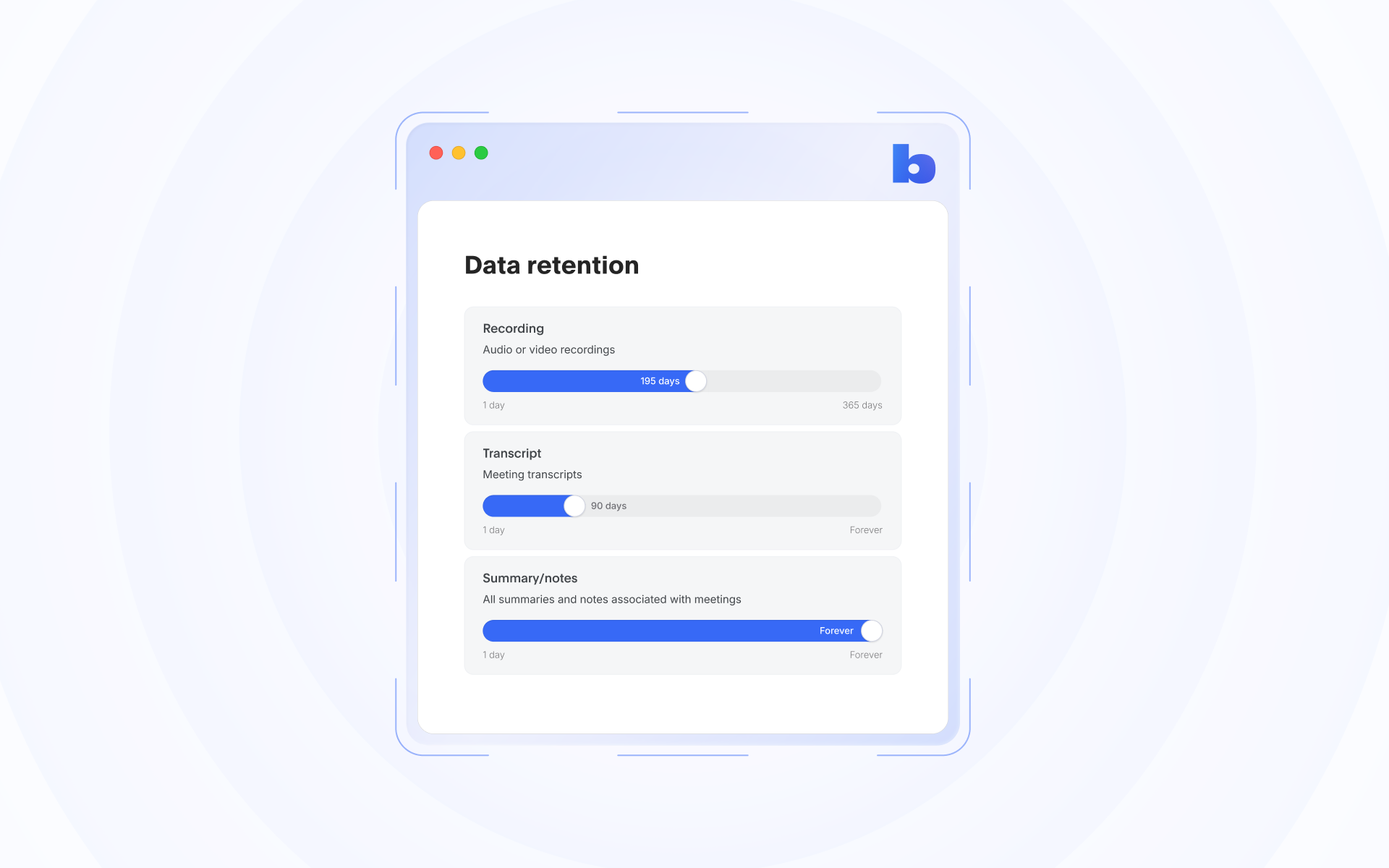
We know you care about compliance and data control, and we’re here to make it easier. You can now set your own retention rules in Bluedot. You decide how long we keep your recordings, transcripts, and notes, and when they're deleted.
Voice to CRM

Forget about dictating your meeting notes to a voice-to-CRM service after each call. Bluedot can turn any on-the-go conversation into CRM-ready notes, fields, and follow-ups, from your phone or Apple Watch. Minimize your post-meeting admin work in HubSpot and Salesforce.
Record phone calls and in-person talks on your laptop
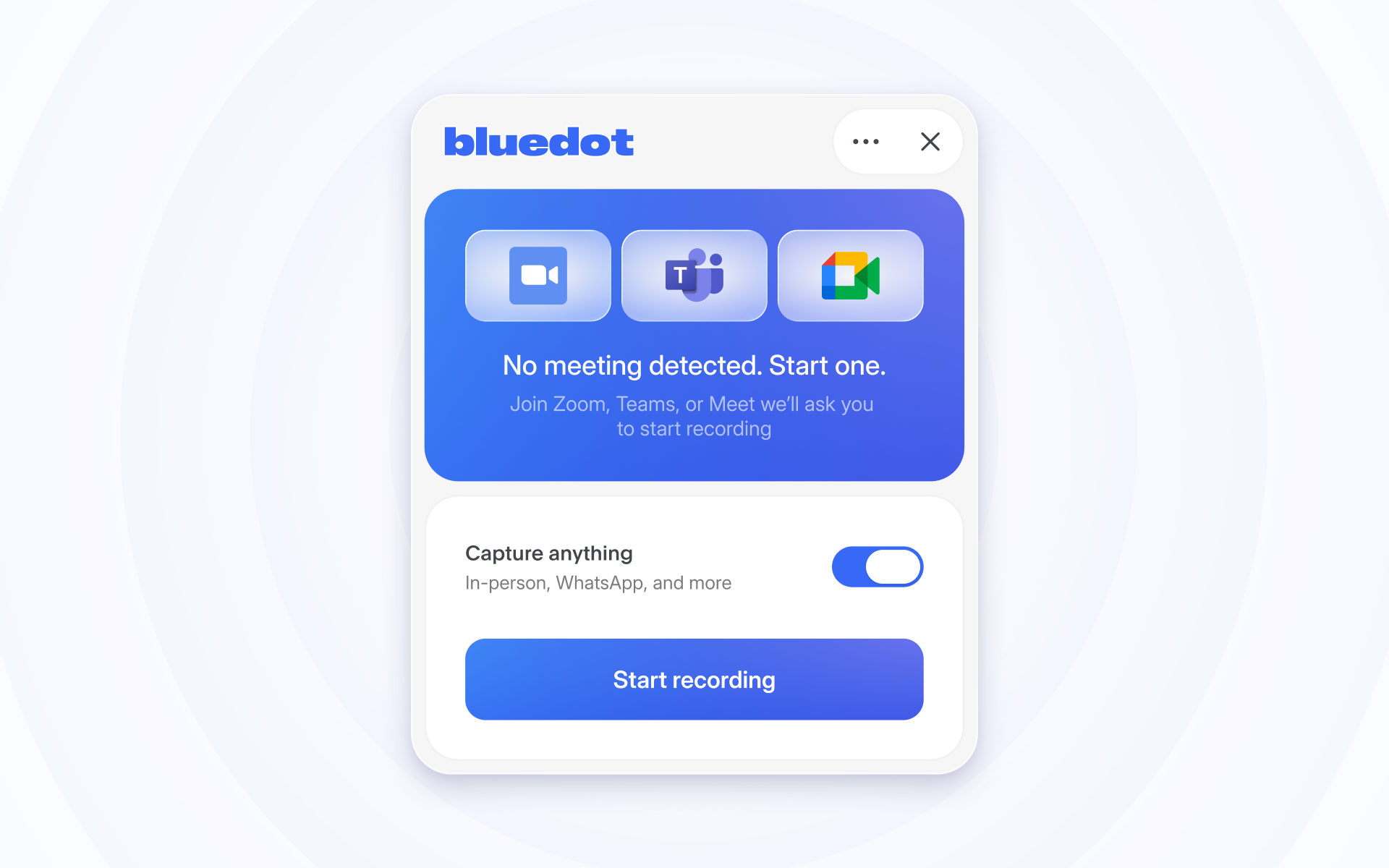
The Bluedot desktop app records more than online meeting. You can capture a WhatsApp call, a phone call, or an in-person chat with one button press. Get transcripts, summaries, and searchable notes the moment you finish talking.
Workspace-wide AI chat
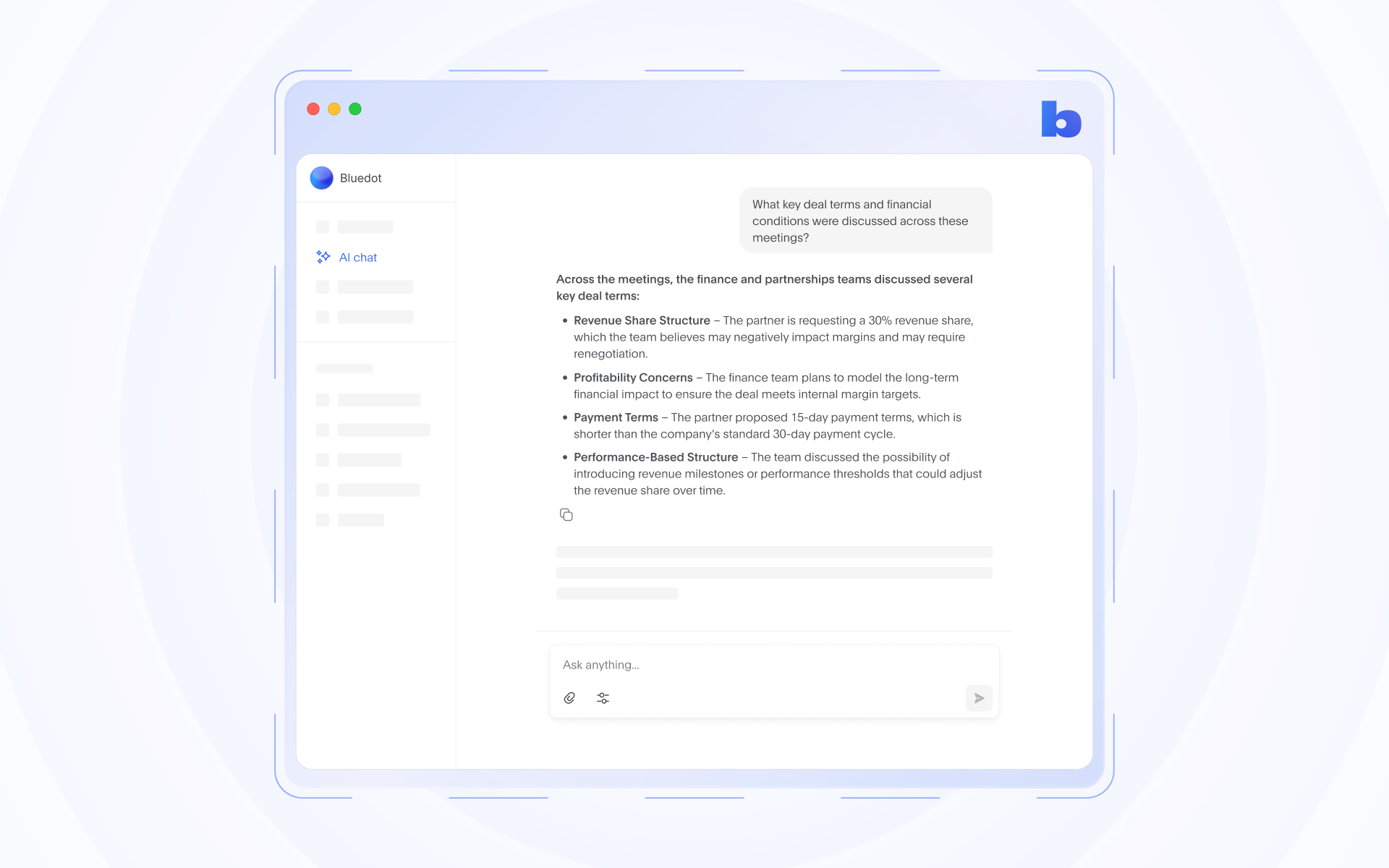
Bluedot's AI chat now answers questions about all your meetings. Ask anything, and the answer draws on every conversation your team ever recorded. It’s the most accurate, all-encompassing source of truth for your meetings.
Custom field support for Salesforce & HubSpot
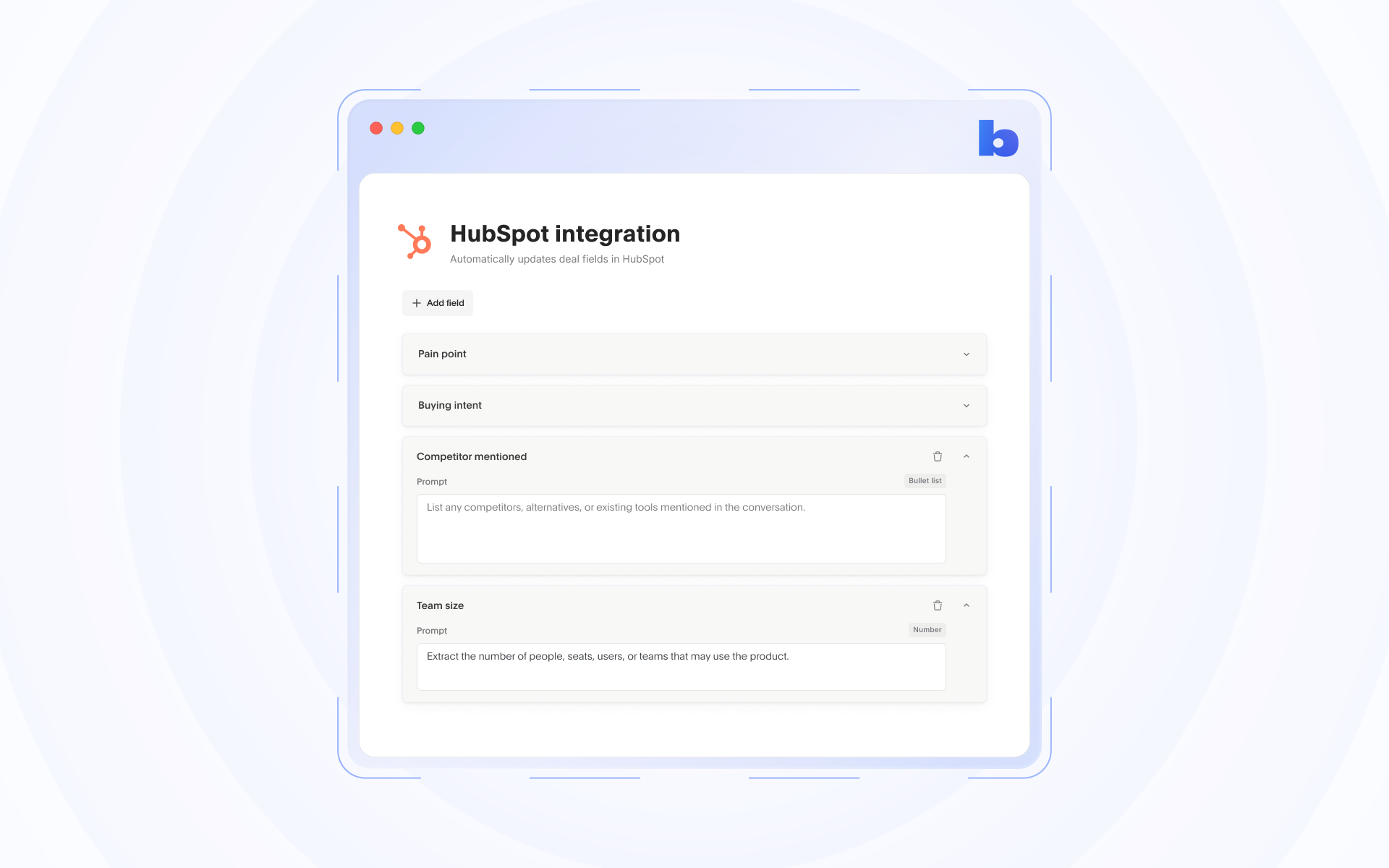
Bluedot can automatically fill your custom fields in Salesforce and HubSpot after each conversation. Write a short prompt for each field, telling Bluedot what to look for. After every meeting, Bluedot finds that detail in your notes and fills the field for you. Stop spending hours on tedious copy-pasting or manual entry.
AI chat on mobile
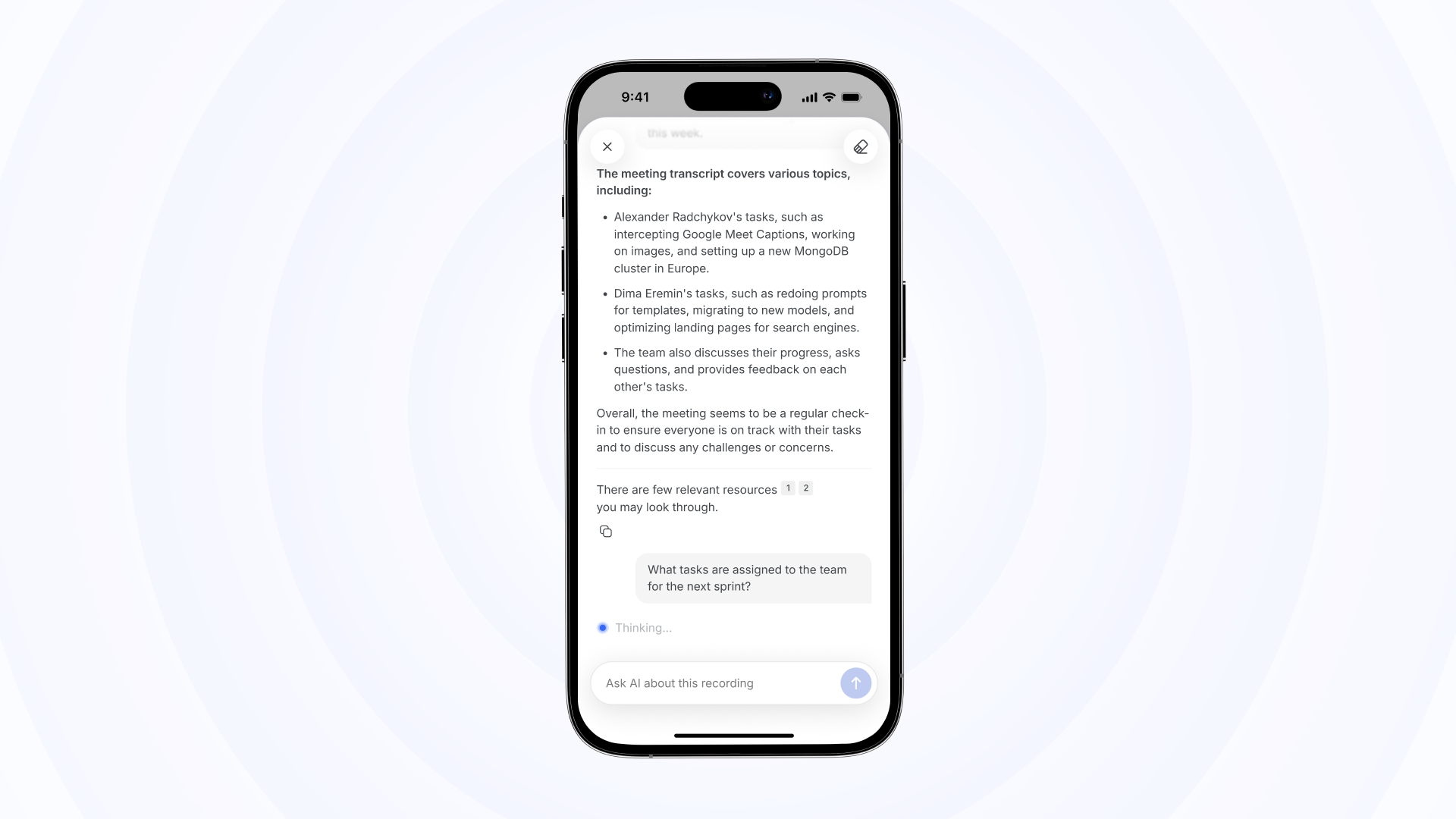
Bluedot's AI chat now works on mobile. Ask questions, find key details, and get instant answers from your conversations - straight from the Bluedot mobile app.
Notion integration on mobile
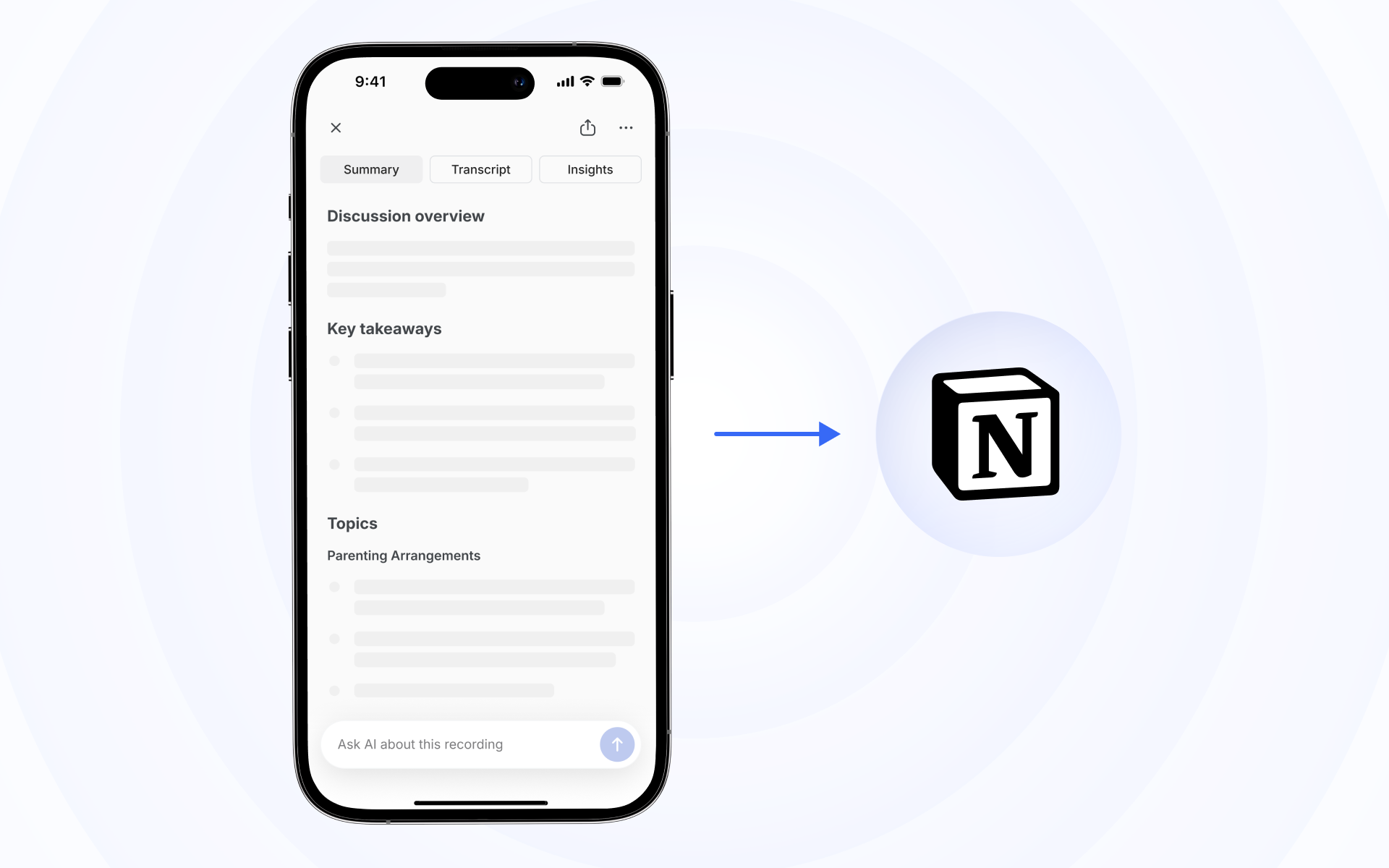
Turn conversations into organized Notion pages, straight from the Bluedot mobile app or Apple Watch.