Microsoft 365 Copilot has a pretty good selling point: AI right where you work, inside Word, Excel, and PowerPoint. Except that's no longer exclusive. Microsoft Copilot alternatives like ChatGPT and Claude now work inside those apps too. So what exactly are you paying Microsoft extra for?
Maybe your team doesn't even use Microsoft 365 that much. If you're working in Google Workspace, researching for hours, or jumping between Teams and Zoom calls, there are better tools for those jobs.
Important note: this guide covers Microsoft 365 Copilot and Copilot Chat. If you're looking for an AI tool to replace GitHub Copilot, look for an AI coding assistants comparison instead.
I've picked five strong Microsoft Copilot alternatives, including one specifically for meeting notes. Let's see which ones are actually worth switching to.
Key takeaways
- You don't need Copilot to get AI inside Office anymore. ChatGPT and Claude can now work directly in Word, Excel, and PowerPoint.
- ChatGPT handles everyday AI tasks across different apps. Claude is better suited to writing, editing, and working with long documents.
- Already using Google Workspace? Gemini fits right in. For research, Perplexity makes it easier to check where the answers come from.
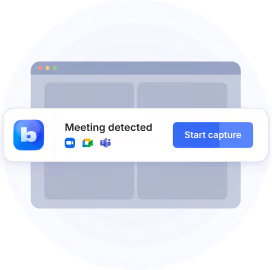
- Just need someone to take meeting notes? Bluedot records Teams, Zoom, and Google Meet without a bot. You get AI notes and a recording you can easily go back to.
What is Microsoft 365 Copilot?
Microsoft 365 Copilot is Microsoft's AI assistant built into Word, Excel, PowerPoint, Outlook, and Teams. It can help you write emails, work with spreadsheets, and summarize meetings. For businesses, one of its biggest draws is enterprise search: finding information across the company apps you already use.
But not everyone using Copilot gets the same key features. There are two main versions for work:
- Microsoft 365 Copilot Chat is free with some Microsoft 365 plans. You can ask questions, write content, and work with your own files, but access to company data and some features is limited.
- Microsoft 365 Copilot is the paid version. It can use your company's emails, files, and meetings to help with everyday work, and includes extra features like Copilot in Teams and AI agents.
Microsoft also offers personal plans, including Microsoft 365 Premium, with Copilot features for individual users.
Why people look for Microsoft 365 Copilot alternatives
You don't use Microsoft 365 that much. If most of your work happens in Google Docs, Notion, or other apps, you probably won't get much value from Copilot's deeper Microsoft integrations.
The Microsoft 365 Copilot license cost is steep. Microsoft 365 Copilot pricing starts at $21 per user per month for the Business plan with annual billing, on top of your existing Microsoft 365 subscription. That's a lot to pay if your team only needs help with a few tasks.
Shared files are easy to mishandle. Copilot follows your existing SharePoint permissions. If too many people can access a folder, Copilot makes it easier for them to find documents they weren't meant to see. That's a data privacy risk and a big enough problem that Microsoft even has guidance on fixing oversharing.
You don't need everything Copilot offers. If you mostly use AI to write or research, why pay extra for features you'll barely use? Meeting notes are another example. Microsoft's AI recap requires a Copilot license or Teams Premium, and if you're jumping between Teams, Zoom, and Google Meet, one of the best AI note takers could make your life easier.
Microsoft Copilot alternatives compared
Here's how these apps like Copilot compare on pricing and meeting notes:
1. ChatGPT — best all-around Microsoft Copilot alternative
If you're comparing Microsoft Copilot vs ChatGPT, ChatGPT makes more sense when you use a mix of apps.
ChatGPT now works right inside Word, Excel, and PowerPoint. Got a messy draft? Ask it to clean things up in Word. Need help with a spreadsheet? It can work with formulas and analyze your data in Excel. You can also use it to put together presentations in PowerPoint without jumping between apps. And you can try ChatGPT in Word on the Free plan, though usage limits apply.
It also connects to Outlook, SharePoint, Teams, Gmail, and other services, depending on your plan. So if your team uses a mix of Microsoft and Google apps, you can still work with information from both.
You can also use ChatGPT on its own. Upload a few competitor reports and ask it to spot the differences, or give it a spreadsheet and turn the numbers into a chart. Projects let you keep related files and conversations together, so you can pick up where you left off. Paid plans also include advanced reasoning capabilities and custom GPTs you can set up to handle recurring tasks.
ChatGPT has meeting recording features too, but they're pretty limited. ChatGPT Record works on Mac and can automatically join supported Google Meet calls through your connected calendar. For Zoom and Teams, you'll have to start it yourself. It gives you a transcript and summary, then deletes the original audio. There's no recording to go back to if you need to check what someone actually said.
Copilot still makes more sense if you rely heavily on your company's Microsoft 365 data. It uses Microsoft Graph and Work IQ to find information across emails, files, and Teams conversations. ChatGPT supports some Microsoft integrations, but Copilot is more deeply connected to Microsoft 365.
Pricing: A free version is available. ChatGPT Plus costs $20/month. ChatGPT Business starts at $20 per user per month with annual billing, or $25 with monthly billing, and requires at least two seats.
Best for: people who use AI throughout their workday and don't want to stick to one software ecosystem.
2. Claude — best for writing and working with long documents
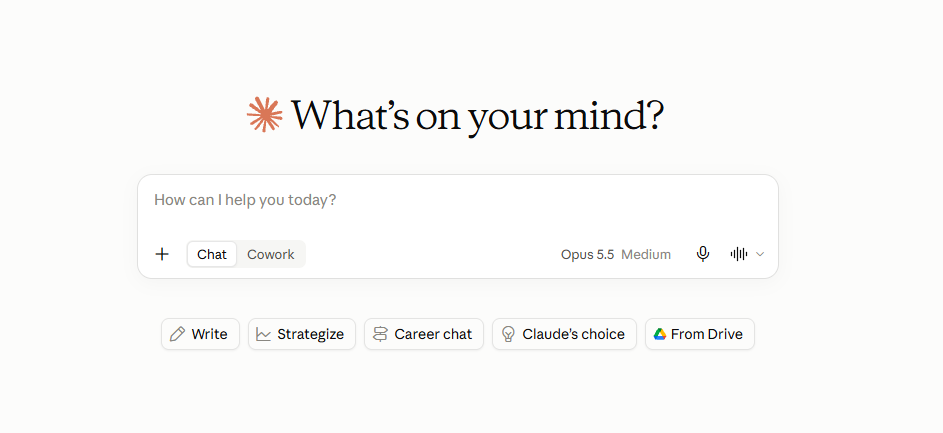
If you're comparing Microsoft Copilot vs Claude, Claude is a better fit for writing and working with long documents. Its paid plans now work directly inside Word, Excel, and PowerPoint, too.
In Word, Claude doesn't have to rewrite your entire document. It can suggest edits with Track Changes, so you get to decide what stays. It also helps with formulas and spreadsheet models in Excel, and can build PowerPoint slides using your existing template.
With Claude's Office integrations set up, you don't have to start over in every app. Imagine you're putting together a client proposal. You can start with a brief in Word, work through the budget in Excel, and turn it all into a presentation without explaining the project from scratch each time.
There's an Outlook integration in beta, too. Claude can draft email replies and calendar invites, but you're still the one who approves them before anything gets sent.
And if your work is split between Microsoft and Google, Claude connects to Gmail, Google Calendar, and Google Drive as well.
Projects help keep your files and instructions organized, while Artifacts give you a separate space to work on the content Claude creates.
One thing to watch is Claude's usage limits. Working with large documents or running complex tasks repeatedly can use up your allowance faster than expected.
If your company already pays for Copilot, check whether Claude offers enough extra functionality to justify another subscription. Some of its Office features overlap with what you already have.
Pricing: Free plan available. Claude Pro costs $20/month, or $17/month with annual billing. Team subscription starts at $20/user/month with annual billing.
Best for: people who regularly write, analyze, or edit documents and want AI help inside Microsoft Office.
3. Gemini — best for Google Workspace users
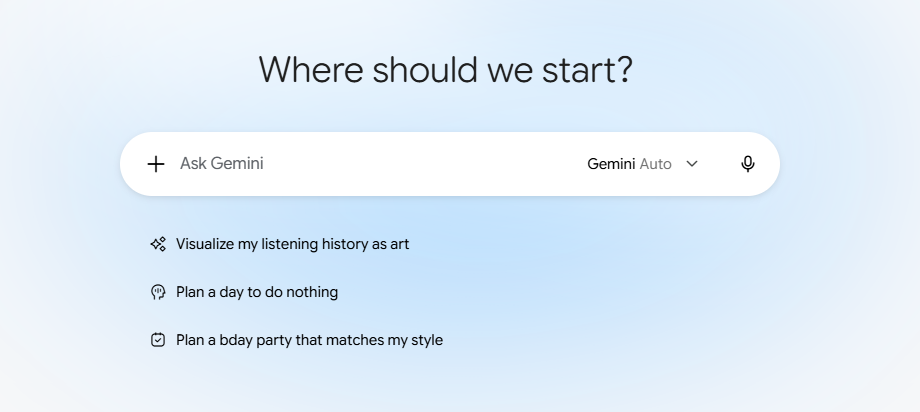
Microsoft Copilot vs Gemini? If your team spends its day in Gmail and Google Docs, Google Gemini is probably the better fit. Copilot does similar work, but mainly inside Microsoft's apps.
With the right plan, Gemini can save you quite a bit of digging through Gmail and Google Drive. Got a client call coming up? Ask it to find the relevant email threads, summarize a few documents, and help you put together an agenda. It can also draft emails right in Gmail.
Gemini can handle meeting notes. Its "Take notes for me" feature follows the conversation in Google Meet and puts the notes and action items into a Google Doc. Google expanded it to in-person meetings in 2026, so you can also capture conversations through the Meet app on supported devices.
Just keep in mind: getting AI notes doesn't mean you have a recording to go back to. If you want to replay a conversation and hear exactly what someone said, Google Meet's recording feature is separate and comes with its own requirements.
You can also use Gemini as a regular AI assistant, and Gemini Enterprise connects to business tools beyond Google Workspace, including Microsoft 365.
Don't confuse personal Google AI subscriptions with business Workspace plans. They come with different features, so start by checking what's already included in your company's subscription.
Copilot has a useful advantage during Teams meetings, though. With the right license and meeting settings, you can ask questions about the conversation while it's still happening. If you joined ten minutes late, just ask Copilot to catch you up on what you've missed, so you can follow the discussion without interrupting everyone.
Pricing: There is a free version. Google AI Plus starts at $4.99/month. Google AI Pro costs $19.99/month and includes the premium Gemini features previously known as Gemini Advanced, along with 5 TB of cloud storage. Business plans are priced separately.
Best for: teams using Gmail, Google Docs, and other Google Workspace apps.
4. Perplexity — best for research with cited sources
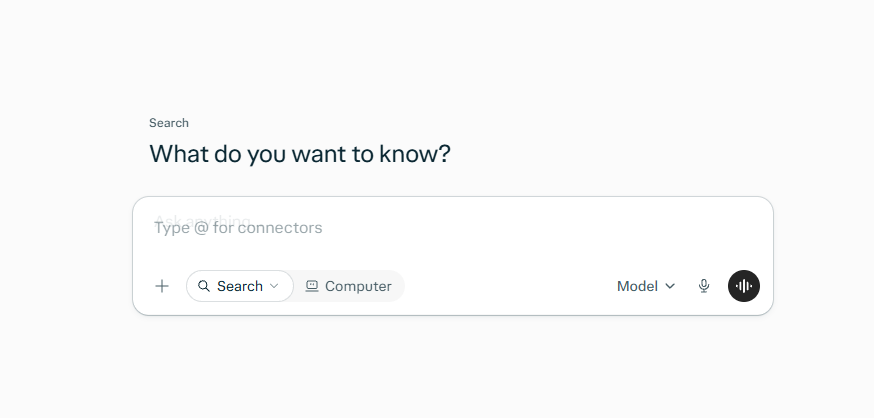
Perplexity is a better option than Microsoft Copilot if you spend a lot of time researching topics or checking facts. Copilot can search the web too, but Perplexity is built around finding information and showing you where it came from.
Say you're comparing several SaaS products for your team. You can ask Perplexity to look into their pricing, features, and integrations, then follow up on anything that catches your attention. It includes links to sources alongside its answers, so you can check the details yourself instead of taking the AI's word for it.
Those citations are useful, but they're not a guarantee that everything is correct. Perplexity can still misunderstand what a source says or find something outdated. If a claim matters, it's better to open the link and check for yourself.
Perplexity also lets you use AI models from different providers. Paid plans give you more control over model selection and access to deeper research.
Depending on your plan, Perplexity can also search files in Google Drive, OneDrive, and SharePoint alongside web results. Handy when your research involves both company documents and online sources.
Once you've found what you need, Copilot has an advantage if the next step involves Excel or PowerPoint. You can work with the information right inside those apps.
Pricing: Free tier available. Perplexity Pro costs $20/month, or around $17/month with annual billing. Business plans are priced separately.
Best for: people who spend a lot of time researching and need sources they can check.
5. Bluedot — best Microsoft Copilot alternative for meeting notes
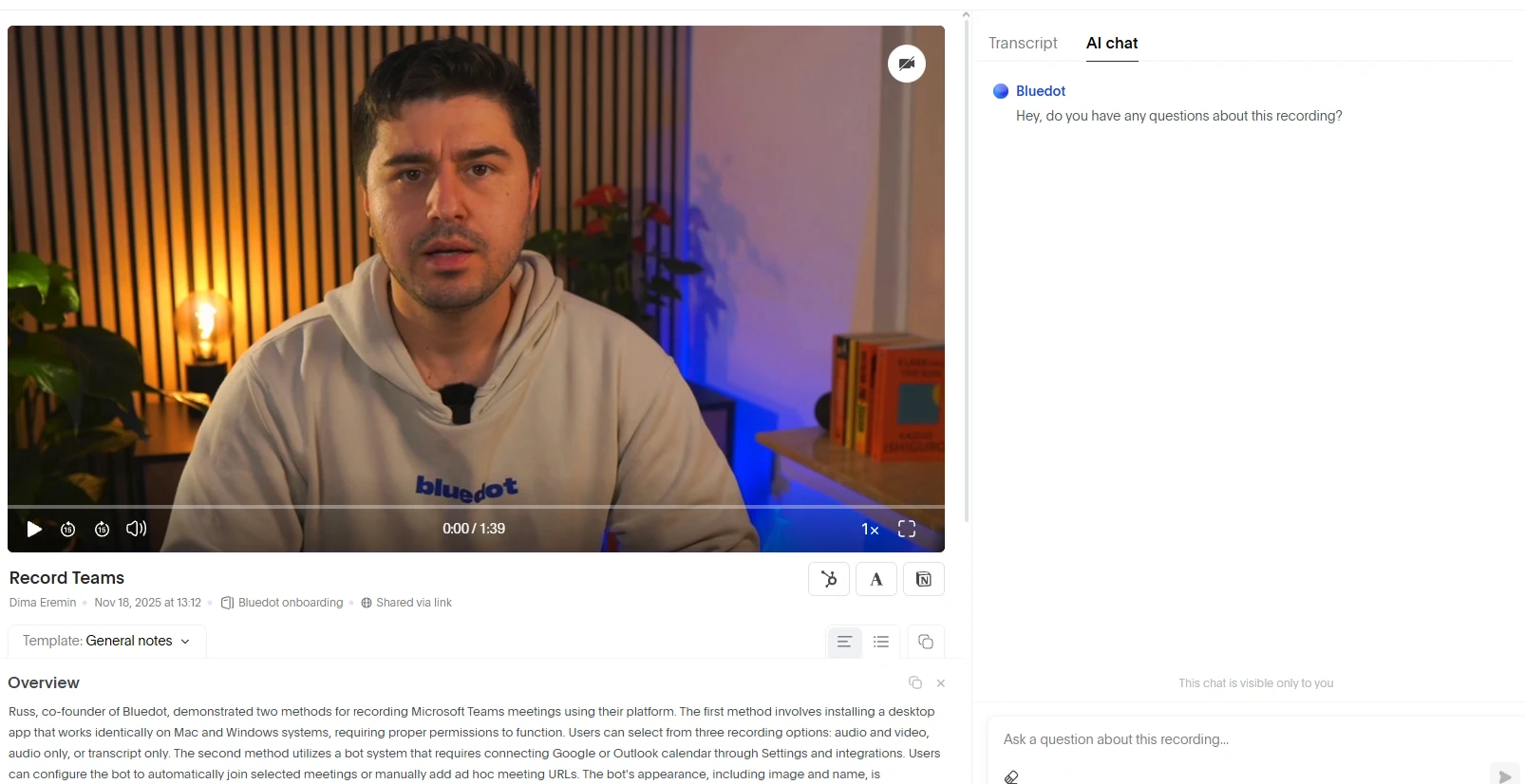
If you mainly use Microsoft 365 Copilot for meeting notes, Bluedot is a better fit for that job. It's an AI note taker for Microsoft Teams that also records Zoom and Google Meet calls, without requiring a Copilot license.
Microsoft's AI meeting recap works inside Teams. You need Teams Premium or Microsoft 365 Copilot to use it, depending on which features you want.
Bot-free recording works in different ways across the best AI note takers for Microsoft Teams. Some AI tools save a transcript but don't keep the original audio. ChatGPT Record deletes its audio after transcription, while Gemini's "Take notes for me" only creates written notes unless you record the meeting separately.
Bluedot records Teams meetings without adding a bot and keeps the audio alongside your transcript and AI notes. The Pro plan saves video, too. So if something in the summary doesn't look right, you can go back and check the original recording.
Bluedot also works for in-person meetings. You can record conversations from your phone, even offline, and use the Apple Watch app when your phone is somewhere else. Once the recording is processed, you'll have a transcript and notes to review.
And if you're looking for something specific, you don't have to read through every transcript. Bluedot's AI chat lets you ask questions like "What did the client say about the deadline?" or find decisions from previous meetings.
Bluedot can also draft follow-up emails based on your meetings. You can share meeting summaries with Notion, Slack, or your CRM, depending on your plan. Claude users can connect Bluedot through MCP and work with their meeting notes without leaving the chat.
On the security side, Bluedot is SOC 2 Type II audited, GDPR-compliant, and supports EU or US data storage. Your meeting data is never used to train AI models.
Pricing: Free tier with five recorded meetings. Basic plan starts at $14/user/month with annual billing for audio-only recordings up to one hour each. Pro subscription starts at $20/user/month and adds video recording, unlimited recording duration, and custom templates. Business plan starts at $32/user/month.
Best for: teams that want bot-free recordings and AI notes across Teams, Zoom, Google Meet, and in-person meetings.
How to choose a Microsoft Copilot alternative
If you're paying for Copilot but still turning to other tools to get things done, try to figure out what's missing. Before switching, check a few things:
- Your everyday apps. If most of your work happens in Microsoft 365, look for Office integrations. If you're on Google Workspace, check how well the tool works with Gmail, Docs, and Drive.
- What you really need AI for. Writing, research, data analysis, and meeting notes are different jobs. Try each tool on a task you do regularly instead of comparing feature lists.
- Meeting recordings. Some tools give you a summary but don't keep the original recording. Check whether you can replay your calls, record in-person conversations, and use the tool across Teams, Zoom, and Google Meet.
- Pricing and limits. Compare subscription tiers, not just the headline price. A free plan might be enough, but check usage limits and whether the features you need are locked behind a paid subscription.
- Company data. Check who can access your files, where they're stored, and whether they're used for AI training. If your company has security requirements, look at things like SOC 2 and GDPR compliance before connecting your work accounts.
You don't have to replace Copilot completely. You can keep it for the Microsoft 365 tasks it handles well and use another AI tool where it makes more sense.
Meeting notes without the Copilot license
Copilot can be useful for plenty of things inside Microsoft 365. But if you're mainly using it for meeting notes, do you really need to pay for the whole package?
Bluedot does that job without tying you to Teams. You can record Zoom, Google Meet, and Teams calls without a bot, then get AI notes along with the recording itself. So when you need to double-check a decision or revisit a presentation, you can go back to the actual conversation.
Frequently asked questions
Is there a better AI than Copilot?
Yes, if your work isn't centered on Microsoft 365. ChatGPT is a good all-rounder, Claude is particularly useful for writing and documents, Gemini works well with Google Workspace, and Perplexity focuses on research. Copilot still has an advantage if your company relies heavily on Microsoft 365.
What can I use instead of Microsoft 365 Copilot?
ChatGPT and Claude both work inside Microsoft Office, while Gemini is a better fit for Google Workspace. For research, go with Perplexity. If you mainly need meeting notes, Bluedot records Teams, Zoom, and Google Meet calls without a Copilot license.
Is there a free alternative to Copilot?
Yes. ChatGPT, Claude, Gemini, and Perplexity all offer free plans, though advanced features and usage are limited. Bluedot also has a free plan with five recorded meetings for the lifetime of your account.
Is Microsoft getting rid of Copilot?
No. Microsoft continues to develop Copilot, although some features and subscriptions have changed. For example, the standalone Copilot Pro plan is no longer available to new customers, with newer Microsoft 365 plans offering Copilot features instead. That's separate from Microsoft 365 Pro, which is a newer subscription.
Is Microsoft Copilot worth it?
It can be if your team uses Microsoft 365 extensively and needs AI assistance across company emails, documents, and meetings. If you mainly use AI for writing or research, a standalone assistant may give you what you need for less.
How much does Microsoft Copilot cost?
Microsoft Copilot pricing depends on whether you're using it for personal tasks or work. Here are the current US plans:
- Microsoft 365 Copilot Chat: included with some Microsoft 365 business plans, though agents that access shared company data may incur usage-based charges.
- Microsoft 365 Personal: $9.99/month.
- Microsoft 365 Family: $12.99/month.
- Microsoft 365 Premium: $19.99/month.
- Microsoft 365 Pro: $99.99/month.
- Microsoft 365 Copilot Business: $21 per user per month with annual billing, plus a qualifying Microsoft 365 subscription.
- Microsoft 365 Copilot for enterprise: $30 per user per month with annual billing, plus a qualifying Microsoft 365 subscription.
Check Microsoft's pricing page for current offers and licensing details.
Is Copilot better than ChatGPT?
Copilot is more convenient when you need AI to work with your company's Microsoft 365 data. ChatGPT is more flexible across different apps and tasks, and it now works inside Word, Excel, and PowerPoint too.
Which alternative is best for Google Workspace users?
Gemini is the best fit. It works inside Gmail, Docs, and Drive, with AI meeting notes available in Google Meet on eligible plans. ChatGPT and Claude are also strong options for work outside Google Workspace.
Can Microsoft Copilot work outside Microsoft 365?
Yes. You can use consumer Copilot through the web or dedicated apps, and supported connectors can bring in information from other services. However, its deeper integrations with company data require eligible Microsoft 365 plans and licenses.
Can Copilot take meeting notes without a Microsoft 365 Copilot license?
Yes, but with limitations. You can use built-in transcription and recording for Microsoft Teams meeting notes without a Copilot license, depending on your Teams plan and settings. Teams Premium adds AI-generated recaps, while Copilot in Teams and Facilitator require a Microsoft 365 Copilot license.
If you only need the text, you can also transcribe a Teams meeting without recording. Or use Bluedot to record Teams, Zoom, and Google Meet bot-free and keep the original conversation alongside your notes.