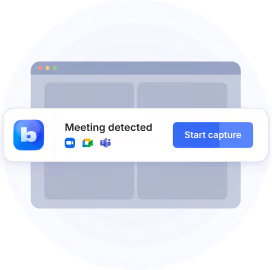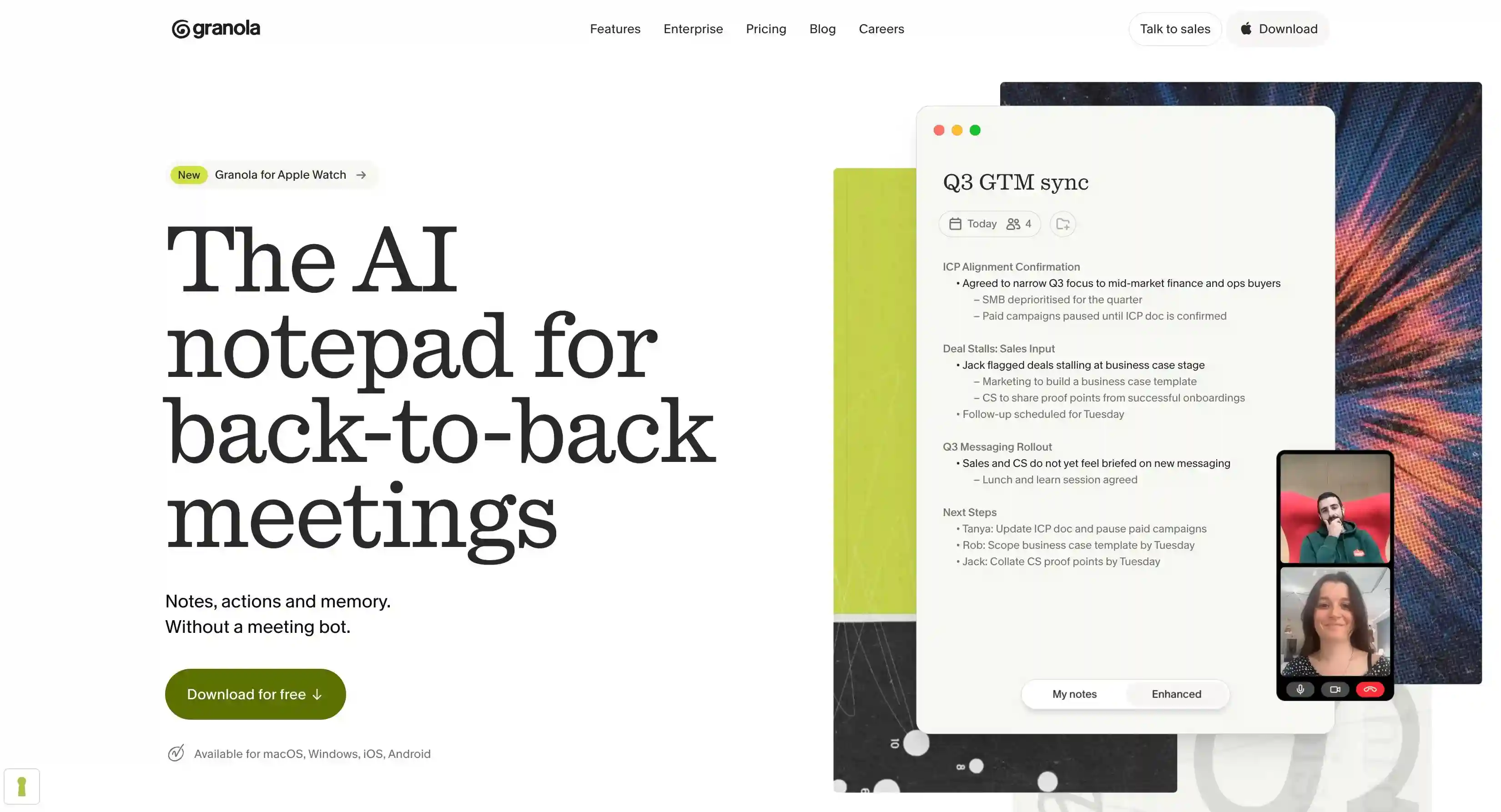
Bluedot is the best Granola AI alternative because it’s bot-free, records playable audio and video, captures in-person meetings on iOS and Android, and stores your data on GDPR-compliant servers in Frankfurt — without ever training AI on your data.
Granola records no audio or video and trains AI on your meetings by default, unless you opt out of AI training manually.
Besides Bluedot, most other AI note takers have limited recording and transcription capabilities without their bots, or they’re not cost-effective.
To confirm this, we’ve tested the most popular Granola AI alternatives. We evaluate each AI note taker based on features, pricing, and how they compare with Granola.
Key takeaways
- Bluedot is the best Granola alternative: bot-free like Granola, plus replayable audio and video, named speakers, and EU data storage with no AI training.
- Granola never records audio or video, labels most speakers "Me" and "Them," and trains AI on your meetings unless you opt out.
- Most alternatives require a bot for their main features. Without it, Fireflies loses speaker names, tl;dv loses video, and Read AI loses its coaching.
- Fathom has the most generous free plan, with unlimited recordings and 5 AI summaries a month.
- Fireflies and Fathom suit sales teams that need meeting notes synced to a CRM.
- Granola runs on Windows, iOS, Apple Watch, and Android, but its mobile apps only record in-person meetings.
Granola AI alternatives at a glance
Why people look for Granola alternatives
People leave Granola for six reasons, according to our demo calls with ex-users and verified online reviews:
There's no recording to review
Granola keeps only meeting transcripts and your notes. It never records or stores meeting audio or video, and its own feature-request roadmap marks recording as "not planned."
When the AI notes are wrong or insufficient, you can't check the recording. You lose meeting context that only visual cues can provide — like facial expressions.
There's nothing to replay, and transcripts can't be edited either. One G2 reviewer, an executive assistant, put it plainly in April 2026: "It does not capture all meeting details."
Speakers show up as "Me" and "Them"
By default, Granola labels everyone in the transcript as either "Me" or "Them."
Named speakers appear only on Google Meet, through Granola's Chrome extension, and on Zoom on macOS.
Weak speaker identification becomes a problem on conference calls with more than 2 people. Meeting summaries don't show who agreed to what.
Granola also has no speaker analytics, so there are no talk-time or questions-asked figures.
There's no auto-record
Granola can't start recording automatically.
It sends a notification about a minute before each of your upcoming meetings, but recording starts only when you click in.
In back-to-back meetings, that's easy to miss: if you don't open the meeting as a note in Granola, it doesn't record, and you can't recover it later.
Users on r/macapps describe the opposite failure too: "it just stopped recording. So now I have to keep looking to see if it's recording."
The free plan keeps 30 days of meeting history
On Granola's free Basic plan, notes older than 30 days aren't available, AI chat covers the same 30 days, and Slack is the only integration.
Business costs $14 per user per month and is billed monthly only; annual billing is reserved for Enterprise, which starts at $35 per user per month.
Salesforce is reachable only through Zapier on any plan.
Granola only supports 31 languages
Granola transcribes 31 languages on Mac and Windows and 17 on iOS and Android. The desktop app can switch languages mid-meeting, but the mobile apps detect one language at the start and can't change it afterward.
Your data stays in the US and trains AI by default
Granola hosts all data on AWS in the United States, with no EU or UK residency option.
It uses meeting data to train AI unless each user opts out; only Enterprise workspaces are opted out by default.
HIPAA coverage, SSO, and SCIM are Enterprise-only, and Granola has no built-in two-factor authentication. Though, it is SOC 2 Type II certified and GDPR compliant.
Bot-free Granola alternatives
The top bot-free alternatives to Granola are:
1. Bluedot — best for bot-free recording with video
Best for: Granola users who want the same bot-free capture, plus a recording they can replay and speaker names on every major meeting platform.
Similar to: Granola, Jamie, Krisp
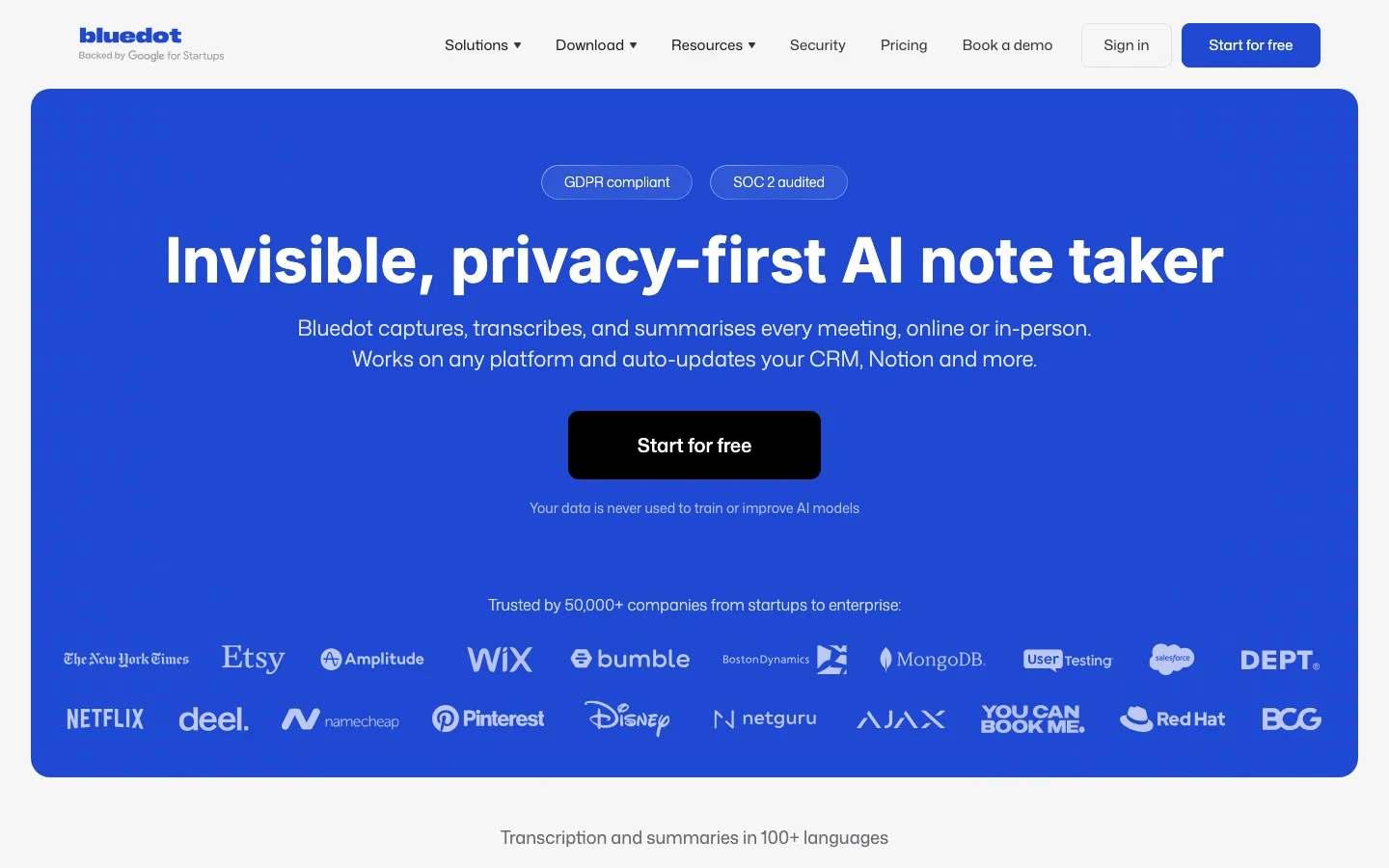
Bluedot is a secure, privacy-first AI note-taker that records, transcribes, summarizes, and drafts follow-up emails for online and in-person meetings without sending a bot into your calls. It captures system audio directly from your device and supports audio and video recording across Chrome, macOS, Windows, iOS, Android, and Apple Watch.
Bluedot is GDPR-compliant, SOC 2 Type II audited, and never uses meeting data to train AI models. You can also choose between cloud transcription and local processing on your device.
Bluedot records meetings the way Granola does, from your device and with no bot in the participant list, but it keeps the audio and video.
It also has wider platform support. The Chrome extension captures Google Meet and Microsoft Teams calls in the browser, or any other online call via screen recording. And the Mac and Windows apps can record any conversation, including those on Zoom, Meet, Teams, and Slack.
The iOS, Android, and Apple Watch apps record in-person meetings.
Bluedot vs. Granola
Key features
- Video you can work with: Click a line in the notes to jump to that moment in the video, cut the video by editing the transcript, share clips, and leave timestamped comments. Video records at 720p or 1080p.
- Speaker insights: Talk ratio, longest monologue, speaking pace, and questions asked, for every participant.
- 100+ languages: Transcription in more than 100 languages, with automatic language detection.
- CRM sync: Salesforce and HubSpot, with AI-powered field mapping, plus Notion, Slack, Zapier, and Make.
Pricing
Per member per month, billed annually:
- Free: 5 recorded meetings
- Basic: $14
- Pro: $20, adds video recording
- Business: $32
Where it falls short
- The free plan stops at five recorded meetings, while Granola's free plan allows unlimited notes.
Choose Bluedot if you want Granola's bot-free capture with a replayable recording, named speakers, and EU data storage. Stay with Granola if you still want an AI notepad where you type your own notes during the call.
2. Jamie — best for speaker identification without recording
Best for: European deal and advisory teams that want bot-free notes with reliable speaker names.
Similar to: Granola, Bluedot, Krisp
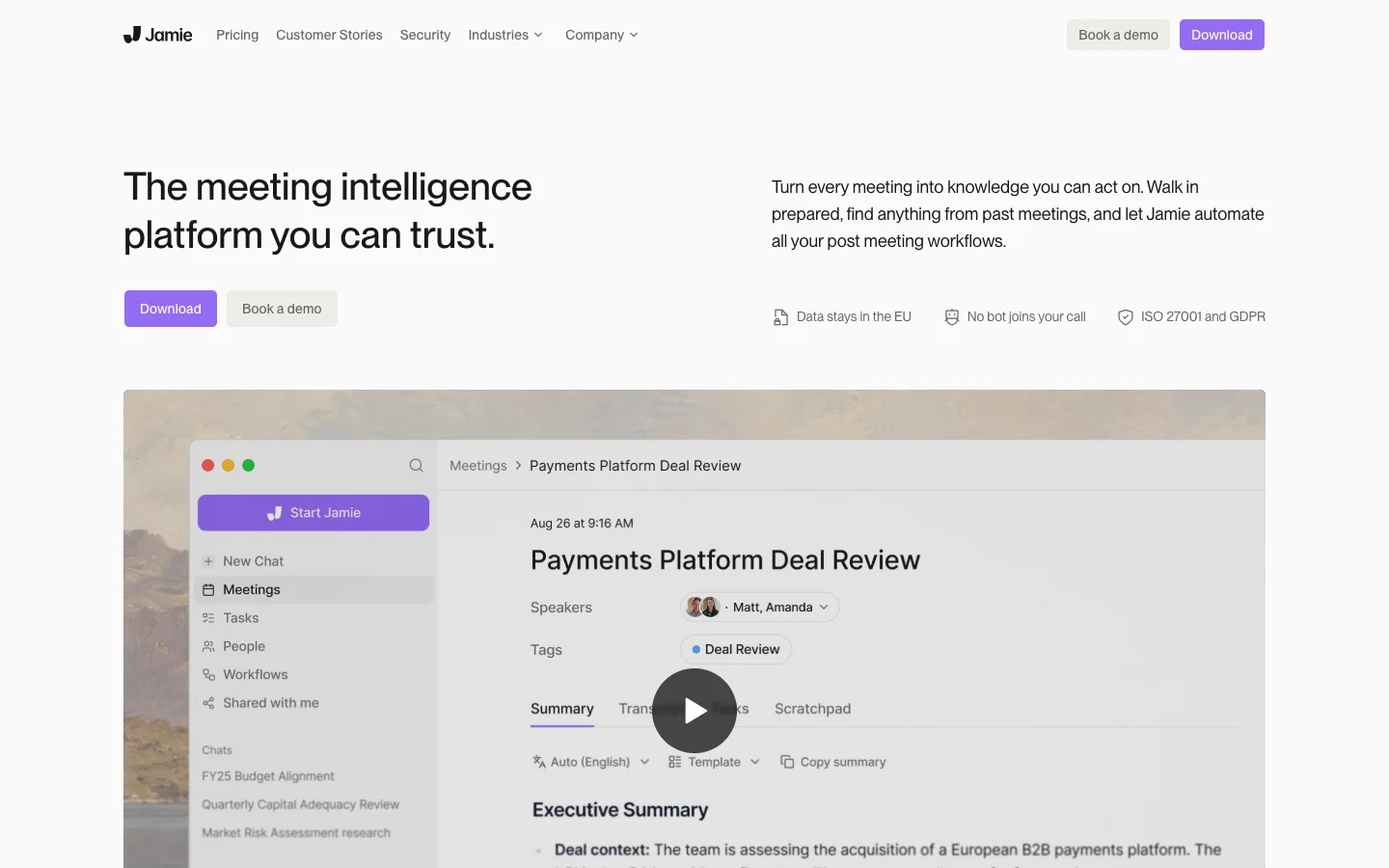
Jamie is a bot-free AI note-taker built in Europe, with apps for Mac, Windows, iOS, and Android (Android is in beta).
Jamie only transcribes meetings. It doesn't record audio or video.
The AI note-taker is EU-hosted with AI processing in Frankfurt, holds ISO 27001, and doesn't train AI on your meetings; SOC 2 Type II is still pending.
Like Granola, Jamie gives you meeting notes rather than a recording, so there's no video to go back to when a summary misses something.
Jamie is more precise and consistent than Granola on speaker labeling. It plays a short clip of each voice for you to label once. After that, the person is automatically labeled in every later meeting.
Jamie vs. Granola
Key features
- Workflows: Set up automated follow-ups by describing them in plain language, like "log a call in my CRM with the key points."
- Deal-team CRMs: Salesforce, HubSpot, Dynamics 365 and Attio from the Pro plan, plus Affinity and DealCloud on higher plans.
Pricing
Per user per month, billed annually (monthly price in brackets):
- Free: 10 AI notes a month, meetings up to 30 minutes
- Plus: €21 (€25), 20 AI notes a month
- Pro: €39 (€47), unlimited AI notes
- Team: €33 per seat (€39)
- Enterprise: custom pricing
Where it falls short
- "Jamie has major problems with locking up during processing," wrote one G2 reviewer in December 2025, after losing a whole meeting during an app update.
- On calls with seven or eight people, it can miss speakers entirely: "An entire participant can be left out of minutes," says one Trustpilot reviewer.
Choose Jamie if you want Granola-style AI meeting notes with named speakers and EU hosting, and don't need a recording.
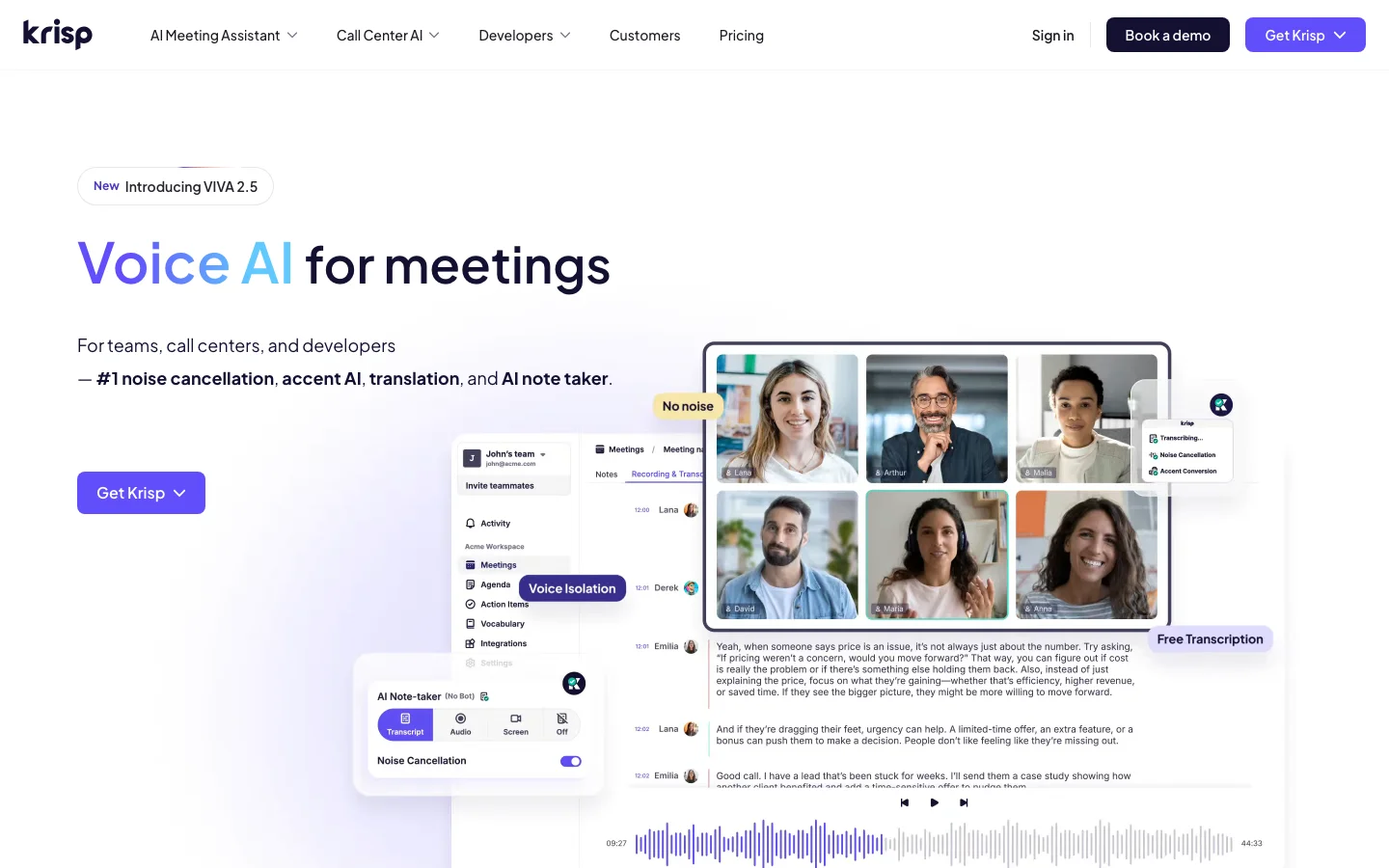
3. Krisp — best for noise cancellation with AI notes
Best for: People who take calls from noisy places and want AI meeting notes.
Similar to: Granola, Bluedot, Jamie
Krisp started as a noise-cancellation app and added AI meeting notes later.
Its Mac and Windows apps capture system audio with no bot, so it can capture conversations in almost any voice app, from Zoom and Teams to Slack huddles, Discord, and FaceTime.
An optional bot is available on the Core plan and up. The iOS and Android apps record in-person meetings.
Unlike Granola, Krisp keeps a recording of your calls. Its speaker names are limited, though: Krisp names people automatically only in one-on-one meetings, so group calls need manual labels.
Krisp vs. Granola
Key features
- Noise cancellation: Removes background noise and other people's voices from your microphone in real time, on the desktop app.
- Action items and agendas: Collects action items and follow-ups with owners and due dates across the workspace, and suggests agendas from past conversations.
Pricing
Per seat per month, billed annually:
- Free trial: 7 days
- Core: $16
- Advanced: $30
- Enterprise: custom pricing
Where it falls short
- Billing is the loudest complaint. "It's a textbook dark pattern," wrote one Trustpilot reviewer in January 2026, after Krisp automatically renewed their plan and charged them without notice.
- Searching your meeting history is hard. "I hate the search functionality," says one G2 reviewer.
Choose Krisp if near-perfect audio on calls is your highest priority.
Bot-first Granola AI competitors with a bot-free mode
Granola AI alternatives that use a bot while providing a limited bot-free mode are:
4. Otter — best for low-cost transcription in English
Best for: English-speaking professionals and students who want cheap transcription with a bot-free desktop option.
Similar to: Fireflies, Fathom, Bluedot
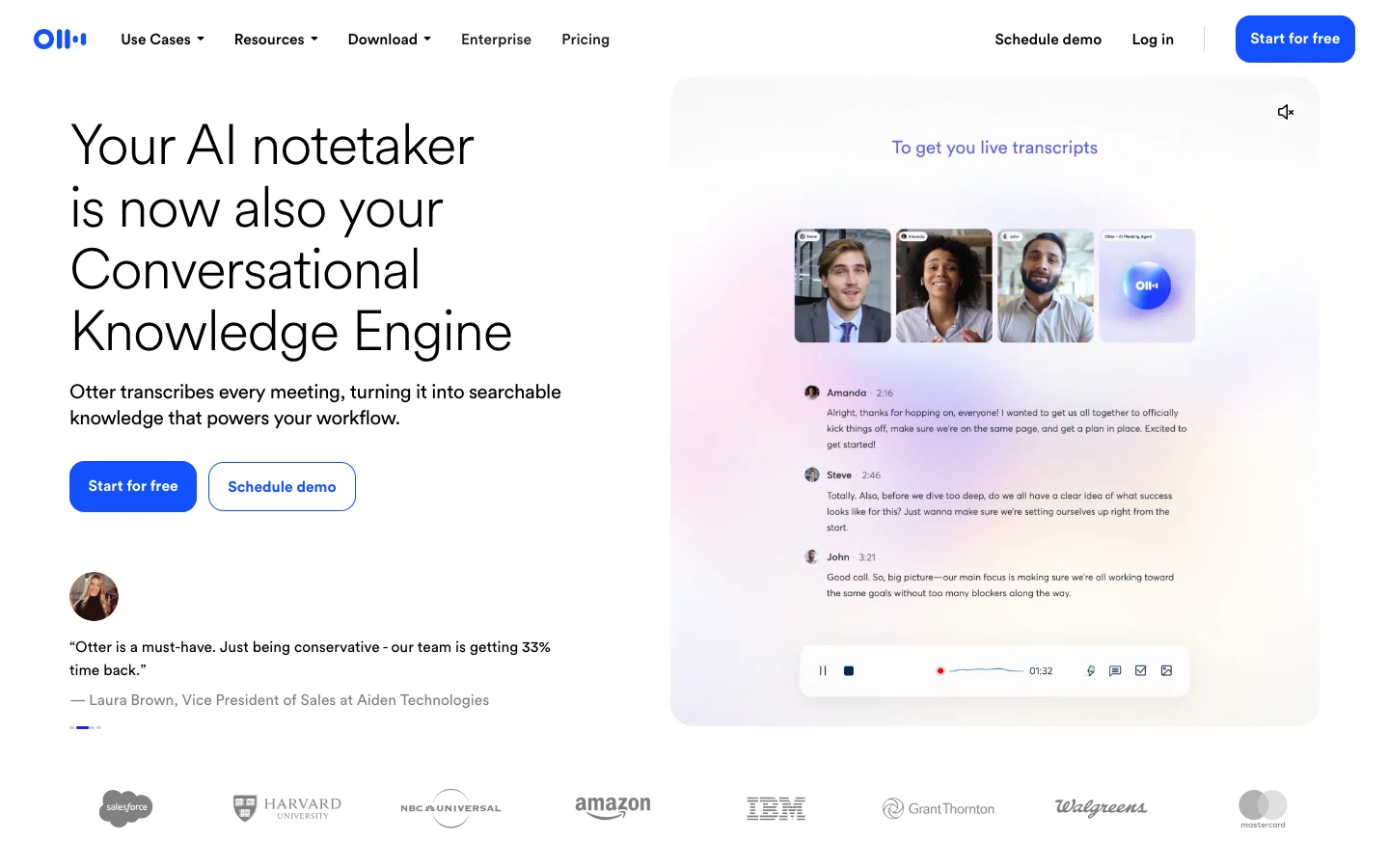
Otter is one of the oldest AI transcription tools. Its Otter Notetaker bot joins upcoming meetings on Zoom, Google Meet, and Microsoft Teams from your calendar.
Otter's Mac and Windows apps can also record system audio from Zoom, Meet, Teams, and Slack huddles without a bot, and still produce the same transcript, summary, and Takeaways. Otter also runs on iOS, Android, and the web.
Granola vs. Otter depends on your recording and language needs. Otter keeps an audio recording of every meeting and can join calls you don't attend yourself; Granola does neither. Granola wins on languages, though: Otter transcribes only six.
Granola vs. Otter
Key features
- Live transcript: Get real-time transcription as the meeting happens, and let the Notetaker post the live transcript into the meeting chat and answer participants' questions.
- AI Chat: Ask questions across all your meetings, with sources shown. It's capped at 20 questions a month on the free tier, 50 on Pro and 200 on Business.
Pricing
Per user per month, billed annually (monthly price in brackets):
- Basic: free, 300 minutes a month, up to 30 minutes per conversation
- Pro: $8.33 ($16.99)
- Business: $19.99 ($30)
- Enterprise: custom pricing
Where it falls short
- The meeting bot has a habit of showing up uninvited. "Everyone at my company somehow automatically had an account created," wrote one G2 reviewer, a CEO, in January 2025. A class-action lawsuit also claims Otter recorded work conversations without consent.
- Speaker labels take work. "Want to spend endless hours tagging speakers? Sign up for Otter!" is the title of one G2 review.
Go with Otter if you work mostly in English and want one of the cheapest paid plans here.
5. Fathom — best free plan for recording calls
Best for: Founders, consultants, and small sales teams who want unlimited free recording on Zoom, Meet, and Teams.
Similar to: Otter, Fireflies, tl;dv
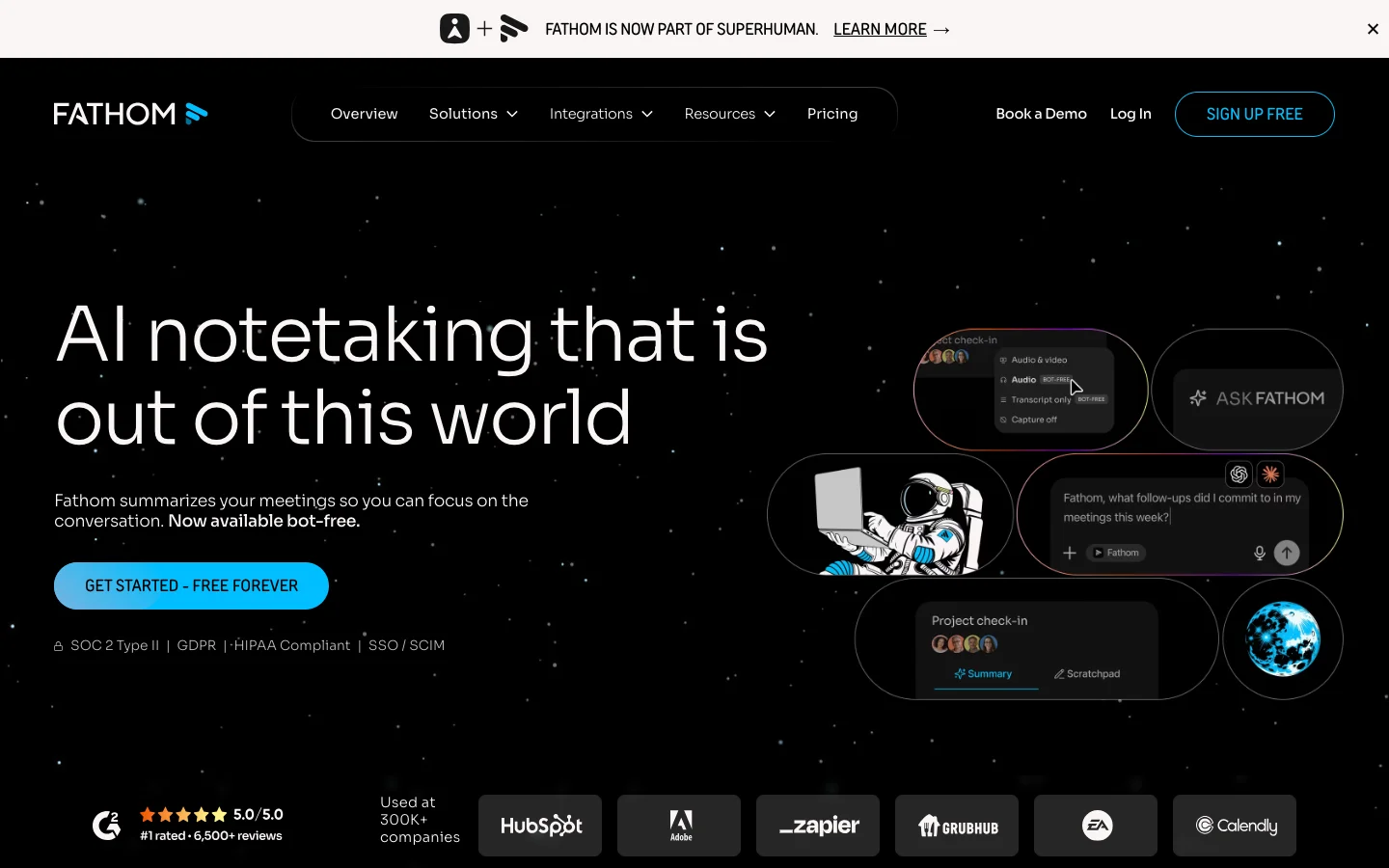
Fathom is an AI note-taker built around its Fathom Notetaker bot, which joins Zoom, Google Meet, and Microsoft Teams calls from your calendar.
Its Mac and Windows apps can also capture meetings without a bot, though that mode is still in beta and doesn't yet support highlights or clips.
Granola vs. Fathom comes down to recording versus discretion. Fathom records audio and video, which Granola never does. But it can't record quietly: its own help center says "there's no way to silently record without some form of consent or visibility." Fathom also has no mobile app yet.
Granola vs. Fathom
Key features
- Unlimited free recording: The free plan has no cap on recordings or transcriptions; the limit is 5 advanced AI summaries a month.
- Sales tools: Deal summaries and CRM sync from the Team plan, plus AI scorecards and Salesforce and HubSpot field sync on Business.
Pricing
Per user per month, billed annually (monthly price in brackets):
- Free: unlimited recordings, 5 advanced AI summaries a month
- Premium: $16 ($20)
- Team: $15 per user ($19), minimum 2 users
- Business: $25 per user ($34)
- Enterprise: custom pricing
Where it falls short
- Support is slow. After Fathom missed three of his meetings in one day, one Trustpilot reviewer wrote in August 2026: "There's no live support. There's not even a good AI support."
- One G2 reviewer, a founder, said an unresolved email-change request ended with him being told "I would have to accept losing TWO YEARS of client data."
Pick Fathom if you want free, unlimited recording and don't mind a visible bot.
6. Fellow — best for structured team meetings
Best for: Managers, project managers and teams who want agendas, action items, and admin controls alongside AI notes.
Similar to: Otter, Fathom, Read AI
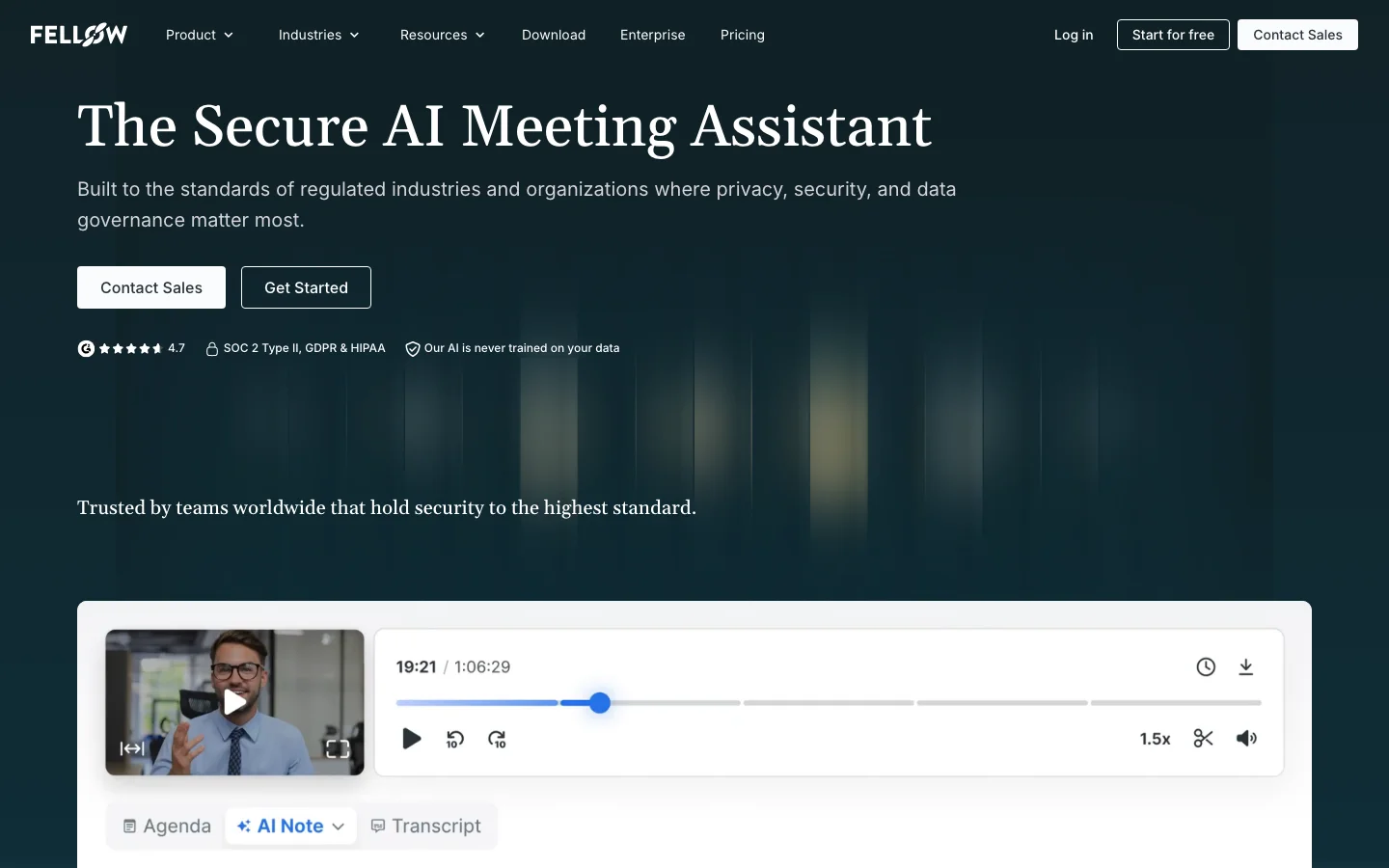
Fellow is a meeting-management tool with AI note-taking and recording.
Fellow provides shared agendas before the call, tracked action items and follow-ups after, and supports company-wide meeting policies (like no-meeting days).
It records through its Fellow Note Taker bot, through its Mac and Windows apps without a bot, or through Zoom's own recording infrastructure with no bot and no desktop app. Its iOS and Android apps record in-person meetings.
Fellow is built for teams that run recurring meetings, while Granola is built as a personal notepad for one person taking their own notes. Fellow's free tier is also one of the tightest here: five AI notes per user, which don't reset.
Fellow vs. Granola
Key features
- Agendas and action items: Build shared agendas before the call, then assign action items with owners and due dates and push them to Asana, Jira, Linear, and other tools.
- Security on every plan: SOC 2 Type II and GDPR compliance on every plan, including free, with HIPAA on Enterprise.
Pricing
Per user per month, billed annually (monthly price in brackets):
- Free: 5 AI notes and 5 AI recordings per user, lifetime
- Team: $7 ($11), 10 AI notes per user a month
- Business: $15 ($23), unlimited AI notes
- Enterprise: $25, minimum 10 users
Where it falls short
- It can slow your computer down. One user comparing Granola, MeetGeek and Fellow on Reddit wrote: "The Fellow app is a resource hog to a point where the Zoom client itself glitches and starts to crash."
- Sharing outside your company is clunky. "Tons of issues involved when trying to share meeting notes with guests," says one G2 reviewer.
Choose Fellow if your team wants one system for agendas, notes, and follow-ups, with admin controls.
7. tl;dv — best for sales coaching on recorded calls
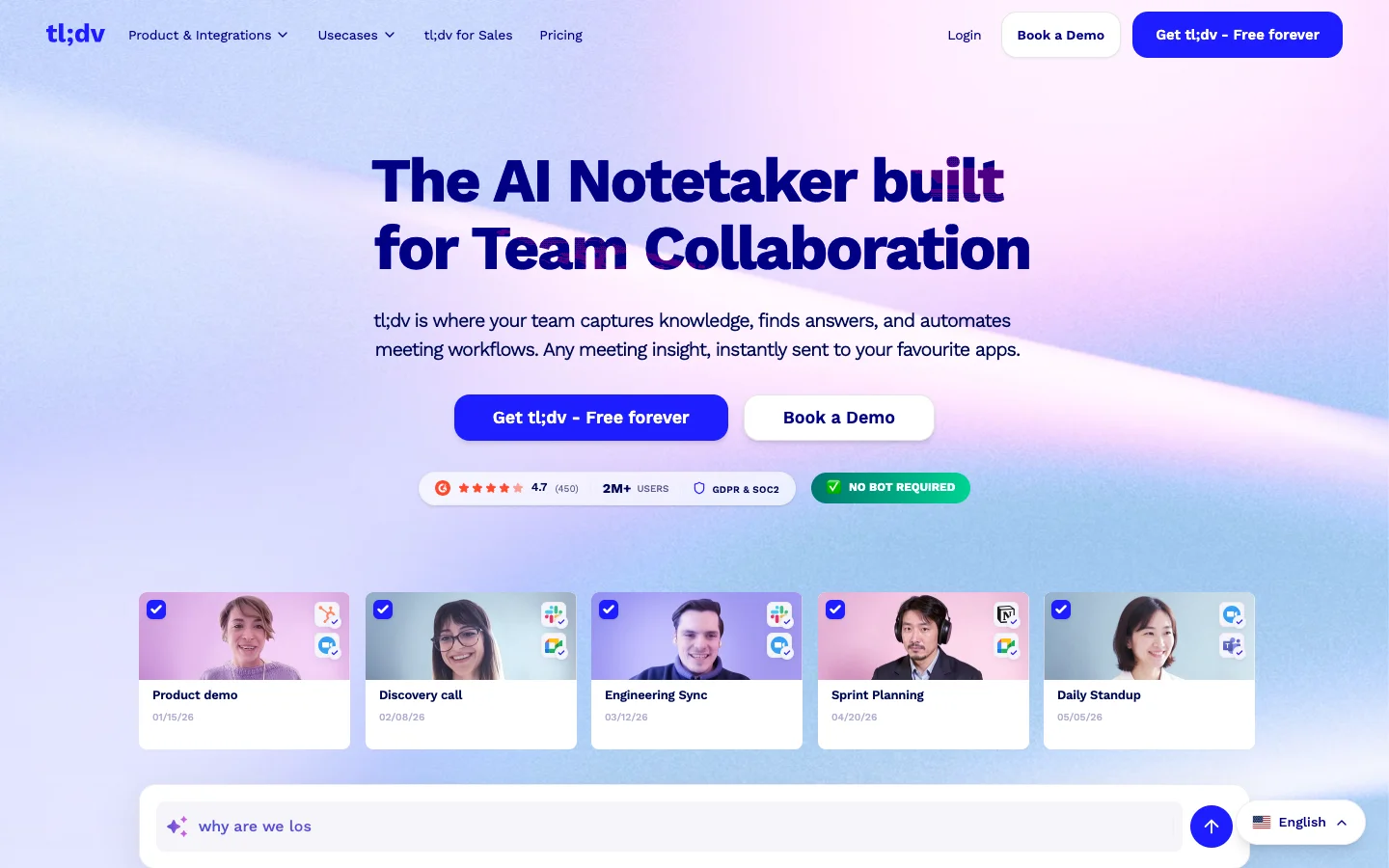
Best for: Sales and customer success managers who want coaching scorecards and speaker metrics.
Similar to: Fathom, Fireflies, Otter
tl;dv is an AI meeting recorder whose Notetaker bot joins Zoom, Google Meet and Microsoft Teams calls.
Its Mac and Windows apps can also record without a bot, including Slack huddles, WhatsApp and Discord calls, but only the audio: no video, screen share or chat. The iOS and Android apps record in-person meetings, also audio only.
Without the bot, disclosure is on you: tl;dv says its on-screen recording notice may not appear automatically. And every recording, on every plan, stops at three hours.
tl;dv vs. Granola
Key features
- Sales coaching: Score calls against BANT, MEDDICC, or your own playbook, and compare how reps handle objections, on the Business plan.
- Ask across meetings: Ask questions across up to 100 meetings at once, and get recurring AI reports on the topics you track.
Pricing
Per seat per month, billed annually:
- Free: unlimited recordings, AI notes on 10 meetings, 3-month retention
- Pro: $18
- Business: $29
- Enterprise: custom pricing
Where it falls short
- Account changes can lock you out. "Even on a paid annual plan, a simple account change can leave you stranded," wrote one Trustpilot reviewer in June 2026, after two weeks without access to their recordings.
- A security researcher reported in 2026 that a database misconfiguration exposed 181,874 tl;dv meeting records, and said it was still unpatched as of July 2026.
tl;dv is a decent choice if you coach a sales or success team and aren't concerned with security.
8. Fireflies — best for CRM-heavy sales teams
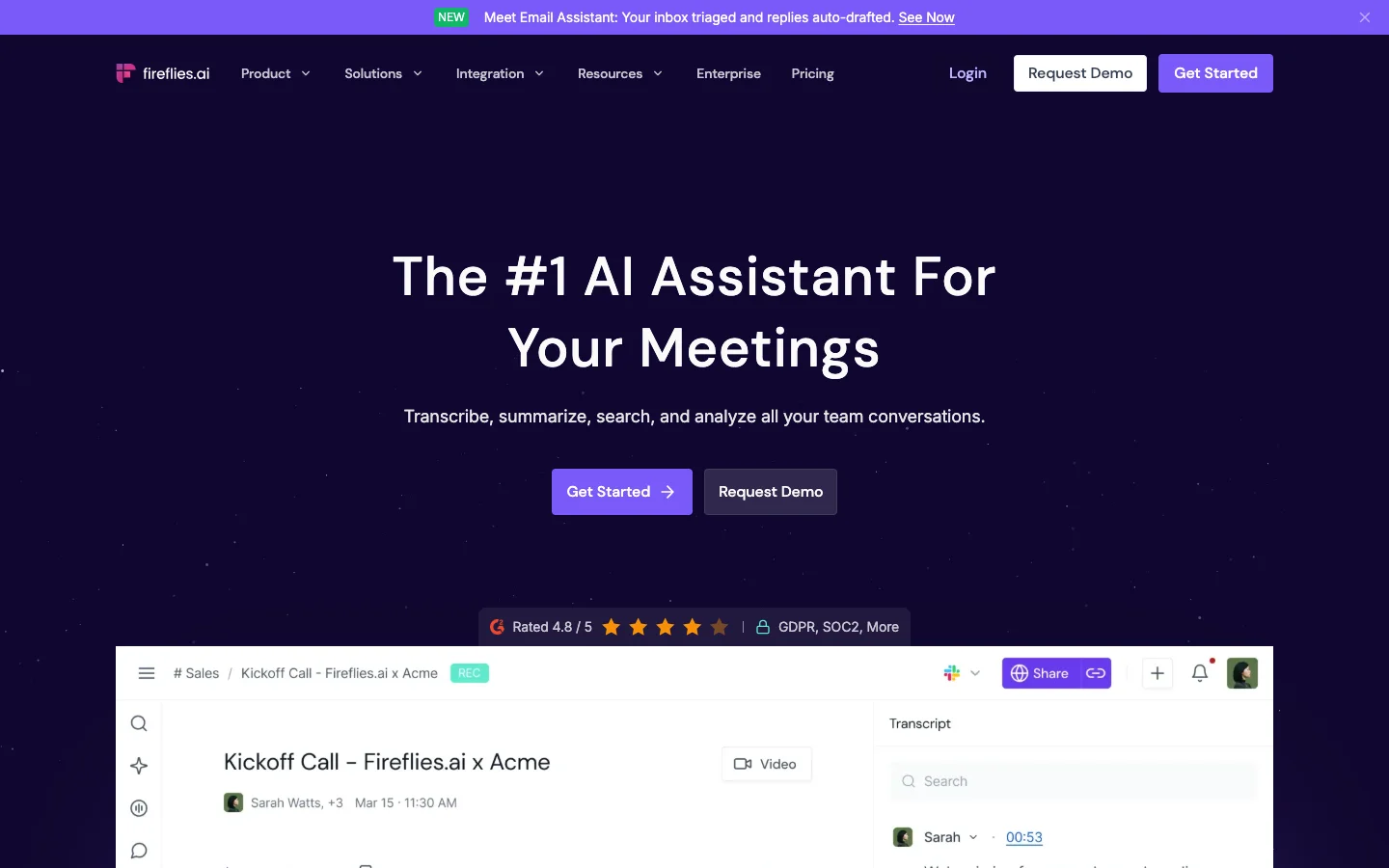
Best for: Sales and recruiting teams that want to push meeting notes into their CRM or ATS automatically.
Similar to: Otter, Fathom, tl;dv
Fireflies is an AI meeting assistant built around its bot, Fred, which joins Zoom, Google Meet, Microsoft Teams, and other calls from your calendar. It also runs as a web recorder, a Chrome extension for Google Meet, and iOS and Android apps.
Granola vs. Fireflies is decided by what you give up when you don't use the bot.
Fireflies' desktop app has a no-bot mode, called Take Notes, but it doesn't save meeting audio or video files and labels everyone "Speaker 1" and "Speaker 2." It also announces itself by default, with an audio notice, an "AI Taking Notes" watermark on your camera, and, on Mac, a chat message.
If you do leave Granola, Fireflies can import your Granola library.
Granola vs. Fireflies
Key features
- CRM and ATS sync: Connects to around 19 CRMs, with Salesforce and HubSpot autofill on Business, plus applicant-tracking systems like Greenhouse, Lever and Ashby.
- AI Skills: More than 200 templates that turn a call into structured summaries, like a BANT or hiring scorecard, plus custom templates, mostly paid for with AI credits.
Pricing
Per seat per month, billed annually (monthly price in brackets):
- Free: transcription only, 20 one-time AI credits
- Pro: $10 ($18)
- Business: $19 ($29)
- Enterprise: $39, billed annually only
Auto-Upgrade is on by default: when your AI credits run out, Fireflies moves you to a higher tier.
Where it falls short
- The meeting bot is hard to get rid of. One G2 reviewer said the notetaker kept joining their Zoom calls even after they deleted their account and uninstalled the app. IT admins describe the same problem across whole companies: "we can't seem to remove it from auto attaching itself to meetings," wrote one Google Workspace admin in r/gsuite.
- Cancelling can be hard. "Had to cancel with my bank in the end," wrote one Trustpilot reviewer in June 2026, after failing to cancel or remove their card in the app.
- Recordings can drop. One Trustpilot reviewer lost six meetings in September 2026, and Fireflies' own engineers told them the missing sections "cannot be recovered."
Choose Fireflies if your notes need to land in a CRM automatically and you're okay with a bot on the call.
9. Read AI — best for meeting intelligence and coaching
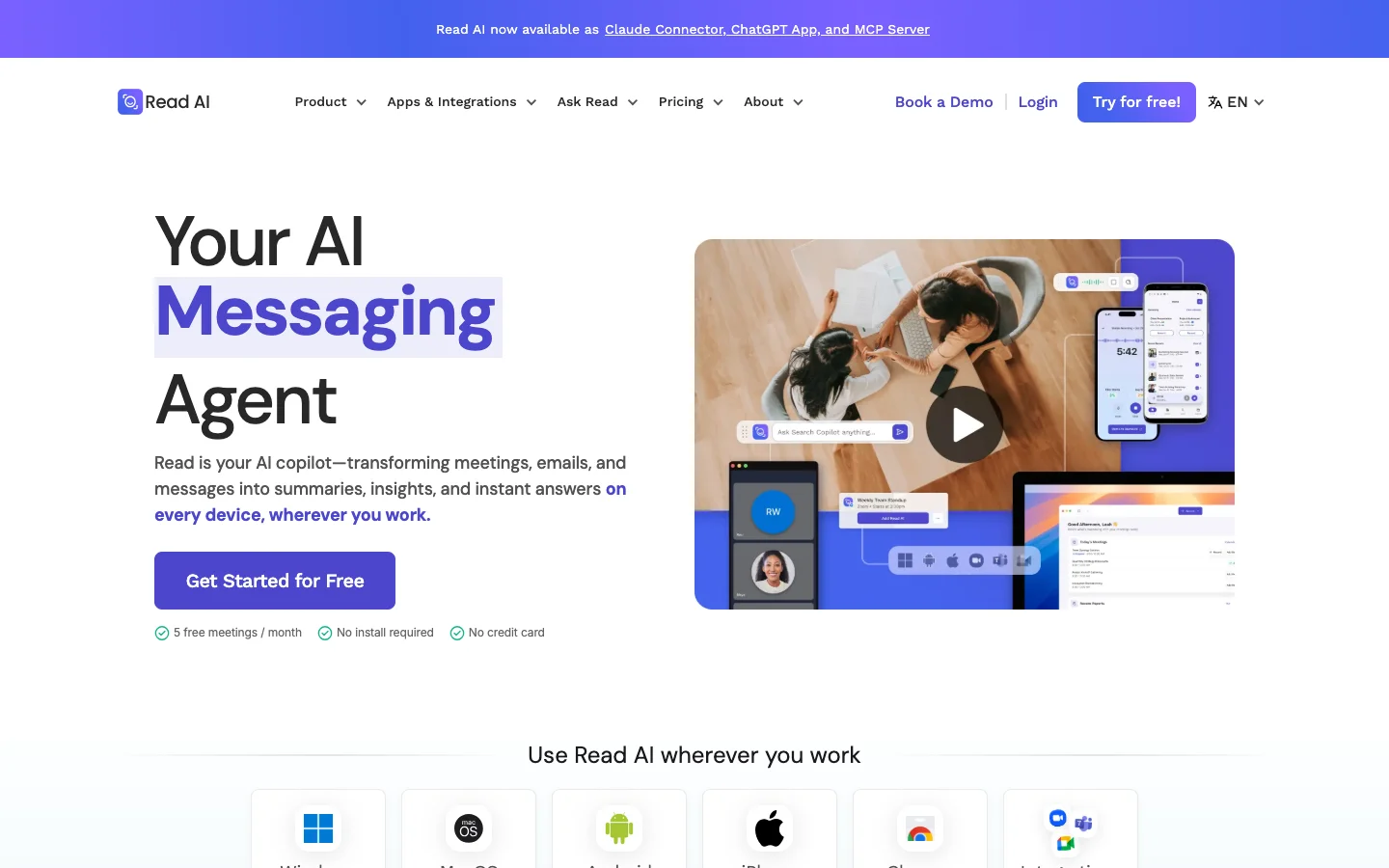
Best for: Managers who want engagement scores and speaking feedback on every meeting.
Similar to: tl;dv, Fireflies, Fathom
Read AI is an AI meeting assistant that joins Zoom, Google Meet, and Microsoft Teams calls as a named participant, with its own video tile. It runs on Mac, Windows, iOS, Android, and as a Chrome extension.
Read AI is the furthest from Granola on this list. Granola never appears in the call. Read AI's desktop app can record without the bot, but those recordings lose the video, coaching, and participant metrics the product is built around.
The participant metrics depend on video recording because Read AI evaluates people based on their facial expressions and other visual cues — potentially useful, but definitely dystopian.
Granola vs. Read AI
Key features
- Speaker Coach: Scores each speaker on clarity, inclusion and impact, including pace, filler words and interruptions.
- Ask Read: Searches your meeting content plus connected email, calendar, chat, documents and CRM in one question, with citations.
Pricing
Per user per month, billed annually (monthly price in brackets):
- Free: 5 meetings a month, up to 1 hour each
- Pro: $15 ($19.75)
- Enterprise: $22.50 ($29.75), adds audio and video playback
- Enterprise+: $29.75 ($39.75), minimum 5 licenses
Where it falls short
- The bot is notoriously hard to remove. "I have deleted my account more than three times... yet it STILL APPEARS ON ALL OF MY MEETINGS," wrote one Trustpilot reviewer in July 2026. IT admins have started whole Reddit threads on purging it, including one on r/sysadmin titled "Read.ai is a cancer on society, a privacy and sysadmin's nightmare," with 722 upvotes.
- Its analytics can feel like surveillance. "Imagine your boss being like 'records show that you haven't smiled while I was speaking in the last six meetings,'" wrote one Reddit user in a 165-upvote comment.
- You lose access when you stop paying. Downgrading from Enterprise removes video playback on past meetings. "When stopped paying can not see my own recording and meetings," wrote one Trustpilot reviewer in September 2026.
Choose Read AI if you want scored meetings, coaching data and actionable insights, and everyone on your calls is fine with being analyzed.
Which Granola alternative should you pick?
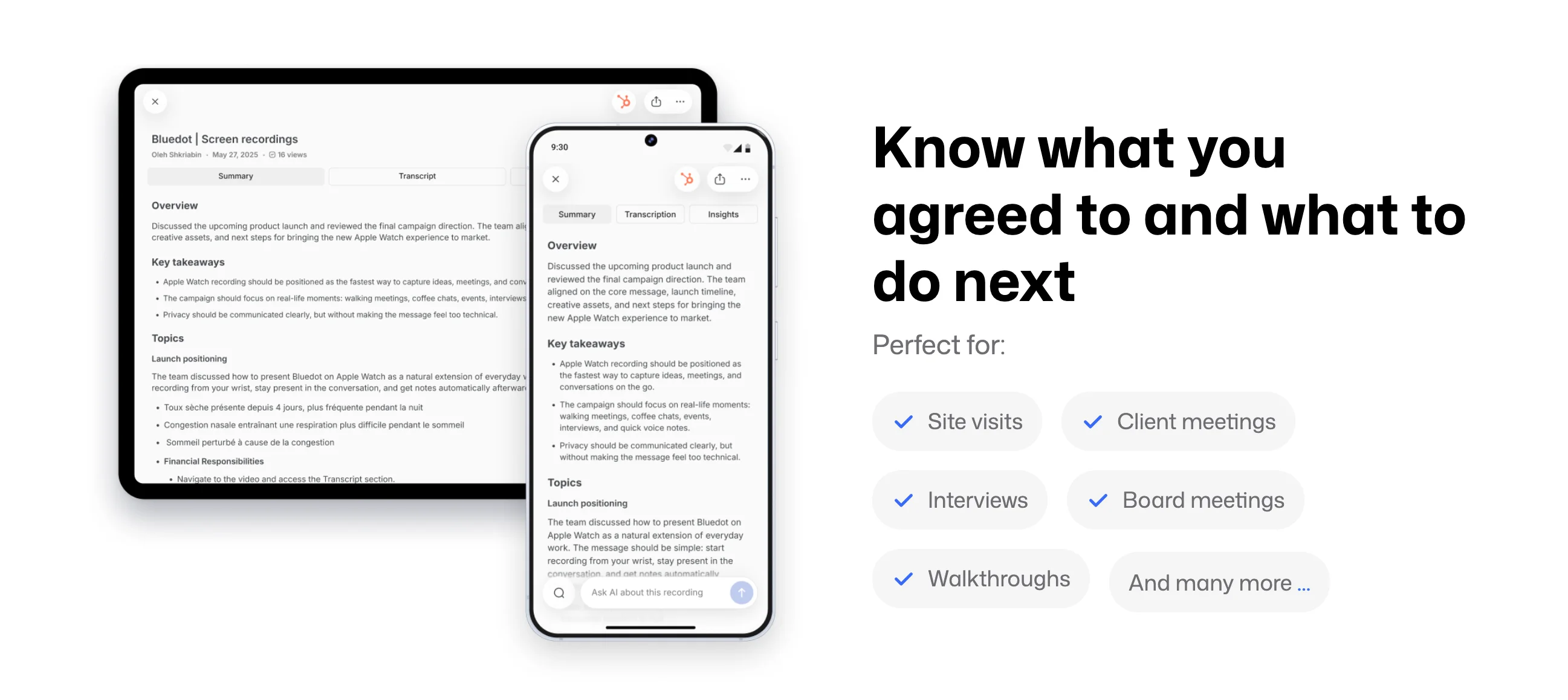
For most teams leaving Granola, Bluedot is the best Granola alternative. Several other AI tools are stronger at specific jobs, though.
Fathom has the most generous free plan, with unlimited recordings. Otter is one of the cheapest paid options if you work in English. Fireflies connects to the most CRMs, while tl;dv and Read AI go furthest on sales coaching and meeting analytics. Jamie remembers speakers across meetings, Fellow adds agendas and action items for teams, and Krisp cleans up your call audio.
The catch is that most of these AI notetakers only work fully with a bot in the call.
Without it, Fireflies loses speaker names, tl;dv loses video, Read AI loses its coaching, and Fathom's bot-free mode is still in beta. Otter keeps its transcript and summary but records audio only, in six languages. Jamie and Krisp never need a bot, but Jamie only transcribes and Krisp names speakers automatically only in one-on-one meetings.
Bluedot is the only tool here that combines Granola's bot-free capture with audio and video recording, named speakers on Google Meet, Teams, and Zoom, and EU data storage with no AI training on your meetings. If you left Granola because you needed a recording you could go back to, start with Bluedot.
FAQ
What is better than Granola AI?
It depends on what Granola is missing for you. Among apps like Granola, Bluedot is better for bot-free AI meeting notes with a replayable recording. For free, unlimited recording, Fathom is better. For pushing notes into a CRM, Fireflies is better. For speaker names that stick across meetings, Jamie is better.
What is the best alternative to Granola?
Bluedot is the best Granola alternative. It keeps Granola's bot-free capture and adds replayable audio and video, named speakers on Google Meet, Teams and Zoom, transcription in more than 100 languages, and data storage in Frankfurt with no AI training. Its free plan includes five recorded meetings, and paid plans start at $14 per member per month, billed annually.
What are some free alternatives to Granola AI?
Fathom has the most generous free plan: unlimited recordings and transcriptions, with 5 advanced AI summaries a month. tl;dv's free plan also has unlimited recordings, with AI notes on 10 meetings and 3 months of history. Otter's free plan gives you 300 minutes a month, and Bluedot's includes five recorded meetings. Krisp has no free plan, only a 7-day trial.
Is Granola AI worth it?
Granola is worth it for solo users who type their own notes during calls and don't need a recording. Its Business plan costs $14 per user per month, billed monthly. It's not worth it if you need to replay meetings, want named speakers on group calls, need automatic recording, or need your data stored in the EU.
Is Granola or Otter AI better?
Granola is better if you never want a bot in the call and work in more than one language: it supports 31 languages on desktop, against Otter's six. Otter is better if you want an audio recording, a bot that can join calls you don't attend, and a cheaper paid plan, at $8.33 per user per month billed annually.
Is Granola AI legal?
Granola is legal to use, but recording and transcription laws depend on where you and the other participants are. Some places require every participant's consent. Granola's consent message to participants is off by default, so telling people is up to you. The same applies to any bot-free tool: Bluedot can post a notice in Google Meet chat automatically, and admins can require one across the workspace.
Is Granola AI trustworthy?
Granola is SOC 2 Type II certified and GDPR compliant. But it stores all data in the US, trains AI on meeting data unless each user opts out, and has no built-in two-factor authentication. Granola has published four security post-mortems since late 2024; the latest covered a desktop-app flaw it fixed in about six days in June 2026.
What is an open source alternative to Granola AI?
Meetily and OpenWhispr are open-source alternatives to Granola that use local processing on your own computer instead of cloud transcription, and Speakr is another self-hosted option. Because you host them yourself, your recordings stay on your machine, but they need manual setup and maintenance.
Does Granola work on Windows or Android?
Yes. Granola's platform support covers a desktop app for macOS 14 or later and Windows, plus iOS and Android apps. The mobile apps only record in-person meetings, though; they can't capture a Zoom or Google Meet call, and phone-call transcription is iOS-only. Granola has no web app.