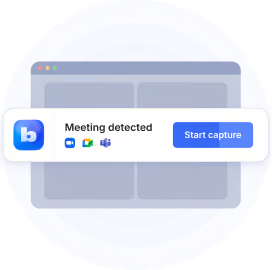
Bluedotの社内ライターとして、私はこれまでに 40種類以上のAIノートテイクアプリを検証し 、それらを自社のAIミーティングアシスタントと比較してきました。
もちろん私には偏見があるかもしれません。だからこそ、私は 100名以上のBluedotユーザーにも話を聞きました。顧客が以前どのようなAIツールを使っていて、なぜ乗り換えを決意したのかを調査したのです。
さらに、この情報を以下のユーザーレビューと照らし合わせました。 G2、Capterra、Reddit、TrustPilot.
AIノートテイクツールの仕組みを解説するとともに、おすすめの10ツールを紹介します。それぞれの活用方法や、実用上の制限についても触れていきます。 最終的に選りすぐったのは、ごくわずかなツールだけです。
主なポイント
- 最適なAIノートテイクツールは、あなたのニーズ(ボットなしでの録音、CRM連携、対面会議への対応、コンプライアンス遵守、あるいは無料ツールであることなど)によって異なります。
- Bluedot は、会議中にボットを表示させたくないチームに最適です。Web、モバイル、デスクトップ、Apple Watchでボットなしの録音が可能で、SalesforceやHubSpotへのカスタムフィールド同期、100以上の言語の文字起こし、そしてほとんどのプランで無制限の録音に対応しています。
- Granola は、自分でメモを取るスタイルのMacまたはWindowsユーザーに最適です。文字起こし後に音声データが削除されるため再生はできません。また、話者分離機能はデスクトップでのオンライン会議のみで利用可能です。
- Fathom は、無制限の録音と文字起こしが可能な、非常に優れた無料プランを提供しています。個人の営業担当者に最適です。基本的にはボットを利用する仕組み(ボットなしの録音はMac版でベータ提供中)で、新しいモバイルアプリはiPhone専用です。
- Otter AI は、社内ミーティングが多い大規模チームに適しています。ただし、サポートの対応が遅く、Otterは会議への自動参加や同僚へのマーケティングを積極的に行う傾向があります。
- Fireflies は、感情分析と15以上のCRM連携が強みです。追加料金には注意してください。高度なAI機能はAIクレジットを消費する仕組みで、有料プランに含まれるクレジットは初回のみの少額なものに限られています。
- Gong エンタープライズレベルの収益インテリジェンスを提供しますが、価格は非公開で、年間数千ドルのコストがかかります。
AIノートテーカーとは何か(そして、あなたに必要なのはどのタイプか)
AIノートテーカーは、会話を自動的に文字起こしし、会議後に議事録を作成するツールです。多くの場合、音声や動画、あるいはその両方を記録することも可能です。
実際、ほとんどのAIノートテーカーは似たような議事録を作成します。そのため、ニーズに最適なものを選ぶ際は、以下の点が重要になります。
- AIノートテーカーがどのように会議に参加するか、
- どのような会議を記録できるか、そして
- セキュリティ、プライバシー、使いやすさのバランスをどう取っているか。
ボットの有無
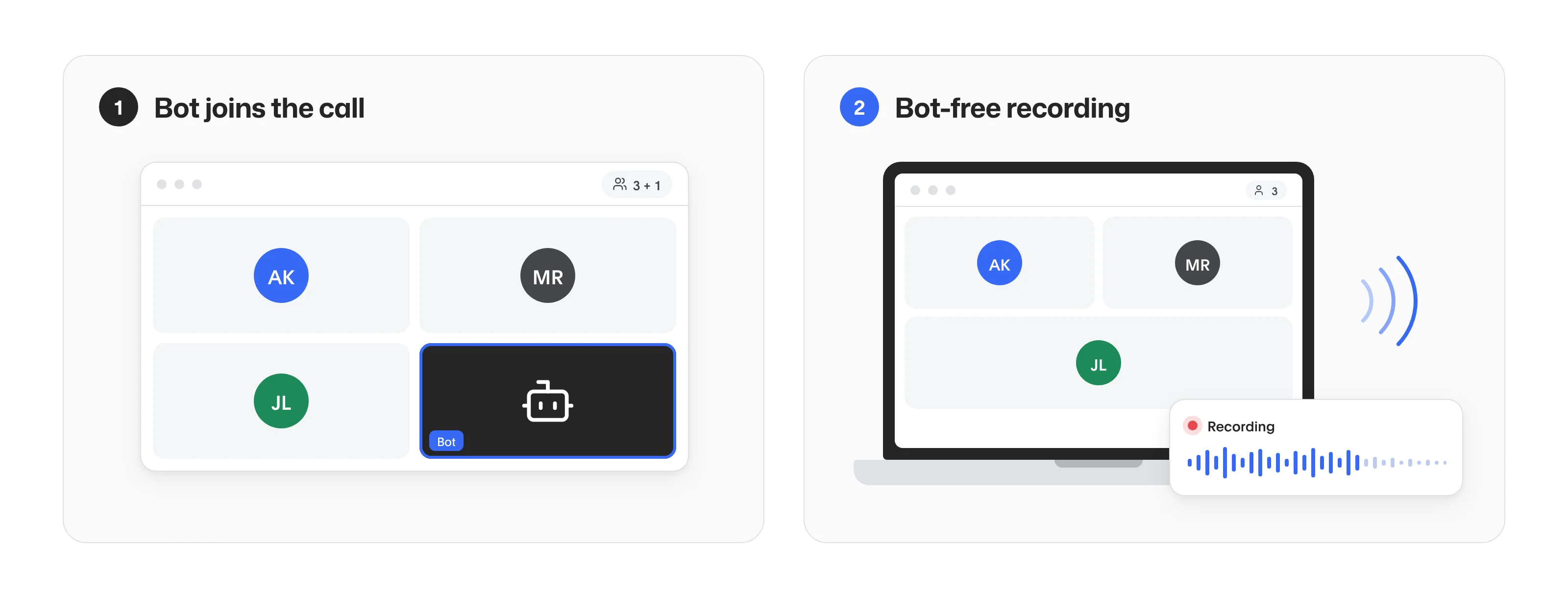
AIノートテーカーには、主に2つの記録・文字起こし方法があります。
- ボットが追加の参加者として通話に参加する。
- デバイスのシステム音声(および場合によっては動画)をボットなしで記録する。
ボットは記録中であることを明示できるという利点がある一方で、気まずい雰囲気を作ってしまうこともあります。
2026年にBluedotが2,000人以上の労働者を対象に行った調査によると、回答者の47%が記録用ボットに対して強い否定的な感情を抱いており、「監視されている」と感じたり、ボットの退出を強く求めたりするケースがあることが分かりました。
また、会議用ボットは技術的な問題を引き起こすこともあります。ホストが参加を拒否したり、ボットが自動的に参加できなかったりすることもあり、会議が確実に記録・文字起こしされるという保証はありません。
ボット不要のノートテーカーは、デスクトップアプリやブラウザ拡張機能を通じて会議をキャプチャするため、通話にAI参加者が現れることはありません。
ビデオ会議プラットフォームによっては、これが大きな違いを生みます。
Zoomでは、内蔵のレコーダーを使用して誰が記録できるかをホストが決定します。AIノートテーカーを使用して ボットなしでZoom会議を記録する ことは、ゲストとして参加する際に、より柔軟な対応を可能にします。
Microsoft Teamsでは、内蔵のAI要約機能は有料ライセンスが必要なため、以下のことを知っておくことは重要です。 Copilotを使わずにTeams会議を録画する方法 は、メモを取るためだけに高額なツールを購入する必要をなくします。
Google Meetの標準録画機能は、無料のGoogleアカウントやWorkspace Business Starterプランでは利用できません。多くのユーザーにとって、唯一の手段は Google Meetを録画する ためのChrome拡張機能を使うことです。
Zoom、Teams、MeetでのAIメモ作成
Zoom、Microsoft Teams、Google Meetには、それぞれAIによるメモ作成機能が組み込まれています。ただし、いずれも有料プランやアドオンの契約が必要です。
Zoom AI Companionは、Pro以上の有料Zoom Workplaceプランに含まれています。これらのプランでは、Google MeetやMicrosoft Teamsの通話にも参加できますが、会議ボットとして参加することになります。通話中に余計なものを表示させずにZoomのメモ機能を使いたい場合は、 Zoom向けの最適なAIメモ作成ツール (サードパーティ製)には、ボット不要の選択肢もあります。
Teamsのインテリジェントリキャップ機能を利用するには、Teams PremiumまたはMicrosoft 365 Copilotのライセンスが必要であり、対象となるのはTeams内での会議のみです。会議のメモ作成だけのためにCopilotライセンスを購入するのはコストがかさむため、まずは Copilotで何ができて何ができないのか を確認してください。Microsoft 365を導入していても、クライアントとの打ち合わせにZoomやMeetを使用する企業には、すべてのプラットフォームに対応したツールが必要です。そのため、 Microsoft Teams向けの最適なAIメモ作成ツール は限られてきます。
Google Meetの「Take notes for me」を利用するには、対象となるGoogle WorkspaceエディションまたはGoogle AIプランが必要です。議事録の作成に対応しているのは8言語のみで、1回の会議につき1言語しか使用できません。また、AIプランのない無料アカウントでは利用できません。これが、多くのユーザーがGoogle Meet向けのおすすめAI議事録ツールを探す主な理由です。
ビデオ通話以外のミーティング
会議室での対面ミーティングや現場訪問など、対面での会話ではミーティングボットは役に立ちません。
こうした会話を録音・文字起こしするには、スマートフォンや専用デバイスが必要です。
ほとんどの場合、単に iPhoneで対面会議を録音することができます。 ただし、 適切なアプリを使用している場合に限ります。
日常的または定期的な対面会議には、 対面会議向けの最適なAIノートテーカー が必要です。これらは単なる録音データだけでなく、文字起こし、要約、話者識別機能を提供します。
長時間のセッションや、テーブルの上にスマートフォンを置くのが不自然な場所では、 最適なAIボイスレコーダー の利用を検討してみてください。これらは小型で、目立たずに装着して使用できるデバイスです。
セキュリティとデータの取り扱いについて
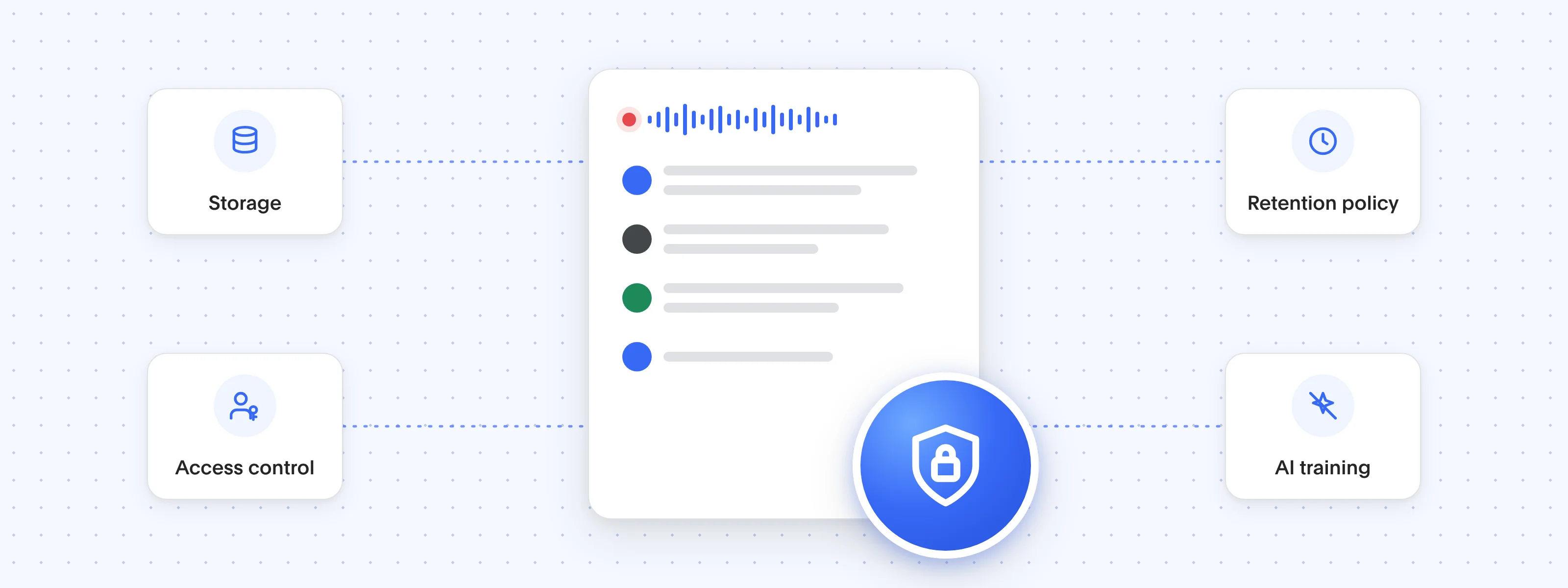
AIノートテーカーは、会議の全録音データと文字起こしを保持します。AI会議アシスタントのプライバシーとセキュリティを確保するために、まずは以下の点を確認してください。
- 録音データがどこに保存されるか
- 社内の誰がそのデータにアクセスできるか
- データがどのくらいの期間保持されるか
- ベンダーがAIモデルの学習にデータを使用するかどうか
Bluedotは、セキュリティとプライバシーを最優先したAIメモツールです。ボットを会議に参加させることなく、オンライン会議や対面会議の録音、文字起こし、要約を行います。デバイスから直接音声をキャプチャし、Chrome、macOS、Windows、iOS、Android、Apple Watchでの音声および動画の録画をサポートしています。
BluedotはGDPRに準拠し、SOC 2 Type IIの監査を受けており、顧客データをAIモデルの学習に使用することは一切ありません。詳細は 当社のセキュリティページ.
2026年における最高のAIノートテーカーは?
1. Bluedot:CRM連携を備えたボット不要の録音ツールとして最適
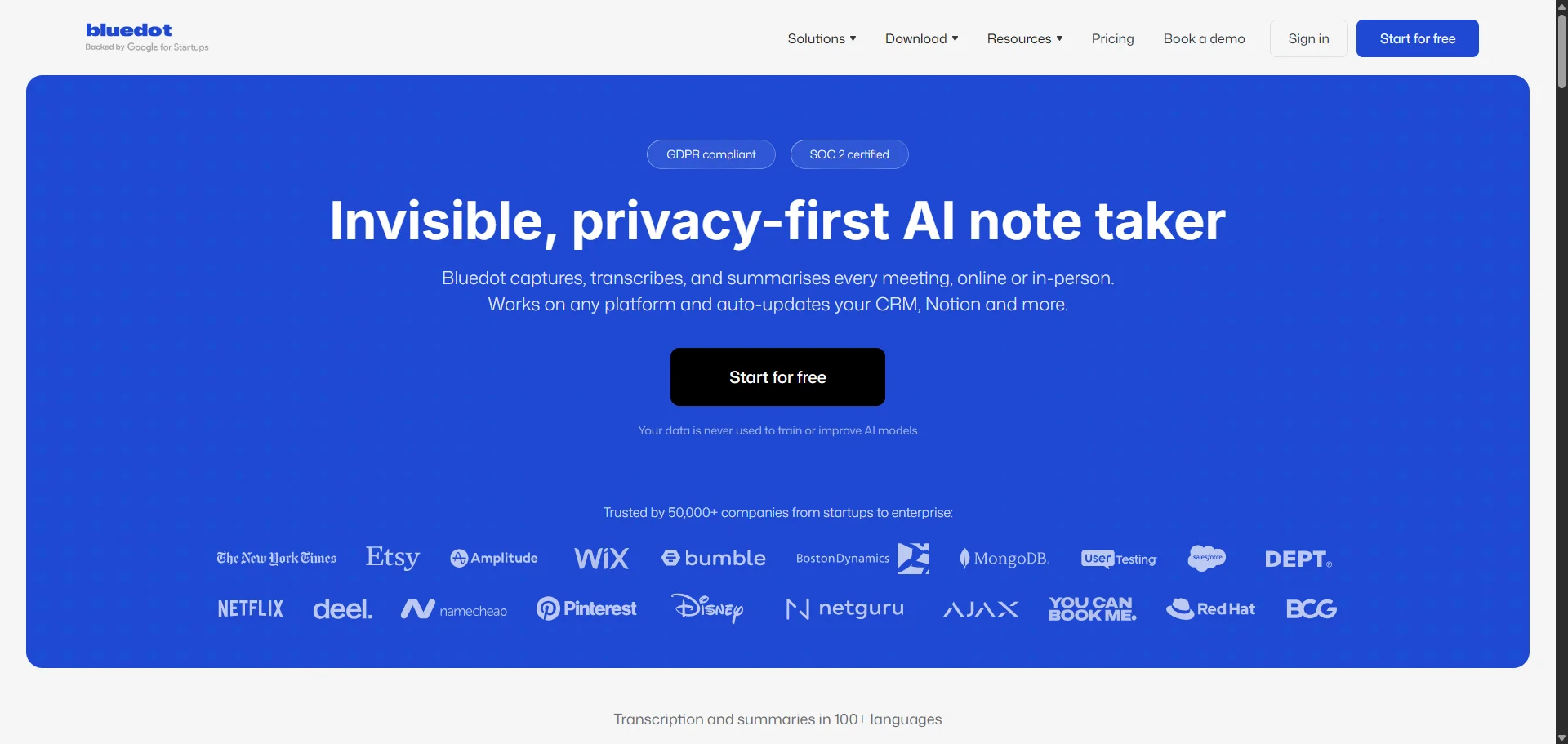
Bluedotは、 ボット不要のAIノートテーカーです。会議を記録する際、 Chrome拡張機能 や デスクトップアプリ を使用し、 会議に参加するボットを表示させません 通話に参加しています。
ZoomやMicrosoft Teamsを利用するチームはもちろん、対面での商談を行う営業担当者や採用担当者にとっても最適な選択肢です。
Microsoftの標準機能とは異なり、Bluedotは Microsoft Teams用AIノートテーカー であり、Copilotやそのライセンスなしで動作します。また、 Zoom用AIノートテーカー はデスクトップアプリとして実行されるため、ホストによるクラウド録画の許可設定に関係なく録画が可能です。
結論として、オンライン会議でボットが参加することに抵抗があり、自然な会話を維持したい場合は、ぜひ無料プランをお試しください。また、あらゆるデバイスで文字起こしや録画が必要な場合にも最適です。Bluedotは Android、iOS、さらにはApple Watch.
Bluedotがおすすめな人
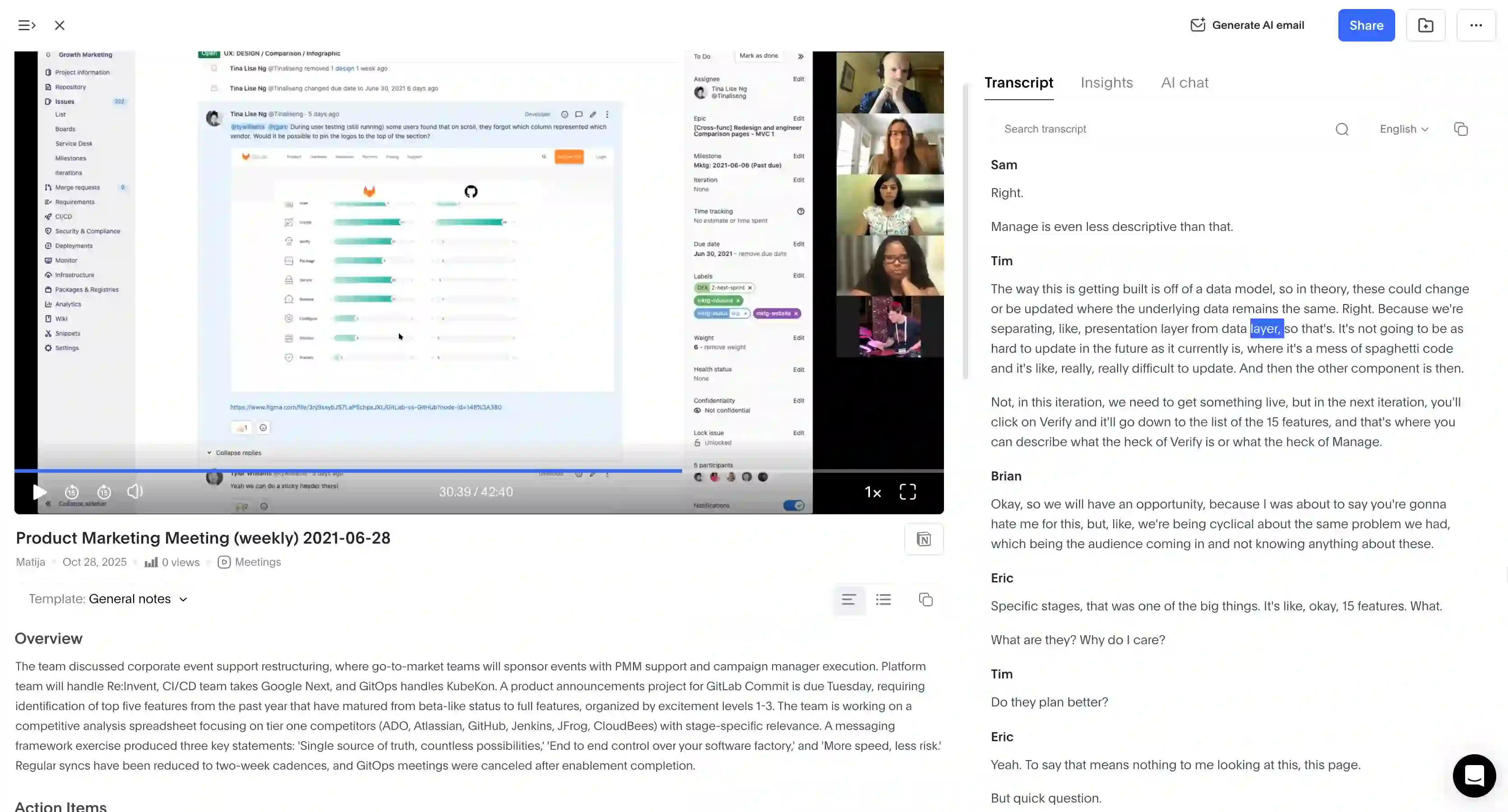
おすすめの対象: 営業、採用、法務、財務チーム など、ボットの参加が好ましくない環境に最適です。また、SalesforceやHubSpotへの会議データ入力を自動化したいチームや、 EUデータレジデンシー.
主な機能
- ボット不要のキャプチャ に対応した多言語での対面文字起こしを必要とするチームにも適しており、Google Meet、Zoom、Teams、Webex、Slack Huddlesなど、画面録画を通じてあらゆるビデオプラットフォームで利用可能です。
- 対面会議、音声メモ、WhatsAppの録音 iOS/Androidアプリ、Apple Watch、デスクトップアプリ経由で利用可能
- 100以上の言語に対応したリアルタイム文字起こし 専門用語や認識が難しい言葉を登録できるカスタム辞書機能付き
- スピーカーインサイト — 話者ごとの発言比率、最長発言時間、1分あたりの単語数、質問回数
- AIによる会議の記録と要約 (SPIN、セールス、CS、Q&Aなど)組み込みおよびカスタムテンプレートに対応。
- AIチャット ワークスペース内の会議情報について質問が可能
- SalesforceおよびHubSpotとの同期 カスタムフィールド対応(Business+プラン)
- MCPコネクタ ClaudeやChatGPTから会議の録音データや文字起こしに直接アクセス可能
- カスタム保持ポリシー — 録音データ、文字起こし、メモの削除タイミングを自由に設定可能
Bluedotの強み
✅ ボットが参加しないため、自然な会話を維持
✅ ブラウザ、スマートフォン、ノートPC、Apple Watchで利用可能
✅ SalesforceおよびHubSpot向けの音声入力CRM連携
✅ セールスフレームワークに基づいた会議要約
✅ 100以上の言語に対応した高精度な文字起こし
✅ データはデフォルトでEU(AWSフランクフルト)に保存され、リージョン選択も可能。録音データはAIの学習に一切使用されません
✅ 文字起こしやメモを外部ユーザーと簡単に共有可能
Bluedotを使う際のデメリット
❌ 無料プランは生涯で5件の録音まで。それ以降は利用不可
❌ Basicプラン(月額14ドル)は音声のみ対応
Bluedotの料金
- Free — $0:アカウントの利用期間を通じて5回まで録画可能、1回あたり1時間
- Basic — 年払いで1ユーザーあたり月額$14(月払いは$18):音声ミーティングは無制限、1回の録音は最大1時間、動画とインポートは利用不可
- Pro — 年払いで1ユーザーあたり月額$20(月払いは$25):動画、カスタムテンプレート、制限付きのインポート
- Business — 年払いで1ユーザーあたり月額$32(月払いは$39):Salesforce、HubSpot、SSO、SCIM、高度な管理者コントロール、カスタムデータ保持、無制限のインポート
- Flat rate — Bluedotを利用する人数にかかわらず、会社全体で固定料金
2. Granola:自分でメモを取る個人ユーザーに最適
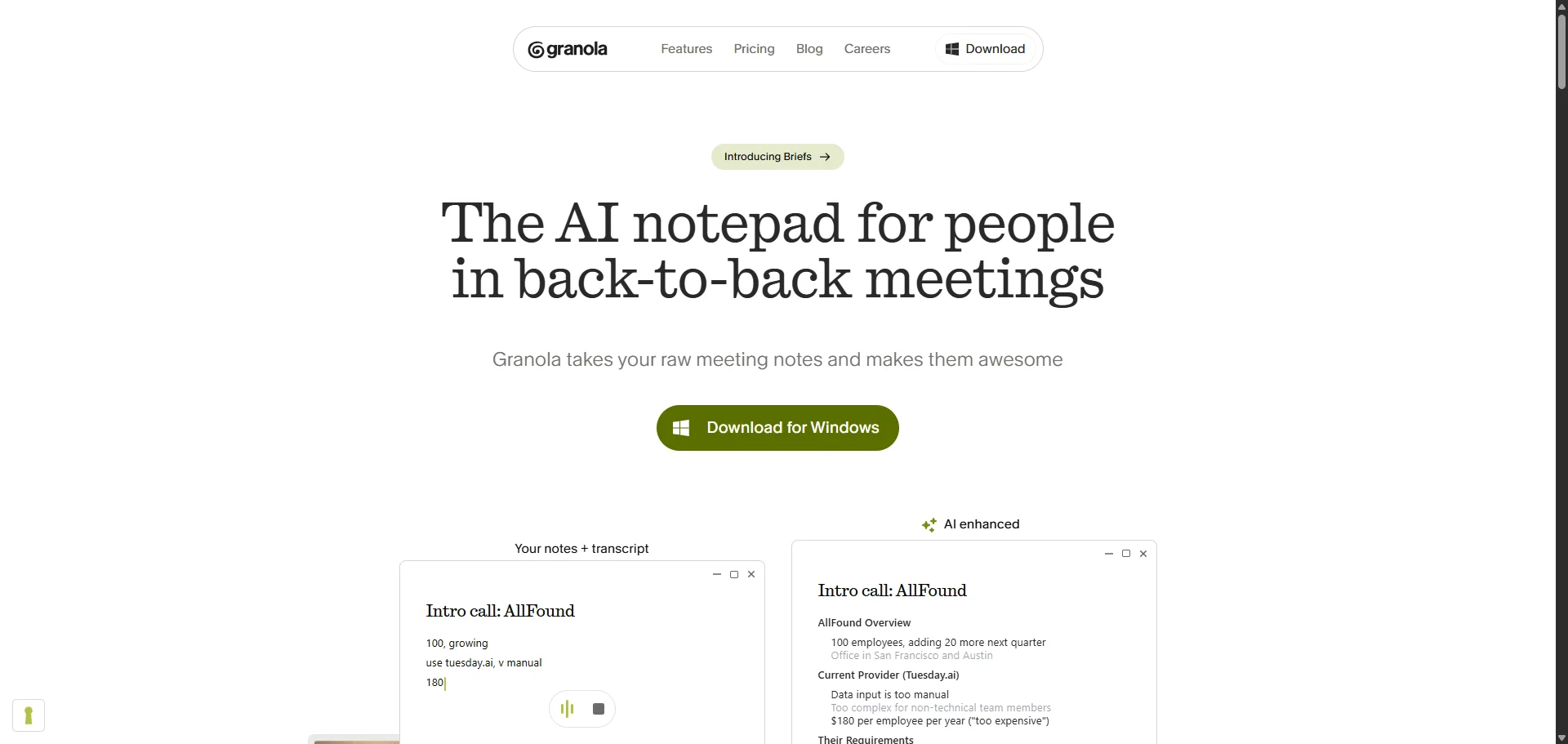
Granola は、MacおよびWindows向けのAIメモアプリです(iPhone、Android、Apple Watchアプリにも対応)。ボットを介さずデバイスから直接会議の音声をキャプチャし、構造化されたメモに変換します。
通話中やブレインストーミング中に自分でメモを取りたい方に最適です。Granolaは、ユーザーが取ったメモをガイドとしてAIに優先順位を指示し、文字起こしを処理します。その結果、自分にとって特に役立つメモが作成されます。
音声は 文字起こしのために一時的に保持されるだけで、その後削除されます。そのため、再生用に録音や保存がされることはありません。
Granolaは録音を残したくない場合に最適ですが、AIが生成する会議要約を最大限に活用するには、手動でメモを取る必要があります。
Granolaがおすすめな人(おすすめではない人)
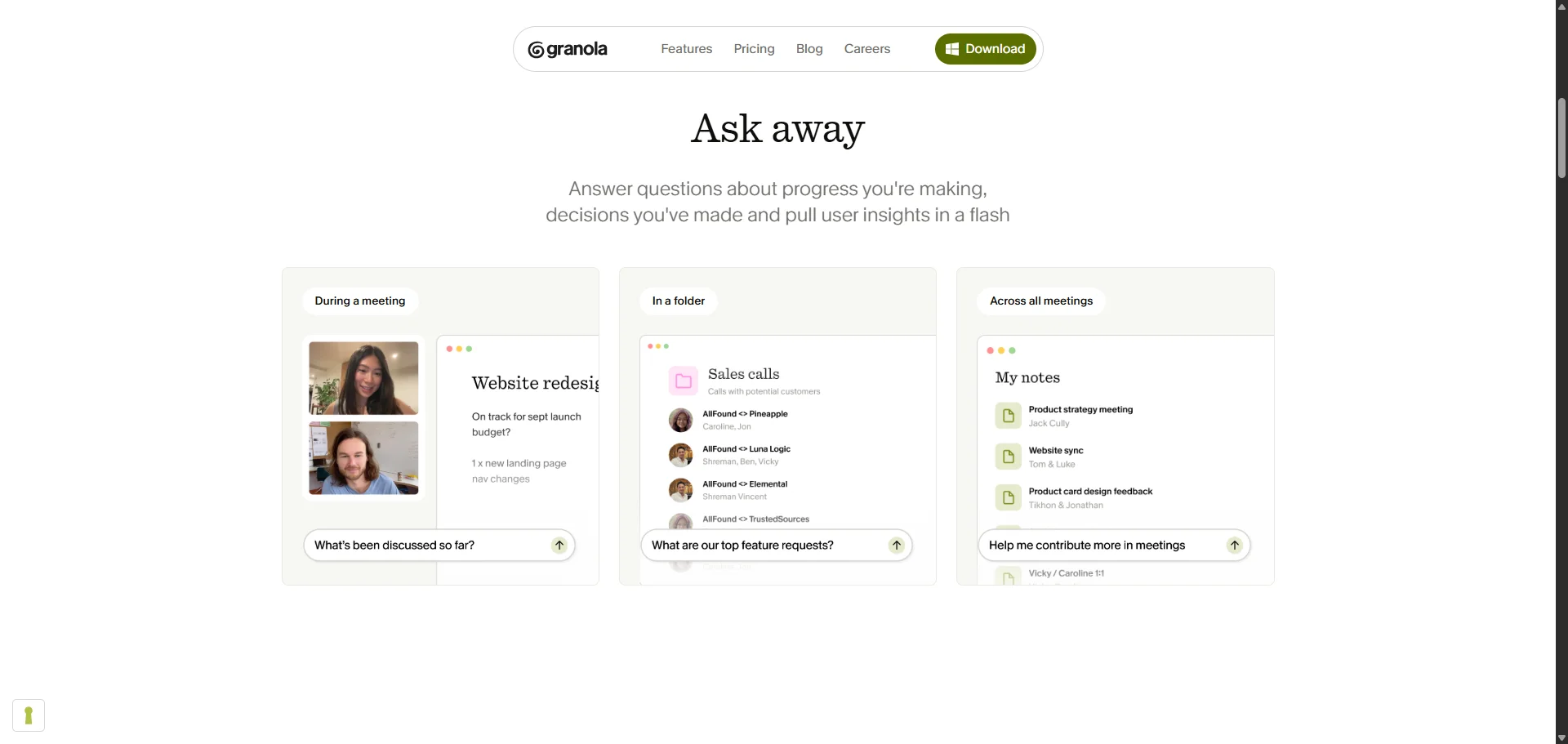
おすすめの対象: MacまたはWindowsを使用する個人コントリビューター 自分でメモを取りたい方や、録音を残したくない方に最適です。
以下のような機能が必要な場合は、 Granolaの代替ツール 録音の再生、 着信通話の文字起こし、または対面会議での話者分離機能などをご検討ください。
主な機能
- ボット不要のローカル録音 — マイク(自分の声)とデバイス上のシステム音声を両方録音します
- 自分のメモが要約のベースに — 入力した内容が生成されるノートに反映されます
- 録音データの保存なし — 音声は文字起こし後に削除され、再生や動画の保存は行われません
- Granolaチャット — モデルを選択して、特定の会議や過去の全会議について質問できます
Granolaの強み
✅ ボットが一切参加しません
✅ 手書きのメモがAI要約のガイドになります
✅ 音声は文字起こし後に削除され、GranolaはSOC 2 Type II認証を取得しています
Granolaを使う際のデメリット
❌ モバイル版ではシステム音声がブロックされるため、オンライン会議の録音はできません。iPhoneおよびAndroidアプリは対面会議(およびiPhoneでの発信通話)に対応しています
❌ 話者識別機能はデスクトップでのオンライン通話のみ対応。同じマイクを共有している場合、個人の識別はできません。
❌ HIPAA(BAA締結)はエンタープライズプランのみ。ISO 27001未取得で、データ保存先は米国のみです。
❌ 警告なしに録音が失敗することがあります。
Granolaの料金
- Basic(無料プラン)— 1ユーザーあたり月額$0:AI議事録とChat、閲覧できる履歴は直近30日間のみ、連携機能とAPIは利用不可
- Business — 1ユーザーあたり月額$14(月払いのみ):履歴は無制限、連携機能、API、Pre-Meeting Briefs
- Enterprise — 1ユーザーあたり月額$35〜:SSO、SCIM、管理者コントロール。SSOの利用には50ユーザー以上が必要
どのプランにも年払いはないため、年間契約による割引もありません。創業者と学生はBusinessを12か月間無料で利用できます。
3. Fathom:無料のAI議事録作成ツールを試すなら最適
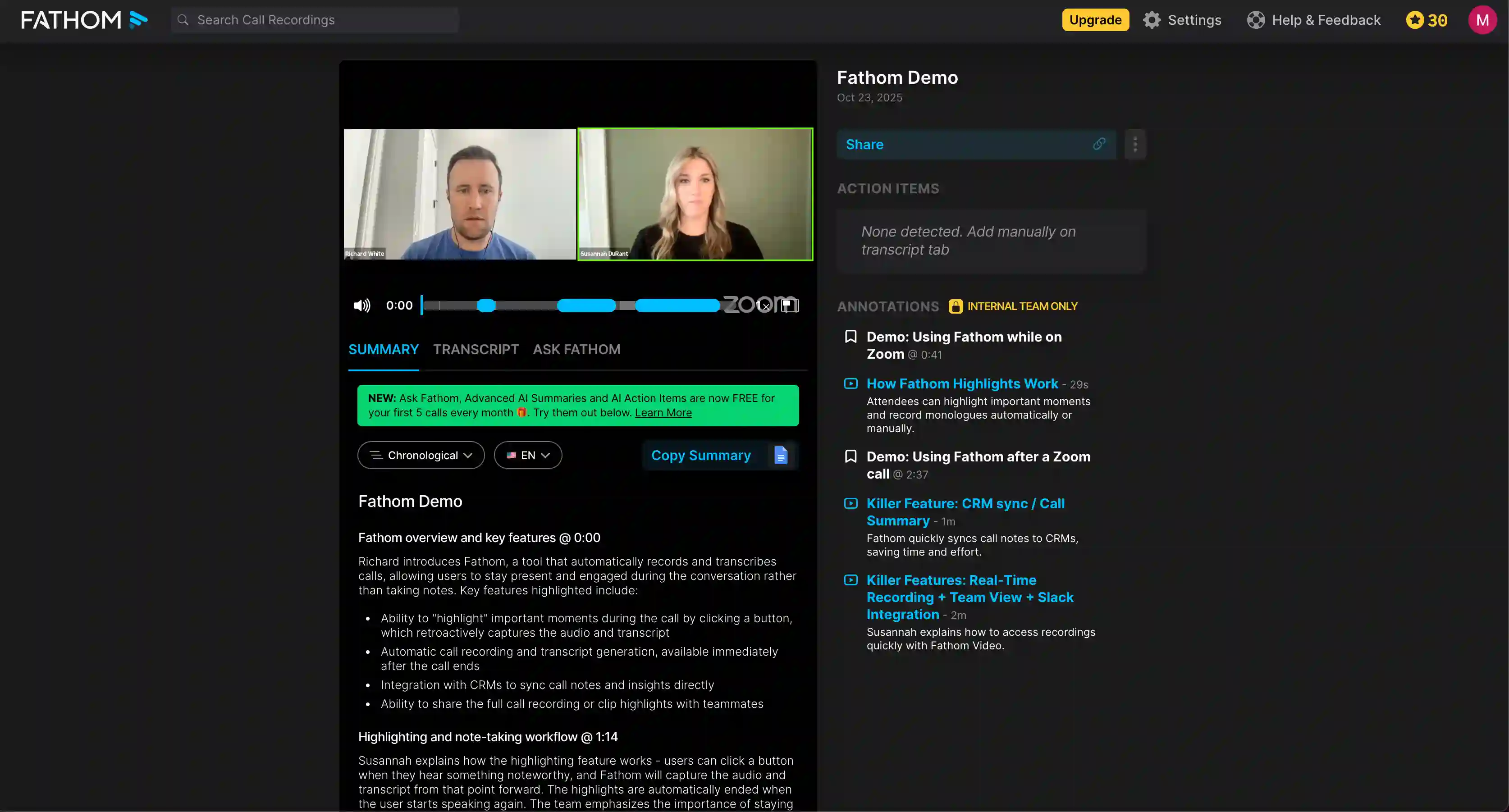
Fathom はボットベースのAI会議アシスタントであり、その点は理想的とは言えません。ボットが会議に参加して録音を行い、終了後に文字起こしと会議の要約を提供します。
このプラットフォームの最大の魅力は、その 充実した無料プランです。無制限の録音、無制限の会議の文字起こし、そしてさまざまな営業手法に対応した15種類以上の要約テンプレートが利用できます。
メモを取る手間を省きたい営業担当者にとって、無料版は素晴らしい出発点となります。ただし、高度なAI機能を利用するには、いずれ有料プランへのアップグレードを検討することになるでしょう。
有料プランでは、チームワークスペース、CRMフィールド同期、コーチング分析などの機能が追加されます。
注意点として、会議ボットは煩わしく感じられることがあり、警告なしに録音が失敗することもあります。 モバイルアプリは新しく、iPhone専用です: Android版はなく、オフライン録音やアプリ内での「Ask Fathom」機能にもまだ対応していません。
Fathomがおすすめな人(おすすめではない人)
おすすめの対象: 無料の議事録作成ツールを求める個人の営業担当者.
検討すべき Fathomの代替ツール (ボットなしでの録音が必要な場合や、 カレンダーに登録されていないMicrosoft Teamsの通話を録音する必要がある場合)、またはSalesforceで(タスクではなく)CRMイベントを記録したい場合。
主な機能
- 15種類以上のAI要約テンプレート — Sandler、SPICED、MEDDPICC、BANT、REACHなど。無料プランでは月5回まで、Premium+では無制限。
- Ask Fathom — 過去の会議に関する質問に回答するAIチャット。現在はすべてのプランで会議履歴全体を検索できますが、Fathomによると、2026年11月以降、無料プランには利用制限が設けられる可能性があります。
- CRM同期(HubSpot、Salesforce、Close) — すべてのプランでドメインあたり最大3ユーザーまで利用可能。CRMフィールドマッピングと無制限のユーザー数にはBusinessプランが必要です。
Fathomの強み
✅ 完全無料プランでも、録画と文字起こしは無制限です。
✅ 新規アカウントには30日間のPremiumプレビューが付与され、すべての有料プランには90日間の返金保証があります。
✅ Mac向けにボット不要のキャプチャ機能を提供中(ベータ版)。Windows版も開発中です。
Fathomを使う際のデメリット
❌ ボットが通知なしに動作しないことがあります。
❌ 高度なAI要約機能は、無料プランでは月5回までの制限があります。
❌ CRM同期では、Salesforce上の会議がイベントではなくタスクとして記録されます。
Fathomの料金
- Free — $0:1人での利用なら録画と文字起こしは無制限。高度な要約は月5回まで、基本的な要約は無制限。CRM連携は1ドメインあたり3ユーザーまで。
- Premium — 年払いで1ユーザーあたり月額$16:すべての機能を制限なく利用可能。個人ユーザー向けで、チーム用ワークスペースはありません。
- Team — 年払いで1ユーザーあたり月額$15、最低2ユーザー:完全な共有ワークスペースを利用可能。スコアカードは30日間のみ利用できます。
- Business — 年払いで1ユーザーあたり月額$25、最低2ユーザー:CRMフィールドマッピングとDeal Viewを追加。ドメインごとのCRMユーザー数制限もなくなります。
4. Otter AI:大規模チームや社内会議に最適
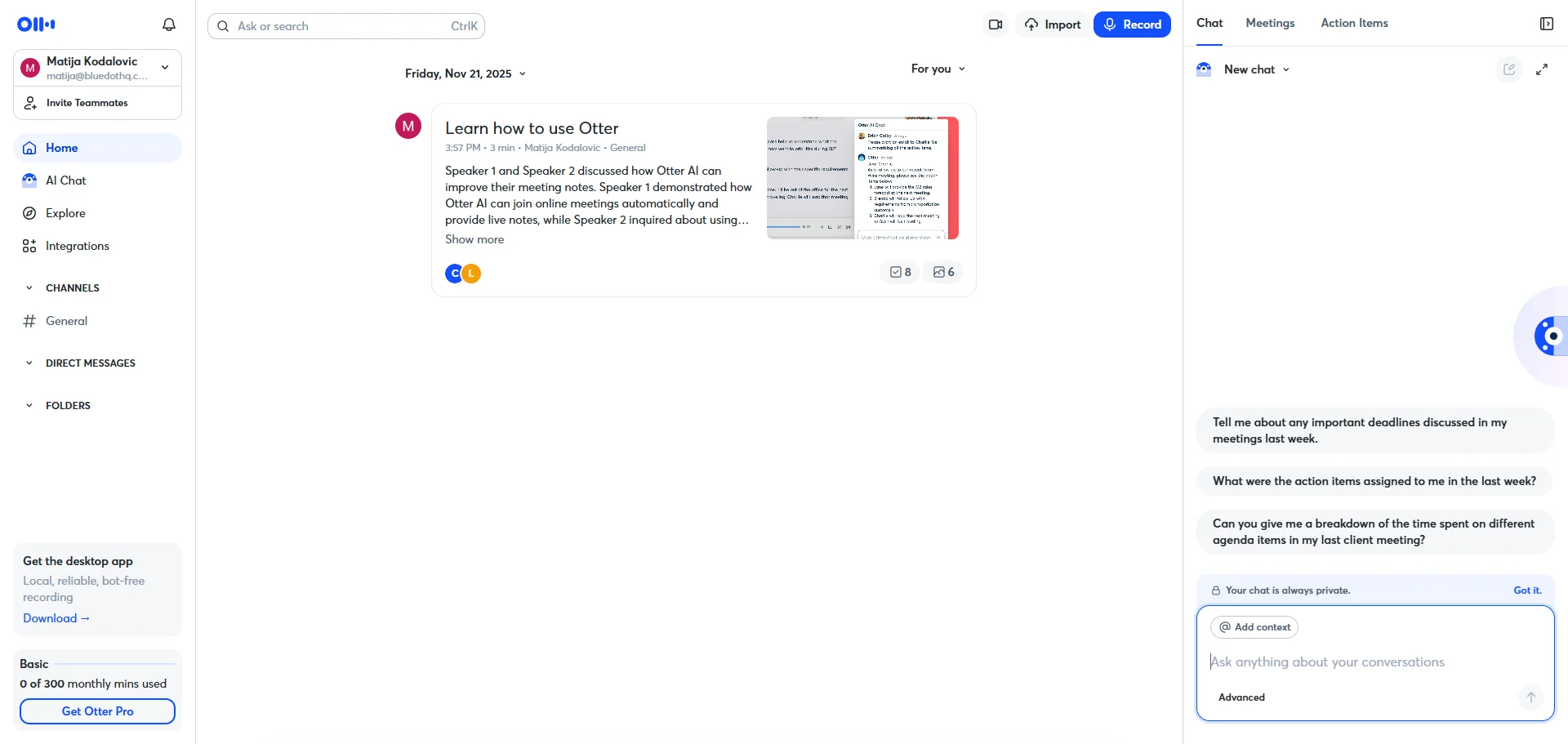
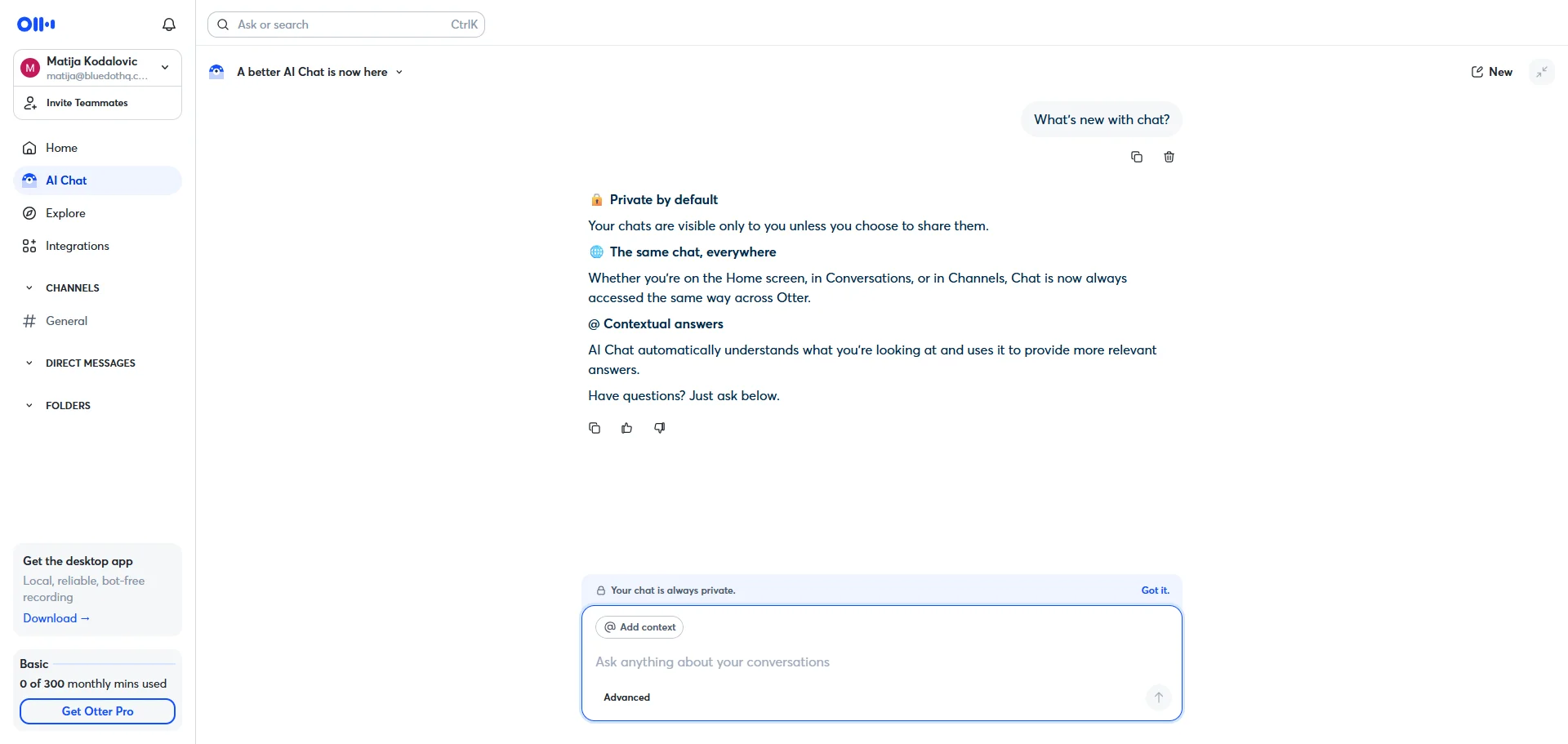
Otter AI は、市場で最も人気のあるAI会議アシスタントの一つです。通話の文字起こしや要約を行い、メモをCRMと同期します。
ボットを使わずに録音できるデスクトップアプリがあり、Chrome拡張機能を使えばデバイス上でGoogle Meetの通話を録音できます。ただし、ブラウザ版のZoomやTeams会議では、カレンダーから自動的に会議に参加する「Otter Notetaker」ボットが必要です。OtterはZoom、Teams、Google Meetに対応しています。
強力なCRM連携は営業チームから評価されていますが、サポートの対応が遅く、改善が見られません。また、ボットの削除が困難であるという声も多く、会議への参加を停止したり、Otterアカウントを削除したりするのが難しいとユーザーは指摘しています。
多くのユーザーから、一人が仕事用メールアドレスで登録すると、Otterが 同僚にメールを送信し、勝手にアカウントを作成してしまうという苦情が寄せられています。さらに、請求に関するトラブルも絶えません。
Otter AIがおすすめな人(おすすめではない人)
おすすめの対象: 社内会議が多い大規模チーム や、録音ボットが参加しても問題ないバーチャル会議を行う方。
もし Otterの代替ツール を検討すべきなのは、コンプライアンスやセキュリティを重視する場合です。
主な機能
- 自動参加型Notetakerボット — カレンダーからZoom、Teams、Meetの会議に自動参加し、会議の要約を自動共有します。
- ボット不要のデスクトップアプリ — macOS 12.3以降またはWindows 10以降でデスクトップ音声を録音します。
- 会議履歴全体を対象としたAIチャット — 過去の会議、フォルダ、チャンネルを横断的に検索
Otter.aiの強み
✅ ボット不要のデスクトップアプリ
✅ Otter AIチャットは、個別のトランスクリプトだけでなく、会議履歴全体を対象にクエリを実行可能
✅ 強力な連携機能 — Salesforce、HubSpot、Slack、Notion、Zapierに対応
Otter.aiを使う際のデメリット
❌ 録画するつもりのない会議にもボットが参加してしまう
❌ Otterは、本人の同意なく同僚のアカウントを作成することがあります
❌ 古いカードへの無断請求、勝手なプラン変更、返金拒否
❌ サポートの返信が遅く、数週間かかる、あるいは返信がないこともある
Otter.aiの料金
- Basic — $0:個人での限定的な利用向けの無料プラン。1ユーザーあたり月300分、インポートはアカウントの利用期間を通じて3回まで。
- Pro — 年払いで1ユーザーあたり月額$8.33(月払いは$16.99):小規模チーム向け。1ユーザーあたり月1,200分、CRM同期は1ユーザーまで。
- Business — 年払いで1ユーザーあたり月額$19.99(月払いは$30):管理者コントロールや一括エクスポートが必要なチーム向け。ミーティングの文字起こしは無制限(インポートしたファイルは1ユーザーあたり月6,000分まで)、CRM同期は5ユーザーまで。
- Enterprise — 要問い合わせ:SSO、HIPAA、APIアクセスが必要な企業向け。SSOには最低100ユーザーが必要で、HIPAA対応は有料の追加オプションです。
5. Fireflies:感情分析に最適
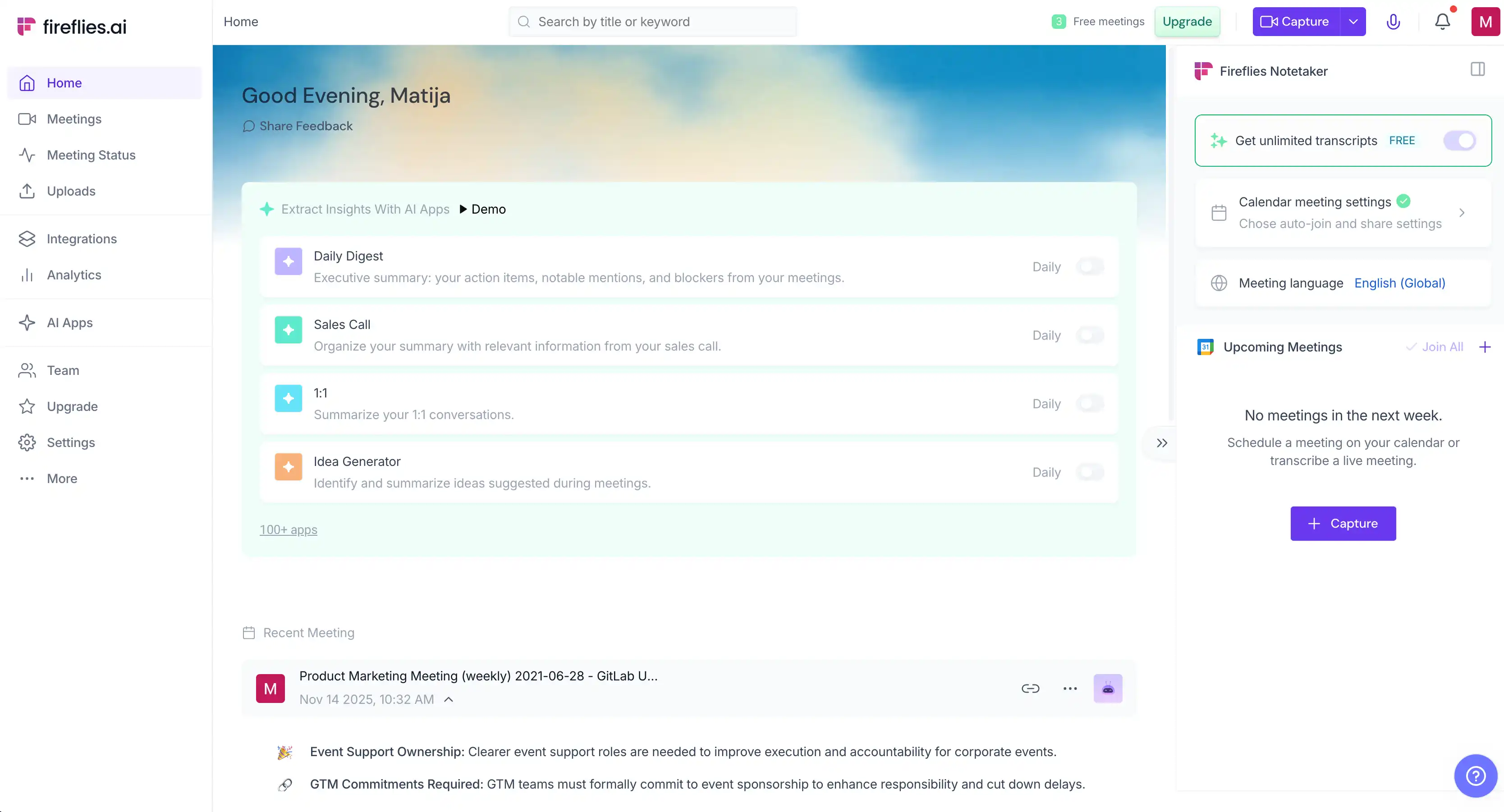
Fireflies AI は、主にボットベースのAI会議アシスタントですが、デスクトップアプリを使えばボットなしでZoom、Meet、Teamsなどの通話を録音できます。また、Chrome拡張機能やGoogle Meet連携機能を使えば、 ボットなしでMeetの通話を記録.
有料プランでは、このリストにある他の多くのAIノートテイクツールよりも多くのCRMと連携可能です。 Salesforce、HubSpot、Pipedriveを含む15以上のCRM.
Firefliesには2つの問題点があります。デフォルト設定では会議の要約が全参加者に送信され、プラットフォームへの参加を促す通知が届いてしまいます。また、高度なAI機能はAIクレジットを消費します。各プランに含まれるクレジットは初回のみの少額なため、ヘビーユーザーはサブスクリプション料金に加えてクレジットパックを購入する必要があります。 月額チームパック:50クレジットで月額5ドルから.
Firefliesがおすすめな人(おすすめではない人)

おすすめの対象: プライバシーや予算よりも センチメント分析を重視するチーム。
もしクライアントやコンプライアンス部門が Fireflies AIの代替ツール を検討するなら、 会議へのボット参加に難色を示している場合や、透明性の高い料金体系を求めている場合に適しています。
主な機能
- CRM連携 — Salesforce、HubSpot、Dynamics 365など15以上のCRMにメモを自動同期(Proプラン以上が必要)
- AI会話インテリジェンス — 会議ごとのセンチメント分析、質問検知、発言時間やトピックのトラッキング機能(Proプラン以上)。チーム全体の会話インテリジェンスダッシュボードはBusiness/Enterpriseプラン限定
Firefliesの強み
✅ Google MeetおよびZoomでの話者ラベル付けと話者メモリ機能
✅ 100以上の言語に対応したリアルタイム文字起こし(Businessプラン以上では多言語同時モードに対応)
Firefliesを使う際のデメリット
❌ 追加のAIクレジットは月額チームパックとして販売(50クレジットで月額5ドルから)
❌ デフォルト設定で、会議の招待者全員に会議の要約メールが送信される
❌ アカウント削除後も会議ボットが会議に参加し続ける可能性がある
❌ 無料プランでは動画記録なし。動画記録はProプランから(720p)
Firefliesの料金
- Free — 1ユーザーあたり月額$0:個人ユーザー向けの入門プラン。ストレージは400分までで、音声のみ。
- Pro — 年払いで1ユーザーあたり月額$10(月払いは$18):チーム向けの入門プラン。文字起こしは無制限、すべてのCRM連携、720pの動画録画、ダウンロードに対応。チーム分析ダッシュボードは利用できません。
- Business — 年払いで1ユーザーあたり月額$19(月払いは$29):Conversation Intelligenceダッシュボード、多言語文字起こし、無制限のストレージを追加。
- Enterprise — 年払いのみで1ユーザーあたり月額$39:より厳格なコンプライアンス要件に対応。SSO、SCIM、カスタムデータ保持を追加。
追加のAIクレジットはチーム向けの月額パックとして販売され、50クレジットで月額$5から利用できます。AI Skills、AskFred、カスタム要約の利用にはこれらのクレジットが必要です。
6. tl;dv:セールスコーチングに最適
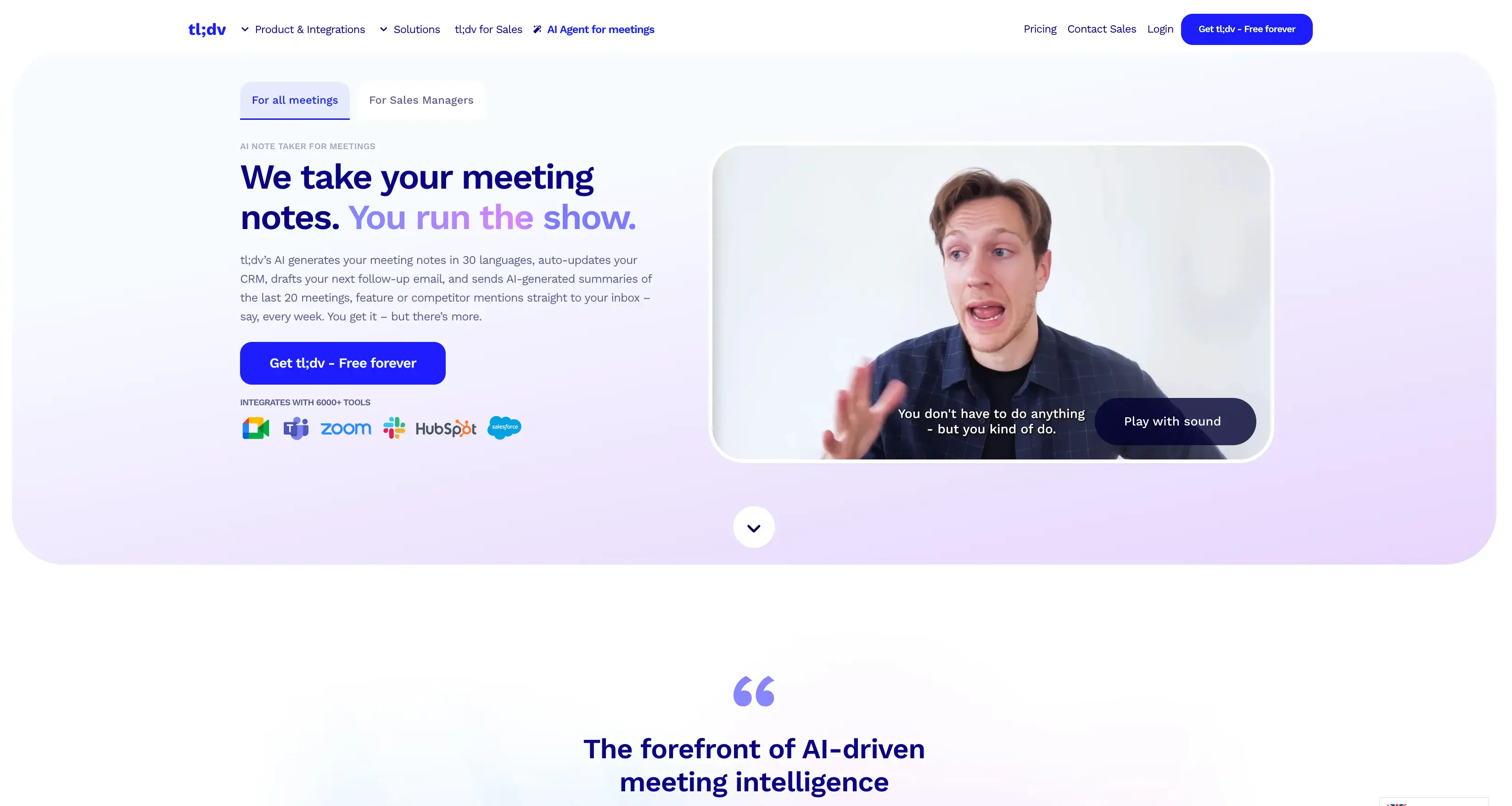
tl;dv は、会議の録画と文字起こしを行い、そこから構造化されたメモを作成する人気のAIノート作成アプリです。
上位プランは、高度な分析機能を重視するSDRやセールスマネージャーをターゲットにしています。
ビジネスプランでは、プレイブック機能を使用して、各通話を次のようなフレームワークに基づいて評価できます。 BANTやMEDDICC。AIによる評価を歓迎しない営業担当者も多いかと思いますが、tl;dvのレポートは、担当者がどのように反論に対処しているかを把握するのに役立ちます。
また、このプラットフォームは会話から顧客インサイトや会議の内容を抽出することもでき、 マーケターにとって有益です.
tl;dvがおすすめな人(おすすめではない人)
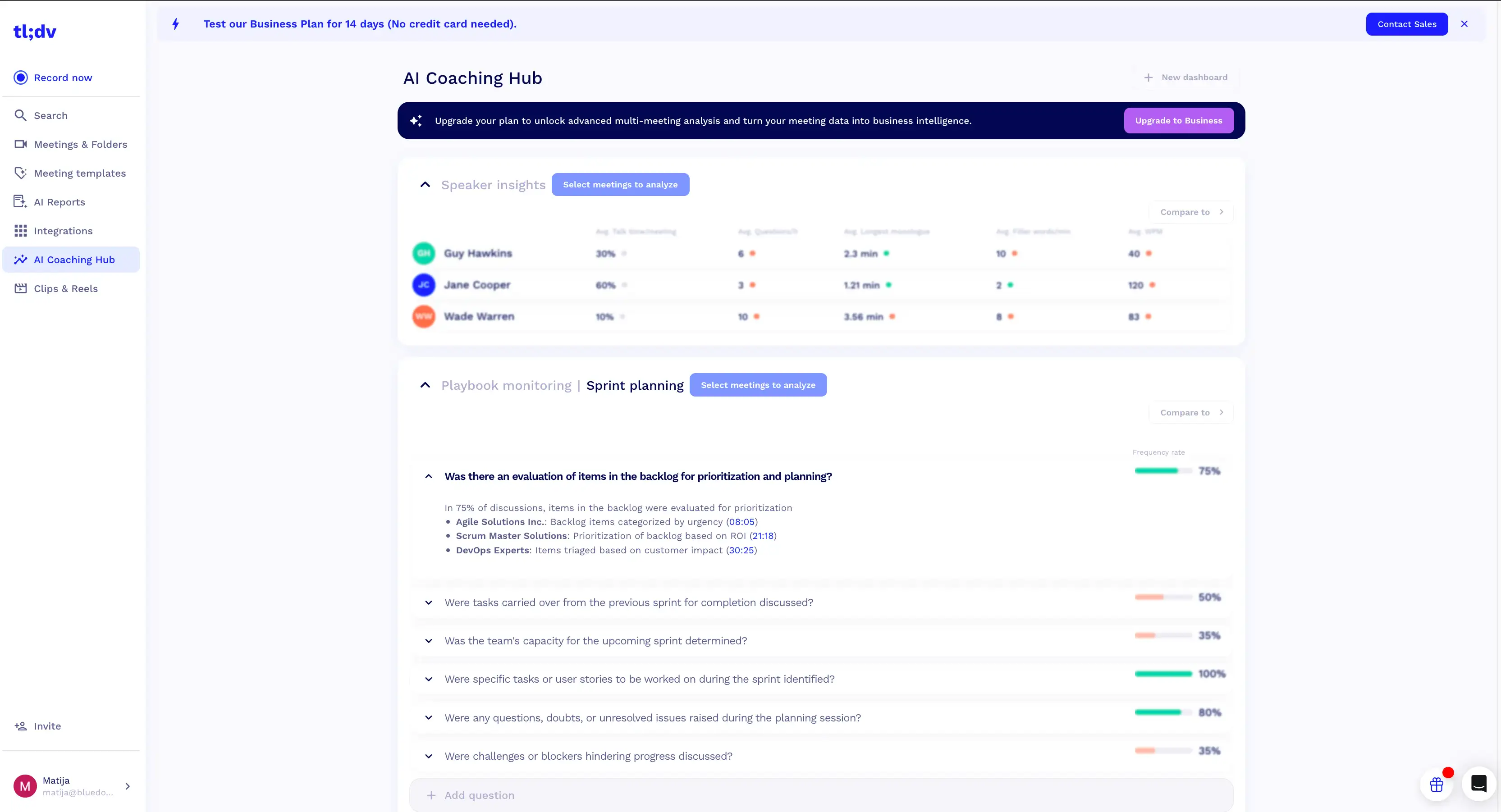
おすすめの対象: 通話分析を求める個人の営業担当者および小規模チーム.
探すなら tl;dvの代替ツール 長期的に無料のツールが必要な場合や、 ブラウザ上でボットなしの録画を行いたい場合.
主な機能
- CRM連携 — HubSpot、Salesforce、Pipedriveへのメモや要約の送信を、フィールドマッピング機能で自動化
- AIに質問 — ライブラリ内の特定の会議、または複数の会議を対象にチャットが可能
- AIホスティングの選択 — 米国のAnthropic、またはMistral経由でのAI処理を選択可能
- カスタムメモテンプレート — 要約の内容をニーズに合わせて自由に変更可能
tl;dvの強み
✅ 無料プランを含むすべてのプランで、録画や文字起こしの総数に制限なし。ただし、Web録画には週ごとの上限(無料プランでは40件)があり、各録画は最大3時間まで
✅ 30以上の言語に対応した文字起こし機能を標準搭載
✅ 内蔵の 同意取得機能 通話開始前に参加者へ録画の承認を求める
tl;dvを使う際のデメリット
❌ ボットなしの録画はデスクトップアプリのみで、音声のみに対応
❌ 無料プランでAIによる完全なメモ作成が可能なのは最初の10会議まで(月間ではなく生涯累計)。それ以降は、各会議の最初の10分間のみが要約される
❌ 英語以外の言語では文字起こしの精度が低下する
❌ サポートの対応が遅く、請求に関する問題が解決しないことがある
tl;dvの料金
- Free — $0:個人で試したいユーザー向け。録画は3か月後に削除され、ダウンロードできるのは削除前の4週間のみ。
- Pro — 年払いで1ユーザーあたり月額$18(月払いは$29):個人の営業担当者やマーケター向け。1つのミーティングに対するAsk AIの利用は無制限ですが、複数のミーティングを横断する質問は合計10回までで、この上限はリセットされません。
- Business — 年払いで1ユーザーあたり月額$29(月払いは$39):AIを活用したコーチングを求める営業チーム向け。Whisperによるプレミアム文字起こし、プレイブックのスコアリング、複数ミーティングを横断するAIの無制限利用が可能になります。
- Enterprise — 要問い合わせ:SSO、SCIM、プライベート環境でホストされるAIが必要な企業向け。料金は公開されていません。
7. Metaview:採用担当者に最適
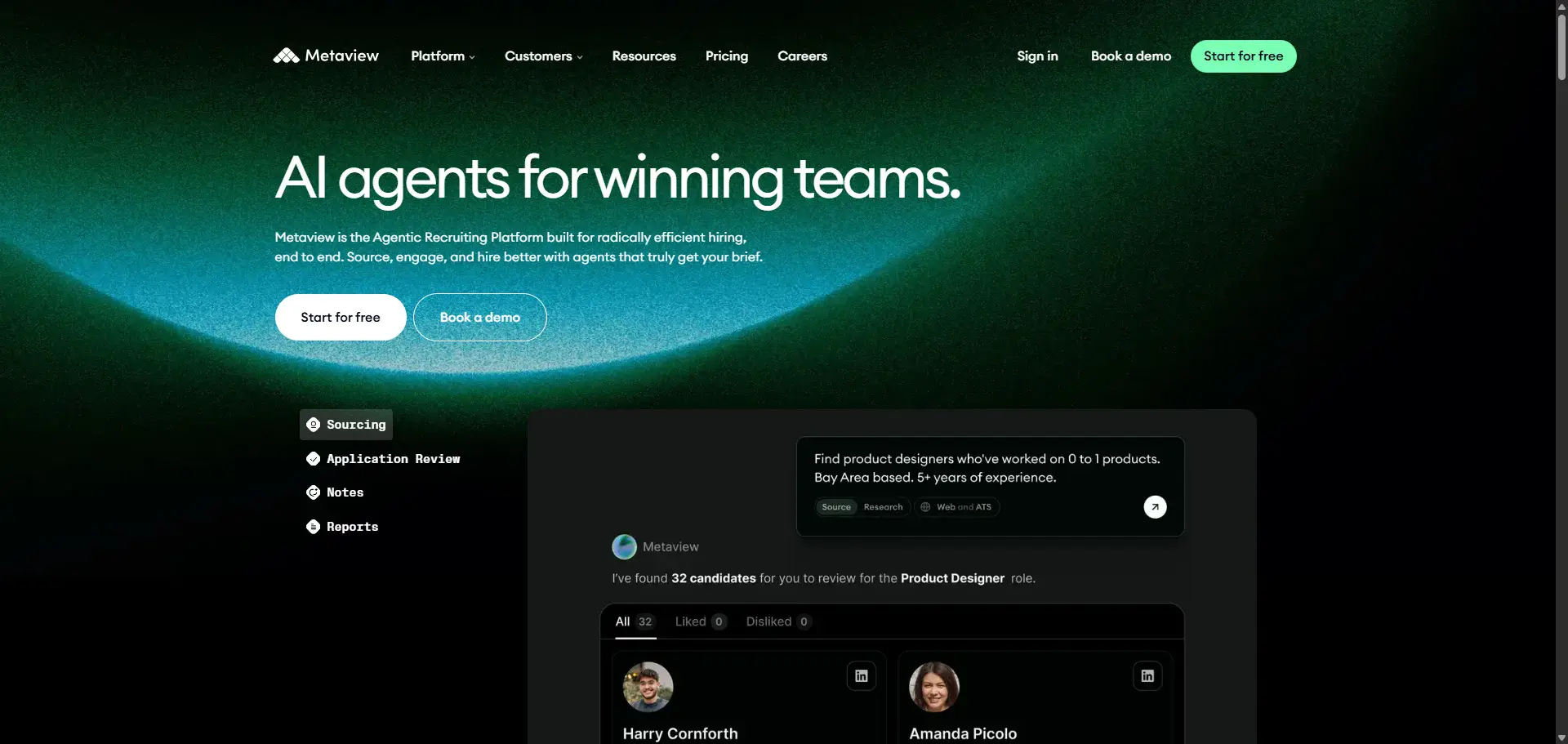
Metaview は、採用活動向けに構築された人気のメモ作成ツール兼候補者検索ツールです。
11種類の面接テンプレートに基づいて会議メモを生成し、GreenhouseやAshbyのスコアカードを自動入力できます。
会議終了後、Metaviewは候補者のプロフィールに会議メモを自動反映させることができ、対応するATSは 40種類以上にのぼります。ただし、生成されたメモが必ずしも実用的とは限らず、手動での編集が必要になる場合があります。
1ユーザーあたり60ドルという価格は、 本記事で紹介しているメモ作成ツールの中で最も高額な部類に入ります。また、採用活動以外での利用にはあまり適していません。
Metaviewがおすすめな人(おすすめではない人)
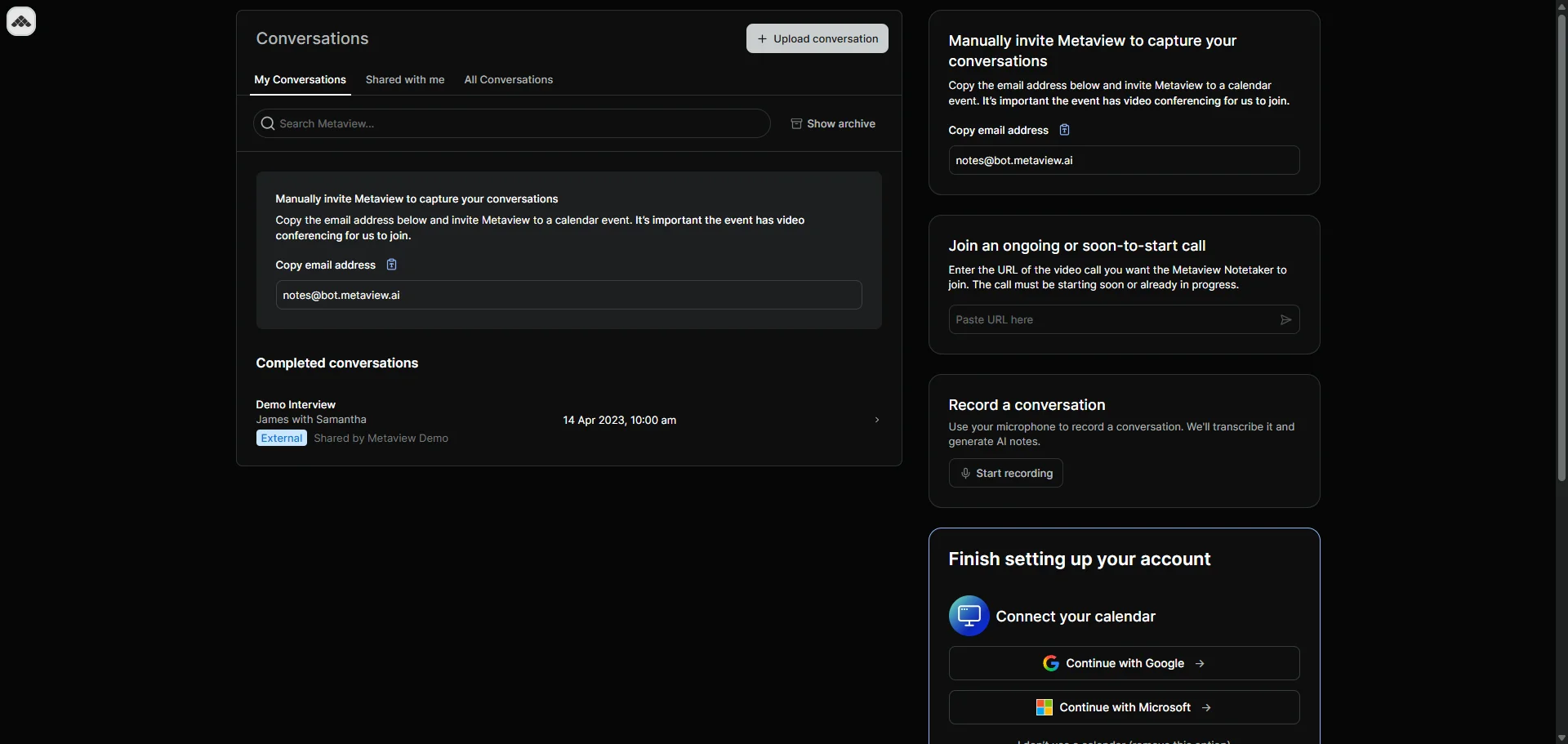
おすすめの対象:採用面接を行うインハウスリクルーター(特にGreenhouseやAshbyを利用しているチーム).
以下をご検討ください: Metaviewの代替ツール もし以下の機能が必要な場合: スマートフォンで対面会議を録音する (Metaviewにはモバイルアプリがありません)、または採用以外の通話にも対応できるツールをお探しの場合は、他のツールをご検討ください。
主な機能
- 面接テンプレート — リクルーターによるスクリーニング、技術面接の振り返り、コーディング面接など、11種類のフォーマットを標準搭載
- スコアカードの自動入力 — GreenhouseおよびAshbyのスコアカードの客観的な項目を自動入力します
- ATS連携 — メモ、要約、録画リンクを40種類以上のATSへワンクリックで送信
Metaviewの強み
✅ 単なる要約ではなく、採用フェーズに基づいた構造化されたメモを作成
✅ 40種類以上のシステムに対応する広範なATS連携
✅ 顧客データでAIモデルを学習させず、SOC 2 Type II認証を取得済み
Metaviewを使う際のデメリット
❌ 候補者面接専用に設計されている
❌ AIが生成するメモが重複しやすく、手動での修正が必要。長時間の技術面接ではメモが完全に欠落する場合がある
❌ オンライン通話では常にボットが表示される(デスクトップアプリからの録音は音声のみ)
❌ 面接の日程を変更するとカレンダー同期が失敗することがある
Metaviewの料金
- Free — $0:個人の採用担当者が試すのに適したプラン。1ユーザーあたり月25回、組織全体で60回まで、履歴は14日間保存。
- Pro — 1ユーザーあたり月額$60:急成長中のチーム向け。通話回数は無制限で、すべての履歴を閲覧可能。
- Enterprise — 要問い合わせ:利用量のカスタマイズ、専任サポート、エンタープライズ向けセキュリティ機能が必要な大規模組織向け。SSOは有料の追加オプションです。
AI SourcingとApplication Reviewは別製品として追加料金がかかり、それぞれ月額$100、$150から利用できます。
8. Fellow: 会議管理に最適
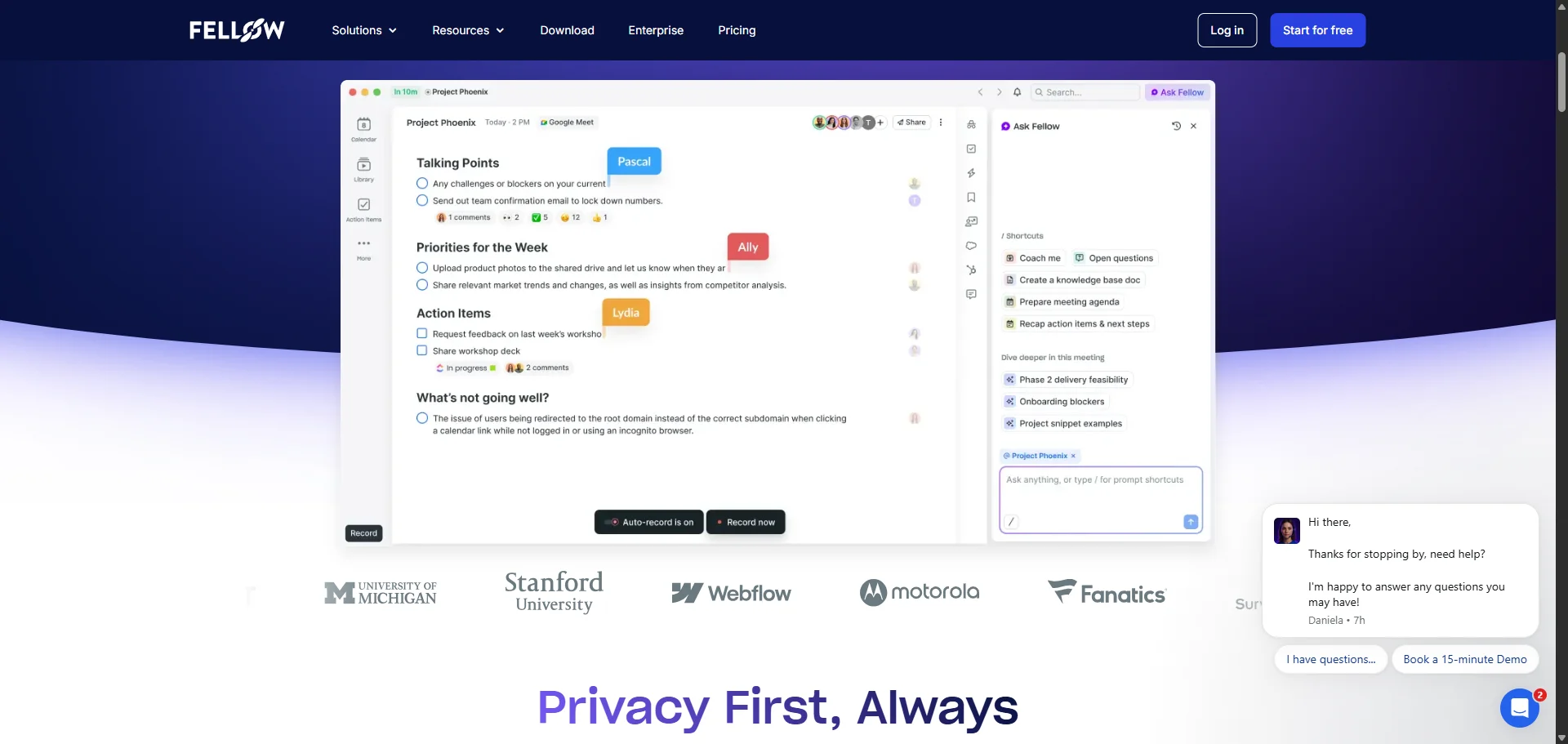
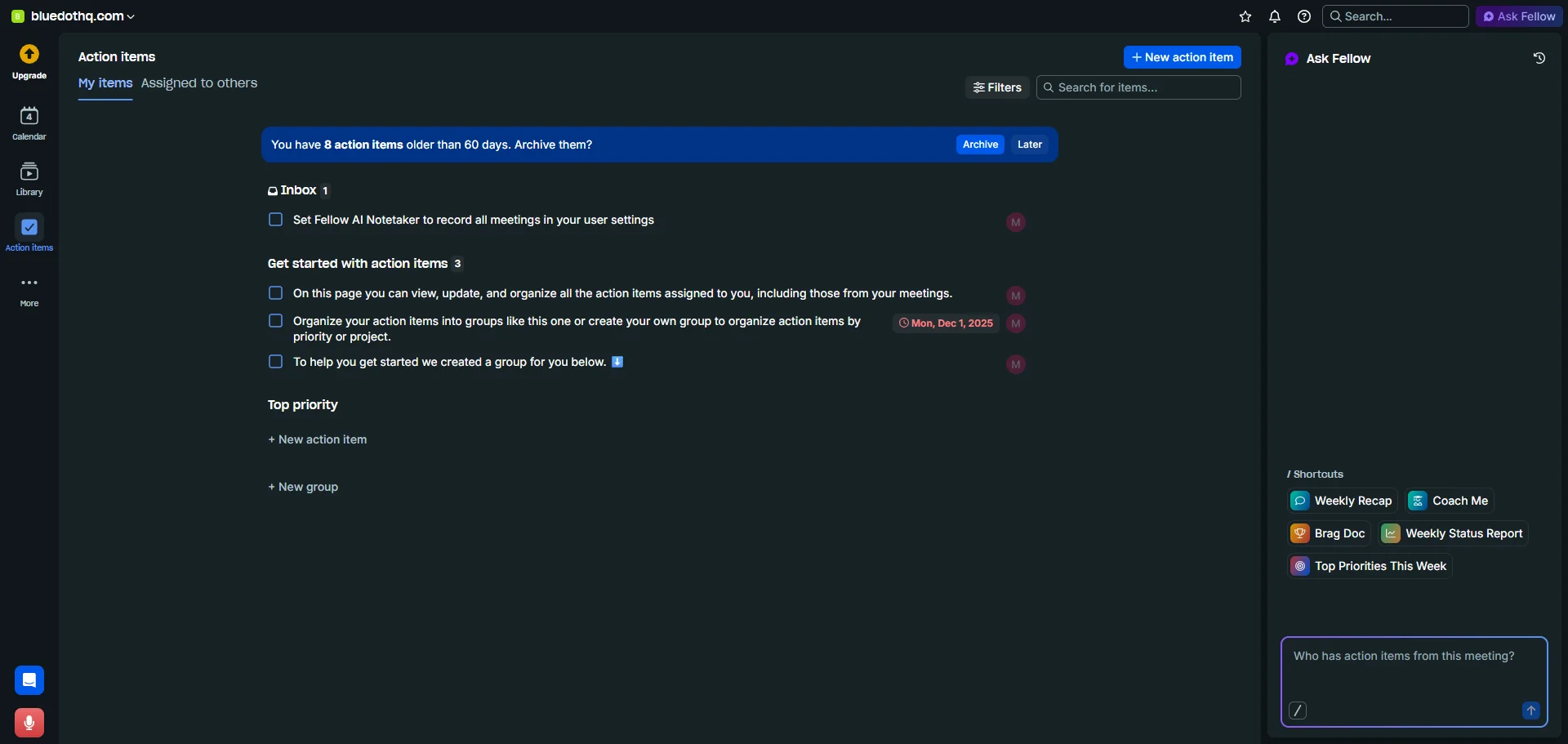
Fellow AIは、AIによる議事録作成機能を備えた会議管理プラットフォームです。
Fellowでは、 共有アジェンダ がすべてのカレンダーイベントに割り当てられ、参加者は会議前に記入を行います。Fellowはアジェンダの各セクションに「担当者」を割り当てるため、全員が会議に向けて何を準備すべきかを把握できます。
会議を円滑に進めるため、Fellowは会議前にフォローアップやタスクを全員にリマインドします。完了していないアクションアイテムは、次回の会議に引き継がれます。
会議終了後、Fellowは要約とトランスクリプトを生成します。AIが発言内容に基づいて重要なポイント、決定事項、フォローアップ、アクションアイテムを抽出し、Slackやメールで共有します。
連携機能には不満の声もあります。HubSpot同期の不具合、Jiraフィールドの制限、Notionへのエクスポートが手動のみである点などが挙げられます。会議がFellowに同期されないこともあり、アプリは クラッシュしやすい傾向があります。また、アクションアイテムの詳細レベルに不満を持つユーザーもいます。
Fellowがおすすめな人(おすすめではない人)
おすすめの対象: 会議の細かな管理に手間をかけたくないチーム.
以下のような Fellow AIの代替ツール を検討してください。 CRMへのデータ同期が確実なAI議事録ツール.
主な機能
- 会議管理 — 共同編集可能なアジェンダ、リマインダー、アジェンダがない場合の自動キャンセル機能(Teamプラン以上)、自動要約、会議の振り返り機能
- 4つの録画モード — ボット、ボットなしデスクトップ、Zoomボットなしキャプチャ、iOSおよびAndroidモバイルアプリ
- Ask Fellow — 会議履歴全体を対象としたAIチャット(全プランに含まれます)
Fellowの強み
✅ ボット不要の選択肢が豊富:デスクトップおよびモバイルアプリに加え、有料プランではZoomネイティブキャプチャも利用可能
✅ アジェンダと自動化ツールで会議の準備を効率化
✅ Ask Fellowは無料プランにも含まれています
Fellowを使う際のデメリット
❌ 会議がFellowに反映されないことがあり、アプリがクラッシュすることもある
❌ アクションアイテムの記述が曖昧になりやすく、定期的な会議を通じて文脈が失われることがある
❌ Notionへの自動同期がなく、HubSpotとの接続に不具合がある
❌ ゲストアクセスは有料プランのみで、外部ゲストとの共有が分かりにくい場合がある
Fellowの料金
- Free — $0(最大5ユーザー):チームで試すためのプラン。1ユーザーあたりアカウントの利用期間を通じて5回まで録画可能で、閲覧できる議事録は直近14日間のみ。
- Solo — 年払いで月額$19(月払いは$29):個人ユーザー向け。録画は無制限で、HubSpotとSalesforceとの連携に対応。
- Team — 年払いで1ユーザーあたり月額$7(月払いは$11):アジェンダや自動化機能を必要とする小規模チーム向け。録画クレジットは1ユーザーあたり月10回までで、チーム内で共有されます。
- Business — 年払いで1ユーザーあたり月額$15(月払いは$23):録画無制限とSalesforce・HubSpotとの同期に対応する最初のチーム向けプラン。
- Enterprise — 年払いで1ユーザーあたり月額$25(最低10ユーザー):SSO、SCIM、HIPAA対応、機密情報のマスキング。
9. Jamie:GDPRコンプライアンスに最適
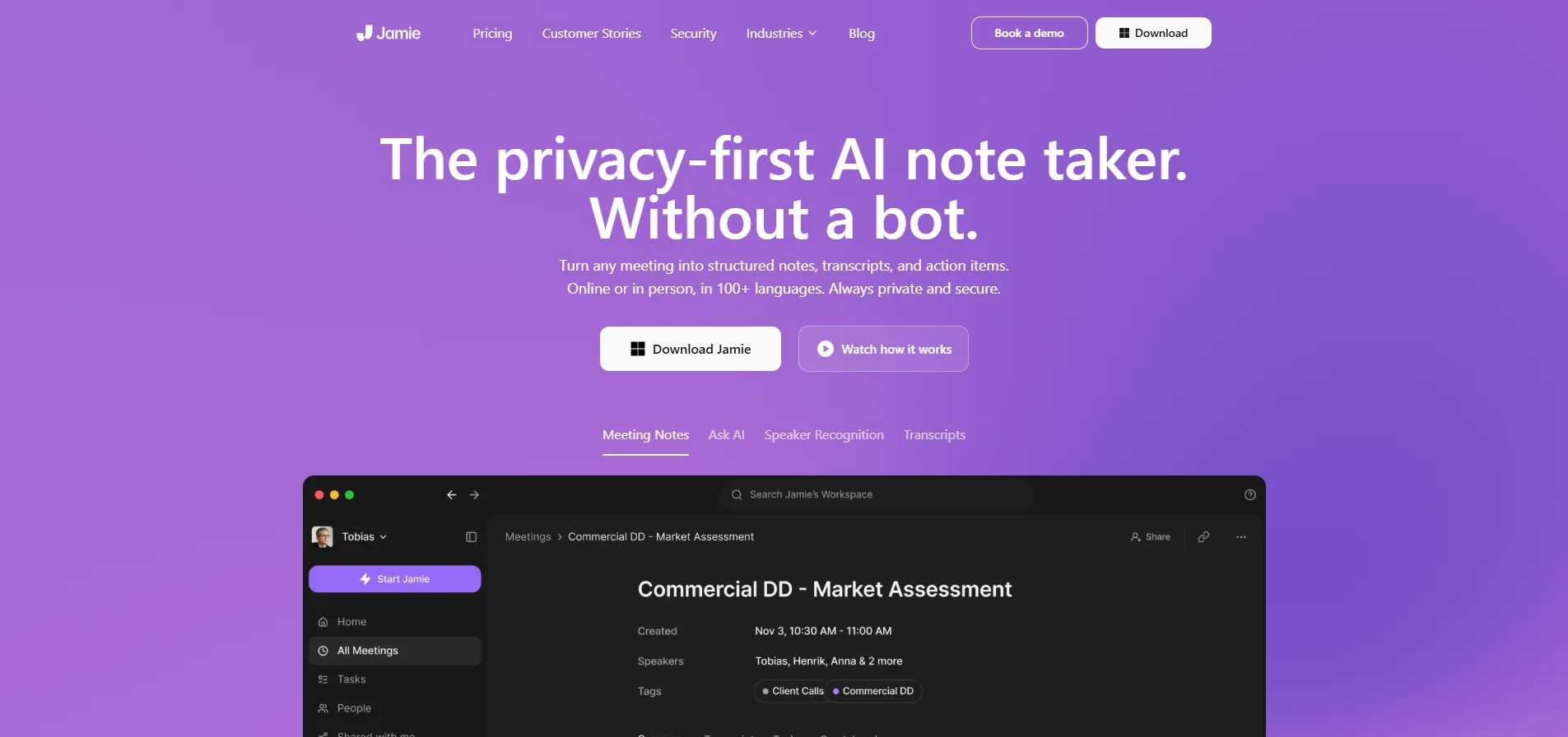
Jamie は、ドイツで開発されたAIメモアプリで、ボットを参加させずに会議を文字起こしできます。macOSとWindowsで動作し、対面会議用にiOSおよびAndroidアプリも提供されています。動画の録画は行わず、文字起こしが完了すると音声データは削除されるため、再生用の録音データは残りません。
主な特徴は、 欧州の金融チーム向けのプライバシーとコンプライアンスです。音声はフランクフルトのサーバーで処理され、文字起こし後に削除されます。データがモデルの学習に使用されることはありません。
バグやクラッシュが発生しやすく、中堅市場向けの競合製品ほど信頼性は高くありません。また、 価格はより高く、動画や再生可能な音声の録音もできません。データセキュリティ以外の面では、あえてこれを選ぶ理由はあまりありません。
Jamieがおすすめな人(おすすめではない人)
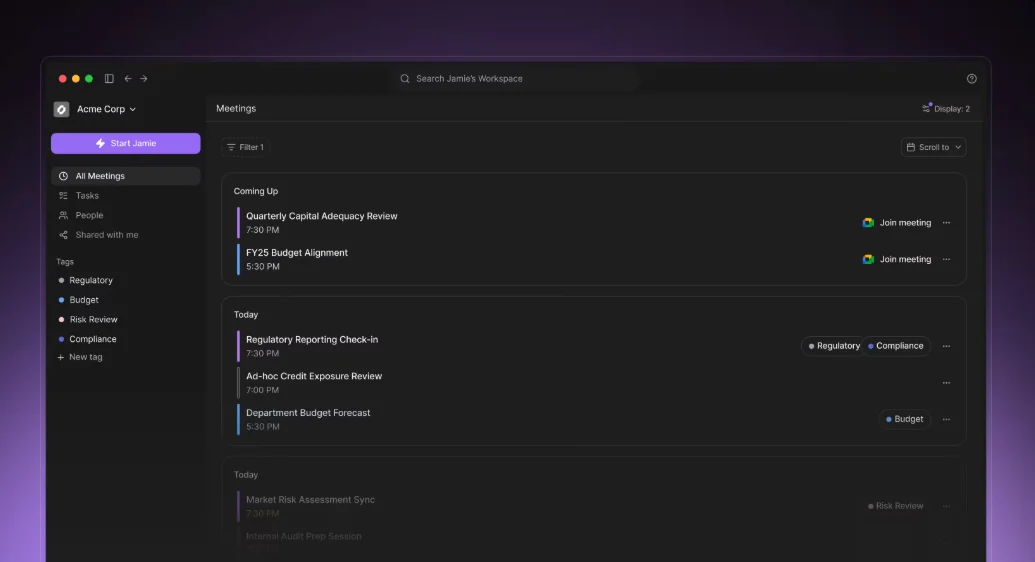
おすすめの対象: ボットなしで文字起こしを行いたい欧州のチーム (EU圏内にデータが保存される環境が必要な場合).
以下を検討してください: Jamie AIの代替ツール (もし、 大規模な対面会議や複数人が話す通話を行う場合、または電話録音や動画ライブラリが必要な場合).
主な機能
- ボットなしの録音 — デスクトップ上で音声をローカルにキャプチャします
- EUデータ取り扱い — フランクフルトで処理され、文字起こし完了後に削除されます
- 80以上の言語に対応 — 話された言語とは異なる言語で会議メモを生成できます
Jamieの強み
✅ 会議に参加するボットが表示されません
✅ EU圏内でのデータ保存と音声データの削除により、GDPRコンプライアンスに最適です
✅ デスクトップアプリが最適化されています
Jamieを使う際のデメリット
❌ 処理中にクラッシュが発生し、文字起こしやメモがすべて失われる可能性があります
❌ 同様の競合サービスと比較して価格が高めです
❌ 通話の参加者が多い場合、正確に文字起こしができません
Jamieの料金
- Free — €0:気軽に試せる無料プラン。月10回まで、1回のミーティングは最大30分。
- Plus — 年払いで1ユーザーあたり月額€21(月払いは€25):個人ユーザー向け。月20回まで、1回のミーティングは最大2時間。
- Pro — 年払いで1ユーザーあたり月額€39(月払いは€47):CRMとAPIを利用できる最初のプラン。ミーティング回数は無制限で、1回あたり最大5時間。
- Team — 年払いで1ユーザーあたり月額€33(月払いは€39、最低2ユーザー):共有ワークスペース向け。管理者コントロールと共有テンプレートを追加。
- Enterprise — 要問い合わせ(最低10ユーザー):コンプライアンスを重視する企業向け。SAML SSO、SCIM、DPA、監査ログ、カスタムデータ保持を追加。
10. Gong:エンタープライズ営業チームに最適
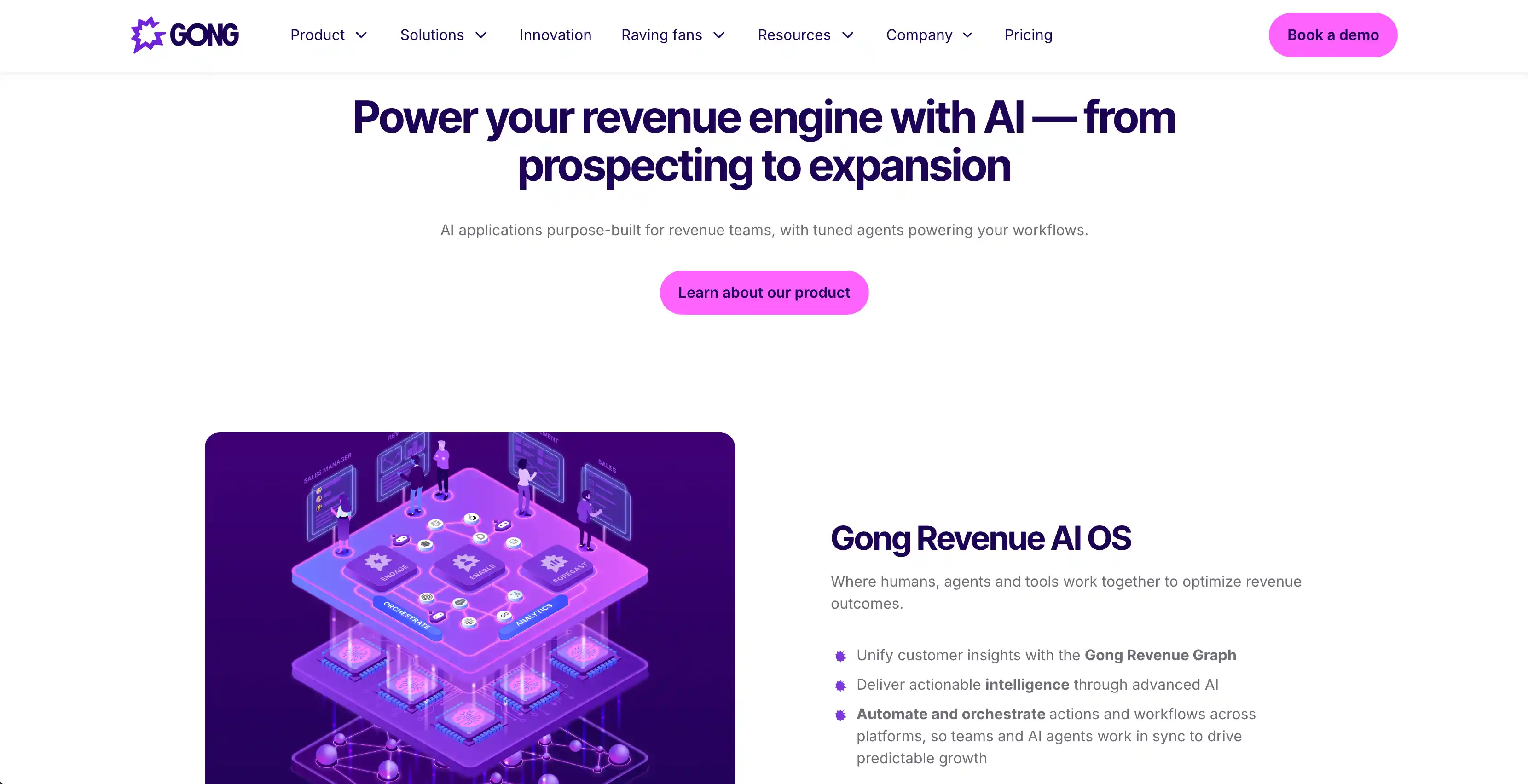
Gongは、営業通話を録音・文字起こし・分析するエンタープライズ向けの収益インテリジェンスプラットフォームです。
営業通話から得た情報をAIによる予測や担当者のコーチングに活用します。単なるメモ以上の機能を備えており、Gongはそれらの情報を営業分析システムの主要な入力データとして扱います。
Gongは文字起こしを行うだけでなく、その内容をもとに担当者の評価、商談の予測、フォローアップやネクストアクションの提案、リスクのあるアカウントの特定、実際の通話に基づいたコーチングシミュレーションの生成を行います。
非常に価値のあるプラットフォームですが、同時に 極めて高額です — 料金は公開されていません。高額なシートごとのサブスクリプション料金に加え、多額のプラットフォーム利用料も必要です。伝えられるところによると、その費用は 5,000ドルを超えます.
Gongがおすすめな人(おすすめではない人)
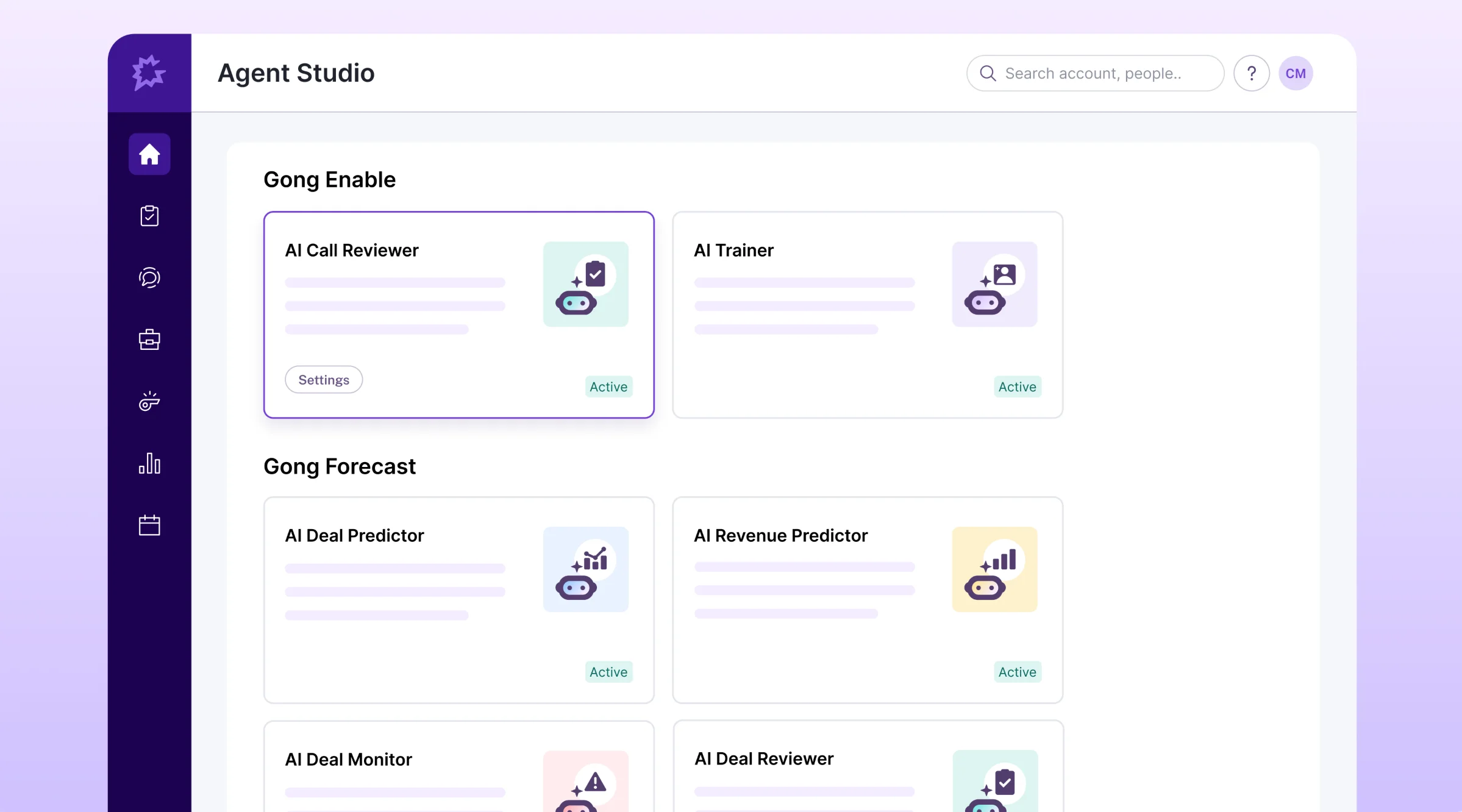
おすすめの対象: 20名以上の営業担当者を抱えるエンタープライズ企業 かつ、予算が潤沢な組織。
もし、 Gongの代替ツール を検討すべきなのは、小規模なチームで、 シートあたりのコストが負担になる場合です。.
主な機能
- AIブリーファー — 録音データ、メール、CRMデータ、Webソースに基づき、次回の商談前に担当者へ会議のコンテキストを提供します。
- AIデータ抽出機能 — 通話やメールから構造化データを抽出し、CRMの項目を自動入力します。Salesforce、HubSpot、Dynamics 365に対応しています。
- Gong Forecast — 300以上のシグナルに基づくAI商談スコアリングに加え、月次や四半期の着地見込みを予測するAI収益予測機能(Foundationプランとは別料金)を提供します。
- AIトレーナー — 実際の通話録音に基づいたロールプレイングシミュレーション機能。
Gongの強み
✅ 通話録音から分析に必要な情報を自動的に抽出
✅ 顧客データは生成AIモデルの学習に使用されない
✅ Gong Collectiveを通じた300以上の外部ツール連携
Gongを使う際のデメリット
❌ 料金が非公開
❌ 自社のデータウェアハウスへの一括エクスポートには、別途料金が必要なアドオン「Data Cloud」が必要
❌ レベニュー分析には「Gong Forecast」アドオンが必要
❌ Gong EngageはOutreachやSalesloftに及ばないという評価がユーザーから多く寄せられている
Gongの料金
- Gong Foundation — 通話録音、文字起こし、AI Briefer、Gong Assistant(旧AI Ask Anything)、AI Data Extractor、Deal Boards(閲覧のみ)、基本的なチーム分析などの主要機能を含む
- 追加オプション — すべて別料金:
- Enable Essentials(スコアカード、コーチング受信トレイ)
- Enable(AI Trainer、体系的な学習)
- Forecast Essentials(Deal Boards、AI Deal Reviewer)
- Gong Forecast(予測の提出、AI Revenue Predictor、ダッシュボード)
- Gong Engage(シーケンス、ダイヤラー、AI Composer)
- Data Cloud(Snowflake、BigQuery、Redshift、Databricks、S3エクスポート)
Gongは料金を公開していませんが、現在および過去のユーザーの間では、利用できる選択肢の中でも特に高額なツールの一つとされています。
どのAIノートテーカーが必要ですか?

最適なAIノートテーカーは、誰が会議に参加し、どこで会議が行われるかによって決まります。用途やチーム別のガイドラインを以下にまとめました。
クライアント対応チーム
クライアント対応チームの場合、ノートテーカーはクライアントの邪魔にならず、手入力の手間を省いて自動的にCRMへ詳細を記録できるものであるべきです。
The 最適なAIノートテーカー は、会話終了後にCRMのフィールドを自動入力し、会議をタスクではなくイベントとしてSalesforceに記録します。
エージェンシーは多くの通話後にクライアントへ要約を送る必要があるため、エージェンシー向けのAIノートテーカーは、アカウントを持っていない相手ともメモを共有できる機能が不可欠です。
また、クライアントごとに会議をフォルダやサブフォルダで整理できると非常に便利です。
規制対象となるクライアント業務
機密情報や金融関連の会話を記録するチームには、録音データの保存場所、保持期間、AIモデルの学習への利用可否を制御できるツールが必要です。
The 最適なAIノートテーカー は、ボットを表示せずに録音でき、独自のデータ保持期間を設定できる必要があります。
多くの金融チームもクライアントとの会議をCRMに記録するため、ファイナンシャルアドバイザーに 最適なAIノートテーカー これらのデータ管理機能と、SalesforceまたはHubSpotとの同期機能が含まれています。
デスクを離れて働く
デスクを離れて働くチームには、対面での会議をスマートフォンで記録できるノートテーカーが必要です。
The 建設業界向けAIノートテーカーのベストツール 現場の巡回記録を簡単に作成できます。インターネットやモバイル通信が利用できない騒がしい環境でも対応可能です。専門用語を登録できるカスタム辞書機能を使えば、業界特有の用語も正確に文字起こしできます。
The 採用担当者向けAIノートテーカーのベストツール 対面面接とビデオ通話の両方に対応し、記録したメモをAshbyやGreenhouseなどの採用管理システムへ直接送信できます。
学生および講師
学生には、スマートフォンを使って教室での講義を記録でき、かつ学生でも利用しやすい価格のノートテーカーが必要です。
The 講義用AIノートテーカーのベストツール 1時間の講義を検索可能な文字起こしデータと要約に変換します。音響環境や専門用語の多さに関わらず対応可能です。利用前に、学校側が録音を許可しているか確認してください。
その他の役立つガイド
AIノートテーカーは会議を記録し、議事録を作成してくれますが、その質はAIツールが使用するテンプレートの出来に左右されます。Bluedotには50種類のデフォルトテンプレートに加え、プロンプトから独自の会議テンプレートを作成する機能があります。そのため、AIは常に各会議から必要な情報を正確に抽出できます。
最適なカスタムプロンプトを作成するには、 議事録の書き方 を理解しておくことも依然として有益です。特に、取締役会や委員会など、よりフォーマルな形式が必要な場合には役立ちます。白紙の状態から始める手間を省くには、当社の 無料の議事録テンプレートをご活用ください。
よくある質問
AIノートテーカーは導入する価値がありますか?
週に数時間以上会議に参加する方であれば、間違いなく価値があります。AIノートテーカーは、議事録作成やフォローアップにかかる時間を削減し、会議中の会話に集中できるようにしてくれます。
無料で使えるAIノートテーカーはありますか?
はい、無料プランを提供しているAIノートテーカーはいくつかありますが、それぞれ録音時間、会議数、AI要約機能などに制限が設けられています。
Fathomの無料プランは、1ユーザーあたり録音と文字起こしが無制限ですが、AI要約は月5回までです。Otterの無料ベーシックプランには、月間300分の文字起こしが含まれています。tl;dvは無料プランでも録音は無制限ですが、AIノートの作成は合計10会議までという制限があります。どの 最高の無料AIノートテーカー が適しているかは、どの制限に先に達するかによって決まります。
ChatGPTで議事録を作成できますか?
はい、ただしmacOS版ChatGPTデスクトップアプリの有料プランでのみ可能です。
- 録音モード は、Plus、Pro、Business、Enterprise、Eduプランで利用可能です。マイクとシステム音声を録音し、会話を要約します。セッションは最大4時間までです。
- Meetingsプラグイン は、ProおよびBusinessプラン向けにベータ版として提供されています。ボットを会議に参加させることなく、オンライン通話や対面での会話の議事録を作成できます。
どちらも参加者に録音中であることを通知しないため、OpenAIは事前に全員の同意を得るよう求めています。Windows、モバイル、またはChatGPTの無料プランでは、 AIを使って会議の議事録を作成する方法 専用のノートテイクツールを使うか、会議後に文字起こしテキストをChatGPTに貼り付けるかのいずれかになります。
AIノートテイクツールとAI会議アシスタントの違いは何ですか?
AIノートテイクツールは、会議の録音、文字起こし、要約を行います。
優れたAI会議アシスタントは、それ以上の機能を備えています。アジェンダの作成、会議をまたいだタスクの追跡、営業電話のコーチングなど、会議に関連するその他の業務を自動化します。
AIノートテイクツールで会議を録音することは合法ですか?
あなたと他の参加者がどこにいるかによって異なります。
- 会話に参加している一人の同意があれば録音を許可している地域もあります。
- 全員の同意を義務付けている地域もあります。米国では、カリフォルニア州、フロリダ州、ワシントン州などがこれに該当します。
- EUでは、個人を特定できる録音にはGDPRが適用されるため、企業は録音を行うための法的根拠を確保し、参加者に通知する必要があります。
どこであっても、会議の冒頭で録音中であることを伝えるのが最も安全な方法です。
ボットを使わないノートテイクツールを使用している場合、他の参加者はそれに気づきますか?
あなたが伝えない限り、気づかれることはありません。ボット不要のノートテイクツールは自分のデバイスから録音するため、参加者リストには何も表示されません。そのため、開示はあなた自身の責任となります。通話の冒頭で伝えるか、招待状にその旨を記載してください。ツールによっては、代わりに録音通知を送信できるものもあります。例えば、Bluedotにはオプションで録音通知機能があります。